Our Simulation – A Taxonomy

Matrix-and-Internet.jpg

There is much recent discussion about our living in a simulation:

I have studied the subject of whether or not we are living in a simulation for quite some time in a number of ways and I have never seen someone classify all the possibilities for those possible simulations. So here goes. If you need background on this idea, I’ll provide some links at the bottom of this paper.

Alternative Title: Living in a Simulation? – Let Me Count the Ways

First of All
First of all we need to talk about some generalities. These are properties of our simulation or the outer simulation, and the possible properties of our current simulation. Continue reading “Our Simulation – A Taxonomy”

Linux Mint 18.2 – Printer Sharing Problems

Notice that this is posted on 2017 Oct 6 – Back dated to keep it off the first page of my blog.

I found these instructions on ITZGeek.com for how to set up printer sharing on Linux Mint. Seems recent – Jan 2016.

I’m trying to share a HP Color Laser printer connected to a Windows 10 system to my Linux Mint 18.2 system so I can print from the LM system. It fails. Printer sharing works fine to this printer from other Win 10 systems on the network. Here is how the printer is set up on the Win 10 system:

Here are screenshots for attempting to set up and use the printer from a newly installed / updated Linux Mint 18.2 system:


So in spite of the config dialog finding the printer, and apparently getting the driver,  any attempt to use the printer is unable to locate the printer.

A year or more ago, perhaps with LM 18.0, I tried to use the HP website to find sharing methods. They were very arcane, required compiling software and ultimately didn’t work. Looks like things have come a long way since then. The printer is found and the printer drivers apparently load correctly. Do we have a clue about why the Unable to Connect error is occurring?

Thanks, ww

This information was posted to Linux Mint Blog, but no responses so far. I’ll submit a bug referring to this post.

Additional information posted 6 Oct 2017

I copied a file from the Linux system to the Windows system where the printer lives and printed it there. Worked fine of course.

But then about 1/2 an hour later, the printer test page – you remember the one I tried to print about 11 hours ago? Well it came out. So I tried to print something else. Brought up an image and chose print from the menu. Then clicked preview, which apparently made a pdf from the image viewer of the image. Then I printed the PDF. Now notifications are popping up every few seconds saying “Printer Error <printer name here> ‘connecting to device’. But nothing is happening.

So it looks like printer support is DOA. Almost there, but not quite. Unless you want to wait 11 hours for your pages?

I have done some searches and can’t find a way to see the print queue or cancel a failed or failing print job.
Some stuff from 2011 / 2012 says something about an applet in the notification area, but there’s nothing showing, except the blinking notification which only lasts a couple of seconds before disappearing. Is there a printer queue or status app? Some way to cancel a print job that’s stuck? What if the printer fell off a cliff and will never answer?

Using the Troubleshooting feature of CUPS the server produced the fallowing Troubleshoot.txt file:

ZIP File of Troubleshoot.txt and terminal text produced by trouble shoot function

I see, it’s called Printers.

So system-config-printer is actually called Printers in the menus and if you select “View Print Queue” or use Ctrl-F you see the jobs. And you can cancel them. So that old post that wanted to use a terminal has a better solution. The program is not just for Configuring printers but for managing printers and their queues. Good to know. And completely overlooked in the pages that got me here.

Printer still doesn’t work, but at least I can cancel the job that was causing a failed notification every 2 sec.

end as of 7 Oct 2017


Blade and Soul – Gear Repairs

BnS_2016_09_26_12_35_30_000.jpgWith my annoyance at the latest changes in Tera, I’ve gone back to some other games that I’ve played before. So I went back to Blade and Soul after trying it a while ago. So I played my character for a couple of hours and put on a couple of levels, and then found I couldn’t repair my gear any longer. So after a few chats to ask about that, I stopped by an NPC and found that the Repair tool cost about 6 silver, while I only had 2 silver. Odd that at level 10 I should be so far out of step with my needs.

I hadn’t purchased anything of note, but I had transported one time – Windstriding. So I guess that used up a silver or two, maybe. Maybe I shouldn’t have repaired my weapon each time that I came back to a camp fire. I probably repaired about 50 times in the two hours of game play. Little did I know that the repair tool would run out of repairs or that buying a new one would cost so much.

BnS_2016_09_26_12_40_10_527x.jpg
Repair tool

My funds:

BnS_2016_09_26_12_40_10_527xx.jpg
My Funds

Guess I’m outta luck.

Continue reading “Blade and Soul – Gear Repairs”

Tera – Greed Rules The Day

AS_000071.png
With this update to guilds we see another case of Greed ruling the day. For years I’ve been using Guilds and Guild banks to share storage among my characters. But now you must have a level 30 Guild to have a bank. And of course to reach level 30 requires guild events which no single player or “Family” guild could satisfy. Well why does BlueHole or Enmasse care? Of course, they want you to purchase bank space. But that does not solve the problem of sharing space among characters / accounts.

AS_000072.jpg
Guild Bank and Elite Feature

Have a family where some of you play this game? Like to share among your family with a Guild? Forget it. It no longer works because you have to get your guild to level 30 to share things in a guild bank. And there is no way to buy a shared bank.

Continue reading “Tera – Greed Rules The Day”

Loop – A Short Story

AS_000069.jpg

Hello.
Hi there.
What’s up?
We are going to understand loops.
Loops?
Yes, loops. Did you see the recent movie on Netflix called “ARQ”?
No. What was that about?
It was about loops. A couple was in bed and kept waking up over and over right before some bad guys broke into the room.
So what happened?
Well that’s not important. No spoilers here, actually.
Well that’s hardly fair.
Actually, this is not just about the story of ARQ, it’s about these stories in general.
Oh?
Story ARCs with a “C” if you will.
Oh, I see the pun there. ARQ with a “Q” is a pun for ARC with a “C”.
Right.
So in ARQ there is a device called “The ARQ” in the guy’s basement.
I thought you said “No Spoilers”.
Well, right. No more spoilers.
Ok. So what about this ARQ thing?
Well it’s a plot device to loop space / time.
Loop space / time?
Yes. Send it around again and again to serve the storyline. For example, if I play this short Youtube video of a fireplace, we can cause a loop in space / time. Let me start one. Click.
Continue reading “Loop – A Short Story”

Headphones from HDMI?

So what if you want to listen to headphones in this modern HDMI connected world?

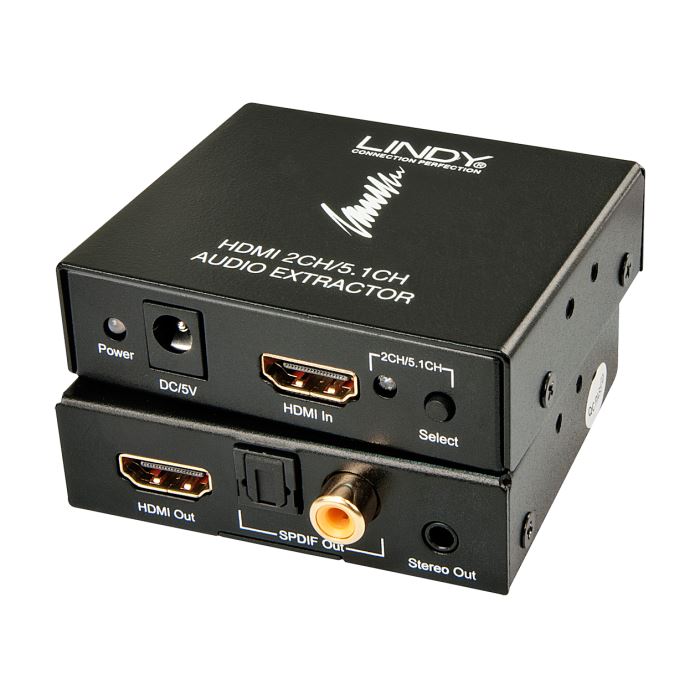
There were some old converters, but they only decoded 2.1 sound. Here’s one that decodes 2.1 or 5.1 sound. 2.1 sound is not going to be enough. Most broadcasts these days are 5.1 or 7.1 and most Set Top boxes and BluRay can be dumbed down to 5.1, but probably not 2.1.

extracteur-audio-hdmi.jpg
HDMI Audio Extractor

Continue reading “Headphones from HDMI?”

Sleep Saves Power

Update: See below.

I’m sure you all know this, but I had to try it for myself.

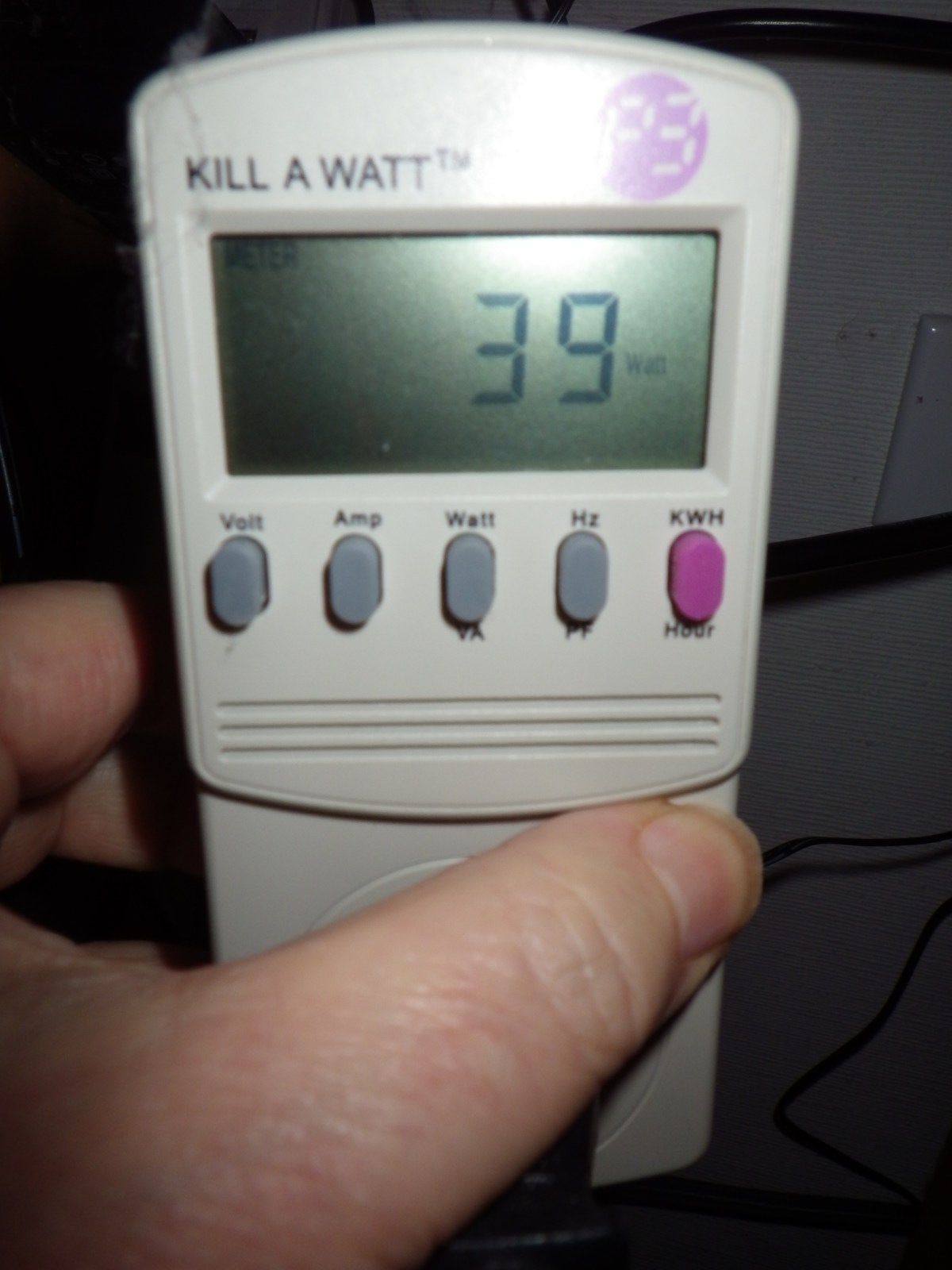
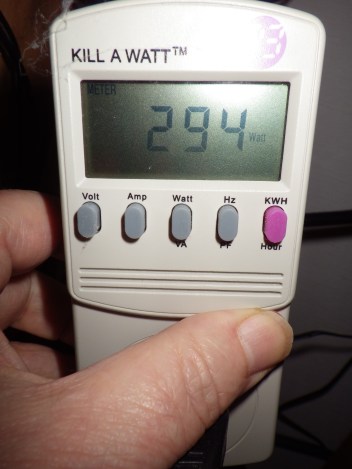
IMGP0804.JPG
Three Computers Running

294 watts for 3 computers idling. Not running any particular load. And now Sleeping

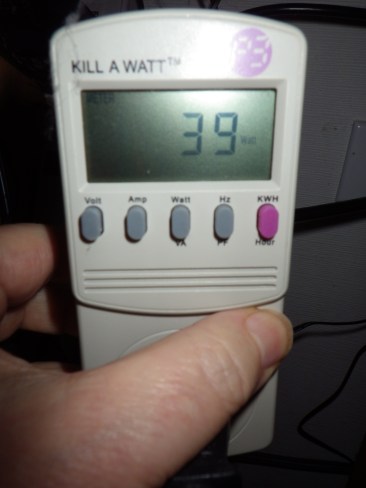
IMGP0801.JPG
Three Computers Sleeping

Only 39 watts if they are all sleeping. You probably all know this, but I have avoided sleep for years since way back when I tried it and often couldn’t wake up the computers and had to reboot them. Back in the Windows 95 Days or some such.

Well now with Windows 10 I’m giving sleep a try again. We’ll see. But based on this kind of power saving I’m willing to try it again. I plan to set them all to sleep if no activity for an hour.

This is the configuration measured:

  • Core i7 950, SSD, One 650 HD.
  • Core i5 4570, SSD, 1TB HD, 2TB HD
  • Core i7 4770, SSD, 2TB HD, 4TB HD
  • UPS, 4 Port DVI KVM switch, 24″ Monitor on standby

10 watts for a sleeping computer isn’t bad.

Update: Windows 10 sleeps all night, but does not go to sleep automatically.

I could not get these systems to go to sleep automatically. Despite lots of research and disabling LAN wake up of any kind, and looking for applications that might be keeping them running. I could not figure out why the systems would not sleep automatically. But when they were put to sleep manually with the power menu, they stayed asleep all night or longer.

If you want to do this, I suggest you enable Hybrid Sleep. My systems are on UPS [Uninterruptible Power Supplies], but if the power goes out its best if they can wake up from Hibernate as well as sleep. Hibernate writes the system state to the system disk [SSD in this case] so it is safe from a power outage. Sleep keeps a little power going to keep the memory alive and if the power dies, the system will lose any work that was active.

Most of my systems had Hybrid Sleep available, but one did not. After going through the settings in the 6 different ways to get to the power settings, there was no Hybrid Sleep or Hibernate options. Again, despite lots of research the only way to enable Hibernate, and therefore Hybrid Sleep, was to use the powercfg program directly. If you can’t find the Hybrid Sleep setting use Run As Administrator to run a command line window, then use the command

powercfg -h on

to enable hibernate.

While I’ll have my screens shut off after 15 or 20 minutes as I always have done. I guess I’ll have to manually sleep my machines. It is just too complicated to figure out what is keeping my systems from going to sleep by themselves.

:ww

Discord – Great Audio / Text Chat

AS_000035.jpg
Discord Audio / Text Chat

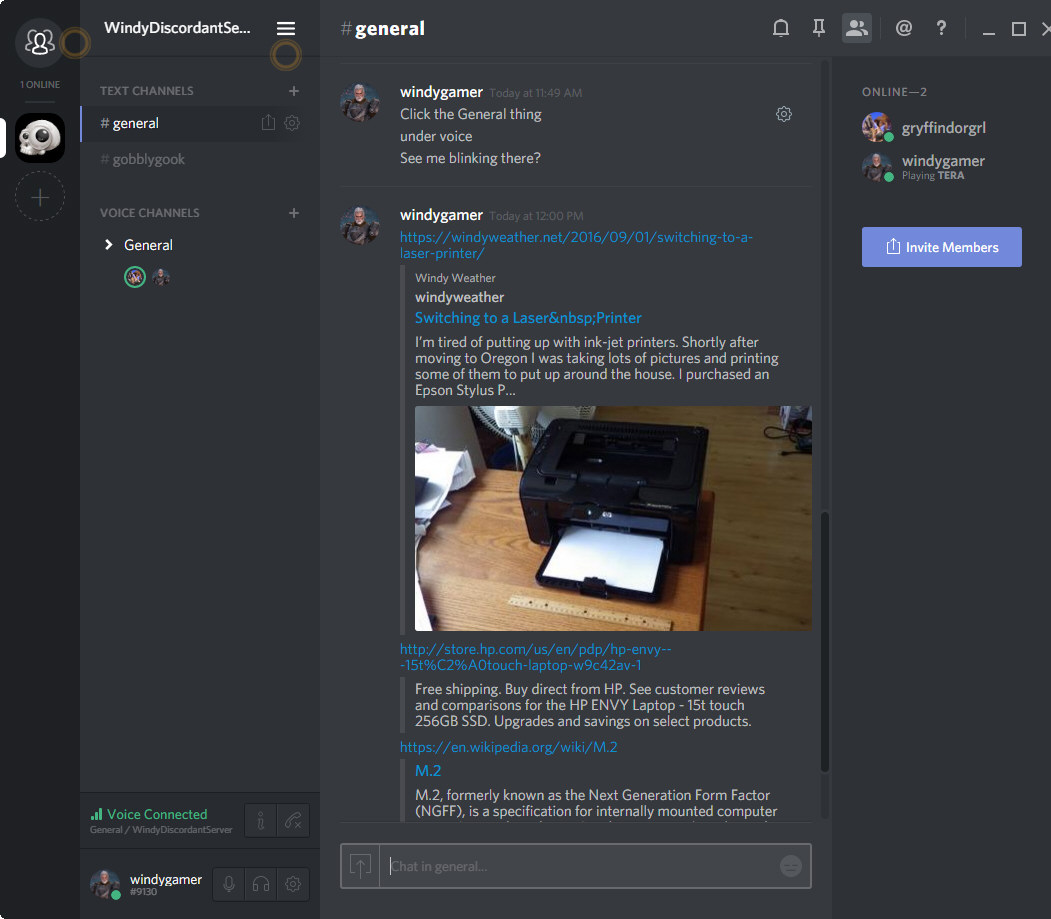
Discord is an audio / text chat app aimed at gamers. And it is way better than skype, teamspeak, ventrilo or mumble. Look at what it does when you share a link? It reads the page and provides a summary in the chat window. If you hit a wordpress post, then the featured image and first paragraph are fetched. Wiki fetches the first paragraph of the article. There is probably some standard web interface to ask a website for a summary. I don’t know. But this just works great.

Discord is very easy to set up, and works in a browser window or as  desktop application on Windows or Mac and on your phone with apps for IOS and Android.

Why should we put up with lousy apps that haven’t changed in years, like Skype Teamspeak, and Ventrilo. Even Open Source programs like Mumble are hopelessly out of date and clunky. Continue reading “Discord – Great Audio / Text Chat”

Switching to a Laser Printer

IMGP0757.JPG
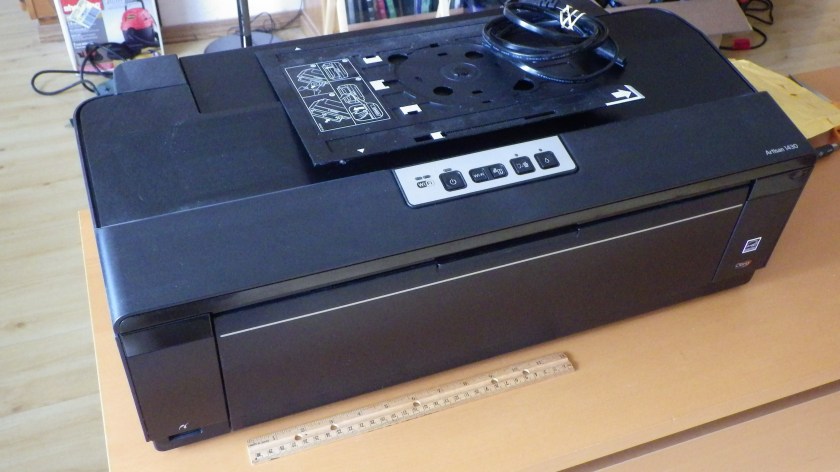
Epson Artisan 1430 – Out of Ink I Didn’t Use

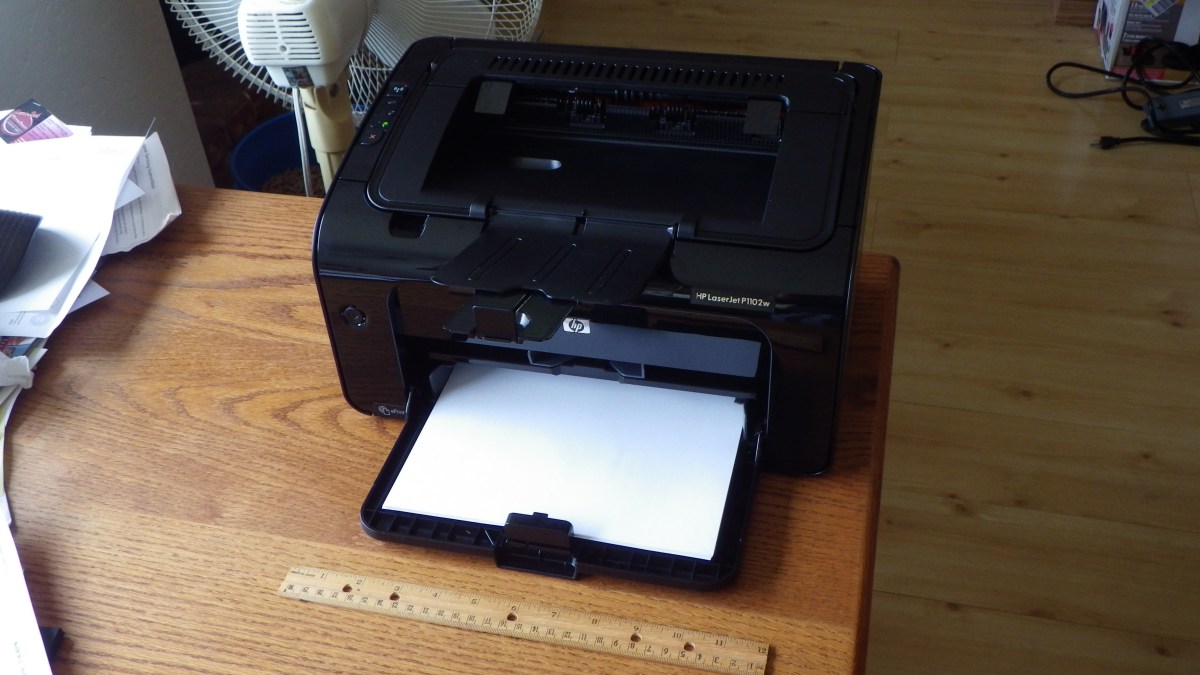
I’m tired of putting up with ink-jet printers. Shortly after moving to Oregon I was taking lots of pictures and printing some of them to put up around the house. I purchased an Epson Stylus Photo 1400, a very nice printer. Large format with DVD printing. I used it to print some very nice large format photos, as large as 13 x 19, and many DVDs. After about 5 years it developed a problem where the black ink was bleeding into the yellow so the output was smeared with black. But it would print black fine. I still have it, but I haven’t used it in years. I then purchased an Epson Artisan 1430, which is the replacement for the SP 1400, and again it produced very high quality photos, many large format and DVDs. Continue reading “Switching to a Laser Printer”

USB-3 Problem Solved

IMGP0706
Cyberstorm in Slim case

In a previous post we talked about moving a server from a clunky old case to a new slimmer case. The only problem was the front panel only had USB-3 connectors, and the motherboard was created before the internal standard for motherboard USB-3 connectors appeared. This older motherboard only has external USB-3 connections on the backplate.

So here’s the fix.

A90_01628.jpg
ORICO USB-3 Card

This ORICO company makes many different USB-3 PCI-e cards.There are several manufacturers on Newegg, but these cards look like the highest quality. Their metal brackets are painted black, the PC boards are blue, rather than crap tan, and the connectors look like they are high quality. Continue reading “USB-3 Problem Solved”