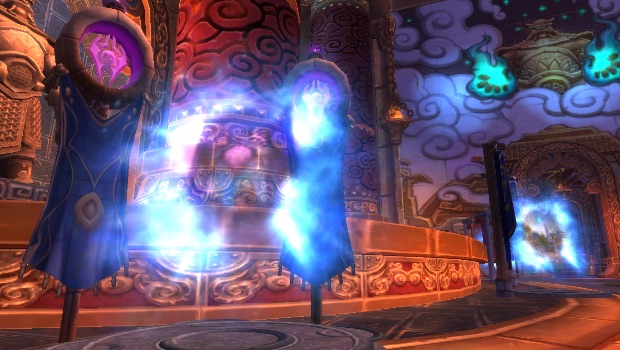
News from an Alternate Universe

<Crackle… crackle…>

Attention! Attention! A message is arriving from an Alternate Universe.

<Crackle… crackle…>
This is an announcement from Blizzard on the Azerite Radio Network.

Wow_2019_03_08_01_51_20_931.jpg

As we know, Azerite was discovered in Silithus some time ago. But there has been <crackle…. crackle> a new discovery by the Gnomes and Goblins about how to use this magical substance. Azerite can now be used to travel throughout the Worlds of Warcraft.

Continue reading “News from an Alternate Universe”

Warcraft Makes War on Portals

shrine-portals-header.jpg

Recently Wow developers announced removal of many portals in the game and there was an uproar.

While World of Warcraft v8.1.5 adds a lot of new content, it also is removing things from the game. In this case, many of the portals that get players around Azeroth in a timely fashion are being taken out to keep “the world having a meaningful size”. However, this design decision has sparked a massive backlash with the community, with several threads topping the 5,000 response mark. A new dev post acknowledges the outcry but essentially says, “Sorry, not sorry. We’re sticking to it.”

[…]

Wow Travel Has Always Been Slower than in Other Games

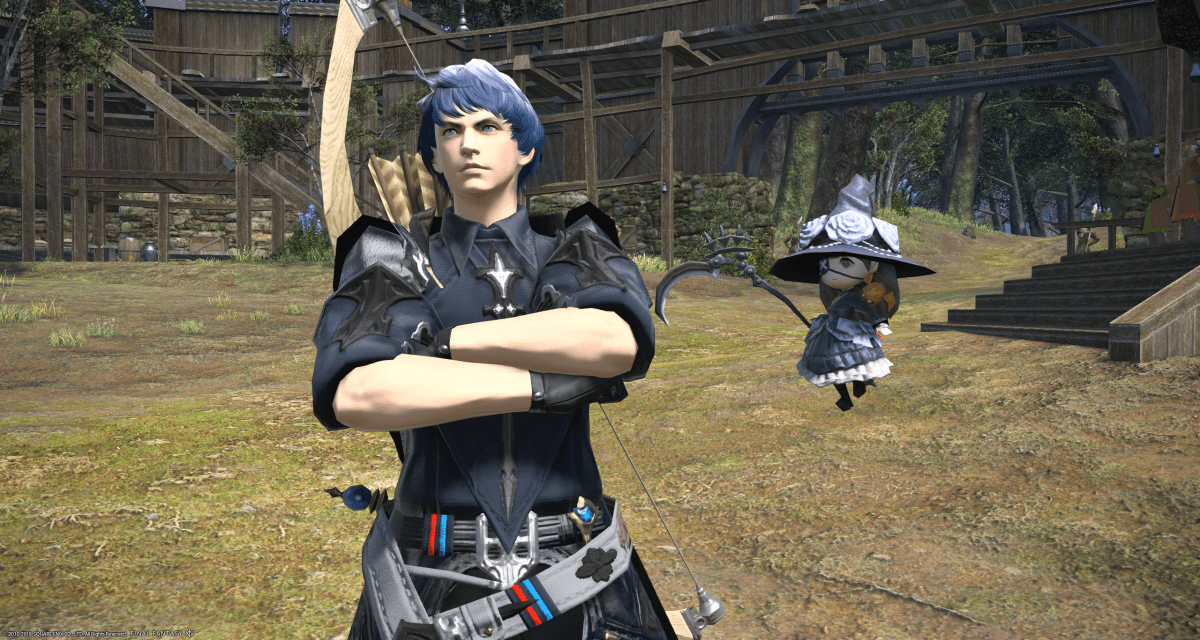
All the other games I play have always had portals. Wow has been alone is not providing universally fast ways to get around the world. If you aren’t a mage, or don’t have a mage in your party, then it’s always been a trek to get to a ship, airship or portal to where you want to go. Of course you can fly long distances, but those flights take “Real Time”, whether you use your own mount or take a flight they move at the same speed. Ship / Airship travel is a pair of short cut scenes and a portal across the world. At least they got that right. But unlike other games, there is no setting for SKIP THE TRAVEL CUTSCENE I have seen hundreds of times. And I still have to stand around waiting on a Wow [Air]Ship rather than it being ready to go when I am. No waiting in FFXIV on any ship and the cut scenes are optional.

It has long been a convention in most MMOs that to teleport to somewhere you must have been there before. Guild Wars 2 is a good example of this convention. Asura Gates, which are like Wow Portals take you anywhere, and will work the first time you use them. But the Waypoints must have been visited on foot before you can teleport to them. But in GW2 once  you visit a place, you can instantly travel across the world to any waypoint, for a small fee.

Continue reading “Warcraft Makes War on Portals”

Alienware Aurora Lighting Progress

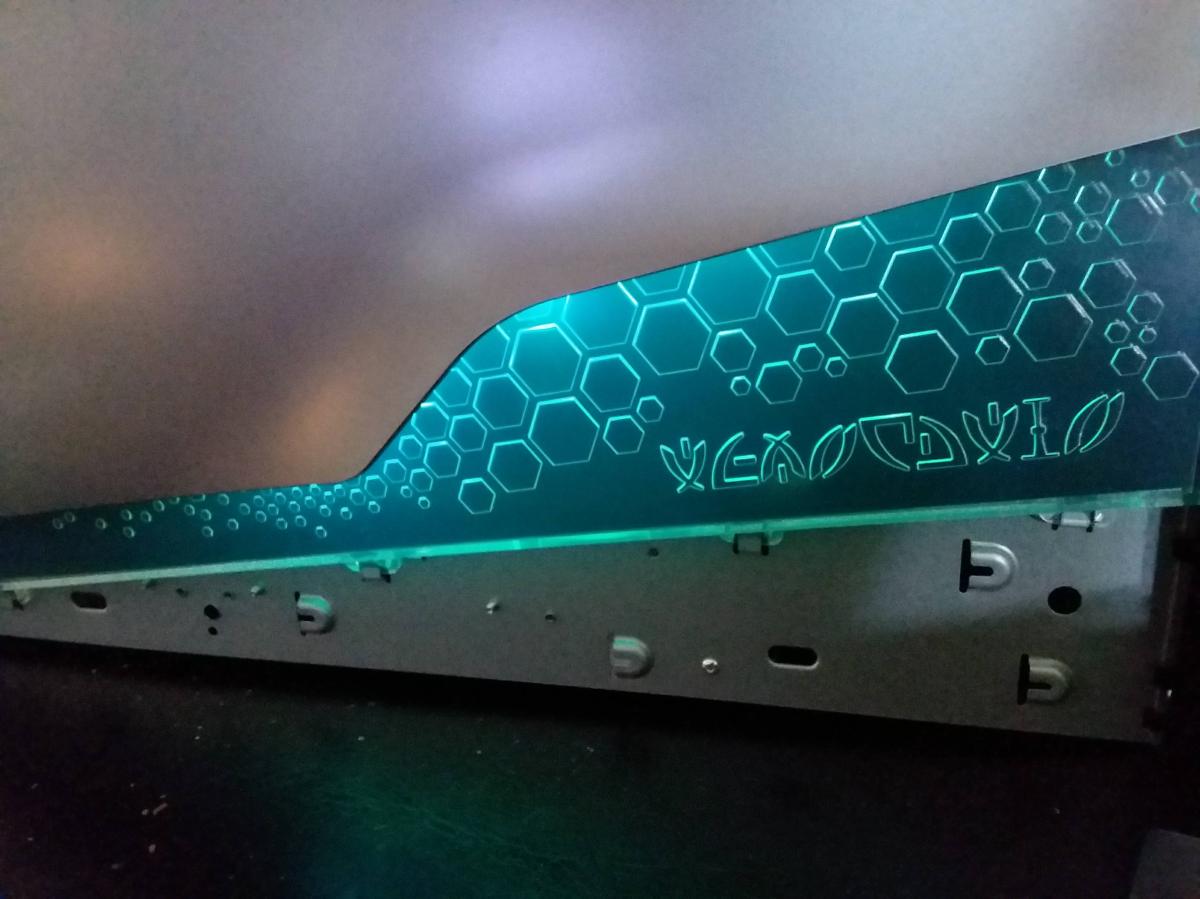
Started to make progress on Aurora lighting. Here are the side lights.

Here are the front lights without the face.

The lighting is a USB powered LED RGB non-animated lighting chain. This is the usual type of LED lighting that is stuck on the back of a TV for ambient lighting. I’ll post more details as I finish. The Aurora case is a nightmare to take apart, especially the right panel.

More later.

:ww

Getting Your Warclaw Mount


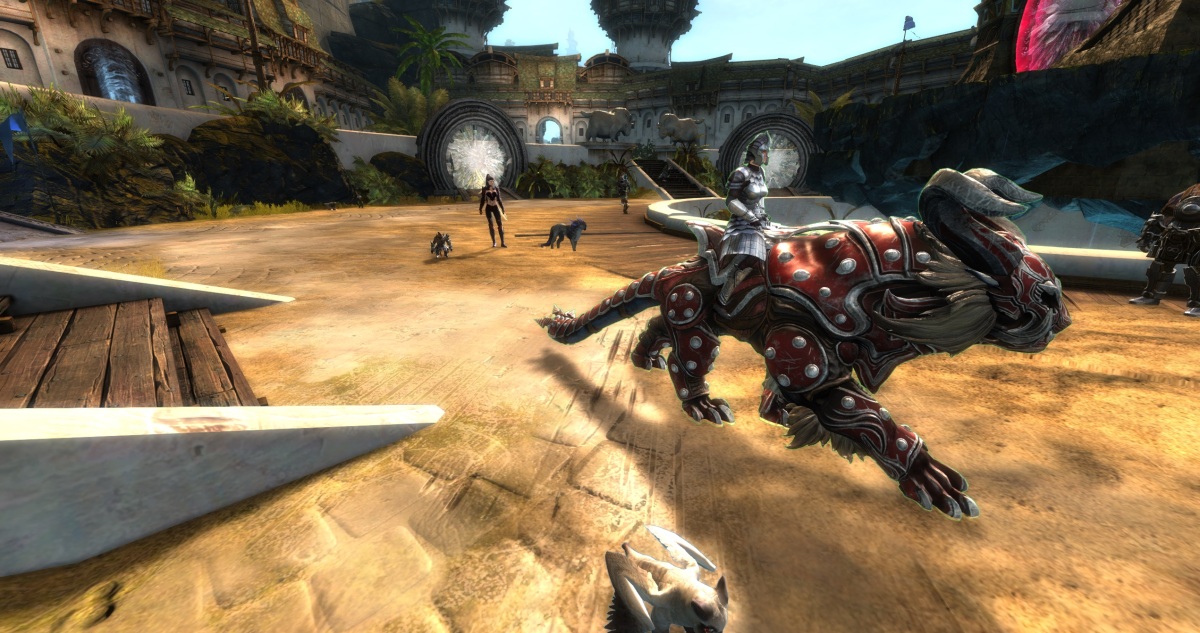
If you are into the Path of Fire mounts at all, you’re going to want this mount. And especially if you are playing a Charr, you are going to want to ride this bad boy.

However, this is not the best mount in the game. As far as I know it does not move as fast or jump as far as Raptor. However, you may not need to have Path of Fire to get it and use it in the rest of the world. I do not have mine yet. But I know that you can ride it outside of WvW and I have seen no mention of requiring Path of Fire, which you obviously need for the other mounts. So if you only have the core game or only Heart of Thorns, you might go for this one. Have you noticed that the base skin for Warclaw looks dorky? I’m sure that’s on purpose. They saved the sweet skins for the Gem Store I’m sure. Anyway.

But… Getting this mount is confusing. The instructions are not clear unless you are completely familiar with WvW progression, as I was not. So here’s the skinny on getting your Warclaw, and you can avoid my mistakes and wasted grind.

Continue reading “Getting Your Warclaw Mount”

GW2 Is Not Fun and FFXIV Is Fun

GW2 is great fun, but I don’t like playing it.
FFXIV can be boring at times, but I love playing it.

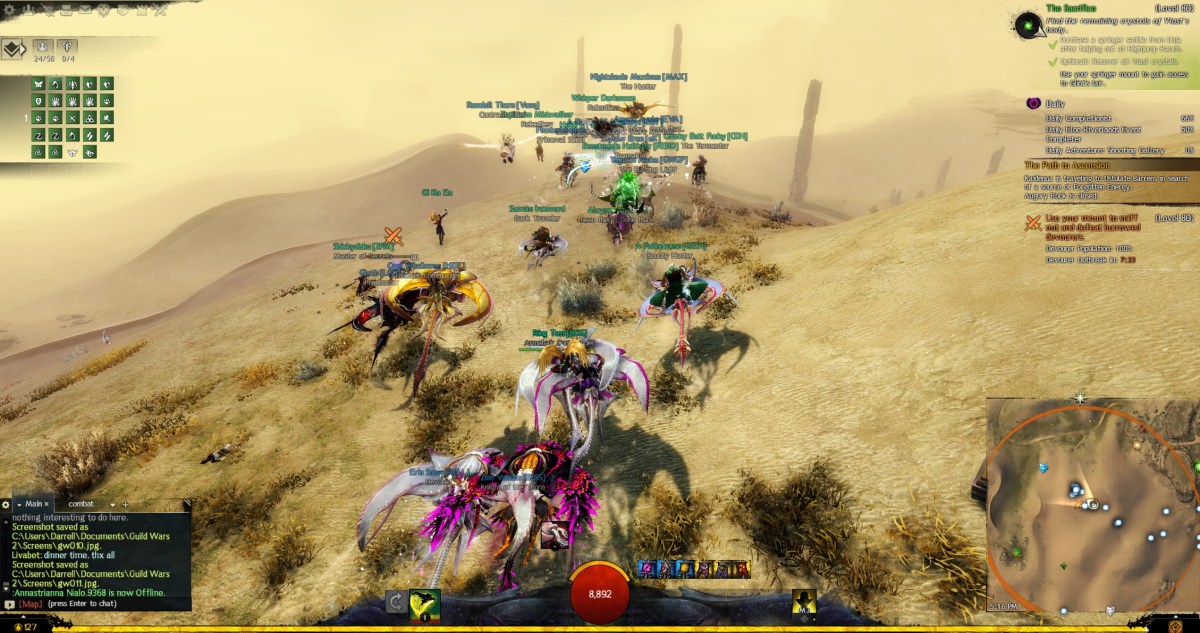
Here’s a large group of folks in the Crystal Desert doing bounties and me crossing the 9000 mark in Achievement Points. Yeah for me. Great Fun. I love it. And I hate it.

Sound strange? Let me explain.

Early in my MMO experiences I played a lot of GW1 and was looking forward to GW2 when it came out. As an early player, I suffered through the early teething pains and grew to love it. I quickly made many alts of all professions and races and played through to the end of the core game, and cleared the map on most of my characters. Loved it.
But then came Living World Season 1. I played some of this. Most noteably I climbed the Tower of Nightmares in Kessex Hills. But alas I was doing other things and missed the war that Scarlet made on Lion’s Arch. But I did come back and see the devestation over the next couple of years until it was rebuilt.

The core game areas are all solo-able by a level 80 character with “Exotic Gear” which can easily be crafted by you and your alts for all the classes. Exotic gear is only 5% less powerful than the much more difficult to craft Legendary or Ascended gear. There are tons of attractive armor skins that can be earned through dungeon tokens or purchased with Karma or Gold. All my alts have attractive cultural or dungeon skins over crafted exotic armor.

I love rocking and rolling with large groups of folks, sometimes 50 or more, doing open world events. BUT

Continue reading “GW2 Is Not Fun and FFXIV Is Fun”

DesignSpark – Easy to Use CAD

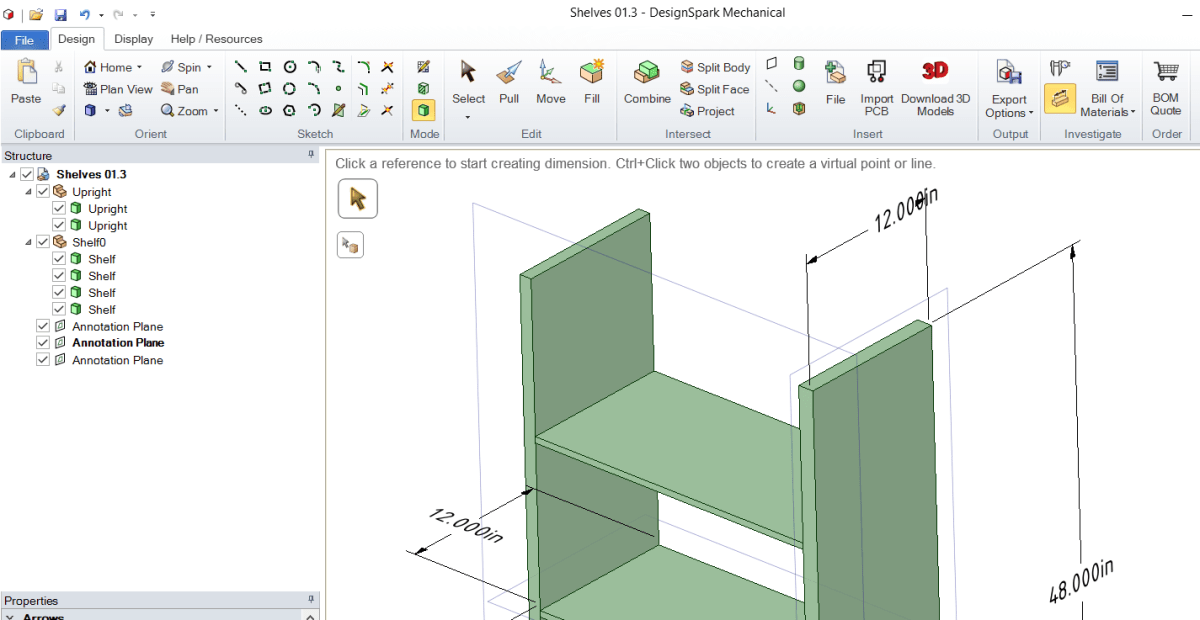
DSM Shelves with Dimensionsxx.png

DesignSpark Mechanical is an Easy to Use CAD tool. I’ve done a few hours research over the past few days to figure out a quick to use FREE CAD tool that can be used to draw wood working projects and dimension them to produce drawings for building home projects.

As you may know from my site, I’m a long time user of 3D Art software including 3DSMax and Carrara. But these are expensive. Even Carrara costs more than $250.

I’ve looked at FreeCAD, Blender and a host of others. But the idea is to find something free that’s as easy to get going as possible and allows you to produce drawings with dimensions. There is no doubt that FreeCAD, and Blender can do this, but FreeCAD is quirky – at least for me – and Blender has a very high initial learning curve and no dimension tool built in. There may be plug-ins for that, but that is more learning curve.

Continue reading “DesignSpark – Easy to Use CAD”

G.Skill DRAM Lighting App Fail

My recent builds have used G.Skill DRAM, which has neat RGB lighting. Out of the box the LEDs are animated and bob and weave the colors across the DRAMs. Very nice.

There is an App that allows control of the lighting and it has hundreds of options to control the colors and patterns of the DRAM sticks.

However, if you install the app and set the patterns, they are not permanent. If you sleep or restart the computer the lighting comes up dark. Actually, during the reboot or restart from sleep, the lighting is restored, but then it looks as if the driver turns the lighting off as the machine finishes coming up. So the app is useless unless you want to run it every time you boot or come out of sleep.

Thankfully, removing the app and rebooting puts the DRAM back into its initial lit and animated state.

I have tried to post a question in the forum, but the barriers to entry to the forums are too high. Someday they will get back to me about my sign-up on the forums and allow me to post. Everyone else uses automated Anti-Spam, but these folks do it manually so forget it. Looks like if you want your DRAM lights on, just don’t use their app.

Here’s a gif of part of the default animation:

GifMaker_20190203213557537.gif

:ww

LED Lighting for Alienware Case?

I’m sick of not having lighting for my Alienware Area-51 and Alienware Aurora cases. They work part of the time but can’t be easily controlled. The lighting is Proprietary and out of date. Alienware and later DELL made no effort to support the lighting with Windows 10 or Linux. These are what the two cases look like with lighting on:

That is the Area 51 circa 2006 with blue lighting in the vents and Alien Heads on sides and front. The Front Alien head is the power button.

And that’s the Alien Aurora R2 in Blue and Red lighting. The Front Alien Head opens the access door for the media drives. The power button is a hidden button behind the head on the top of the case.

Continue reading “LED Lighting for Alienware Case?”