I’ve been using QtCreator and the QtFramework for many years to build apps for Windows / Linux. Deployment is always a struggle with the Qt Framework. Deployment is hard work. Lots of hand work and testing to make sure the installers are correct.
I’m now forever done with Qt for that. Java is sooooooo much easier to deploy.
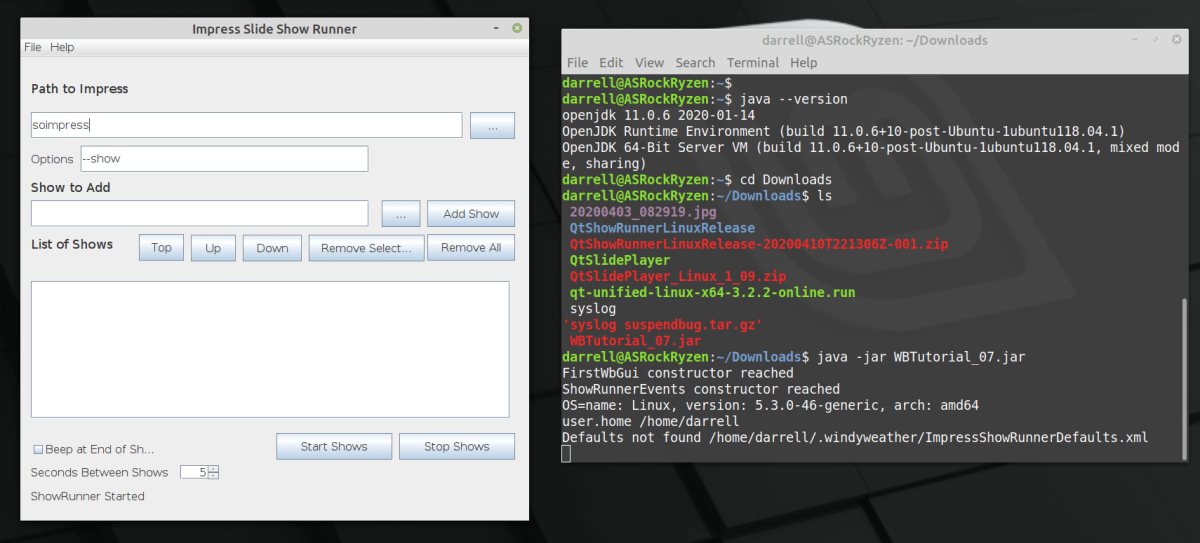
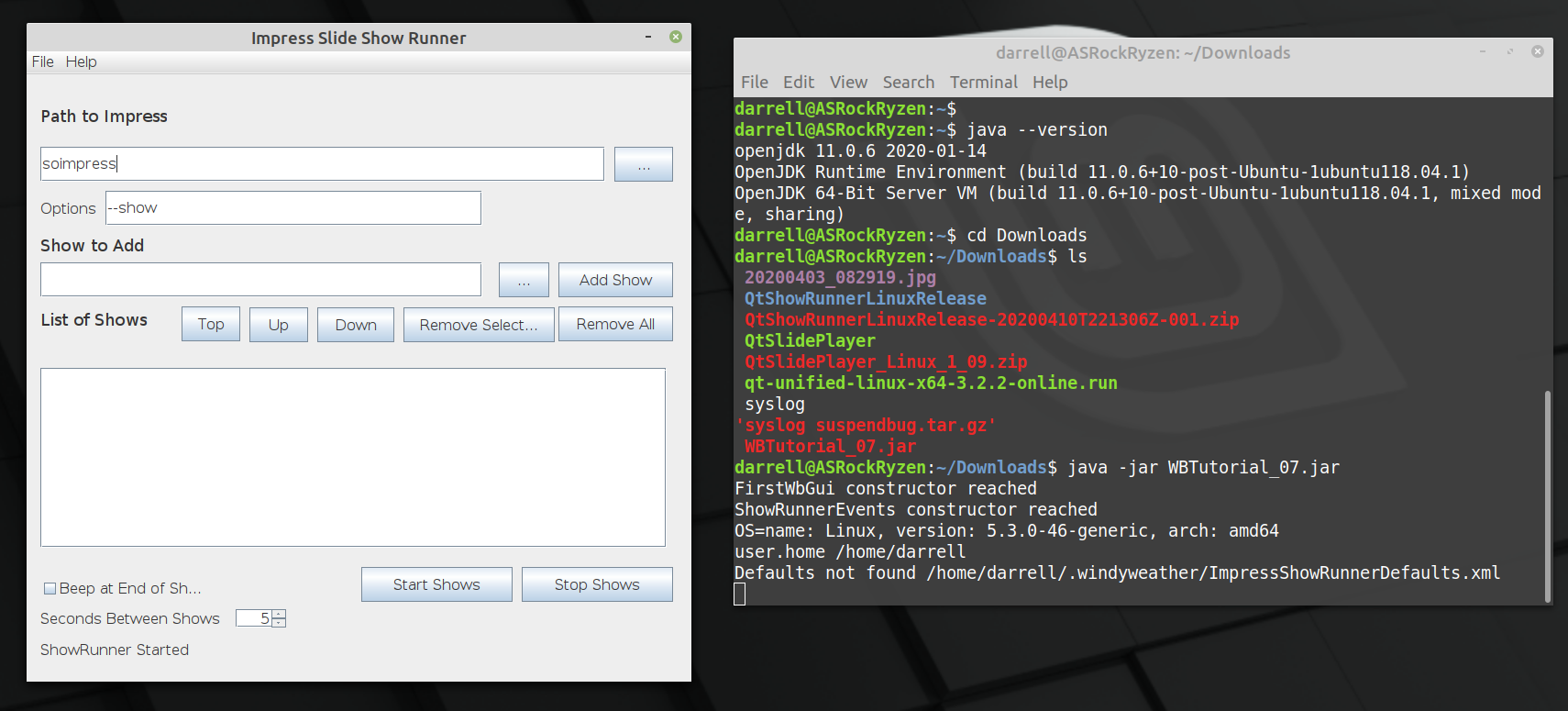
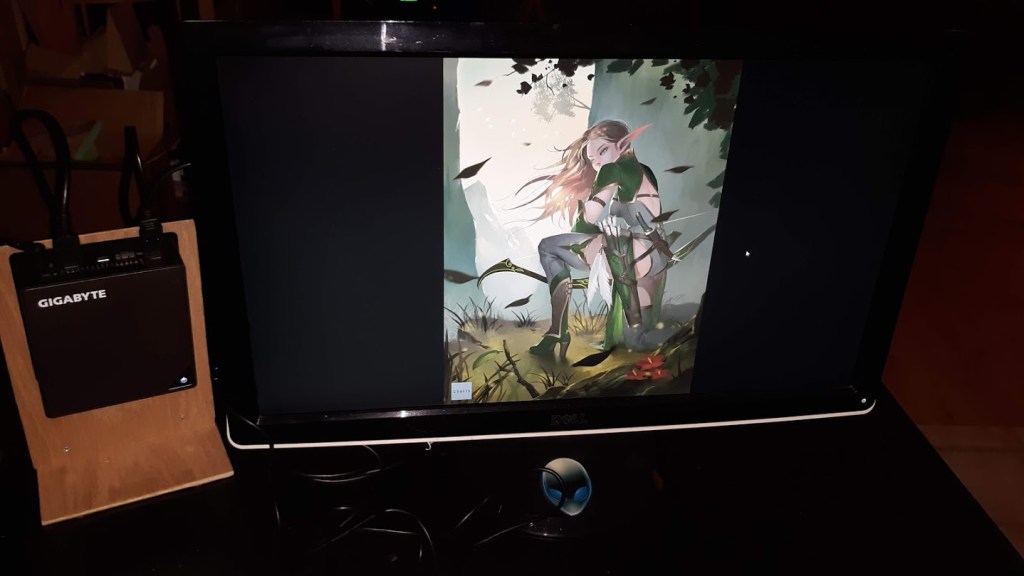
The above shot is of the prototype Java Impress Show Runner app running on Linux from a JAR file built on Windows 10. It runs on Windows 10 and it runs on Linux, with no changes and instantly. No fiddling required.
Here’s what it takes to build apps this way. Just an overview, not the entire story, but it has only been Five days since I started with Eclipse and Java. So it’s not that big an effort.
Update 11 April 2020: Using the xdotool method, the QtShowRunner works well on Linux, so there is a portable version for Windows and Linux. Get the latest at the github repo. I’m still investigating “Deployment” for Windows and Linux. Now, previously…
I have beat my head against the wall trying to fix the QtShowRunner program that works on Windows to work on Linux. None of the methods have worked.
Kernel uinput API calls never worked.
Using the X11 XSendEvent to send either Mouse clicks or Key events didn’t work.
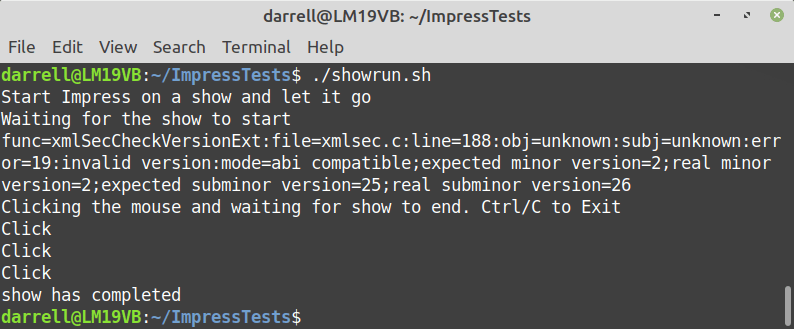
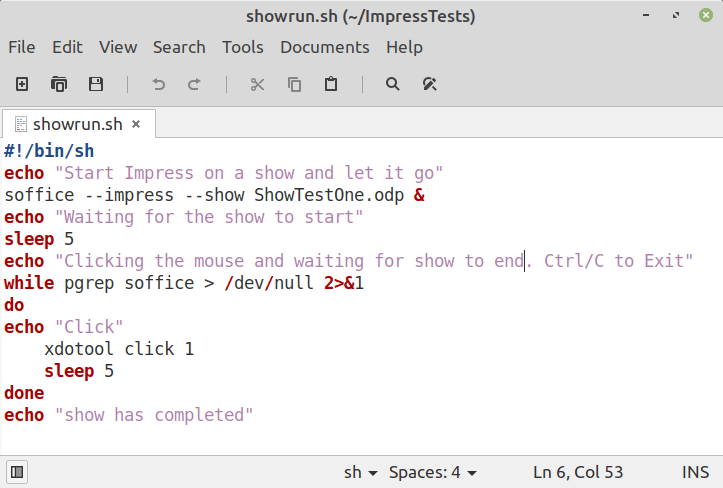
Finally I found a command called xdotool which does many X things including sending mouse clicks and key presses. Here’s a shell script that uses the xdotool to launch soffice impress to show a slideshow and then terminates the show and then exits the script.
The script launches the show with the ending & to detach it. Then loops looking for the process using pgrep and if it’s still around, uses xdotool to click the mouse and waits for 5 seconds. When the process finishes the show, and the click ends the show, then pgrep fails and the script exits. Trivial.
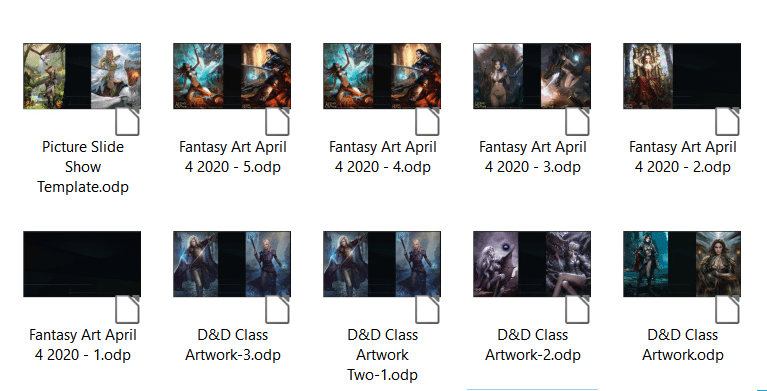
Well that’s a problem if you have lots of artwork you want to show. The slide shows get very large and so you have a few shows, and then you want to loop them all, right? Impress does not support that. So I wrote a program to help.
Lots of Artwork Slide Shows
QtShowRunner runs a sequence of LibreOffice Impress slide shows one after the other in a loop. Currently it runs on Windows but soon the plan is to move it to Linux Mint.
After no solution appeared, I wrote a program to do it.
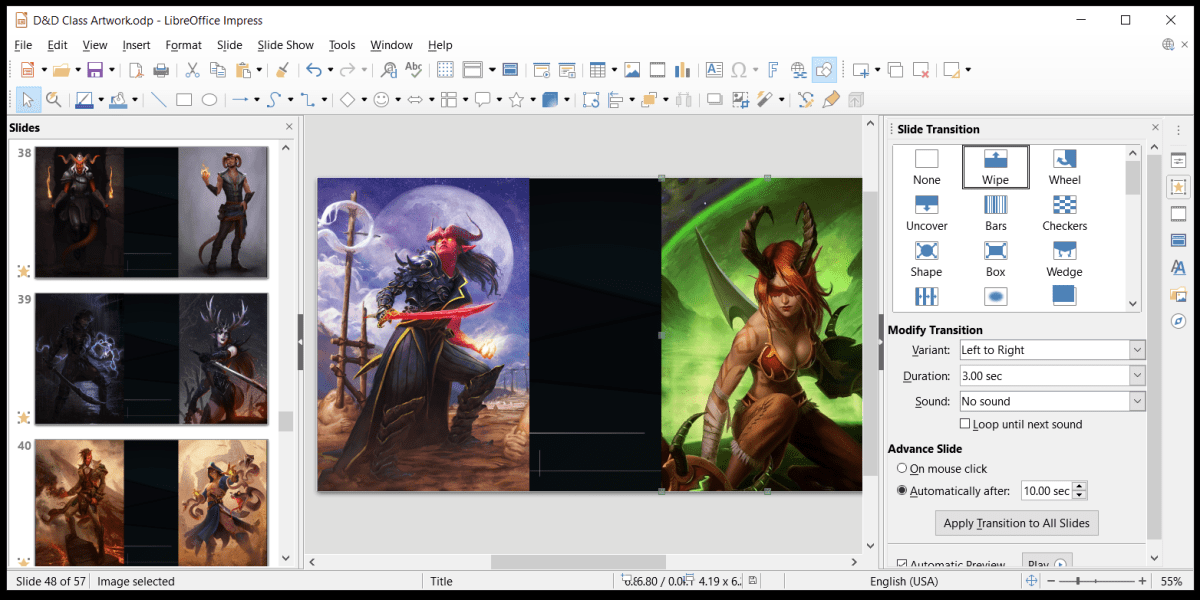
Here is a shot of the program dialog and the Impress Slide Show settings. You need to uncheck Change Slides by Clicking on background for QtShowRunner to work without skipping through your slides.
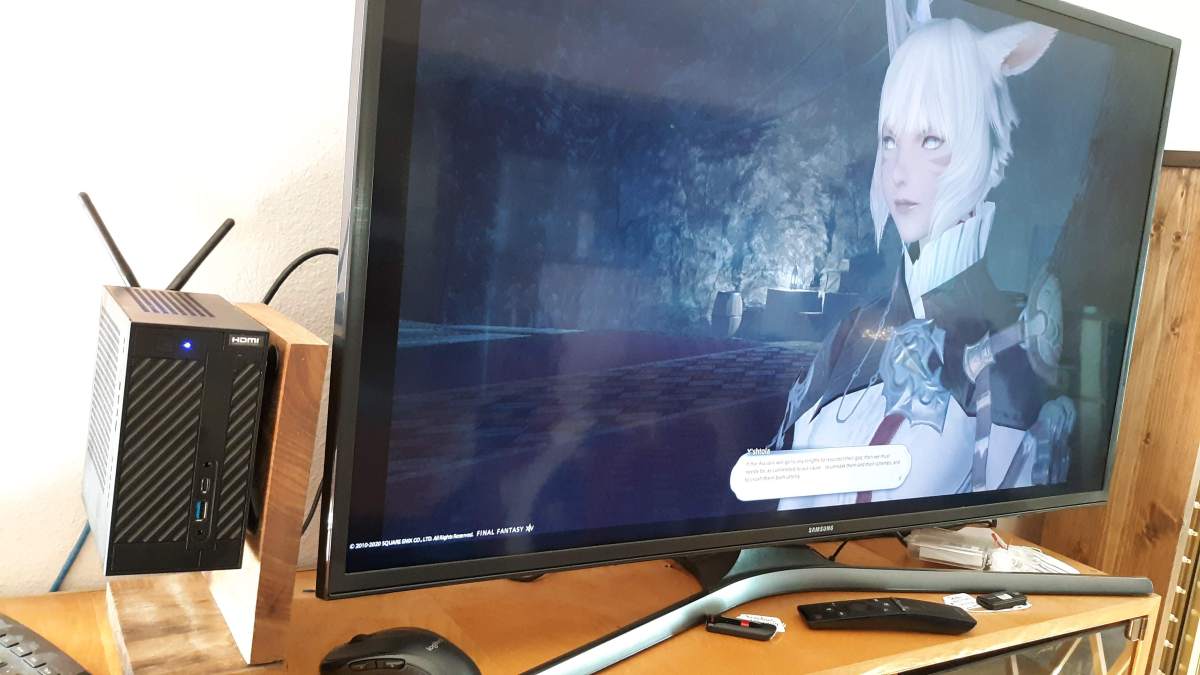
I’ve been building Mini-PC systems since 2008. I recently got parts to build an AMD Ryzen system based on an ASRock Desk Mini A300.
Those are the parts but in summary:
ASRock DeskMini A300 Chassis
AMD Ryzen 3 3200G 4-Core Processor
Samsung 970 EVO 500GB NVMe SSD
16GB RAM
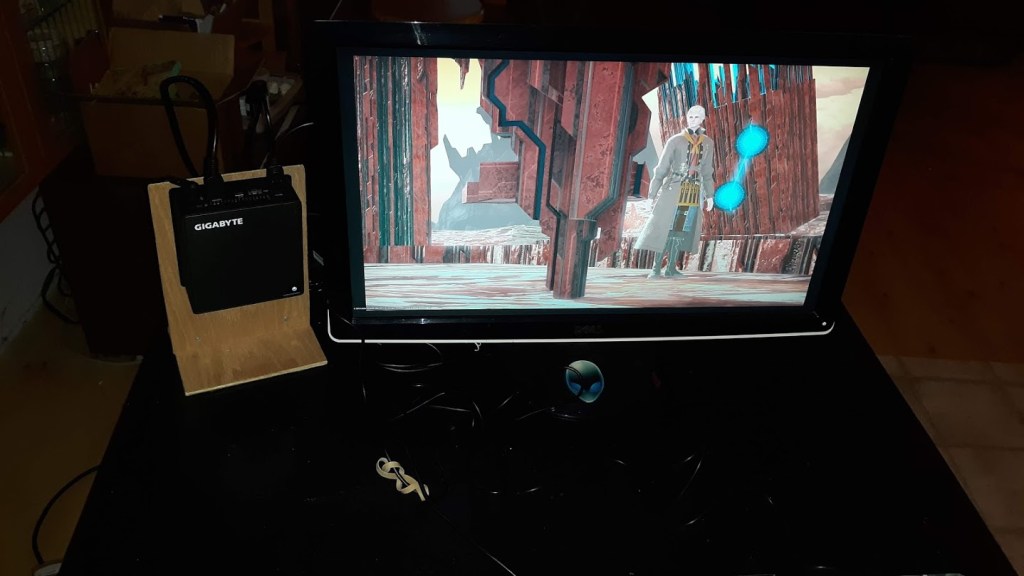
The chassis comes with WiFi. And it now runs Linux Mint 19.3. It supports the 4K monitor with no issues unlike the previous Gigabyte Brix system, which only supported the 4K monitor under Windows 10 and not Linux Mint.
I have a couple of mini-PC systems that I use to display images in a slide show. One of these systems displays these slides on a 4K monitor and I’ve recently gotten a more modern one for that purpose. Post for that is upcoming soon.
Using these systems to display images of 16:9 Aspect is no problem and most images captured by cameras and cellphones and screen shots from games are of this or approximately this aspect. I use Irfanview on Windows, and the built in image viewer on Linux.
Slide Show of Game Screenshots
However, showing slide shows of vertically aspect images is less than ideal. Too much of the screen is left black to be pleasing to the eye.
Vertical Aspect Image Slide Show
When a large number of images like these are presented, it would be better to be able to quickly make a slide show that shows more than one image at a time on the screen.
But after a few weeks, and raising all DoH / DoL jobs – except fishing and culinary – to about 50, I gave up on this. There was an increasing curve of time to get each new level on the jobs. I completed Shadowbringers with the 430 quest gear.
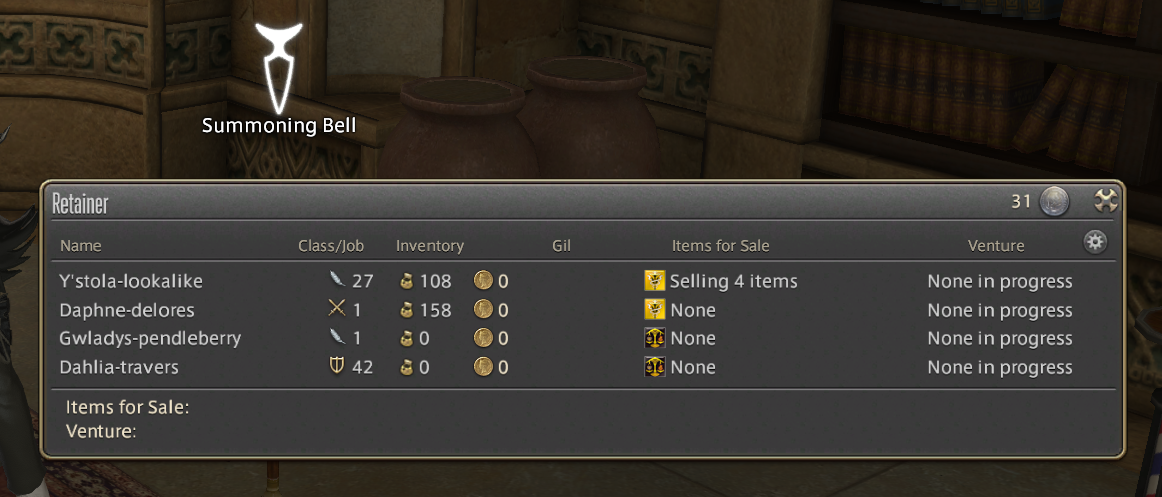
In support of that crafting experience, I purchased two Additional Retainers.
Normally you get two retainers for each character on the account. These serve as bank and sale-agent for the market. They each provide 175 storage slots and the ability to sell up to 20 items at a time on the market board. They also can be leveled to gather additional materials for crafting or other needs.
Now that I have decided to not continue with DoH / DoL leveling, I no longer need the additional retainers, which cost $2/ mo each for an additional retainer or $12 for each 3 month subscription period for two retainers.
But cancelling the Additional Retainers Service is a Nightmare. I would avoid it at all costs. It took about 10 emails with support and then waiting on the computer for over an hour and a half for a chat with a support person to clarify how to cancel the service, and I need to wait about 2 months and then re-enter my credit card to complete the process.
Cancelling Additional Retainers is truly a nightmare.
Backdated by one year to keep off Front Page of blog.
When submitting a bug report, please use the below template and thoroughly fill out the necessary information. how do I attach a picture?
Date & Time: na Frequency: sometimes World name: na Character name: na Retainer name: NPC name: Monster name: Class/Level: Party or solo: In-game time: Area and coordinates: Housing: Steps:
try to start the launcher
log in
click PLAY
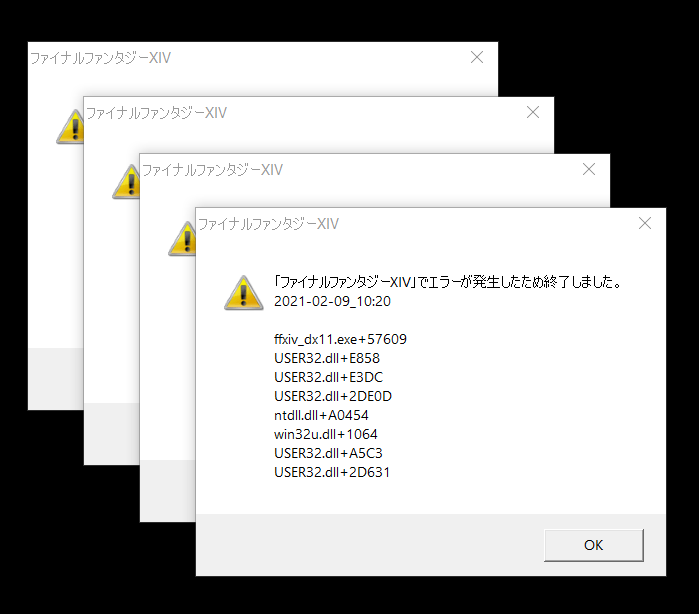
observe crash *Add more steps if necessary
Connection Specs
Type of internet connection/provider: cable
Modem maker/model number: na
■ PC Specs
To obtain the system information, open the FFXIV launcher and select Config → System Information → Display.
-=-=-=-=- System Information -=-=-=-=-
-=-=-=-=-=-=- FFXIV Information -=-=-=-=-=-=-
MyDocument C:\Users\darre\Documents FINAL FANTASY XIV ONLINE G:\FFXIV\SquareEnix FINAL FANTASY XIV – A Realm Reborn Language 1 Region 2 ProxyEnable 0 ProxyServer unspecified ProxyOverride unspecified
-=-=-=-=-=-=- Application Information -=-=-=-=-=-=-
FFXIVLauncher In-Game Bugs – Post New Thread — Mozilla Firefox [removed for privacy reasons]
-=-=-=-=-=-=- Install Information -=-=-=-=-=-=-
AnyDesk Battle.net Google Chrome Guild Wars Haali Media Splitter MediaHuman YouTube to MP3 Converter 3.9.9.51 Microsoft Edge Microsoft Edge Update NC Launcher 2 NewBlue Titler Pro 5 for Corel Steam The Elder Scrolls Online Heaven Benchmark version 4.0 VLC media player World of Warcraft Corel VideoStudio Ultimate 2018 Microsoft Visual C++ 2013 Redistributable (x64) – 12.0.30501 Microsoft Visual C++ 2013 x86 Minimum Runtime – 12.0.21005 Microsoft Visual C++ 2012 Redistributable (x64) – 11.0.50727 Microsoft Visual C++ 2010 x86 Redistributable – 10.0.30319 FINAL FANTASY XIV ONLINE Microsoft Visual C++ 2019 X86 Additional Runtime – 14.26.28720 Microsoft Visual C++ 2019 X86 Minimum Runtime – 14.26.28720 Microsoft Visual C++ 2012 Redistributable (x86) – 11.0.61030 Aion Microsoft Visual C++ 2008 Redistributable – x86 9.0.30729 TERA Setup Microsoft Visual C++ 2015-2019 Redistributable (x64) – 14.26.28720 Microsoft Visual C++ 2005 Redistributable Microsoft Visual C++ 2015-2019 Redistributable (x86) – 14.26.28720 MyDVD Content Pack 1 Microsoft Visual C++ 2012 x86 Additional Runtime – 11.0.61030 QtScreenShotArchive version 1.5 TextPad 5 MyDVD Content Pack 2 Microsoft Visual C++ 2012 x86 Minimum Runtime – 11.0.61030 ICA Microsoft Visual C++ 2012 Redistributable (x64) – 11.0.61030 Arc Gameforge Client Microsoft Visual C++ 2013 Redistributable (x86) – 12.0.30501 Microsoft Visual C++ 2013 x86 Additional Runtime – 12.0.21005 SynchQt version 1.1.0 7-Zip 16.04 (x64) GIMP 2.10.14 Guild Wars 2 IrfanView 4.54 (64-bit) Mozilla Firefox 86.0 (x64 en-US) Mozilla Maintenance Service PerformanceTest v10.0 proDAD Adorage 3.0 (64bit) proDAD Route 4.0 (64bit) proDAD Script 4.0 (64bit) proDAD Mercalli 2.0 (64bit) proDAD Vitascene 2.0 (64bit) Riders of Icarus Black Desert Online Runes of Magic Microsoft Visual C++ 2010 x64 Redistributable – 10.0.40219 Corel Update Manager Microsoft Visual C++ 2008 Redistributable – x64 9.0.30729 Microsoft Visual C++ 2012 x64 Additional Runtime – 11.0.61030 LibreOffice 7.0.3.1 Boris FX Continuum Plug-ins 11 for Corel VideoStudio 2018 Contents64 VideoStudio 3D Title Editor Microsoft Visual C++ 2008 Redistributable – x64 9.0.30729.17 VSClassic64 Oracle VM VirtualBox 6.1.16 Microsoft Visual C++ 2013 x64 Additional Runtime – 12.0.21005 Microsoft Update Health Tools Microsoft Visual C++ 2012 x64 Minimum Runtime – 11.0.50727 Microsoft Visual C++ 2013 x64 Minimum Runtime – 12.0.21005 Microsoft Visual C++ 2012 x64 Additional Runtime – 11.0.50727 NVIDIA Ansel NVIDIA Control Panel 456.71 NVIDIA Graphics Driver 456.71 NVIDIA PhysX System Software 9.19.0218 NVIDIA HD Audio Driver 1.3.38.35 NVIDIA Install Application NVIDIA Display MessageBus NVIDIA Display Container NVIDIA Display Container LS NVIDIA Display Watchdog Plugin NVIDIA Display Session Container NVIDIA USBC Driver 1.45.831.832 IPM_VS_Pro64 Graffiti x64 Corel VideoStudio 2018 Microsoft Visual C++ 2019 X64 Additional Runtime – 14.26.28720 Microsoft Visual C++ 2012 x64 Minimum Runtime – 11.0.61030 VSUltimate64 Microsoft Visual C++ 2019 X64 Minimum Runtime – 14.26.28720 Share64
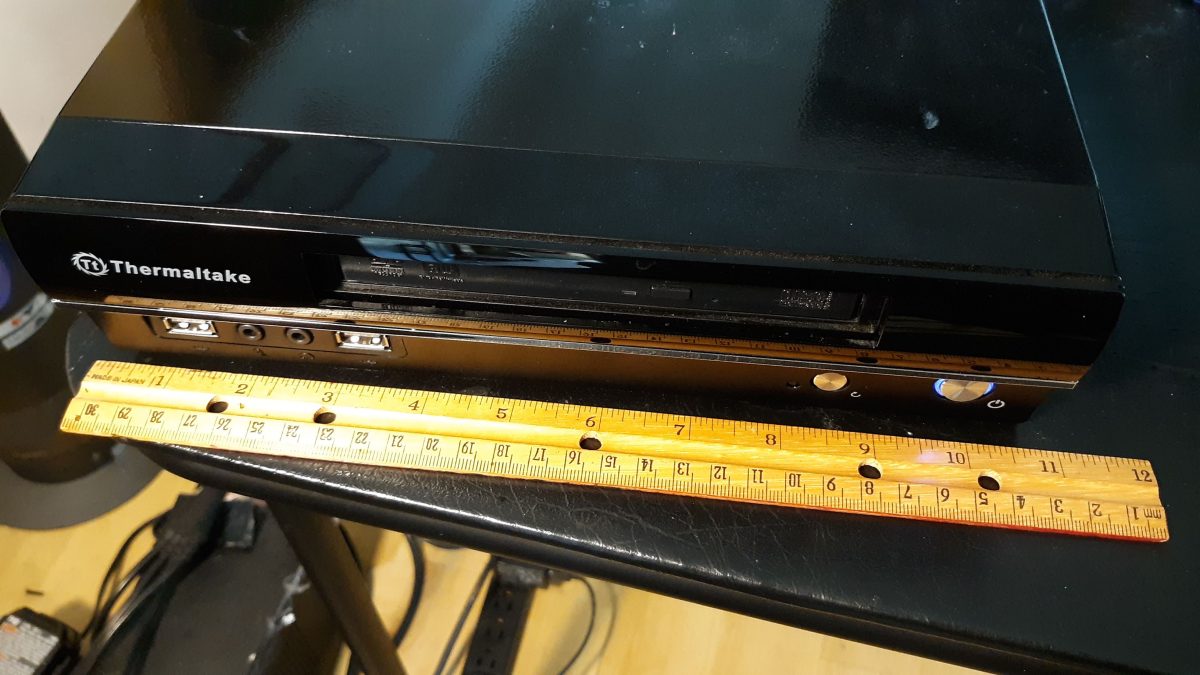
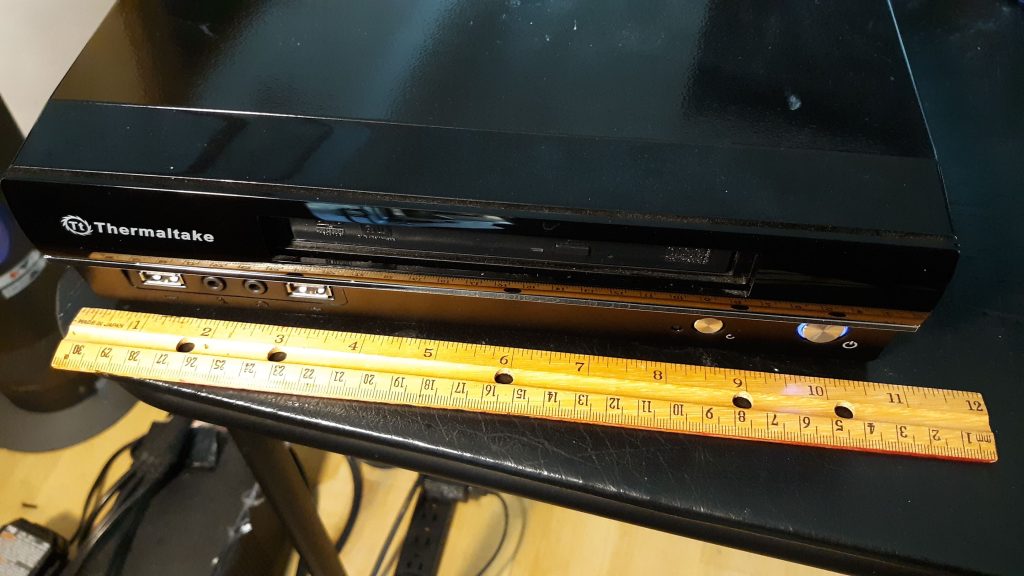
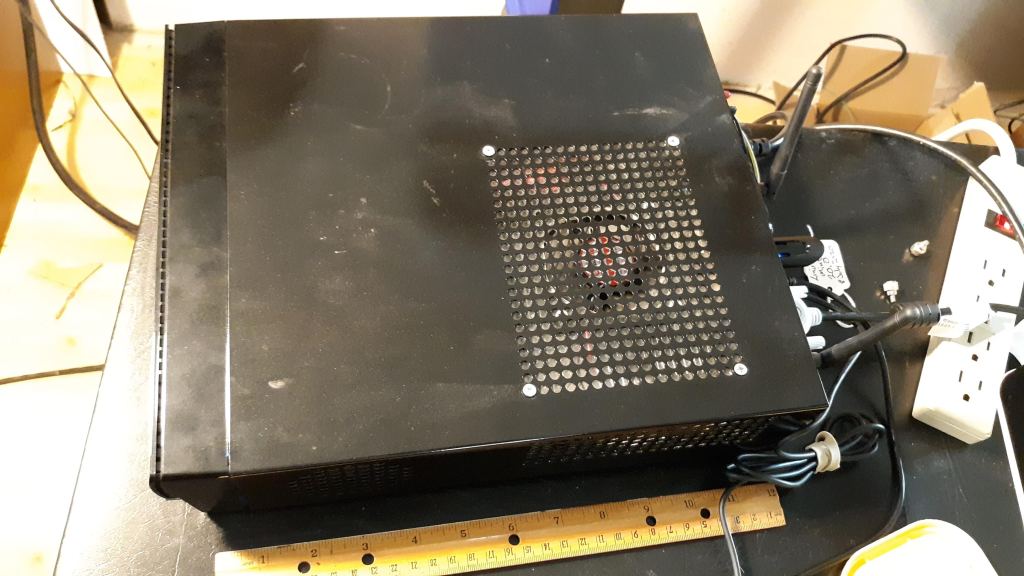
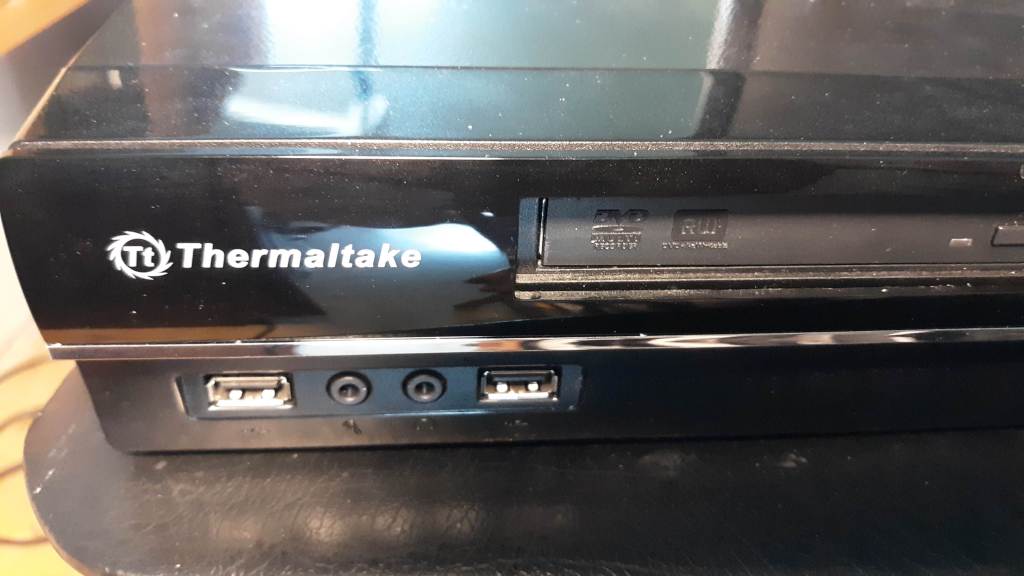
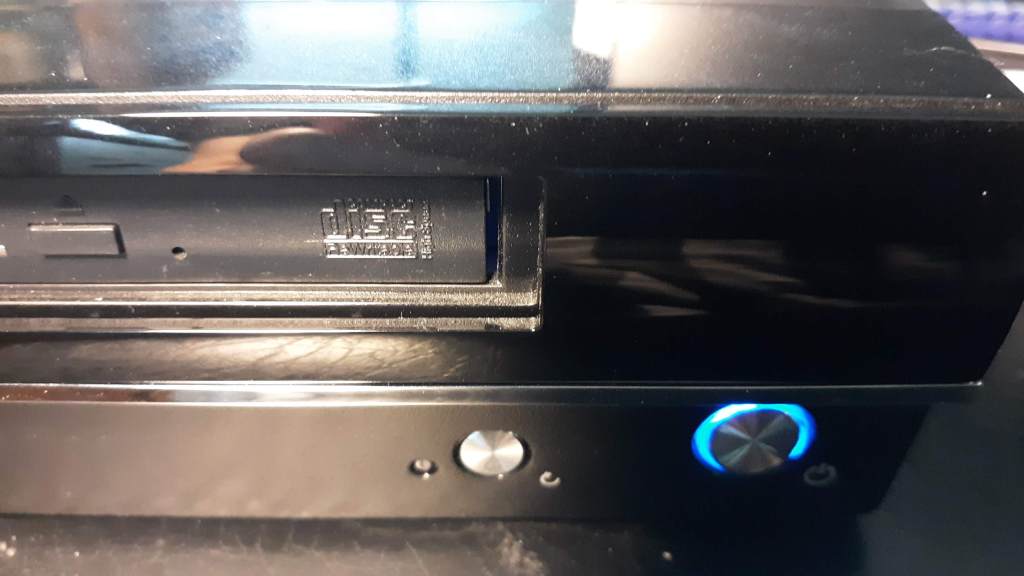
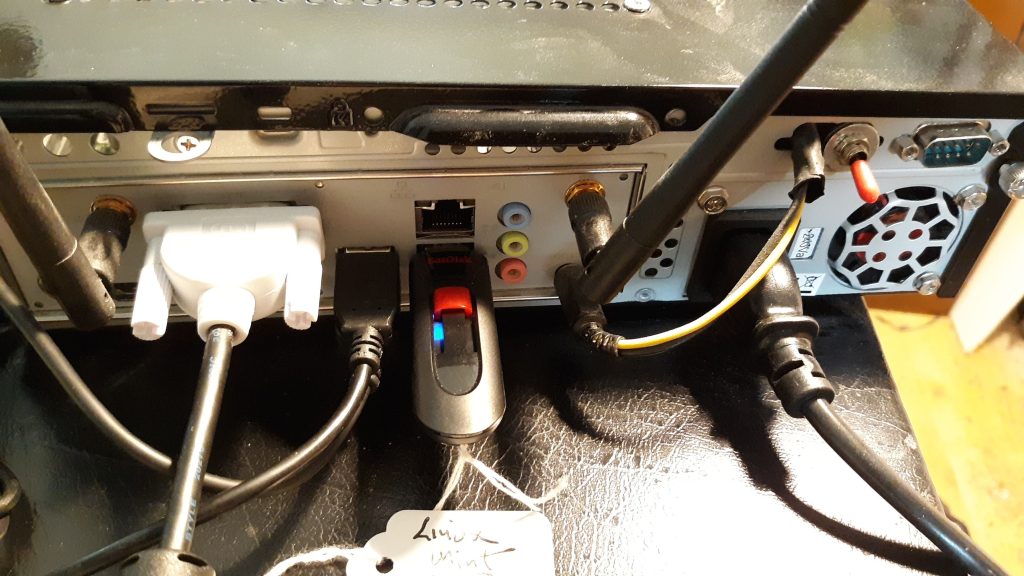
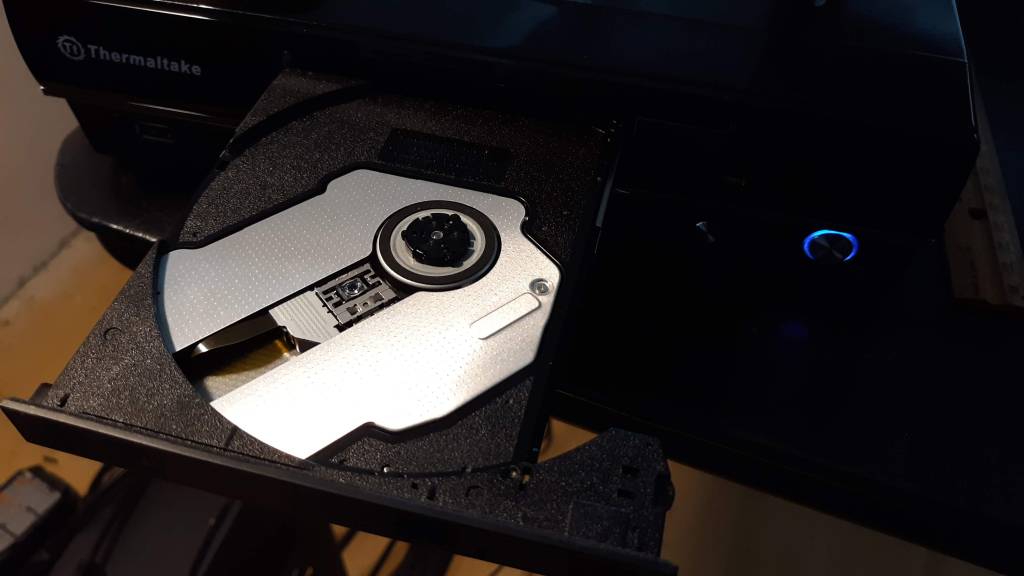
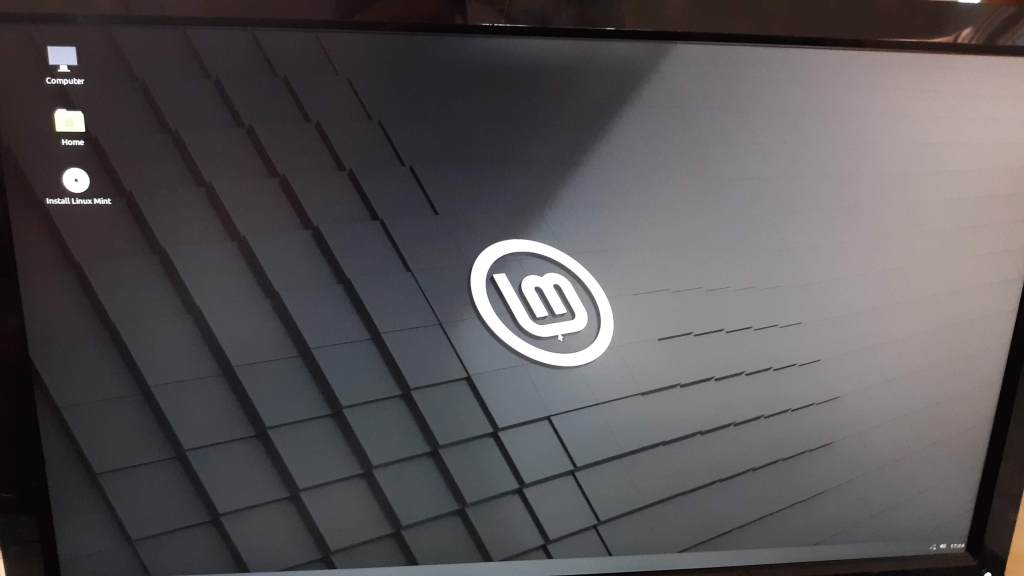
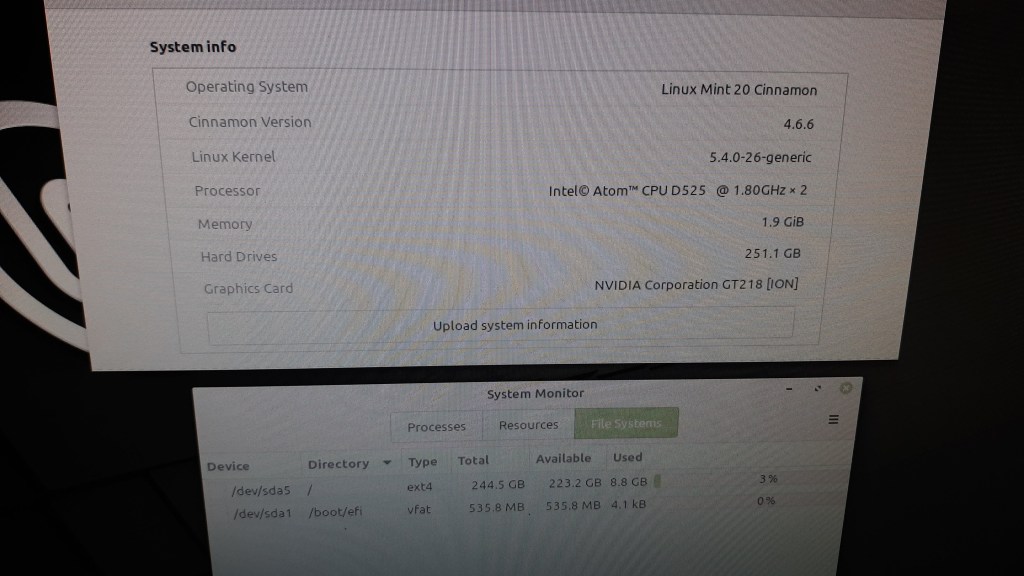
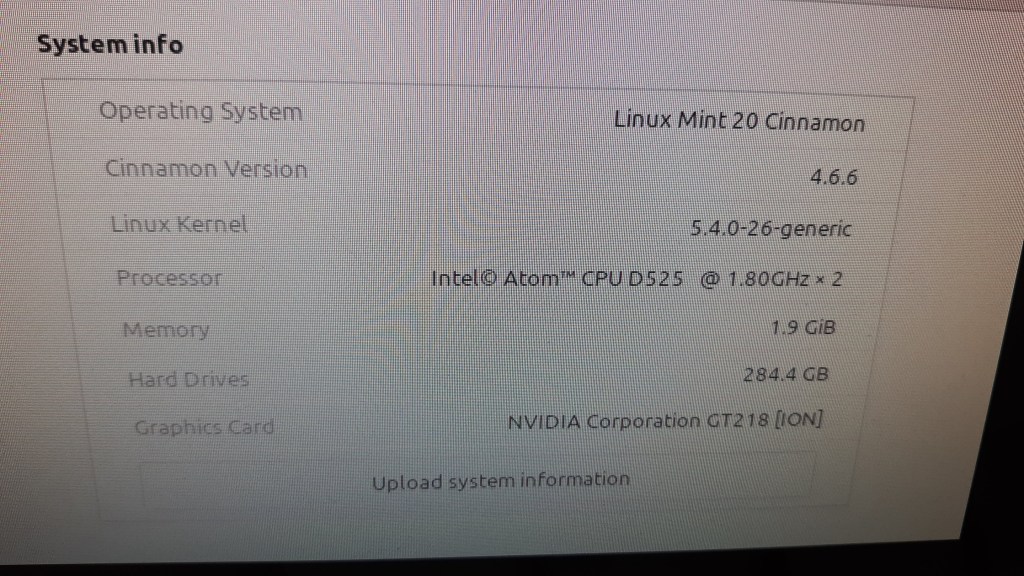
This is a small Thermaltake Mini-ITX case with Intel Atom D525 motherboard. This is a working system, currently running Linux Mint 20 Cinnamon. Older system suitable for hobby / learning use. Runs Linux just fine. Not suitable for Windows 10. Could use an upgrade of a small SSD rather than the slower hard drive. SSDs are pretty cheap these days and 32 or 64 GB would be plenty of space for Linux. Needs a new motherboard battery.
Used for years to show Youtube and other Media on large TV. Supports HD resolution.
For Sale: $50 – Rescue this older system to give it a good home.
Hardware Specifications
CPU Intel Atom D525
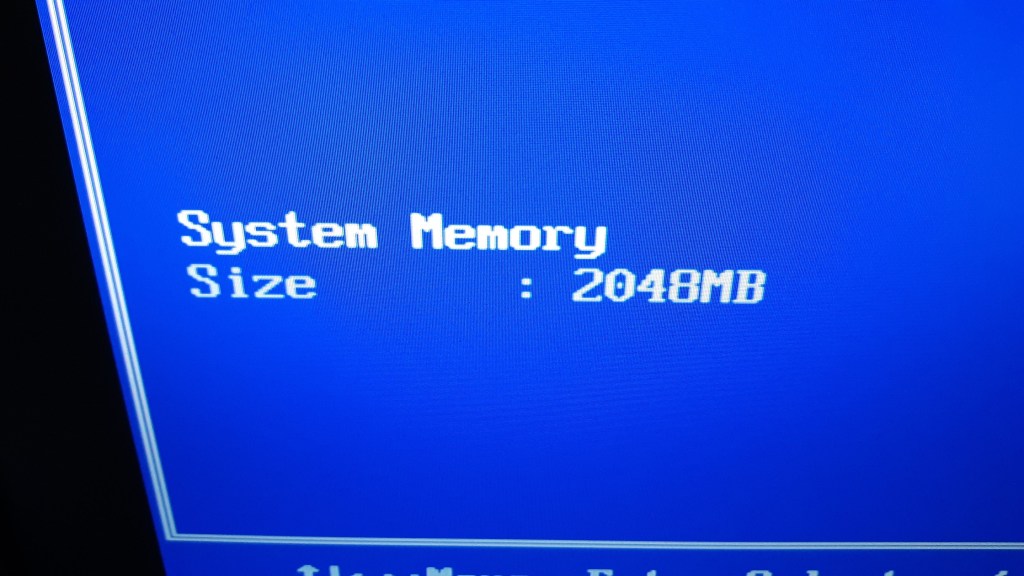
RAM -2GB DDR2
Graphics Nvidia GT218 [ION]
DVD RW Drive – compact laptop style drive.
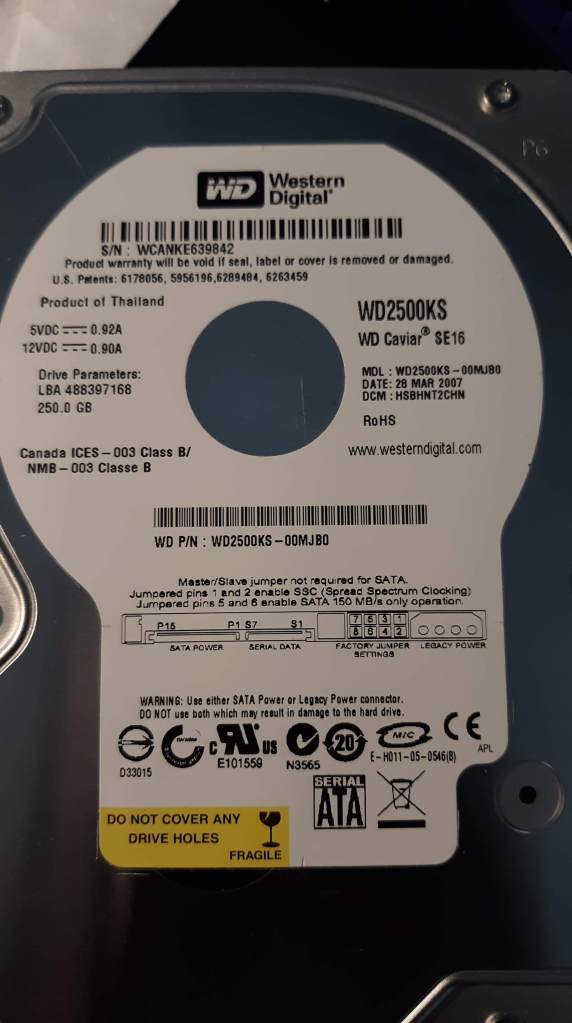
HD – 250GB WD Caviar 3.5″ SATA
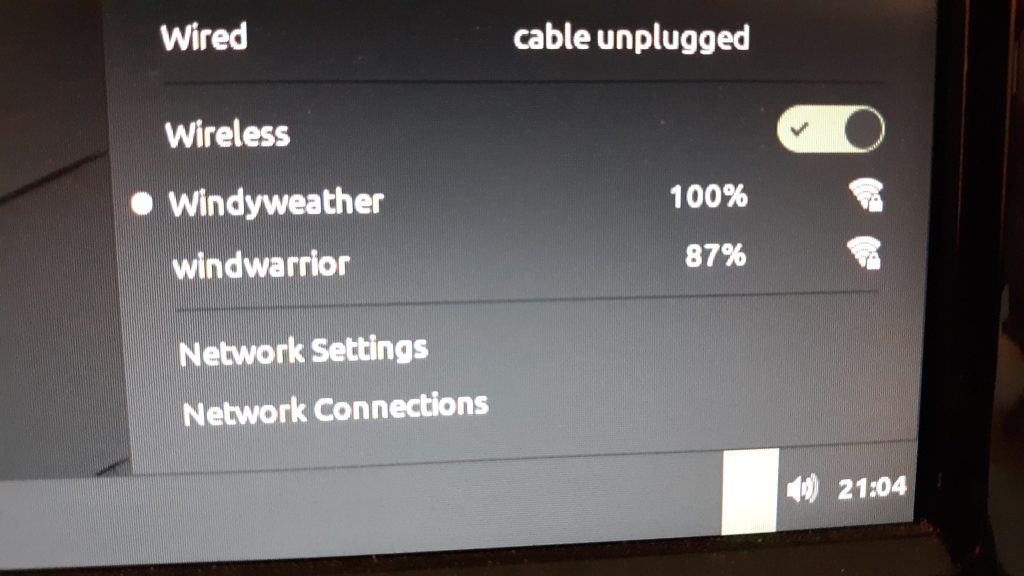
WiFi with external antennas included. Ethernet port.
Graphics Output: DVI, VGA. Supports HD – 1920×1080.
USB 2.0 – 2 Rear, 2 Front. Booting from USB Stick works fine.
Sound in / out.
Power cable and DVI monitor cable included.
Monitor, Keyboard, Mouse not included.
Needs a new motherboard clock battery.
Here’s the Hard Drive:
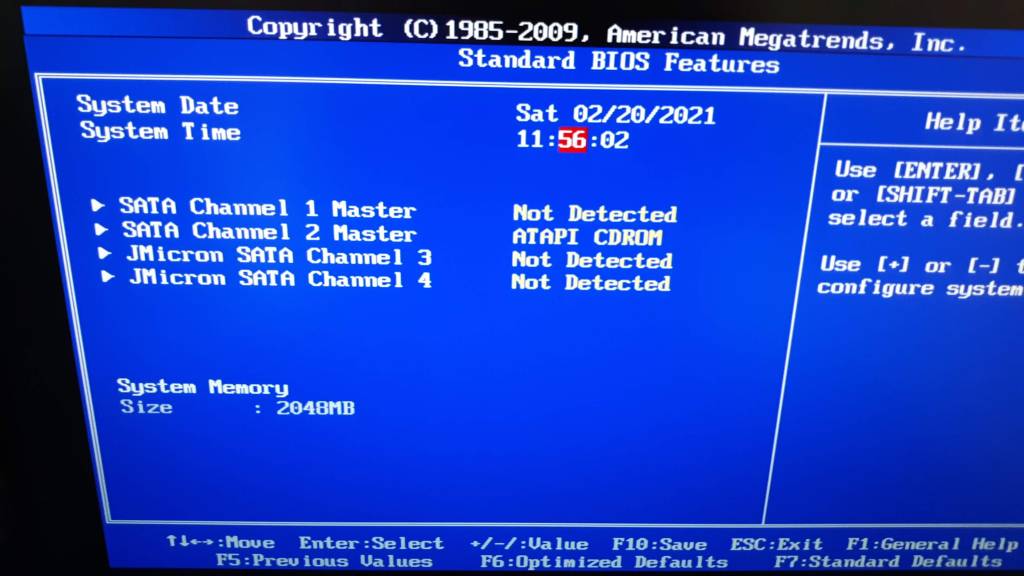
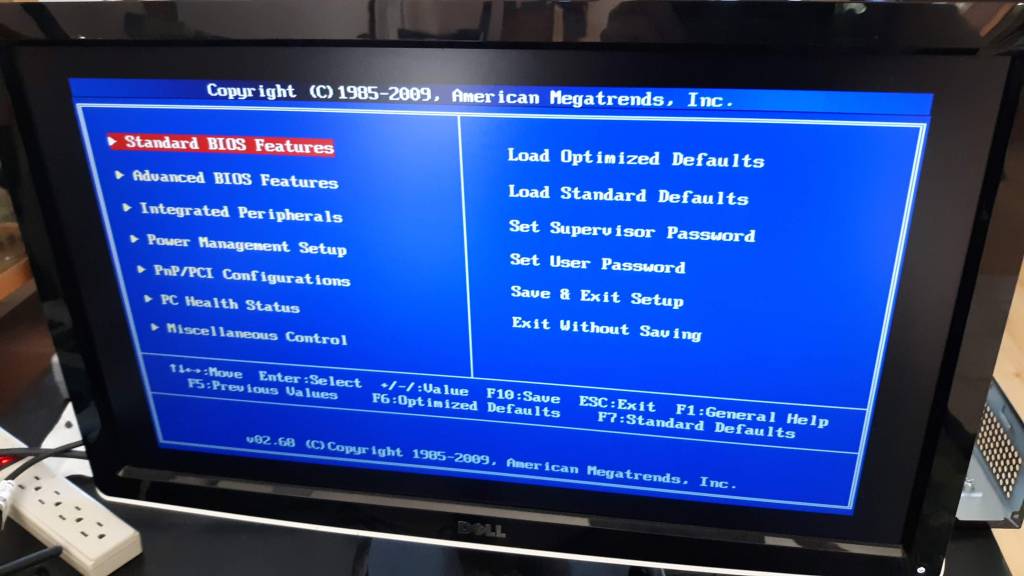
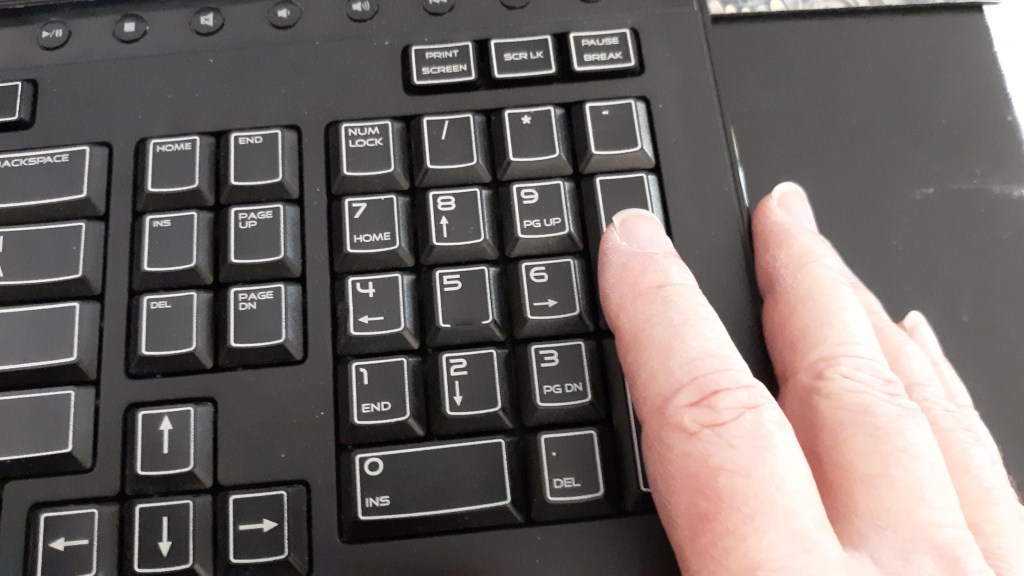
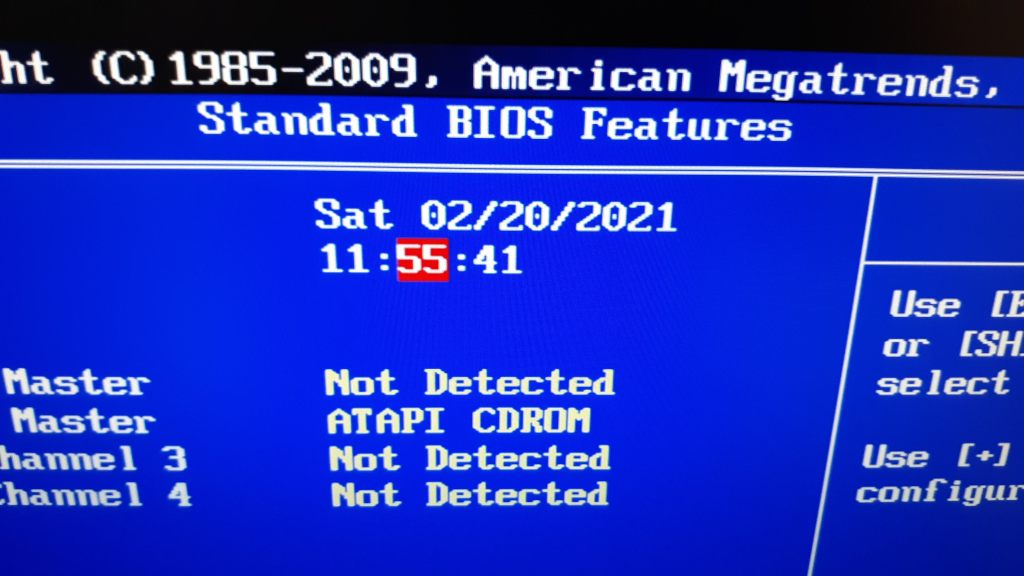
BIOS Pictures
Use Numpad + and – to adjust date/time. Best to replace Clock Battery soon.
Running Linux Mint 20
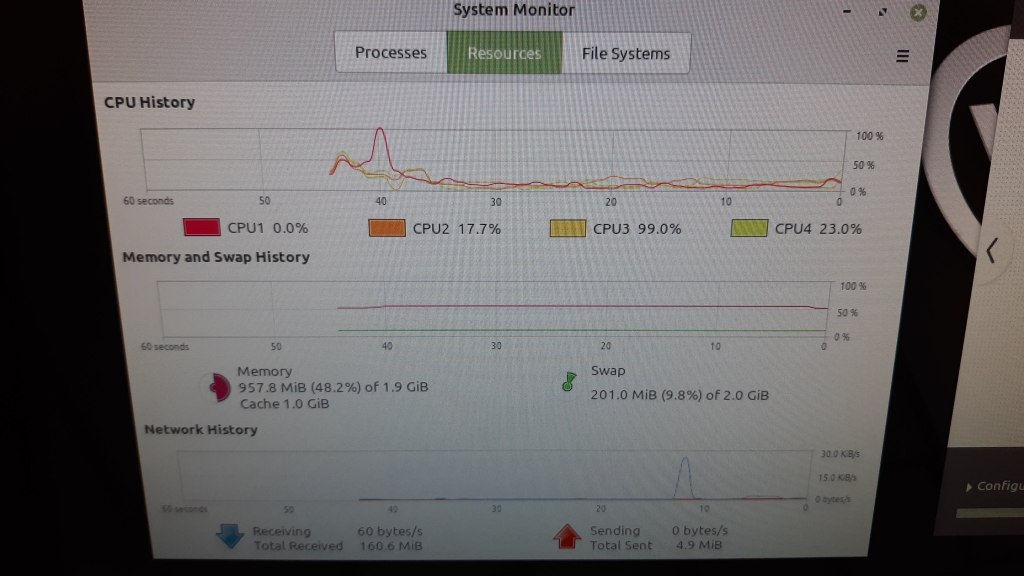
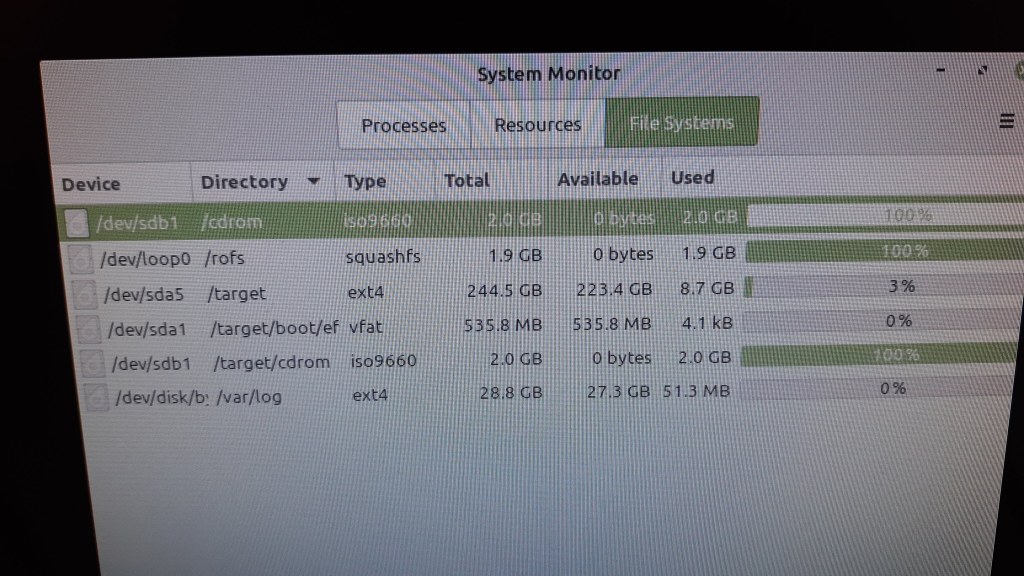
Fresh install of Linux Mint 20 Cinnamon used to test system. Installed via USB stick. DVD Drive also works fine. Linux Works fine. Updated Linux via WiFi to latest.
Credentials:
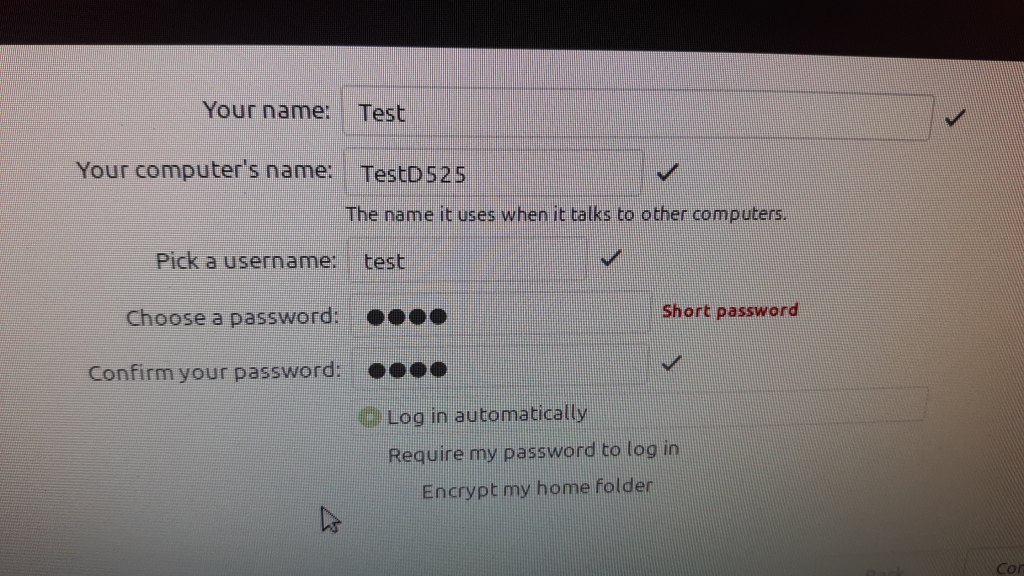
User Test, password test, auto-login on boot.
For Sale
Placed for sale on Craigslist 20 Feb 2021. $50
Note this post was backdated by one year to keep it off the front page of blog.
I periodically check in with games I’ve played to see how they are doing.
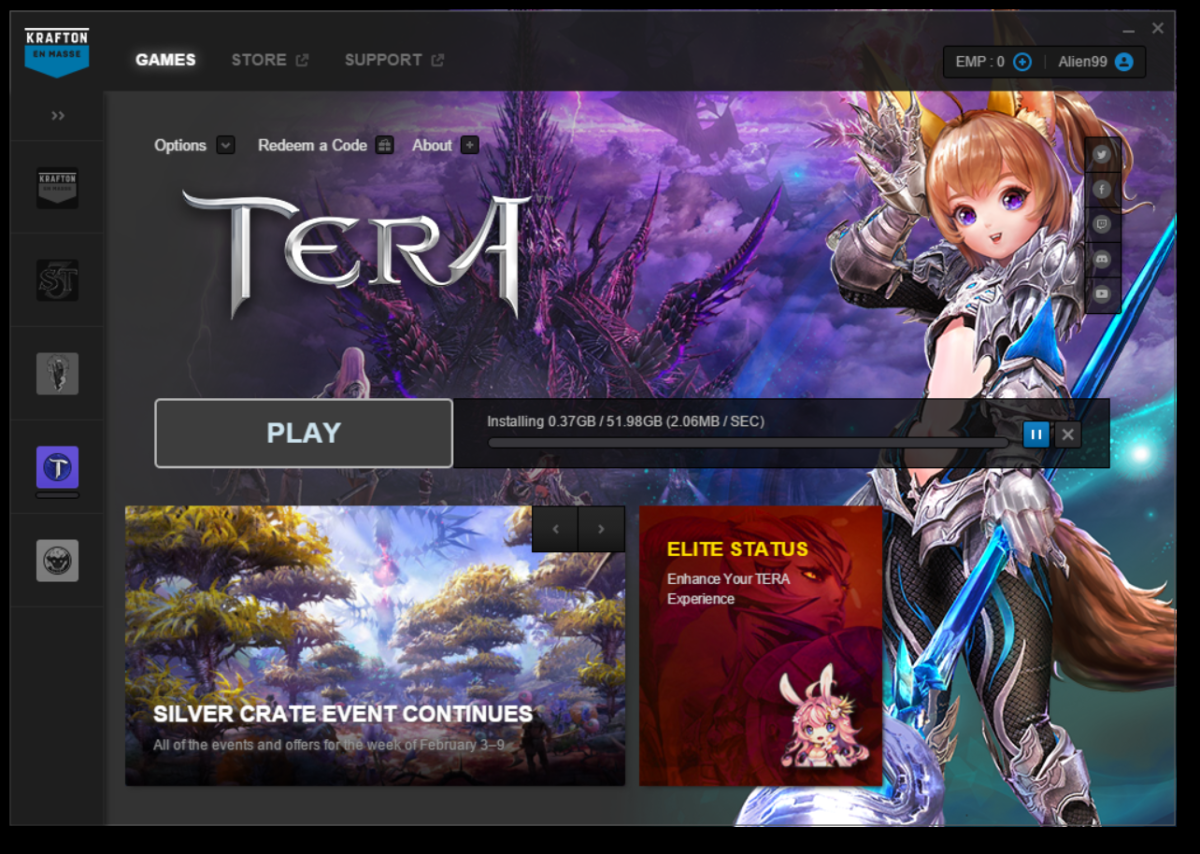
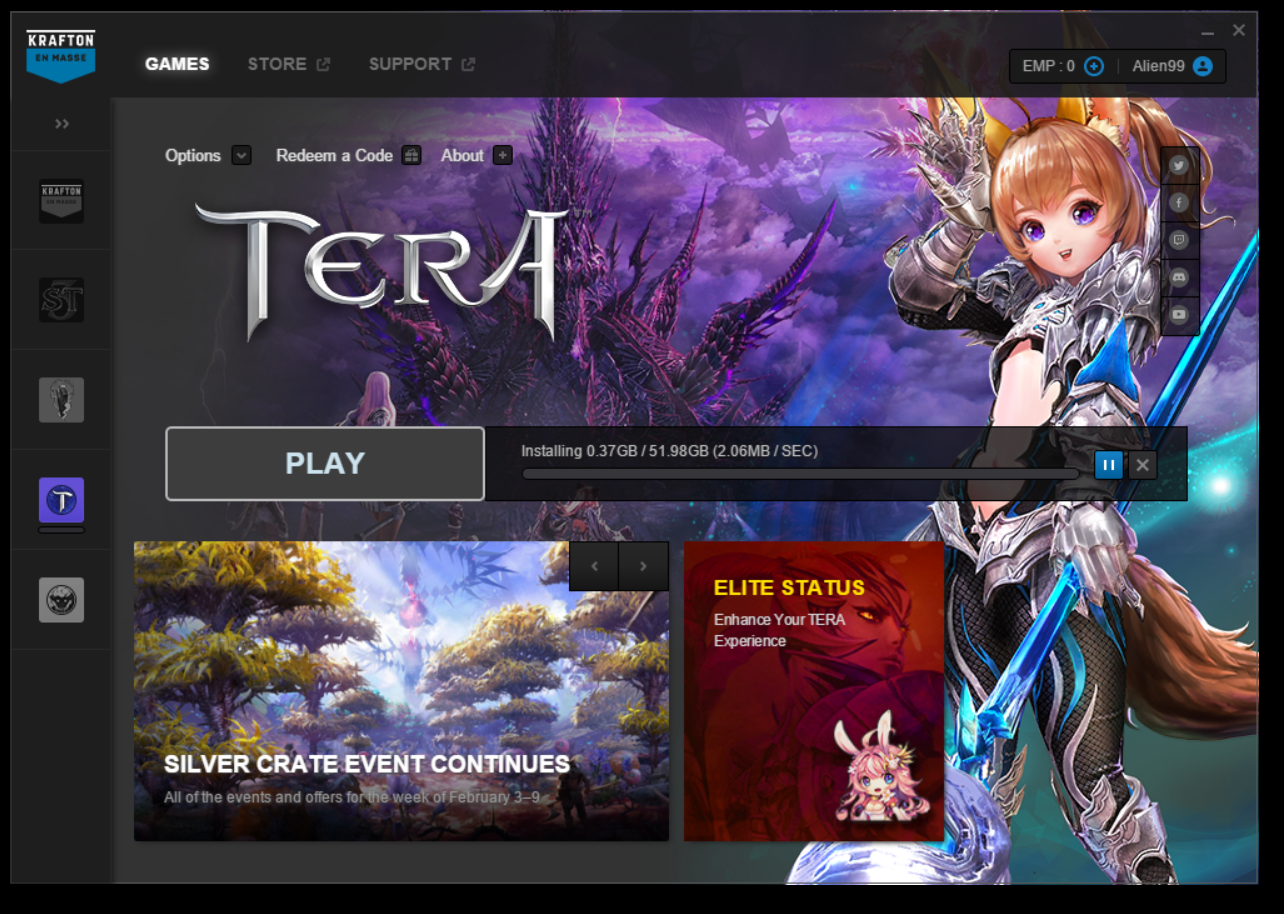
So Tera got a new launcher and has a new update. Yet another new class for Elin, of course. One track mind those folks, don’t we think? Anyway.
The problem is that the update is downloading so slowly that it will take over 7 hours to get it, and I have a very fast internet connection.
And yet the download speed for Tera is 1-2 MBytes / sec, which if you convert to bits / sec is about 10-20 Mbps. What a joke. Looks like they don’t really want me to play.
Recently I’ve been listening to more of Sean Carroll‘s lectures on the mysteries of Quantum Mechanics. I won’t summarize those arguments here so this can be a short post. I’ll include a link to a recent lecture of his so you can catch up if you like.
I want to suggest another theory for an interpretation of Quantum Mechanics that I have not heard mentioned before. I may have missed it, but it’s a new idea to me. Here goes.
What if the difficulty in the interpretation of QM called the Observer Problem is actually a simplification that makes it easier to “Program” the simulation that is our Universe. That is, what if our universe is a Simulation in the sense that Nick Bostrum proposed.

 QtShowRunner runs a sequence of LibreOffice Impress slide shows one after the other in a loop. Currently it runs on Windows but soon the plan is to move it to Linux Mint.







 Windy Weather