Display Failed- or did it?

DSCN3375
Battle chair

I got up this morning, and tried to wake up my computer like I always do, but it didn’t.

As you can see, I have what I call a “Battle Chair” which you can find here and here. I’ve upgraded the computer again since 2013, and the monitor is now an ASUS PQ258Q – 2K monitor.

AS_000361.jpg

Well this morning, the monitor would not wake up. I rebooted the computer a couple of times. No luck.

Continue reading “Display Failed- or did it?”

Linux / Windows 10 Samba Issues

Back Dated

Can’t connect between Linux and Windows10 with Samba

Here’s a Forum Post.

This appears to have worked to allow me to see windows 10 systems from Linux Mint 18.3.

I don’t think iptables-persistant is the better way around.

The correct and documented way to enforce advanced iptables commands is described on https://wiki.ubuntu.com/UncomplicatedFi … ctionality

Using that info, what solved the problem for me was to add the code bellow and the end of “/etc/ufw/after.rules” and restarting ufw:

Code: Select all

*raw
:PREROUTING ACCEPT [728:143746]
:OUTPUT ACCEPT [664:135398]
-A OUTPUT -p udp -m udp --dport 137 -j CT --helper netbios-ns
COMMIT

This way, there’s not need to mess with iptables-persistant and if you installed iptables-persistent you’ll need to uninstall it running sudo “apt-get purge iptables-persistent”.

Use “Sudo xed” in a terminal to get an editor so you can edit the file mentioned above. Copy / Paste the settings above at the end of the after.rules file and save it. You can safely ignore the errors about meta data that xed spits out. It’s trying to save some meta data about the formatting and of course that is nonsense when you are editing system files.

Just sharing it so I can find it from Linux.


Draenor Untangled

I’ve now had some time playing the Warlords of Draenor expansion and I’ve figured out an efficient and productive way to deal with Garrisons. I should mention that I’m playing with mostly Heirlooms: three pieces of armor, weapons and usually a necklace. And I have Draenor Pathfinder, so my Alts fly from the beginning as they finish the Assault on the Dark Portal event.

I would have preferred to level up to 91 with the Alts before going to Draenor. This would allow the Heirlooms to level up significantly. As it turns out, with Heirlooms you reach 91 at the end or shortly after completing the Draenor Starting Event, and there is enough help during the event that it doesn’t matter a lot whether you are 91 when starting it.

I’ve played three Horde toons through Draenor until 101, which is my goal before entering Legion, again to level up the Heirlooms. Along the way I’ve learned some lessons with Garrisons and with the areas to play to level efficiently.

Continue reading “Draenor Untangled”

Qt Development for Windows

AS_000340.jpg
I’m a long time user of the Qt Development Framework. But every few years, it seems to change hands and everything about how to install it changes.

I recently installed it on Linux Mint, and while it looks like it is built in, the install was anything but simple.

But now I’d like to add a feature to one of my personal programs for Windows, so here we go again. I started by trying to look up a recent YouTube video on the subject and while it was only a year or so old, and all the domains were active, it failed miserably after the install in the same way that the Linux install failed. It was unable to find a valid “Kit”. A Kit for Qt is a set of definitions so that the IDE – integrated Development Environment – can find the other tools like compilers, framework libraries, debugger and make program. Well the Youtube video I found had the same problem. The install looked like it worked, but it brought along no tools, framework or valid kits.

Well I’ve solved that, so I’m making a post here so that I remember, and maybe it will help you too.

Continue reading “Qt Development for Windows”

Sharing with Linux Mint 18.2 and Windows

I have an “Equal Opportunity” network. A few Windows 10 systems and a lot of Linux Mint systems. And I obviously want to share files among my systems.

Install Samba from 2017-10-06 09-25-01.png

Over the years and versions, Linux Mint has gotten more friendly when sharing files with Windows systems. Samba has always been a thing, but in recent versions, Linux Mint has made it easier to get it going.

Back when I was using Ubuntu – which Linux Mint is based on – in 2008, it was a pain to get Samba going. But things are better now. Now with Linux Mint 18.2 the dialog above is what you get if you navigate to Home and then try to share your personal folder, presumably for read-only, to the rest of the network. That’s a start. Look even an install button.

Continue reading “Sharing with Linux Mint 18.2 and Windows”

Wow – You are Still Not Prepared!

To send email across Realms, that is.
Wow_2017_08_31_08_47_34_783x

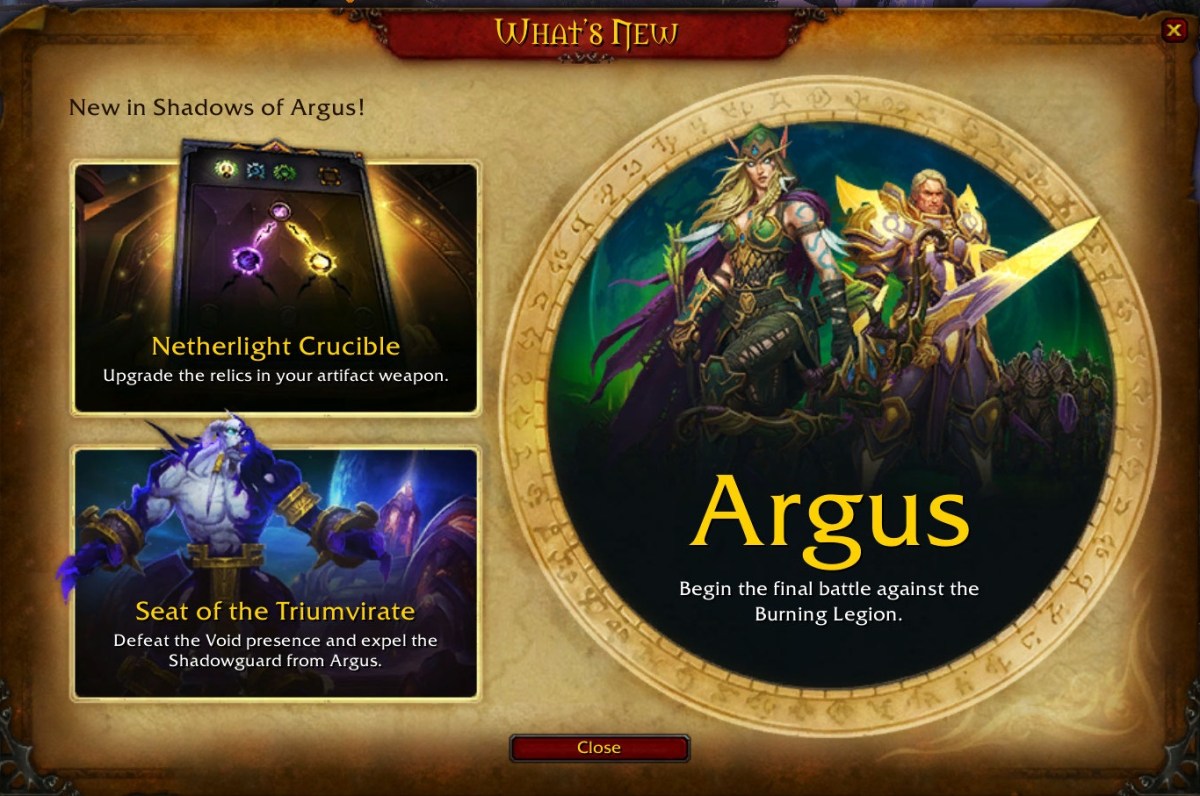
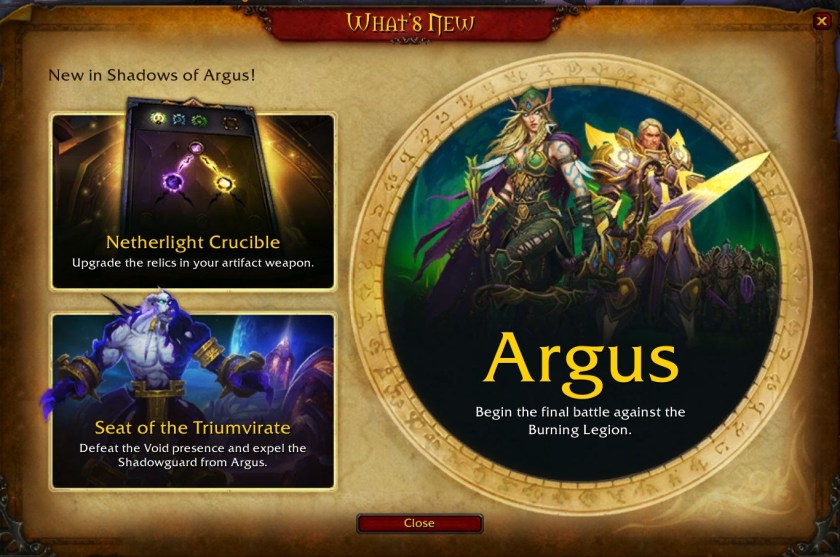
So with patch 7.3.0 – Shadows of Argus – , they have added the recognition that you have characters on other realms when you send email. But you can’t actually send email to those realms. Sigh. “You are not prepared!” as the old quote goes.


Sending to other realms gets you “You can’t send to that Realm” and of course if you try to send cross faction you still get “Target is unfriendly”.

Someday we can hope for cross realm, in-account at least, mail.

Addons are Trashed – most of them

In other news most of my addons don’t work.
Wow_2017_08_31_08_42_32_415x.jpg

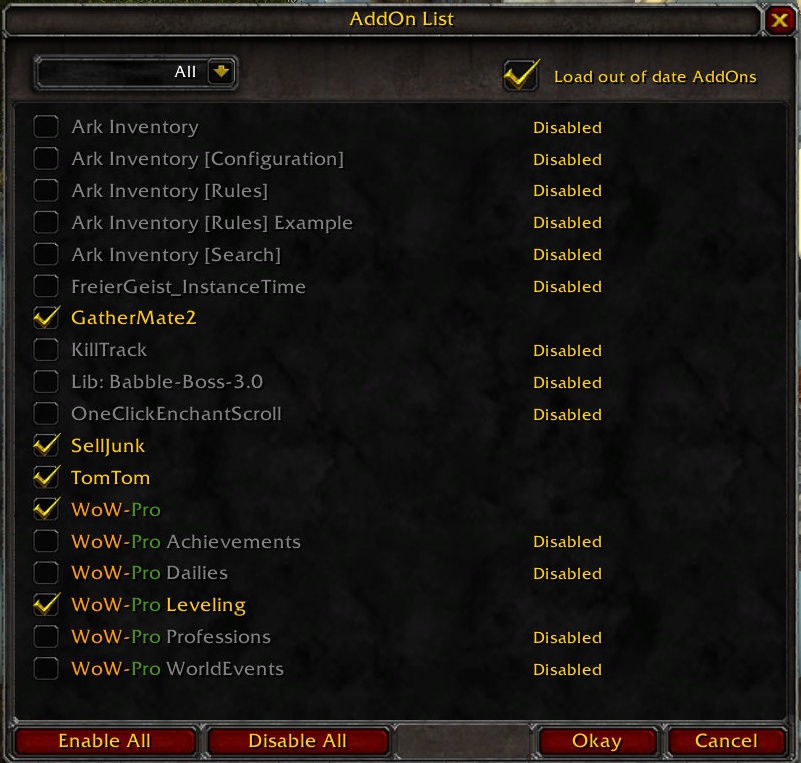
I was disappointed that BankItems failed. Ark Inventory replaces all inventory displays and I don’t like that much. Gatherer failed, but GatherMate2 works apparently. But of course I lost all the data from Gatherer. At least TomTom and SellJunk works. And there’s an update for Wow-Pro so it works too.

At least I’m prepared to do some leveling with Wow-Pro.

:ww

How to Install Aion in May 2018

This post is back-dated to keep it off the front page.

In May of 2018, there are were problems installing Aion from NCSoft.

A couple of days ago, I tried a clean install on another computer and got the same error. When you try to “report the error” you get another error, probably because the Launcher / Updater can’t reach the web page to report the error. Woops.

Update: I just completed a clean install and it worked without error. Looks like they fixed the problem I saw two days ago.

So here are the steps to install Aion from NCSoft from scratch, and how to get around this problem if you encounter it. We can hope that they fix the install soon so that this error is not encountered. I mention “Aion from NCSoft” since there are private servers out there. I’ve tried one of them, but I’m not suggesting you install Aion from a private server.

Continue reading “How to Install Aion in May 2018”

Guild Wars – Gold Farming

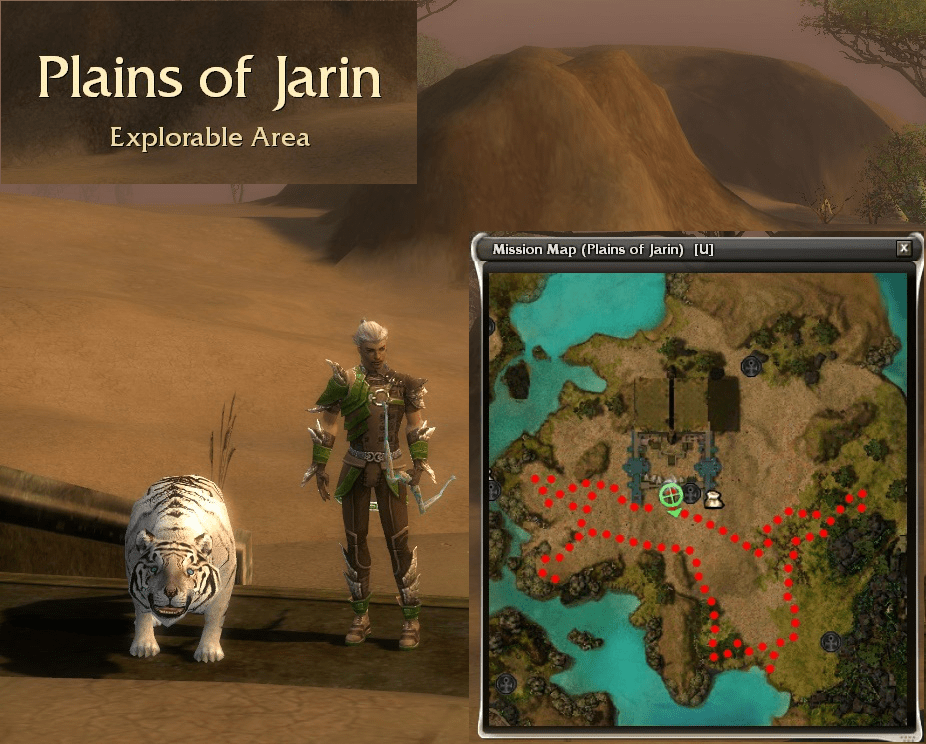
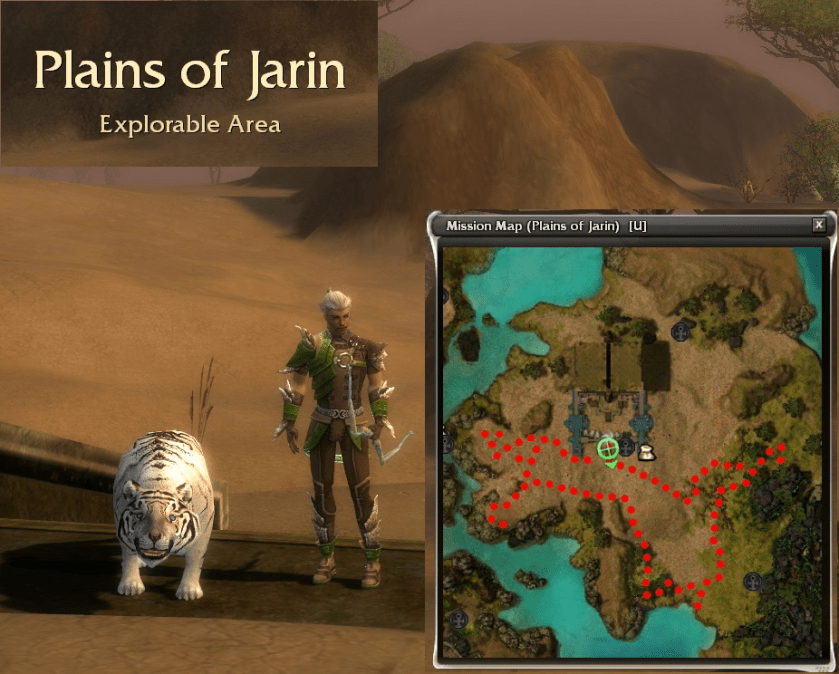
GW1_2017_02_21_PlainsOfJarinFarming.png
Gold Farming Route

There are a few rules if you want to gold farm in Guild Wars. These are completely different from the rules in Guild Wars 2.

First you need to remember that the drops are divided among the members of the party, even heroes and mercenaries. So, the fewer members of the party there are, the better. There are “leechers” which are members of the party that stay far away from the action, and allegedly improve the drops. But they aren’t helping you kill mobs. So if you are solo farming, they aren’t useful. Do you have friends who don’t want to play, just stand around?

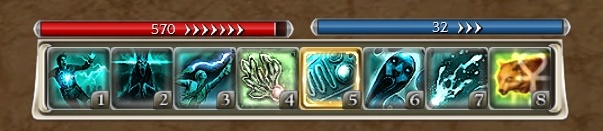
Second, you can employ pets and spirit helpers with no loot penalty. So a Ranger / Ritualist or a Ritualist/ Ranger seems like a good build to use for solo farming. Here’s the build that I use.

GW1_2017_02_23_19_31_52_957xx.jpg

Update: What you really want to do however, if you are level 20 with strong heroes, is vanquish the area in hard mode. See below. But back to our story in Normal Mode.

Continue reading “Guild Wars – Gold Farming”

Guild Wars 2 – Leystone Light Armor

Well that wasn’t as hard as I expected. One Meta-Event run this morning and I completed my Leystone Light Armor – except for the helm.

As it turns out, after the Meta Event, Noxious Pods show up in all the camps, and the Way Points are active, so you can port between them and collect more than 20 pods for about 40 Crystalline Ore. This morning in one run, I got a Leystone Boot Box and enough Ore to buy Gloves. So with what I got yesterday, I now have a complete set except for the helm.

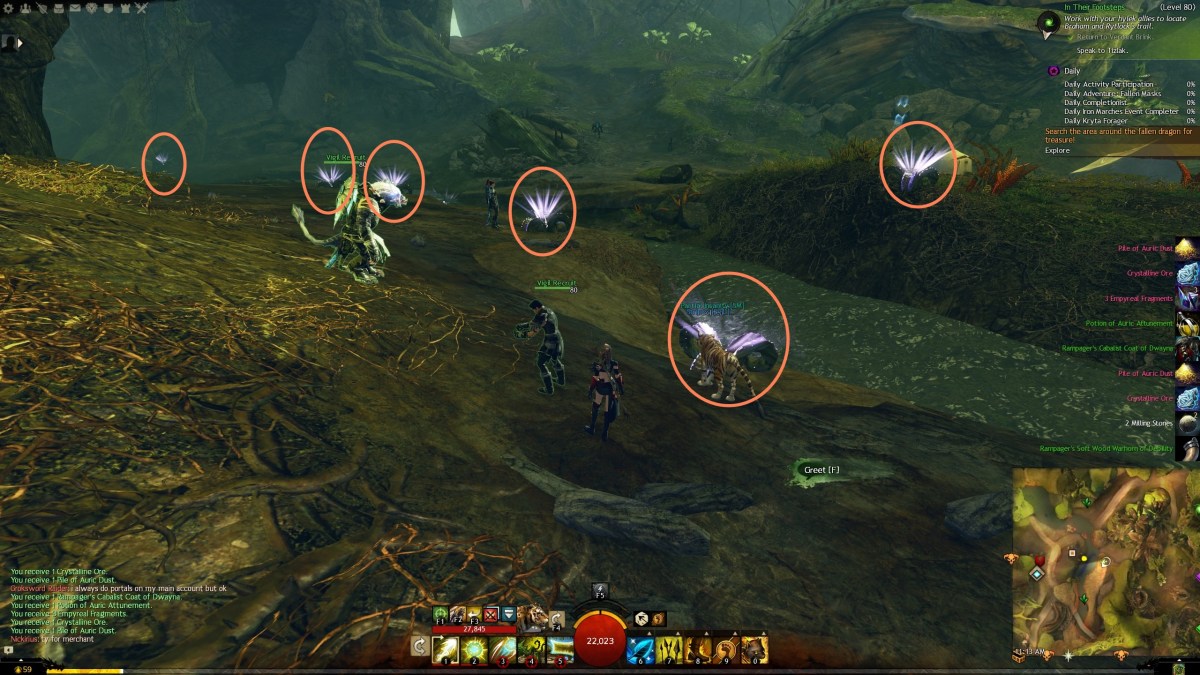
Here are some shots of where the Noxious Pods are around the camp, for an example. They are not that hard to find if you hold the CTRL key down while you pan around.

Continue reading “Guild Wars 2 – Leystone Light Armor”