I’ve been watching Youtube videos about various simulation games. Factorio, Automation Empire, Satisfactory, and Cities Skylines. Of course, Cities Skylines is very different from the rest of those. But there’s a sale going on Steam for Cities Skylines, so I gave it a shot.
I started with a tutorial file and made a little town and learned how to get it going in about Four Hours. I didn’t get the cheapest package.
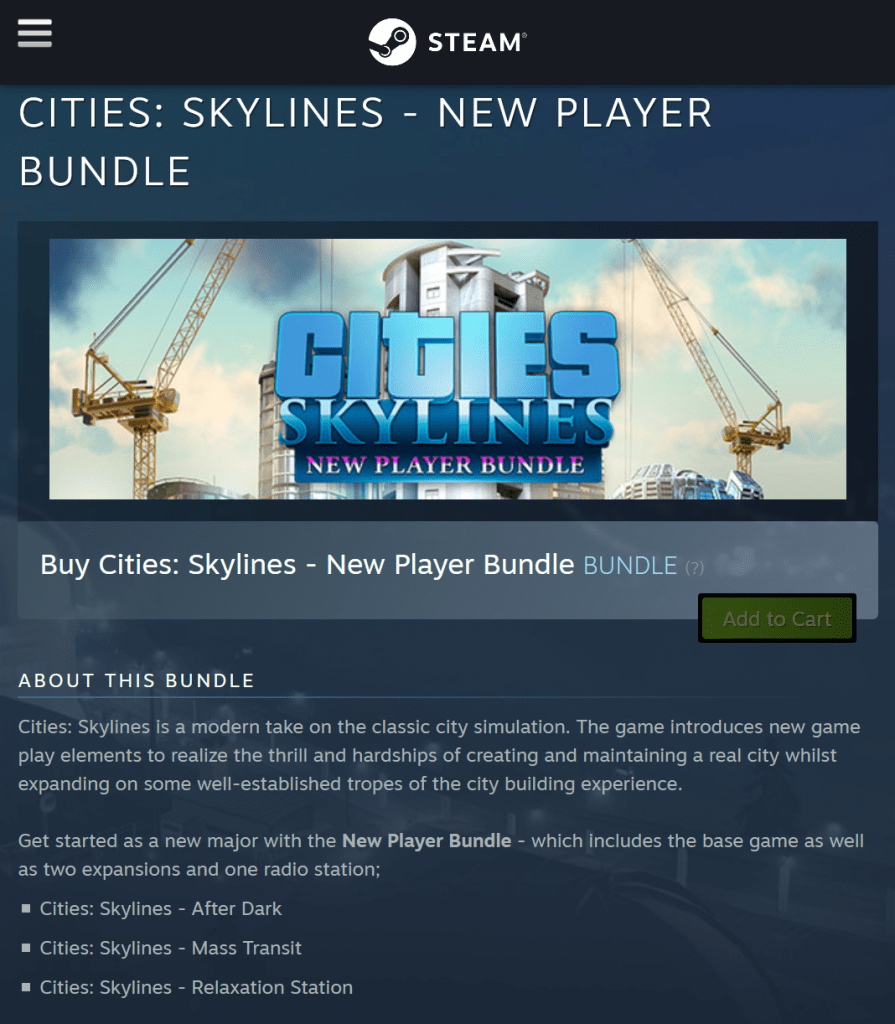
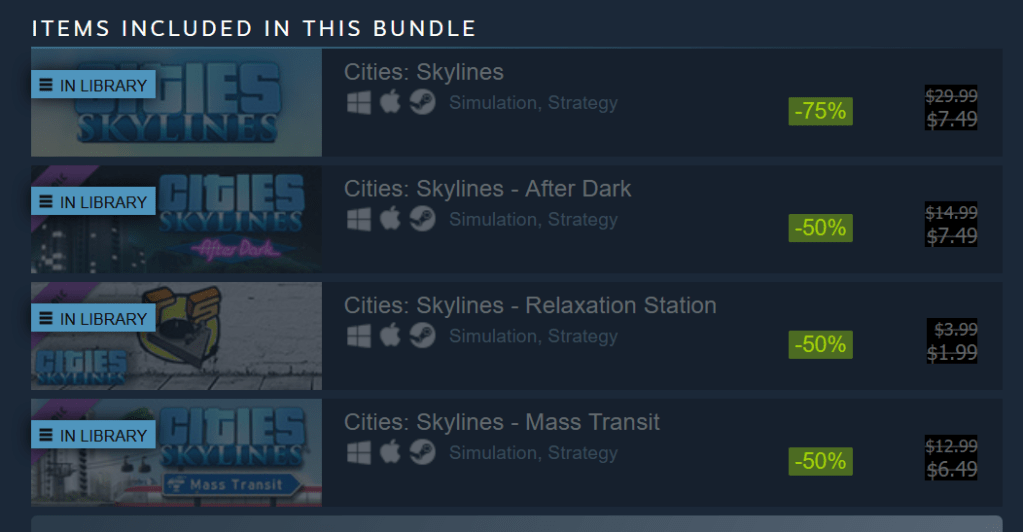
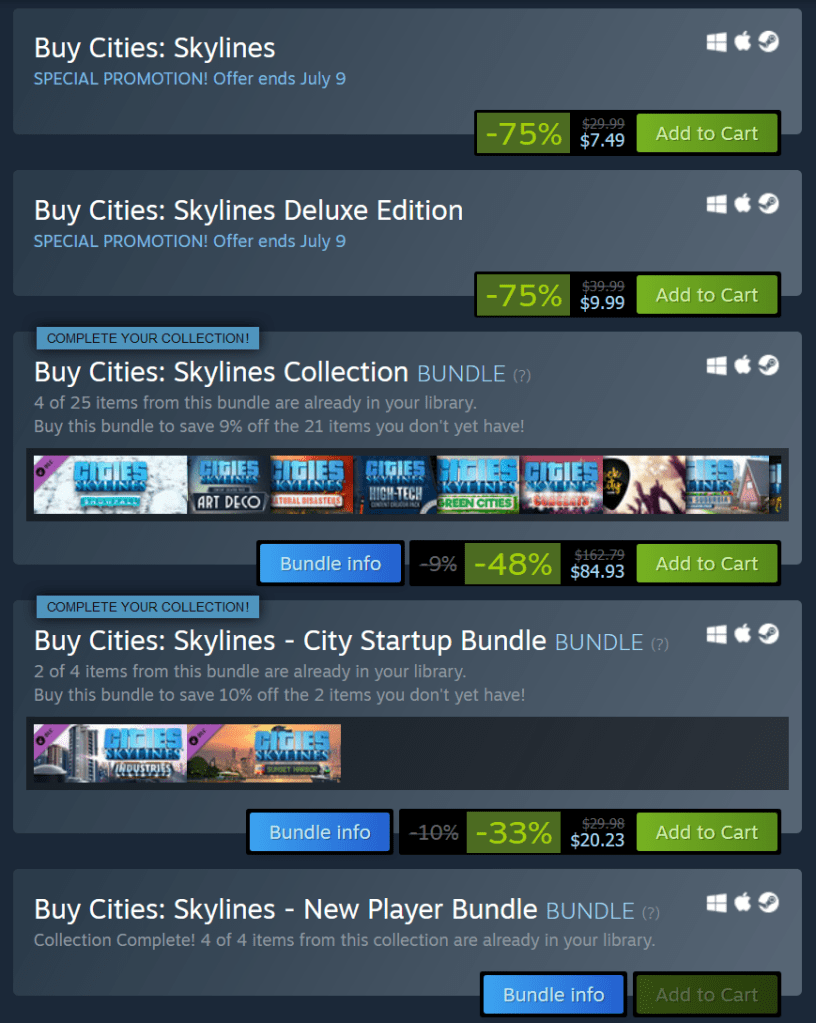
There are several bundles to choose from. The one I got is about $20.
To serve customers in these times, most organizations need to make Appointments. Various organizations that I’ve dealt with do this in different ways:
Umpqua bank, for example, has always had a large staff of helpful folks on phone banks, so they make appointments by phone. You call them ONCE and make an appointment at your local bank. However, if you have to change an appointment, then you need to call them back and they need to Skype the local branch to change the appointment. You get email confirmations of all the changes. Ok. Not the best, but Ok. One phone call that you make.
In this midst of this world wide tragedy and horror, I want to share a light spot that my daughter and I are sharing.
I want to share this in a way that is accessible and possibly inspiring for folks that have not played MMO video games before. Not to necessarily encourage you to take them up, but to show you a little of that world.
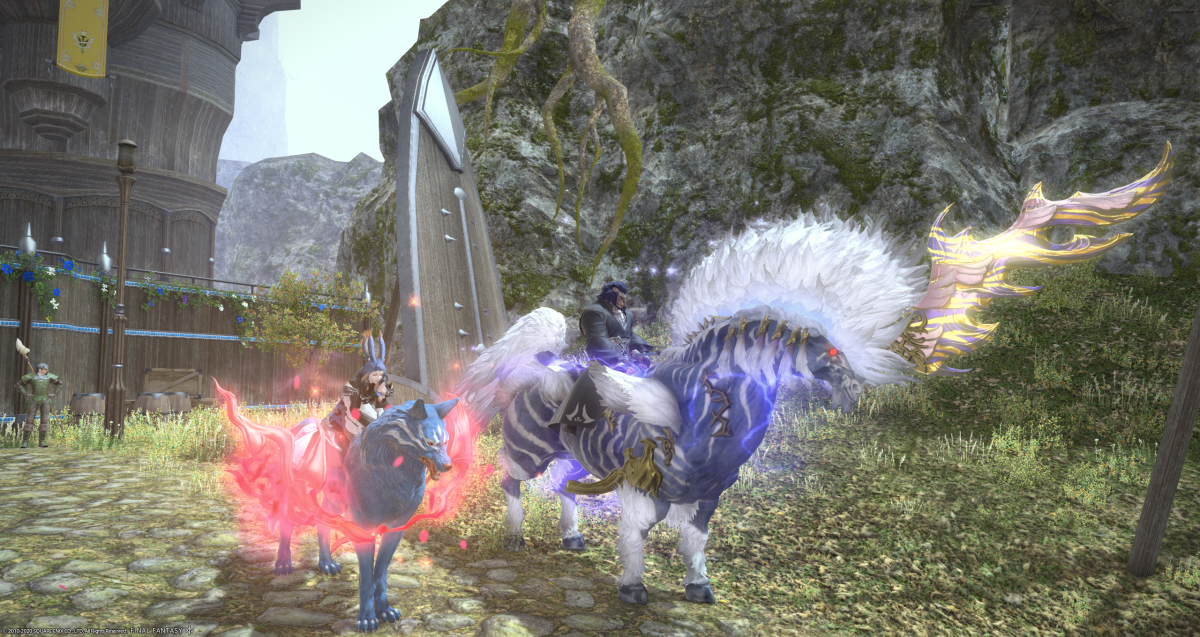
I have been playing video games for many years in my retirement and have shared these games with my daughter, who lives 500 miles away and who has a busy career. We have been playing various games together for some time – a few hours twice a week. But recently it has become more like 5 or 6 days a week. Our current adventures are in Eorzea playing Final Fantasy XIV. Above, you can see recent mounts we acquired in an event that is going on for the next few weeks.
UPS has done it again. Their shipping will take at least another day.
Tracking of a Small Newegg Package
I ordered a small package from Newegg – Two DRAM Modules. But rather than sending it USPS, Newegg sent it via UPS, which of course uses USPS for the “Last Mile”. Sooooo… UPS, in their infinite logistical wisdom drop the package off 6 hours from my house, by truck, and declares victory and says that the package will arrive today. Sure. Fat chance. You give the USPS 6 hours to get to my house and as the truck drives and don’t allow for any sorting? Have a clue, UPS. No freaking way.
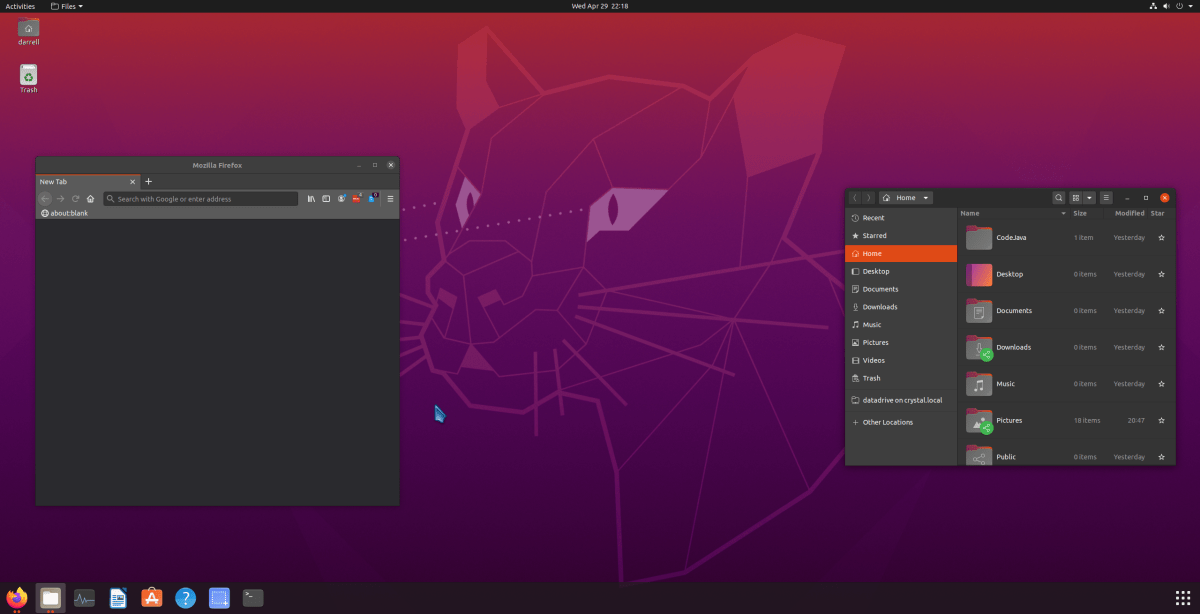
So, Ubuntu 20.04 just released, and there are a ton of Youtube videos reviewing it. After the debacle of file sharing between Linux Mint 19.3 and Windows, I decided to make a VM [Virtual Machine] with Ubuntu 20.04 to see if it had fixed the problem. The short answer is, alas, no. Guess Ubuntu will get the fix when it’s ready, and I’m sure the fix will be back ported to LM 19 when it releases.
Years ago, I used Ubuntu for a time, before Linux Mint came out. It was pretty clunky, but a lot less clunky than SUSE which is what I started with years ago. Things have come a long way. Of course, Mint is based on Ubuntu, but they are very different experiences. This is a diary of sorts of my experiences while I was testing the file sharing problem and setting up Ubuntu to my liking.
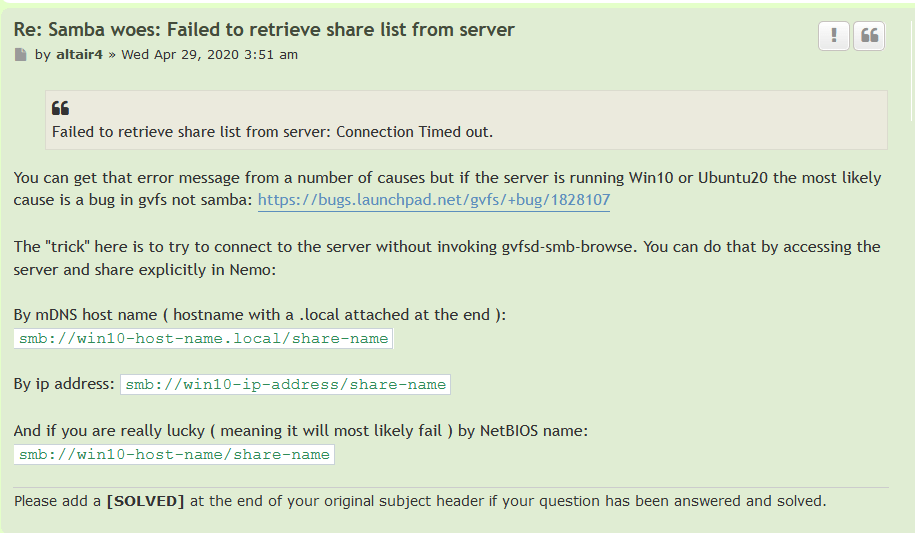
So, reaching a Windows File Share on Windows 10 from Linux Mint 19 has yet another problem. But there is a fix. My Post Here drew the attention of someone who had the answer.
The problem is that trying to reach a Windows 10 shared folder from a Linux Mint 19, or Ubuntu 20.04, system, causes an error:
“Failed to retrieve share list from server”
Here’s the workaround.
The Workaround
It’s pretty easy. And you can do two things.
When it asks for “credentials” mark them “remember forever” and store them in your keyring, so you never have to worry again.
And use “Bookmark” in the file browser to remember the share so you can easily go back there again the next time you need the Windows Share from Linux.
I was able to use the smb://win10-host-name.local/share-name fix.
I tried file sharing to Windows from Fedora 32, the latest, and it failed in the same way, and was fixed in the same way. So all the Linux distros apparently share the same samba gvfs code.
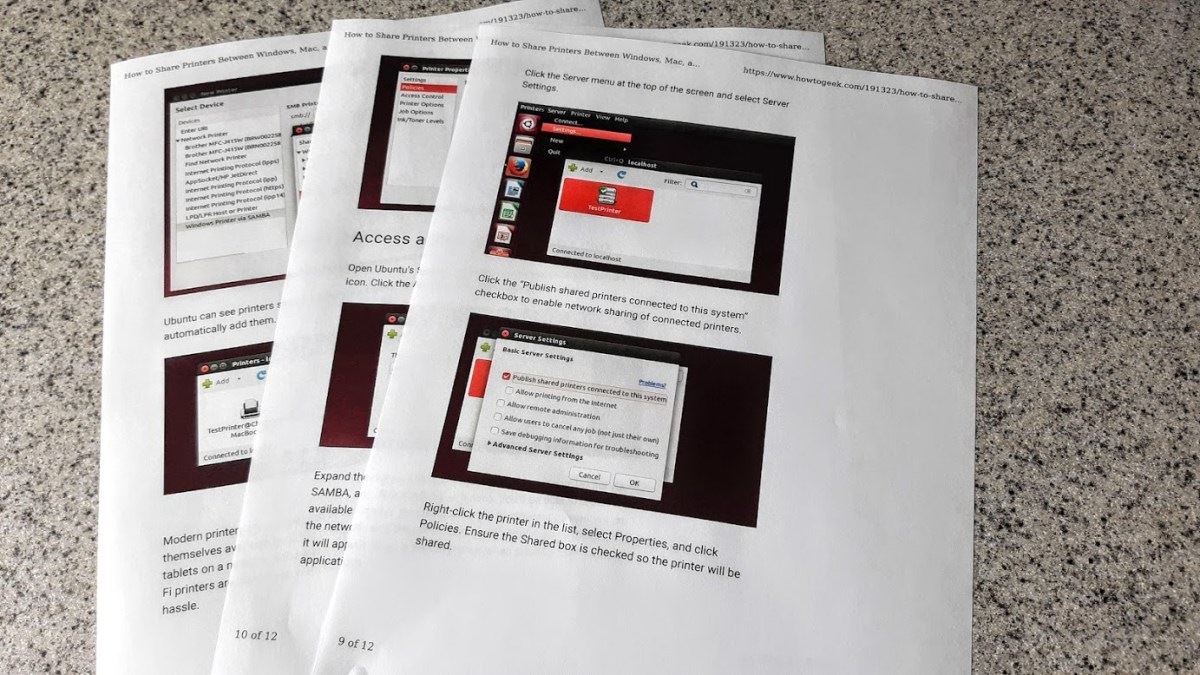
For a while now I’ve been wondering how to print from Linux running in a VirtualBox virtual machine to my local Windows Printer. Well it just works. Sort of.
I did what it says on this page and it did work. I thought I had tried this a while ago and never got it going. But there has been progress with Ubuntu / Linux Mint over the years and it looks like it works now.
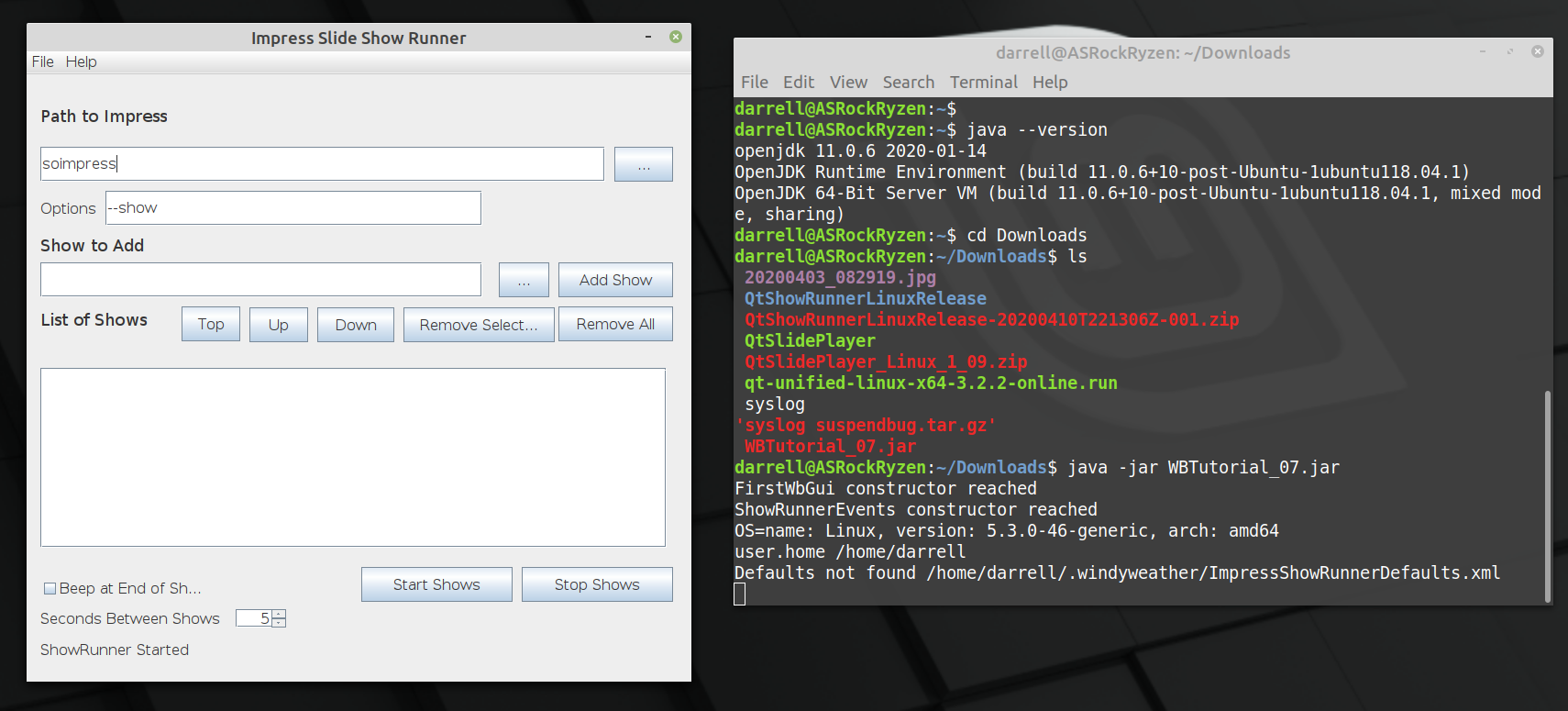
Well that wasn’t that hard. After looking at this page on Java layout managers [TLDR], and then this page on Group Layout again [TLDR]. I just jumped in and tried it out. And whadda you know. It’s not that bad. It’s a little glitchy. Not as smooth as the Qt Layout manager, but it works. Here’s what is working so far.
So the list and path strings resize. And this uses 14 pt type rather than 16 pt, so it’s a little more compact and probably won’t mess up on some screens like the larger font size did.
The program is distributed as a JAR file and requires Java SE 11 or later to run. OpenJDK 11 is built in to Linux Mint 19 and the normal windows SE release is currently Java 8. This will not work to run the program since it was developed for the JDK 11 version of Java. Actually. Let me get back to you on that. I have JDK 14 installed on the system I use to test on Windows 10. I need to sort out these Java version numbers and confirm that the program works on Java 8. Are Java JDK versions different from the RunTime environment versions? Let’s see.
Running the command line to launch the Impress program to show the slide show.
Finding out when the show is complete.
Clicking the mouse repeatedly so that the show ends when it finally reaches the black screen.
1 and 2 are pretty easy. In Qt there is a class that executes a command in another process. And you can wait on it or check to see if it is complete. We can’t wait of course since Impress just waits forever for a click on a black screen at the end. Soooo.
3 is not so easy on Qt. The solution differs by OS. On windows you need to call the Kernel to send events to be dispatched through the event handler. UINPUT calls. On Linux, the easiest solution I found was to launch the “xtodo click 1”command to perform a mouse click. The xtodo command is easily installed on Linux, but this is another step to make the program work. But the Java solution is much easier.







 Windy Weather