Displayport Connector vs Case Issue

While upgrading the KVM switch to Displayport, there were some problems with cables. After sending a cable back that didn’t work, the replacement finally arrived. The new cable didn’t seat properly into the GTX 1050 Card in the Cooler Master NS200 case either.

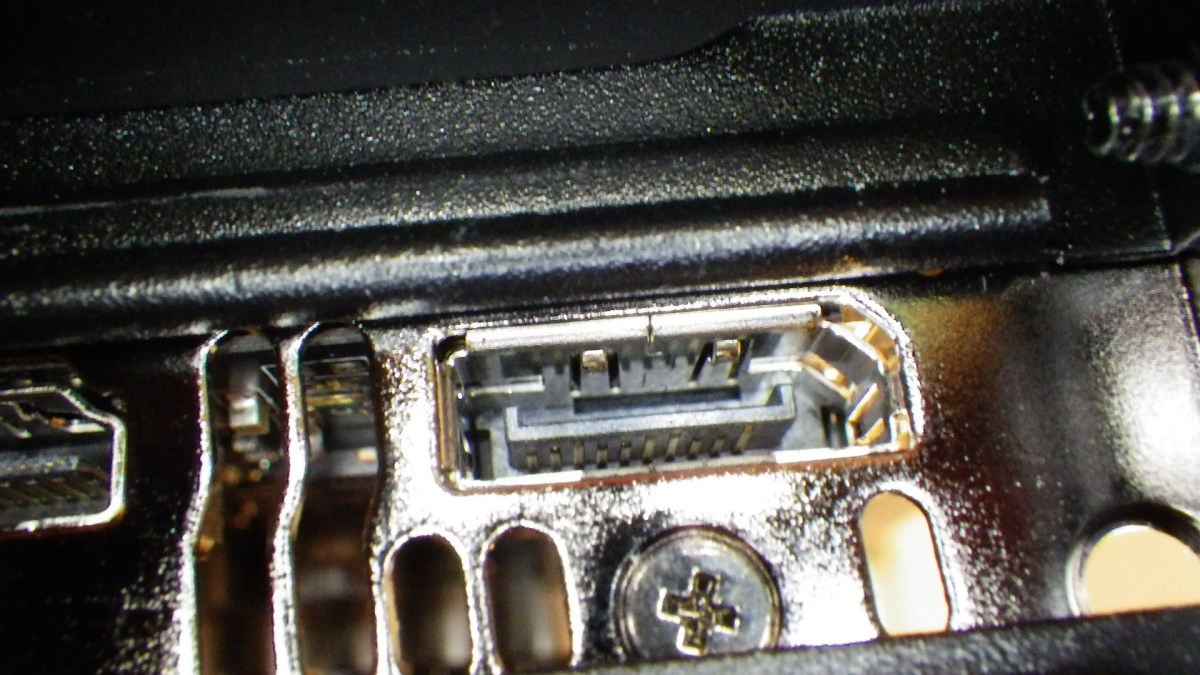
After looking at a cable that worked – 6 ft- and then at the cable needed – 10 ft – the issue was discovered. The case has a bump next to the card interface that interferes with one of the cables and not the other. The 6 ft cable is slightly flatter where the bump is and so clears it to seat properly into the graphics card.

The top left pictures shows the CM NS200 case detail next to the graphics card. The Mini-ITX card does not allow another position for the graphics card. The top left picture shows a Displayport connector that works. The bottom left shows the before and after – the two ends – of the cable that does not work. The right connector has been shaved with an Exacto knife to allow it to fit past the bump and seat properly. The bottom right picture shows a detail of the modification of the cable.

Looks like not every one agrees on the clearance required for displayport cables. So beware if you rig doesn’t work as expected.

:ww

Experiments in 4K

Ever the experimenter, I recently got a Samsung 40″ Class MU6300 4K UHD TV. As you can see from the price, I didn’t choose MSRP.  I was just checking what prices were doing on UHD TVs and came across a deal on a refurbished model at almost 50% off.

The first one arrived broken. But I didn’t despair . After calling Walmart customer service, they agreed to ship me another and emailed a return label for the broken one.

Apparently, the first one had been dropped before it was packed since it was in some serious bubble wrap and there was no mark on the box. Oh well. The pictures above were taken when it was plugged in and the damage was not evident when the TV was not plugged in.

Continue reading “Experiments in 4K”

Get Ready for 4K!

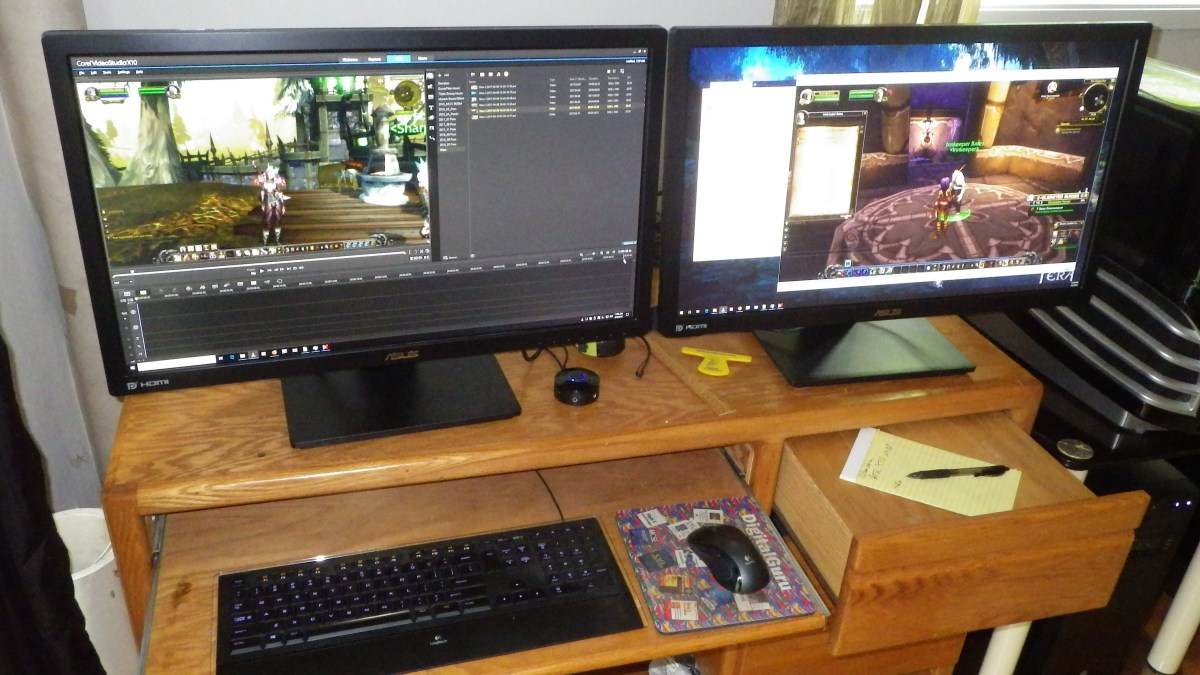
My main computer area has four computers, a KVM switch, and it has for a long time had a single 1080 monitor. Recently I was doing some video editing and moved the recently purchased 2K – 2560×1440 – monitor into that area and hooked it up with a separate cable.

There is the network backup machine – lower left – two Alienware cases – with modern Core i-7 upgrades, and a small Core i5 Linux Mint system. All the systems have SSD system drives of course with various large data / video HDs from Western Digital. And of course there is a 1 GBPS 8 port network hub.

The KVM switch is many years old and is DVI, not even HDMI. It has served well and faithfully, but it’s time for an upgrade.

Some research indicated that IOGear has recently come out with a 4K, Displayport, 2 Monitor KVM switch, so it’s time for an upgrade. This switch is $599 MSRP on the IOGear site, but it’s only $442 on Newegg. Hurray. Update: See below. It’s all working now.

Continue reading “Get Ready for 4K!”

Vizio P65 TV Glitches

About a year and a half ago I bought a Vizio P65 TV. The Model was C1 at that time. This model is apparently no longer available, apparently. The new model is E1 as shown here.

Just after a year, when the TV was out of warranty, two of the four HDMI ports failed. I paid about $400 for an out of warranty repair to replace the “Main Board” and the HDMI ports all work now. The repair required two folks, since the TV is very heavy and must be laid down on it’s face for a mainboard repair. Also the folks drove over 200 miles to reach my house, so I doubt if they broke even on the repair.

Now the TV is Rebooting

However, after this repair, about twice, or more, times per day, the TV seizes up and reboots.

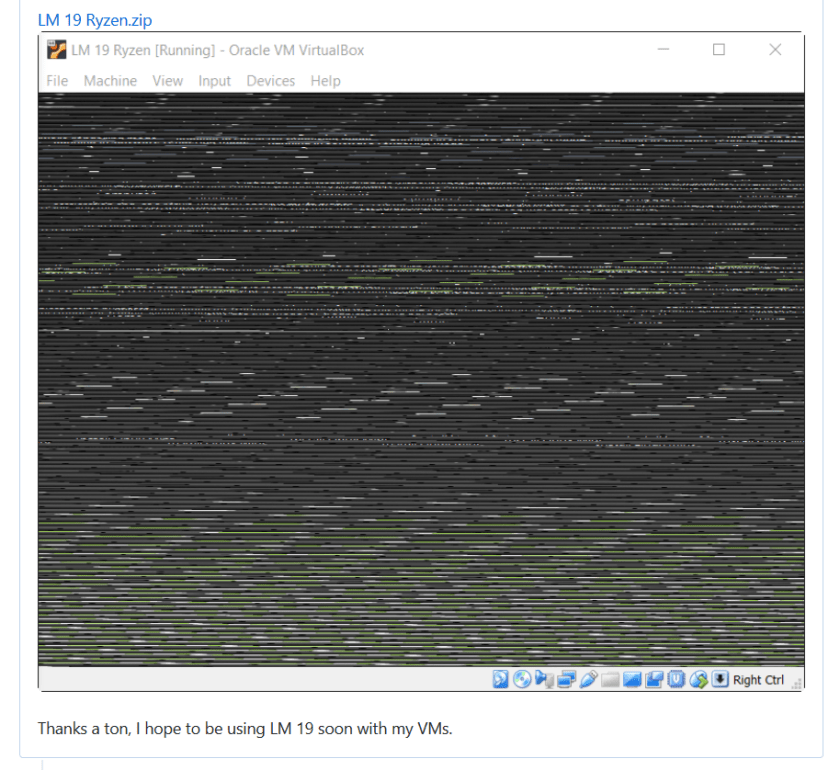
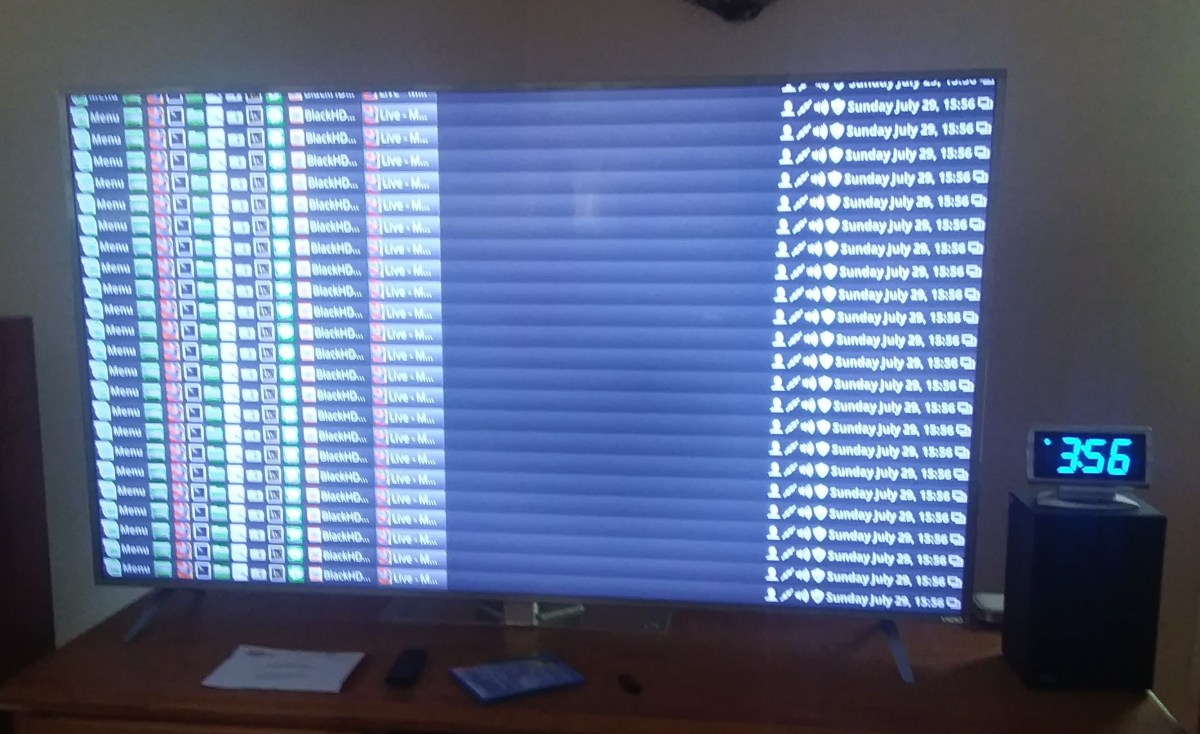
When it reboots, almost always, but not always, the restart process starts with the screen showing a repeating pattern of the lower few rows of the screen. Then after about 10 seconds, the TV restarts showing the Vizio brand chevron. This example happened while watching the Dish Hopper.

Continue reading “Vizio P65 TV Glitches”

Fixing Cabela’s Moccasins

A long time ago I got some Cabela’s Moccasin Duck Boots. These are great for here in Coastal Oregon, where the grass never dries. And they should be easy to slip on and off at the door. But the problem is that they never were easy to put on and take off. The Tongue of the shoes was turned in rather than out.

As you can see from these pictures, I’ve figured out how to re-string the laces to correct this issue. On the left is the original shoe and the right picture shows one repaired shoe.

Continue reading “Fixing Cabela’s Moccasins”

New Internet Service

A90_01769

Just switched to Spectrum 400mbps service. It’s great. 400 mbps down, 20 mbps up. And I hear a rumor that they are going to provide 1 Gbps service soon. My YouTube posts now complete in a reasonable time. Fibre comes to my street and the last 100 yards or so is coax. My service is about $70 / month for internet alone.

Check out your options here if Spectrum is in your area.

Not a paid endorsement, just a happy customer. The installation procedure is much more modern and up to date with Spectrum than with the local phone company, that is still operating with hand typed username / passwords to configure DSL modem. The Spectrum modem configure operation was a photo shot of the bar codes on the router into the installer’s mobile phone with their special app, and away we go in seconds. The local phone company has no plans for faster service, in spite of the fact that my house is only a little farther away from their fibre head end box.

Continue reading “New Internet Service”

Logging Your Public IP Address

I’ve recently had problems with my internet service. My DSL router is apparently re-syncing causing my public IP address to change. Apparently my ISP uses PPOE rather than DHCP, and apparently PPOE does not allow “Reservations”, which allows a client computer to use the same IP address if it reconnects within a given amount of time. Your home router uses DHCP, which does do reservations, so your computers LAN IP address does not change if the computer connects every 24 hours, which I understand is the default “Reservation” time.

Re-synching is not only a problem because the internet is out for a short amount of time, but also because the IP address change causes some games to require that you “Verify” your IP address by reporting a code that is sent to your email account. This is obviously an issue if the Re-Sync happens several times per day.

After quite a bit of research I found a windows service that logs the Public IP address to the Windows Event log every 15 minutes. I run one of my windows systems all the time, since it’s running Carbonite, so this system will run the PublicIpLogger program.

If you want to use the program, it’s on GitHub here. This is the forum post that mentions this program.

From Github, download the setup.exe file and run it. Then you can enter “view event log” into Cortana and you should see a choice to run the windows event viewer. The program logs your public IP address to the event log every 15 minutes.


As shown, under Application and Service Logs, find the PublicIpLogger events and there are a number of events that show the Public IP address, whether they have changed or not.

Enjoy,

:ww


Why Use a Password Manager?

Why should you use a password manager? Well, here’s a reason.

So your password can’t be cracked.

and

So you can easily use a different password for every site.

If one site is hacked, then the bad guys will try your email and password at lots of other sites just to see if they get a hit. Same password on different sites? Bad idea.

Let’s look at the math of password cracking.

There are about 3000 common words in English, and most other languages.

Crys_00195.png

So if you pick, for example, an easily remembered password containing two words, with initial capital letters, and then follow those two words by three numbers, you get:

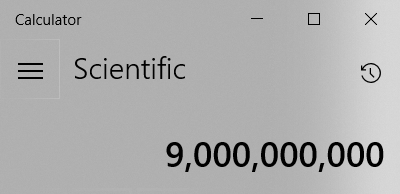
3000*3000*1000 possible passwords or:

Crys_00196.png

Sounds like a big number, right? Not really.  Not only can modern graphics cards whiz through these in a few hours, but if the website where passwords were stolen did not use a different “Salt” for every password hash, then they can “pre-make” a list of the hashes and then look for matches in much less time. Instantly.  It’s just a look in a table rather than a search with billions of calculations. Does the site where you last typed in your credit card “salt” their hashes? Salting is adding some gobbly gook to your password before they hash it. And the gobbly gook is different for every customer. Yep. Keeping track of passwords is that complicated. I’m not going to cover it all here. Just saying, it’s a complicated business and many companies short cut the process, or don’t use modern security methods to keep track of passwords.

Secure Passwords and Password Managers

Continue reading “Why Use a Password Manager?”

Marantz – The Real Issue

Crys_00100I think I’ve found the issue. EDID.

The EDID or Extended Display Identification Data is a packet of information sent from a monitor or TV to the source of the video and tells the source what types of video the display can process.

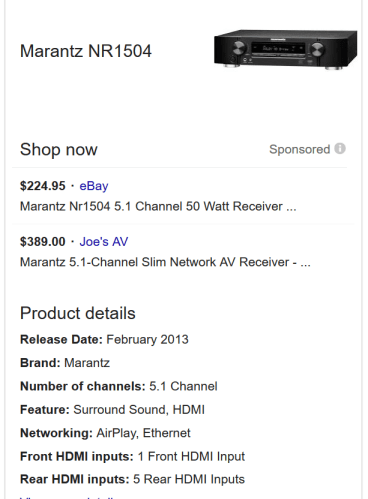
Imagine for a moment that we have a receiver from 2013 – pre 4K – that contains an HDMI switch. Now imagine that one buys almost any TV today – almost all of them support 4K. Now imagine that one purchases something that produces video – BluRay player, XBox Console, Playstation, even a modern set top box. Most of these support 4K video.

So what happens if the EDID from the 4K TV passes unchanged through the NR1504 from 2013 to the video source that can produce 4K? Well the source happily produces 4K video and the NR1504 cannot pass it. Black screen? Apparently.

Was the Marantz 1504 never modifying the EDID? Or did it just start not modifying the EDID? Or did the Linux computer get a new driver that was willing to produce 4K video?

I hooked up an HD monitor to the NR1504 and hooked the Linux box back up to the Media input and voila. Everything works fine, of course.

It seems clear that in this world of ubiquitous 4K sources and displays, the Marantz NR1504 needs to be modifying the EDID or producing one of it’s own to continue to work.

I’ve used the display settings in Linux to use HD only and that works fine with the TV, but when I plugged it back into the NR1504 it still didn’t work. Oh well. Time for a new Receiver that gets 4K. But at least I can use the Linux system by plugging it directly into the TV and setting it to HD.

:ww