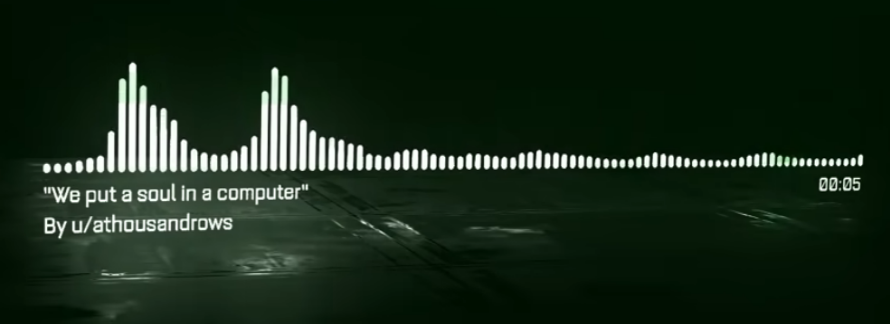
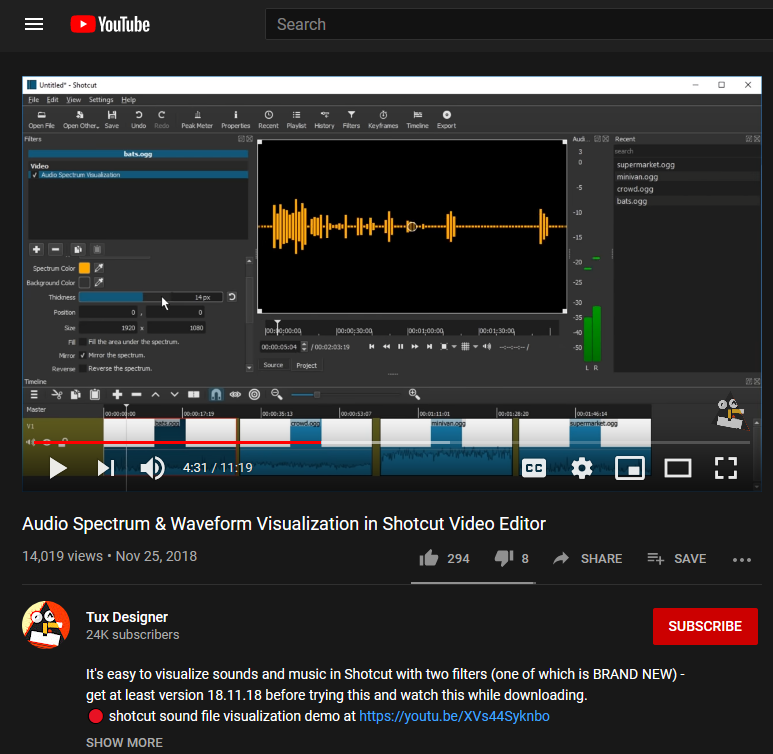

I would like to find a free audio spectrum analyzer for Corel Video Studio video editor.
Audio Spectrum & Waveform Visualization in Shotcut Video Editor

I would like to find a free audio spectrum analyzer for Corel Video Studio video editor.
Audio Spectrum & Waveform Visualization in Shotcut Video Editor
Your Internet Service Provider [ISP] is watching everywhere you go on the internet. They are harvesting that information and selling it to the highest bidder. The easiest way for them to do this is to watch the DNS – Domain Name Service – requests coming from your network. DNS is the Internet Phone Book and every time you visit a website, or play a video or anything – from your phone over WiFi or from your computer, your computer or phone looks up the IP address – a number – based on the Domain Name – a text string. And DNS is the protocol that does this. Normal DNS is completely in the clear. That is, it is not “Encrypted” in any way. Once you reach a website, to purchase something or look at your Facebook page or whatever, almost all sites are “Encrypted” so that nobody can eavesdrop on what you are doing. This all happened a few years ago after folks were sniffing everyone’s Facebook pages in coffee shops and libraries. But I digress.
DNS has only just recently been fixed. And up until now, and until you fix your network, as I outline below, your ISP is sniffing all your DNS requests, because they can. This means they know everyplace you go on the network.
Post backdated by one year to keep off the Front Page.
ThermalTake Armor 30/ Intel Core i5-4570S System For Sale


Linux Mint comes with LibreOffice and has many other office / business apps available. Most free of charge.
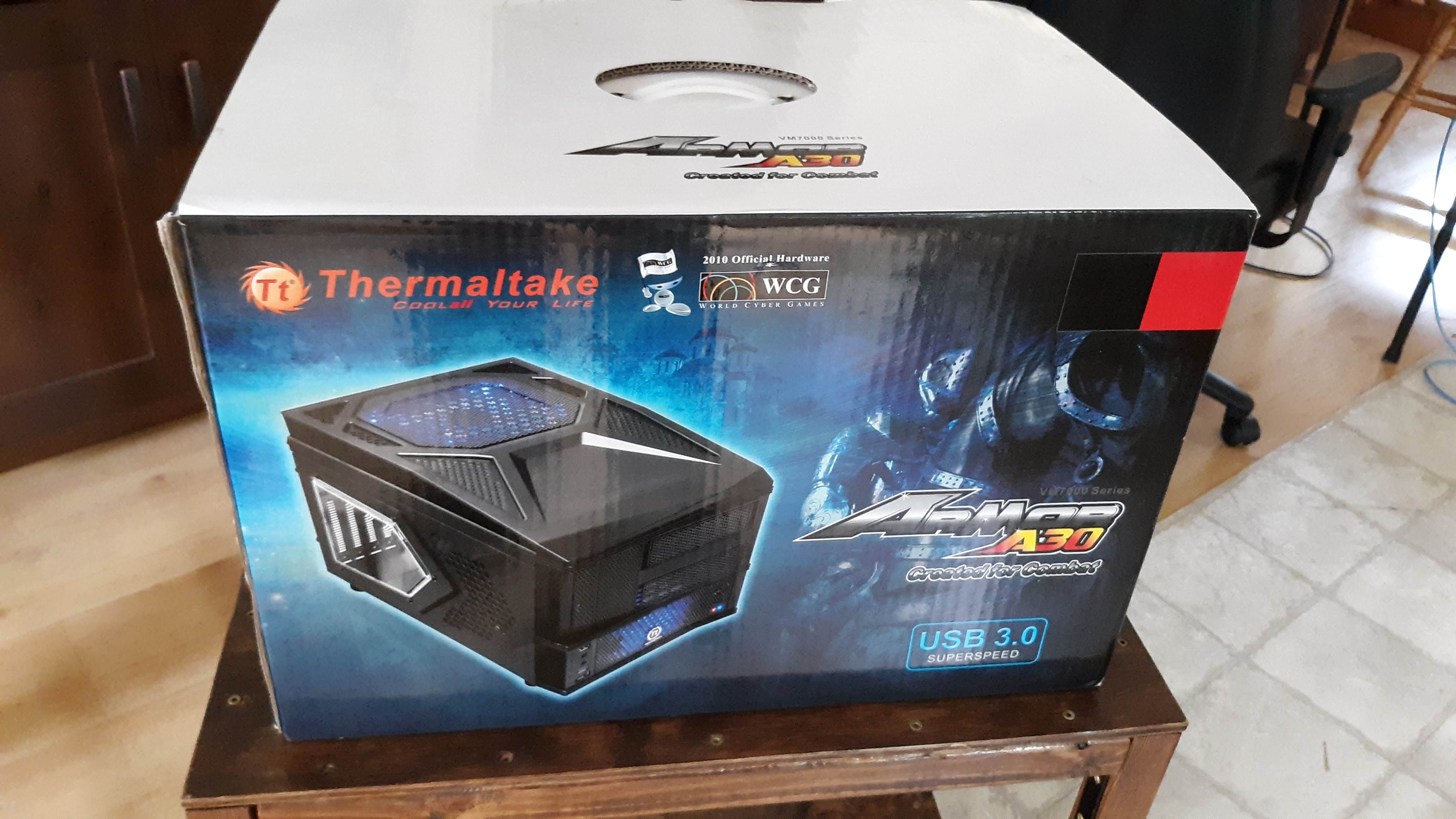
This page is linked from the Craigslist Ad for additional information.
I just saw a review for the new Alienware Aurora R8 and I was shocked. This is a premium system. At least it has a Premium Price and is touted as having Premium Specs. Here’s the review.
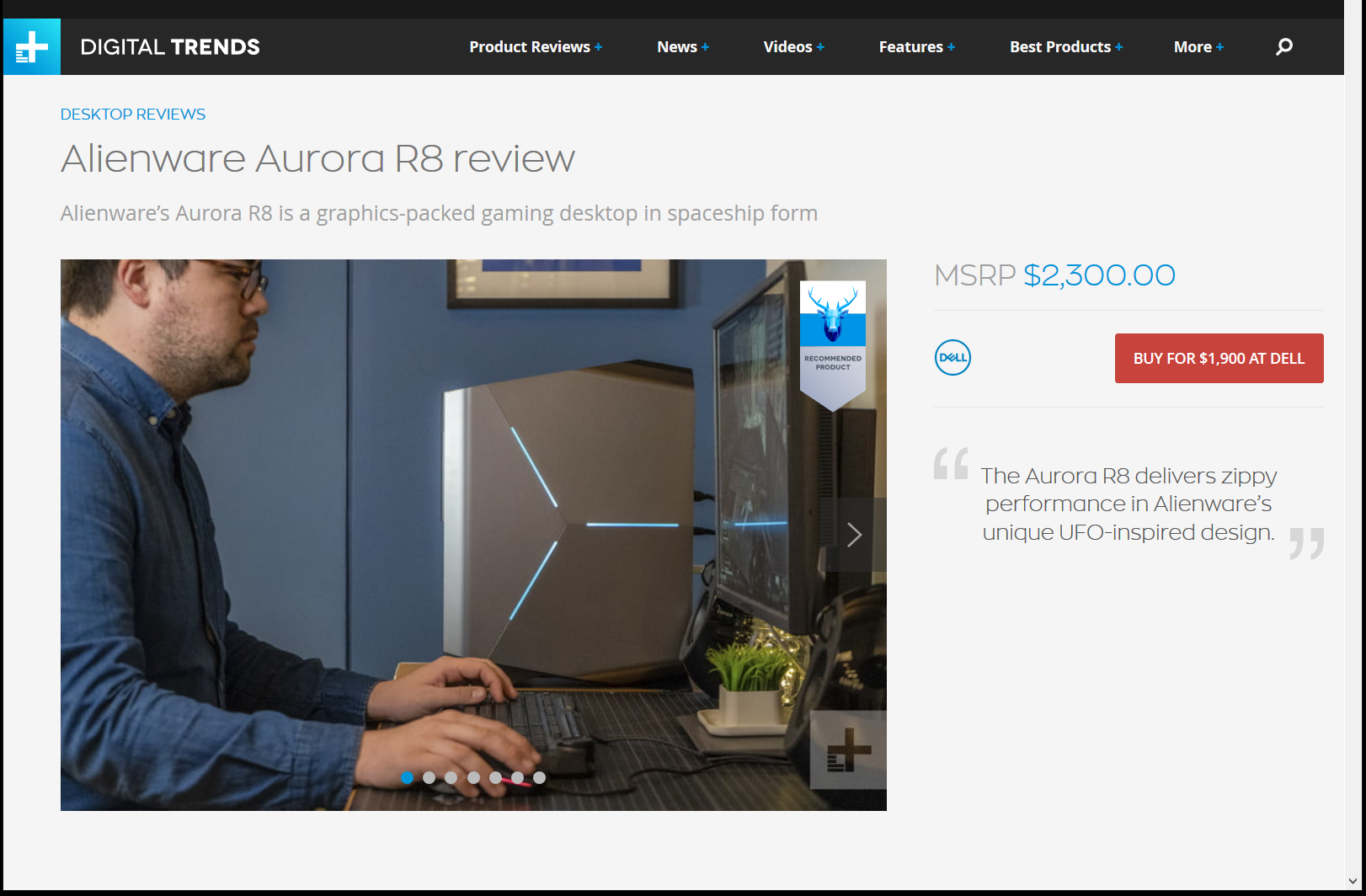
Ok. So it’s a mid tower case. Not just a square box, but not like the Alienware Designs of Old to be sure. This case has as few angles as possible, and still have anything but 90 degree angles. Not very exciting. Slightly Trapaziod on some sort of “Stand”.
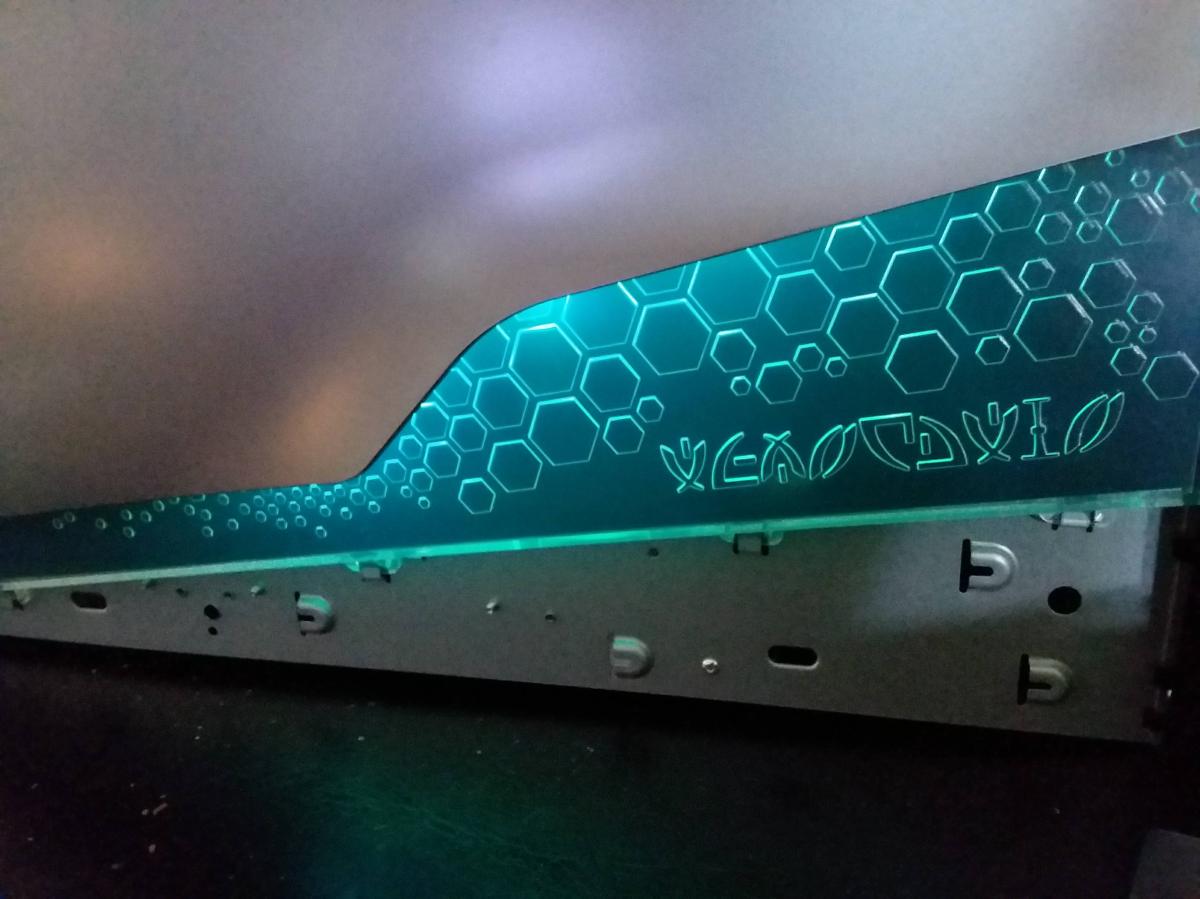
But things have changed out there since 10 years ago when it was ok to not powder coat your case metal. Everyone is coating “Premium Cases” in black these days. But look at the back of the new Alienware Case!
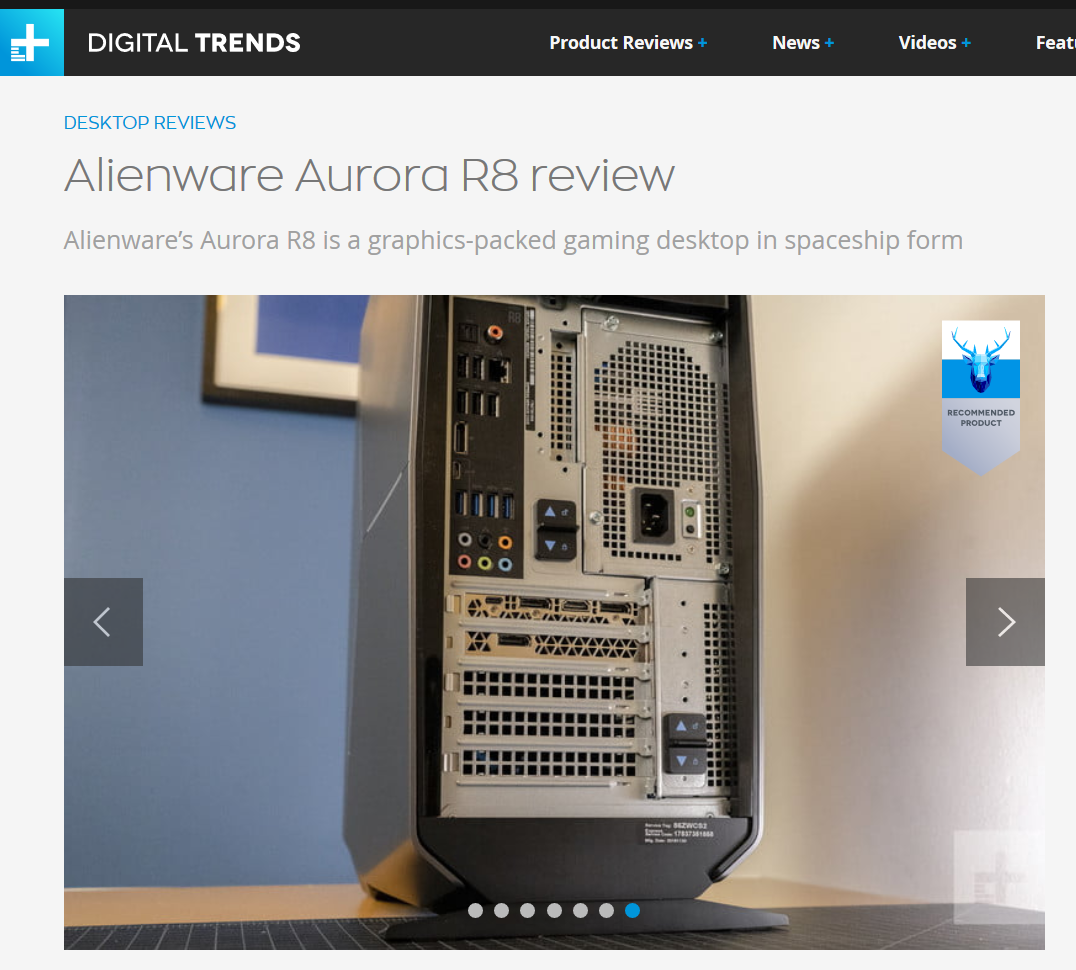
Cheap Tin is no longer a Thing DELL. Get with it. Your metal should be powder coated BLACK not just galvanized Tin. Or bare Aluminum? A while back I built a new computer using a Glass case and it cost about $1000 less than this new thing from Alienware. All the parts of the case were coated black. That build cost about $1400 with a nice graphics card, a sweet processor and a nice lit up motherboard and lit up RAM modules. There is no way to show off the interior of this Aurora R8 case since the power supply is folded over the motherboard, which makes the case fatter of course.
But, they can’t even powder coat what shows in the back? Sigh. Why have a black motherboard connection surround if you are going to leave bare metal all around it?
Looks like Alienware is just a meaningless name now. A Brand without Distinction of any kind. Nice going Dell.
:ww
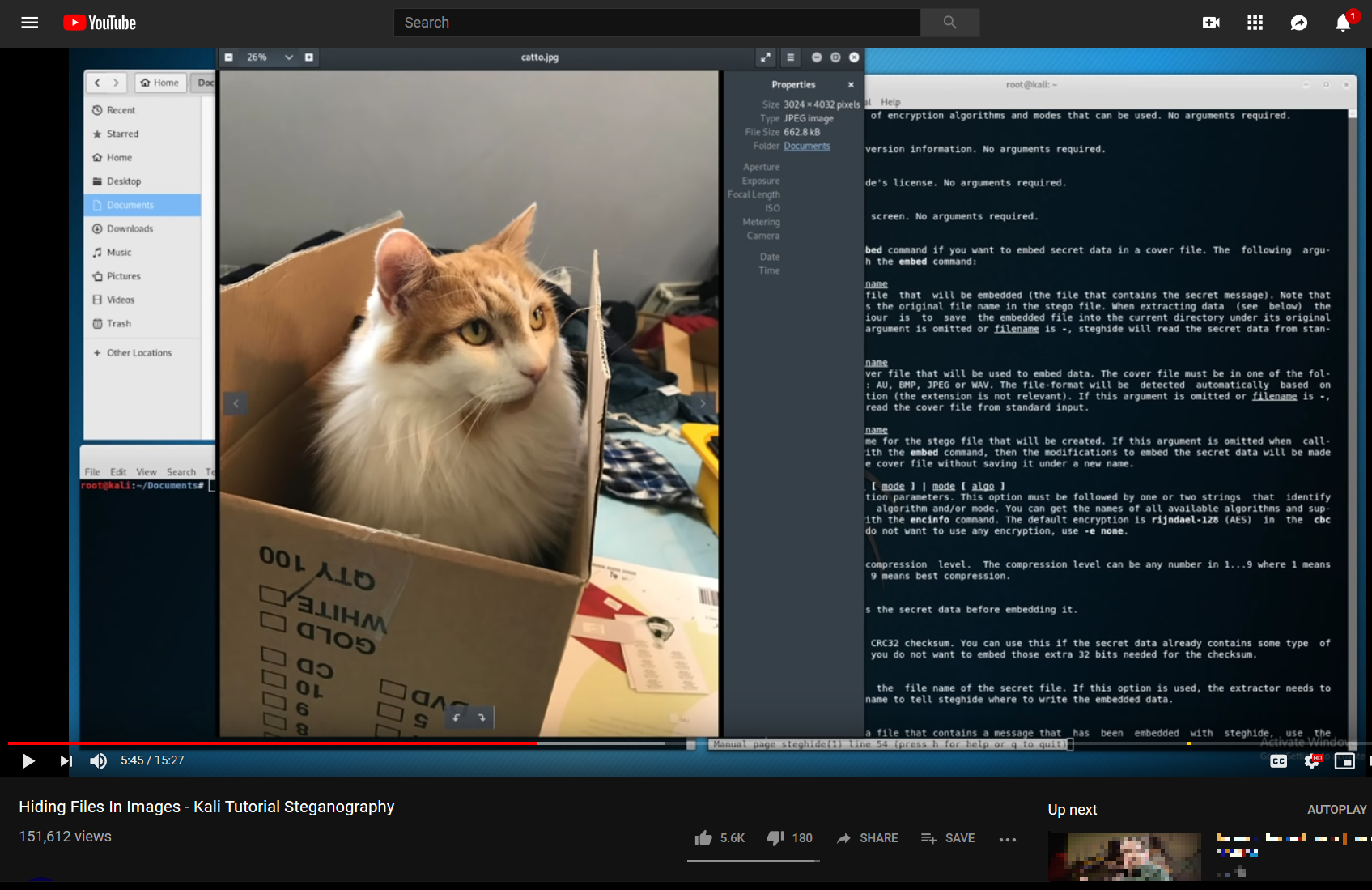
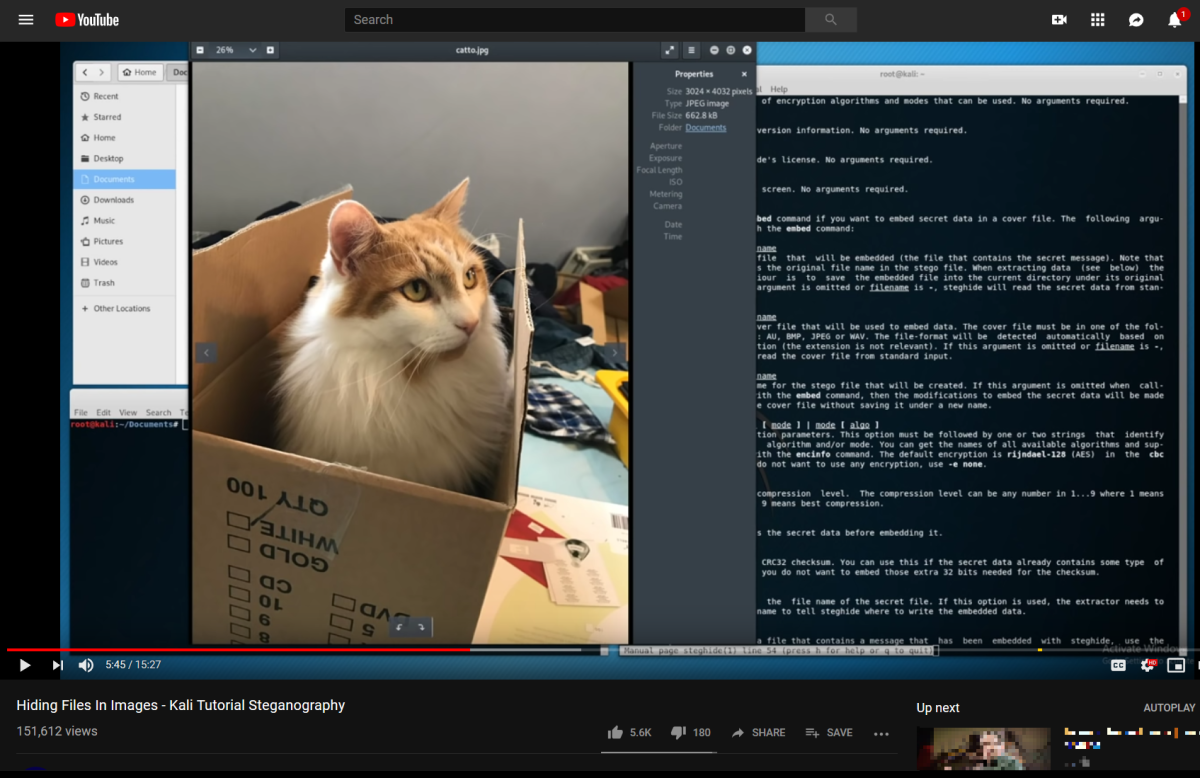
I’ve known about Stenganography for some time. And no, it’s not spelled wrong. That’s not Stenography, but Steganography. Two different things. I’ve been thinking recently about all the news items that are talking about privacy erosion and governments around the world passing or about to pass laws to break into your private messages of any kind. And then the above video popped up in my Youtube suggestions. From 2 Feb 2019 no less. Quite Recent. I’ll provide a link at the end of this post, but it’s not the main point of the video. I’m going to take that primitive program’s idea and show how it can be extended, a lot. I’m saying primitive and if you don’t believe that, watch the video. Sigh.
Steganography is:
Steganography (/ˌstɛɡəˈnɒɡrəfi/ (
listen) STEG-ə-NOG-rə-fee) is the practice of concealing a file, message, image, or video within another file, message, image, or video. The word steganography combines the Greek words steganos (στεγανός), meaning “covered, concealed, or protected”, and graphein (γράφειν) meaning “writing”.
I’m not mentioning anything the NSA does not know, but apparently the lawmakers around the world have not called in an expert who has mentioned the science of Steganography to them in their hearings for their new lawmaking regarding Privacy.
Let’s look at what’s happening to Privacy / Encryption around the world.


The lighting retrofit on the Alienware Aurora R2 is done. It was a nightmare. I’m not going to do a “How To” post. I’ll show pictures and describe the results. I am not suggesting that you do this, but if you want to, and you have a tremendous amount of courage and fortitude then have at it. You have been warned, or are about to be. I’ll show items I used to do this.


Started to make progress on Aurora lighting. Here are the side lights.
Here are the front lights without the face.


The lighting is a USB powered LED RGB non-animated lighting chain. This is the usual type of LED lighting that is stuck on the back of a TV for ambient lighting. I’ll post more details as I finish. The Aurora case is a nightmare to take apart, especially the right panel.
More later.
:ww


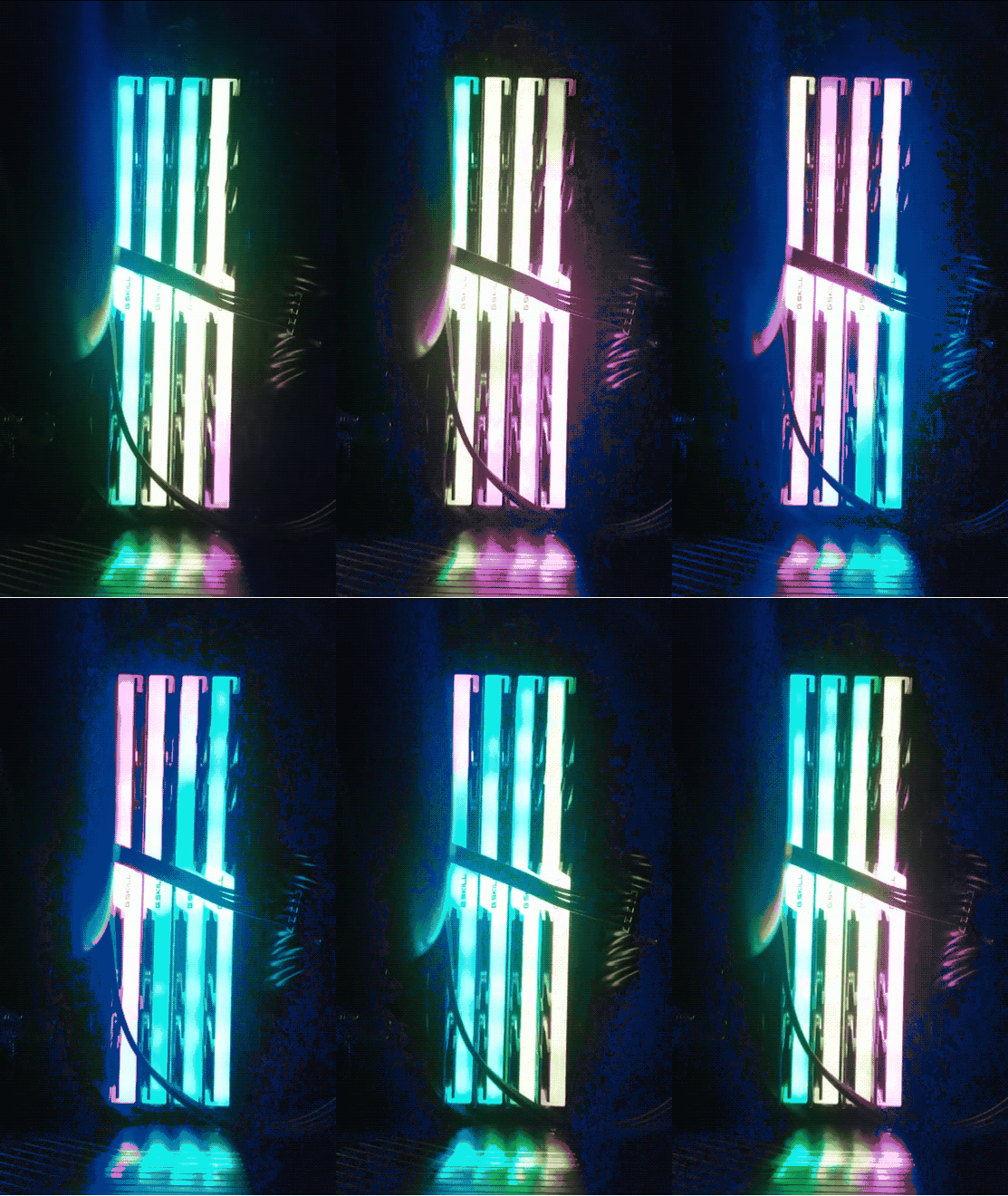
My recent builds have used G.Skill DRAM, which has neat RGB lighting. Out of the box the LEDs are animated and bob and weave the colors across the DRAMs. Very nice.
There is an App that allows control of the lighting and it has hundreds of options to control the colors and patterns of the DRAM sticks.
However, if you install the app and set the patterns, they are not permanent. If you sleep or restart the computer the lighting comes up dark. Actually, during the reboot or restart from sleep, the lighting is restored, but then it looks as if the driver turns the lighting off as the machine finishes coming up. So the app is useless unless you want to run it every time you boot or come out of sleep.
Thankfully, removing the app and rebooting puts the DRAM back into its initial lit and animated state.
I have tried to post a question in the forum, but the barriers to entry to the forums are too high. Someday they will get back to me about my sign-up on the forums and allow me to post. Everyone else uses automated Anti-Spam, but these folks do it manually so forget it. Looks like if you want your DRAM lights on, just don’t use their app.
Here’s a gif of part of the default animation:
:ww
I’m sick of not having lighting for my Alienware Area-51 and Alienware Aurora cases. They work part of the time but can’t be easily controlled. The lighting is Proprietary and out of date. Alienware and later DELL made no effort to support the lighting with Windows 10 or Linux. These are what the two cases look like with lighting on:


That is the Area 51 circa 2006 with blue lighting in the vents and Alien Heads on sides and front. The Front Alien head is the power button.


And that’s the Alien Aurora R2 in Blue and Red lighting. The Front Alien Head opens the access door for the media drives. The power button is a hidden button behind the head on the top of the case.
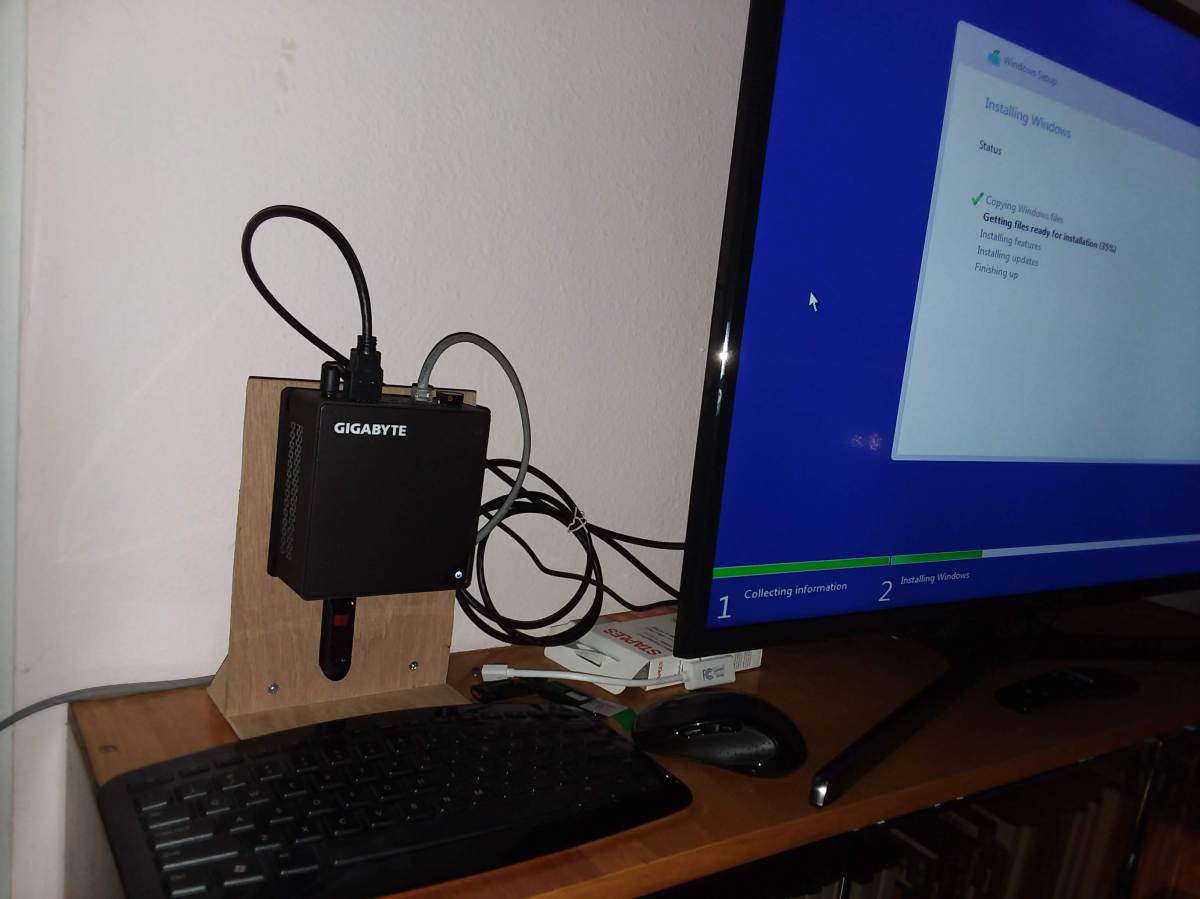
I’ve had a Gigabyte Brix GB-BKi5HA-7200 for a while now.
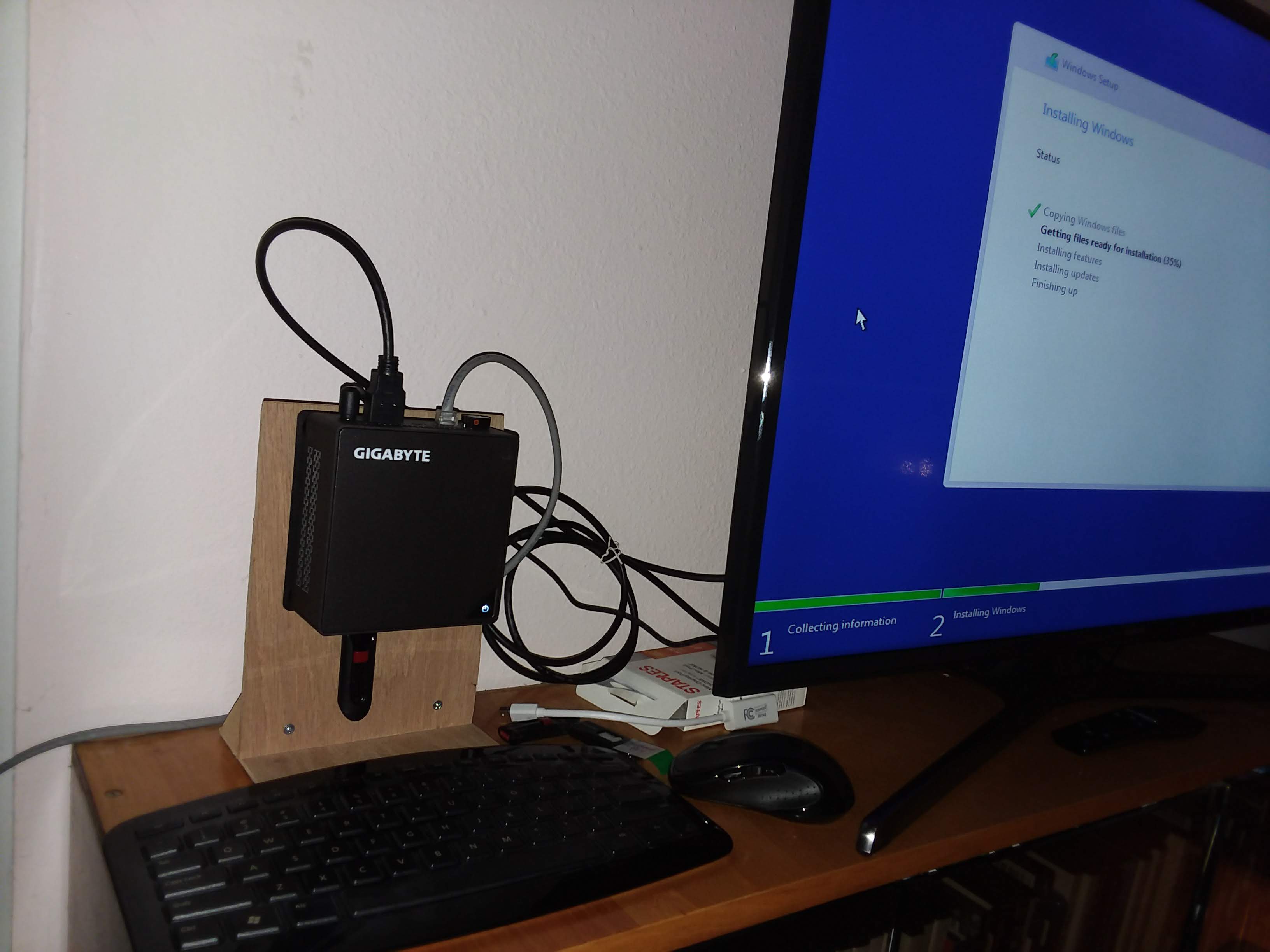
This is about the 3rd Mini system that I’ve had. Maybe fourth if you include one that I built from parts. This one has:
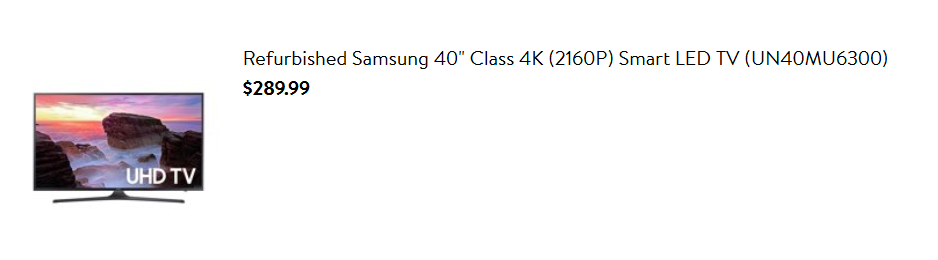
It was running Linux Mint 18 and recently Linux Mint 19. And this was working fine, except recently I upgraded the monitor to a Samsung 40″ 4K TV – UN40MU6300FXZA. I found the Refurbished TV for about $290 for sale by Walmart a couple of months ago. This is quite a good price for this Samsung 6300 level TV.
Since I use this mini system to display photos and game screen shots a large high-rez display is just the thing. However, Linux Mint has never supported the display correctly.


As you can see, when in 4K [3840×2160], the display is sliced up and repeated across the screen. It works fine in 1920×1080 mode on Linux. From all the reading of the processor and TV specs, it looked like it should work fine and when I use a long HDMI cable to plug the TV into a Windows 10 system with a GTX 1060 card, it works fine too in 4K.
I am using a pair of 2K monitors through a IOGear Displayport switch and Linux Mint works just fine with that using a GTX 1050 card, which has DisplayPort output.
After spending a couple of days on various forums trying to understand and fix the problem on the BRIX with no luck, I had the bright idea of just trying Windows 10 directly on the system. So I made a Windows 10 install Thumb drive, removed the M.2 Sata, to avoid messing up the Linux Install with Windows 10, and installed Windows 10 on the 60GB SATA SSD. Worked like a charm and brought the monitor right up in 4K without problems.



 Windy Weather