Couldn’t be bothered to back this up by a year to hide it.
Virtual Box on Windows Host, running a Linux Mint 20 Client.
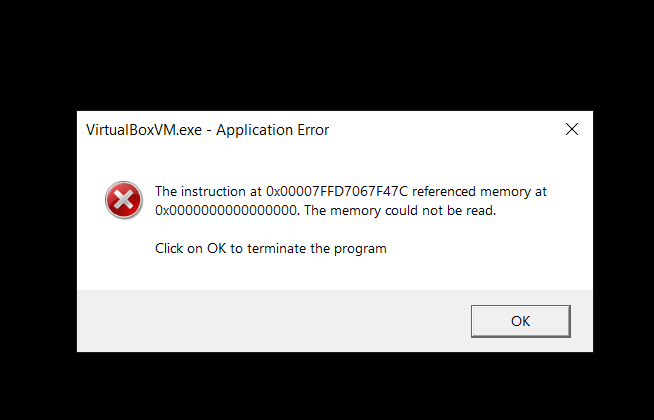
When rebooting the Linux Mint client, this always happens. It only happens when you “RESTART”. Shutting down with “SHUTDOWN” works correctly, oddly enough.
Today, I’d played FFXIV through the morning and just finished a 1/2 hour dungeon run – nothing special or stressful. And as I finished that and it suddenly stopped working. Just rebooted out of no where. No blue screen. Just a reboot. Boot loop. I tried to trigger a repair but looks like windows has removed “Safe Mode” boot. But after booting a couple of times, it displayed a message that it was attempting to “repair and restart”, but it just kept rebooting.
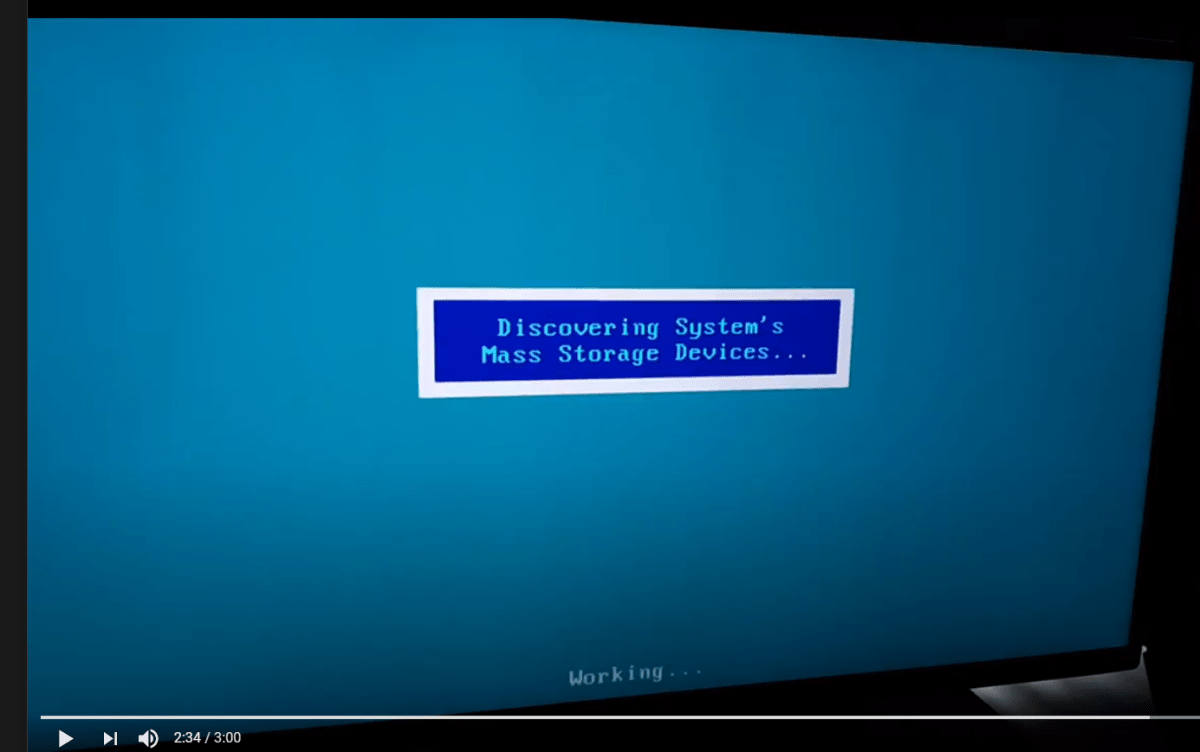
I assumed at this point that the SSD was bad, or so worn out that it was causing the error. So I tried SpinRite, a HD diagnostic that I have which boots into DOS from a DVD. No go. That booted, but then just looped forever with the message “Discovering Systems Mass Storage Devices…”.
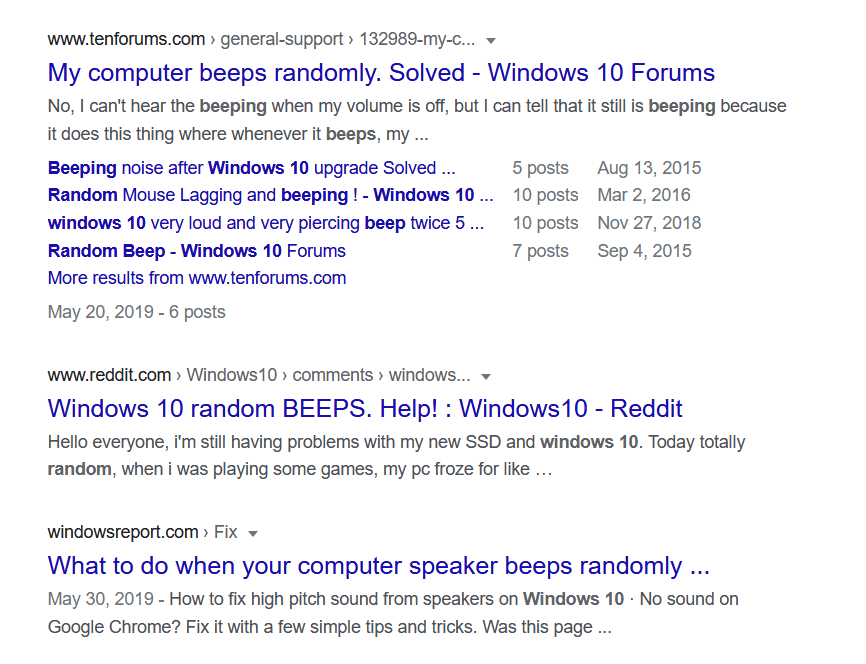
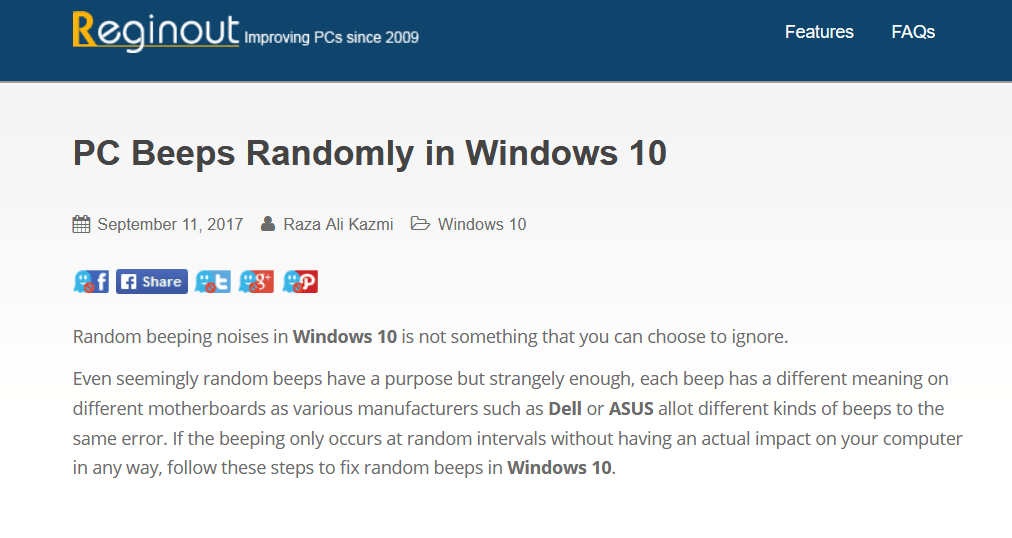
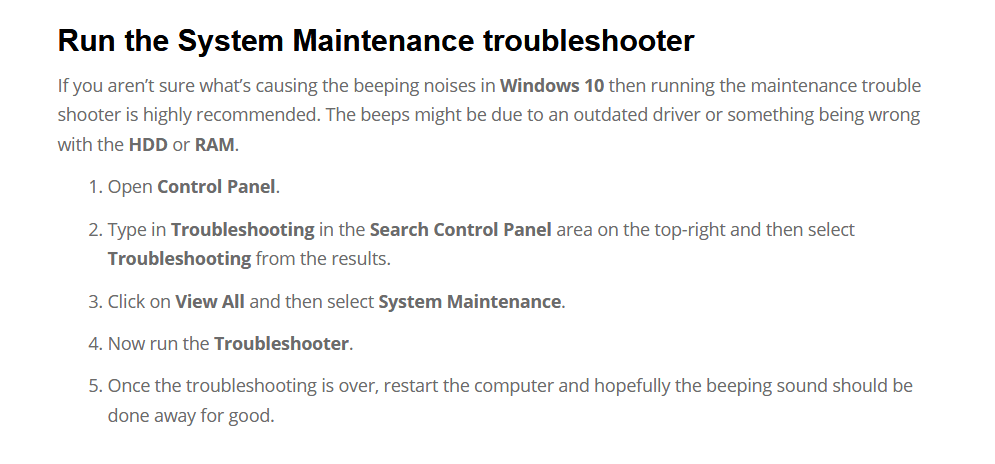
For the past few weeks I’ve noticed Windows 10 beeping at random times. These beeps don’t seem to be correlated with anything I’m doing. I finally did a google search. It turns out that this has been a thing for quite some time.
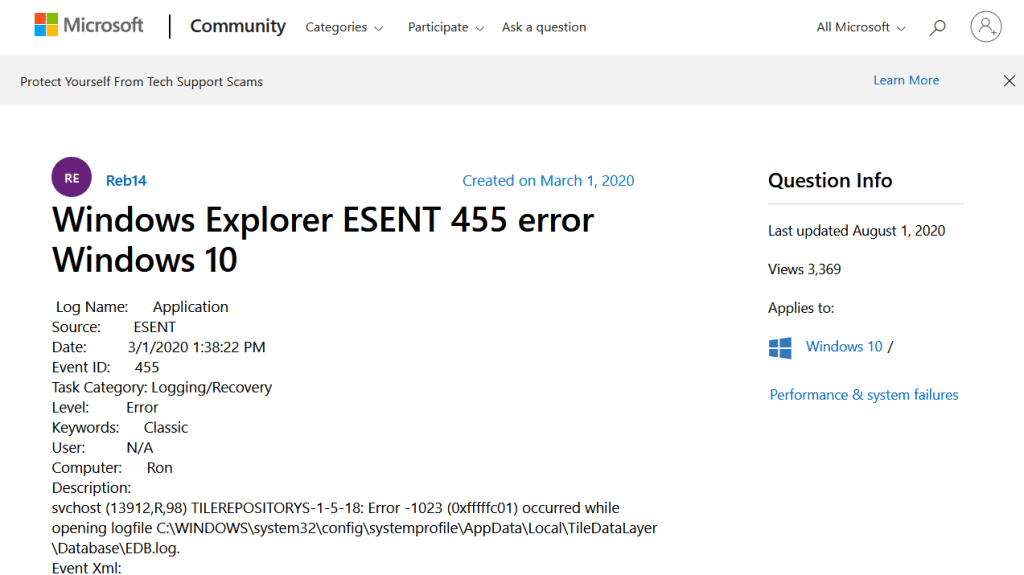
I could not get the troubleshooter to work. But continued searching found that the beeps were an indication that the Event Log was being used. And using the Event Viewer – just type Event Viewer into the white search box at the bottom left of the desktop – showed errors in the Application log. And these errors were ESENT 455 errors. So a google search of that showed that the problem was easily solved.
See below for the solution. Spoiler – It’s a typo.
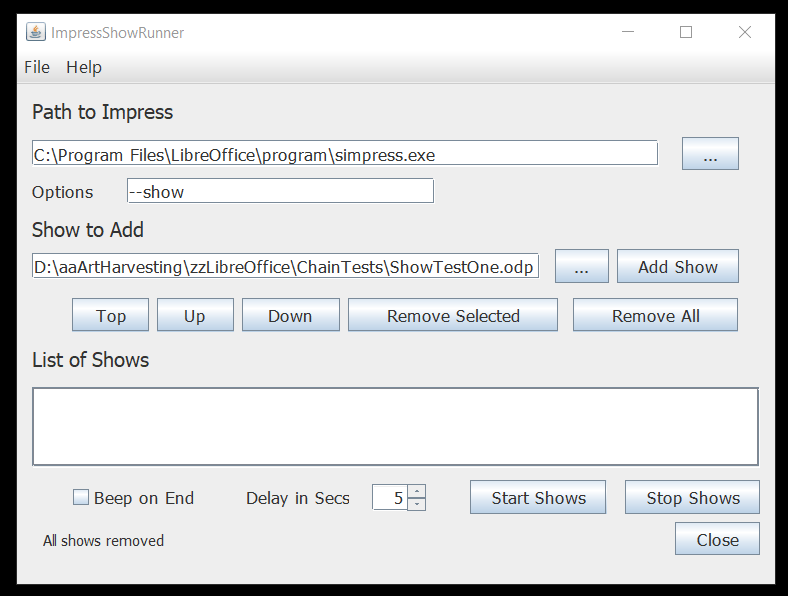
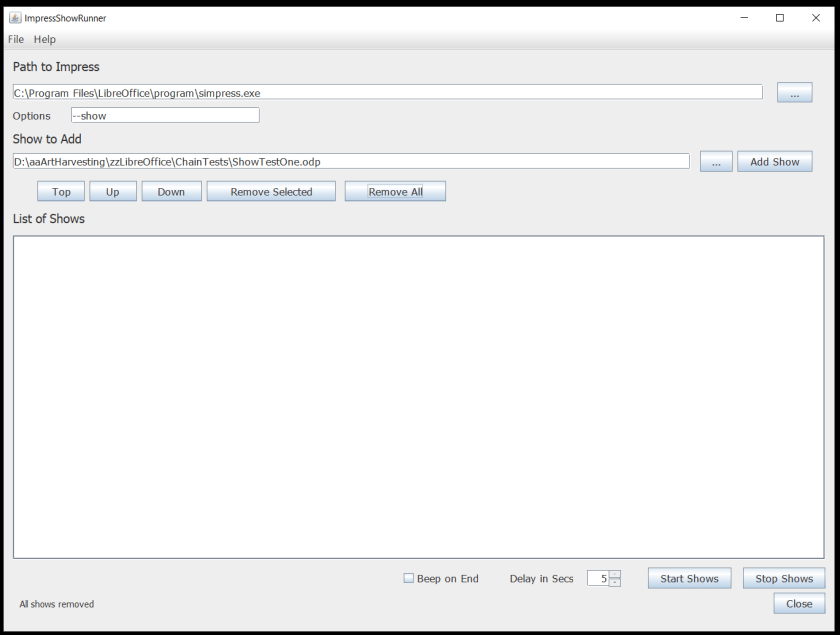
Back in April 2020, I wrote a little program to run a sequence of LibreOffice Impress Slide shows. For ease of deployment on Windows and Linux, I built the program in Java. And it worked just fine. Here’s what the program looks like:
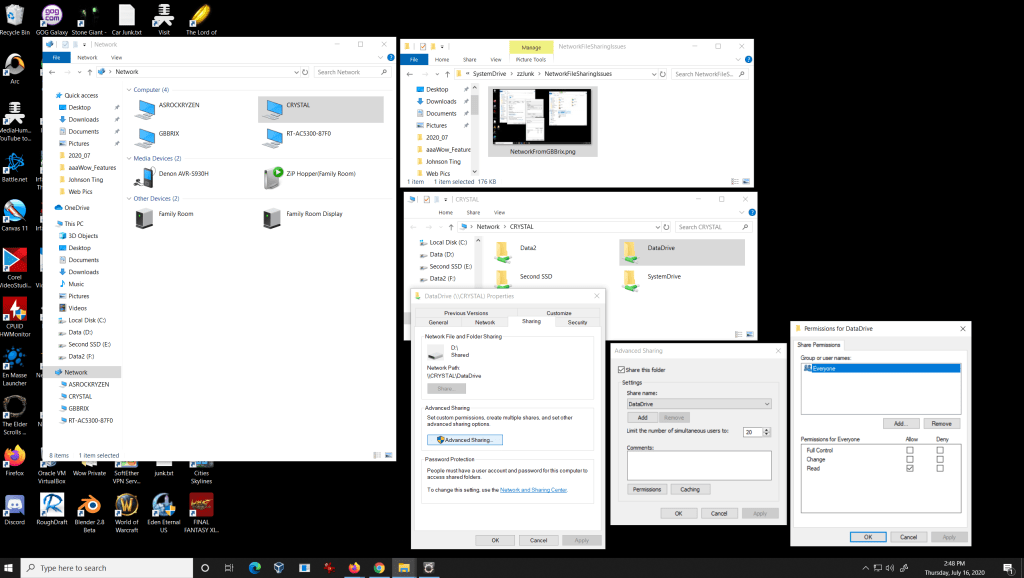
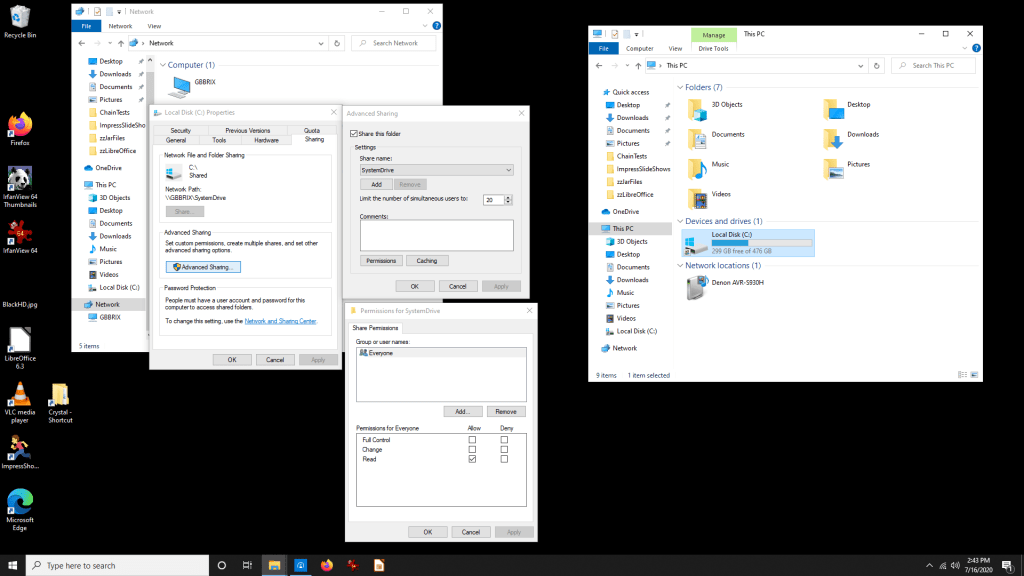
File Sharing is InTransitive between Win 10 2004 and Win 10 1909
I have a bunch of computers. Not surprising since I’ve been a software engineer for decades. Windows file sharing has always been exasperating. It works, then it fails, then it works again.
So here’s an example.
Intrasitive Networking
I have had a little Gigabyte Brix computer for a couple of years now. I would like to set it up to play audio books so I moved it and hooked it to another monitor. I thought that a few weeks ago, file sharing was working fine, but now it’s not. I just need to copy the audio books to it so I can play them. So Crystal can see the GBBrix shares and read files from that system. But the GBBrix system cannot see any other systems on the network and so cannot copy files from them. All the shares are set “Everyone can read”.
Foolish me.
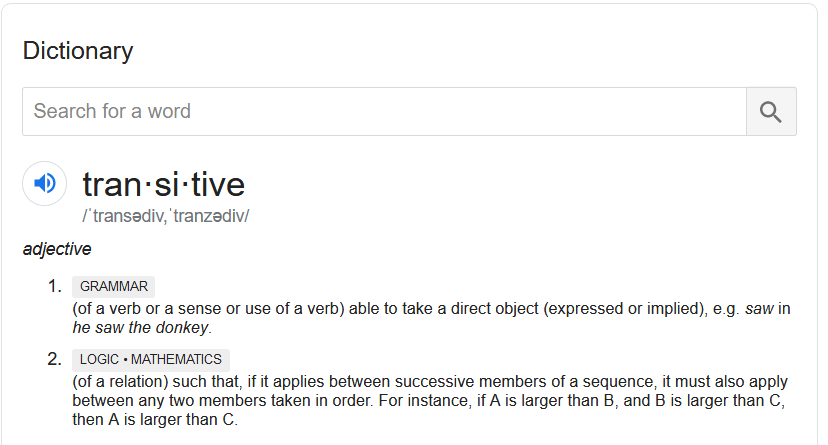
By “intransitive” I mean unable to communicate in both directions between two nodes of a network. Google cannot find this definition for me. All it finds for “Transitive” or “Intransitive” relates to Verbs in a language. Oh, here’s the definition. Number 2 – Logic. In either order a >> b and b >> a.
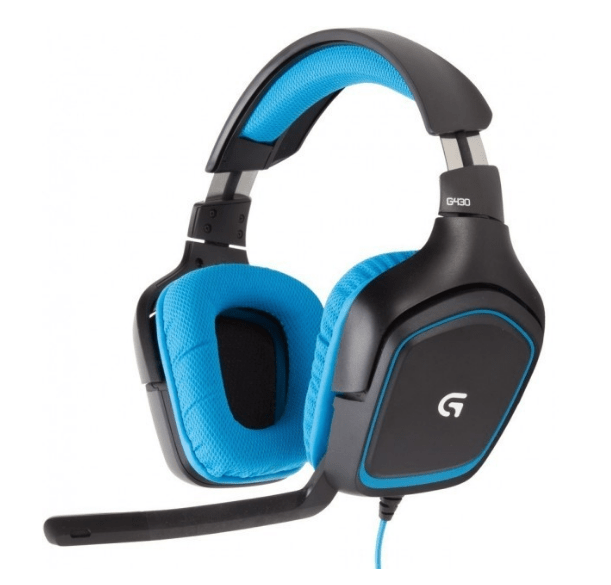
I have a nice gaming headset. Logitech G430. Works fine with Discord. However, it fails when I use it with Corel Video Studio, or with Windows 10 Gaming Capture for captures in a game. It clips and drops parts of the audio, especially at the beginning of phrases. I’m in a very quiet space, so background noise is not the problem.
I decided to purchase another headset by another manufacturer to see if that fixes the problem. We’ll see. But in the mean time, I already have another device to record audio.
Headsets used to be very expensive. The G430 started out at $99 and is now $39, like the EKSA. Lots of choices on Amazon and elsewhere. Looks like they probably all use the same USB – Audio chip.
Older Headsets Have Their Own Problems
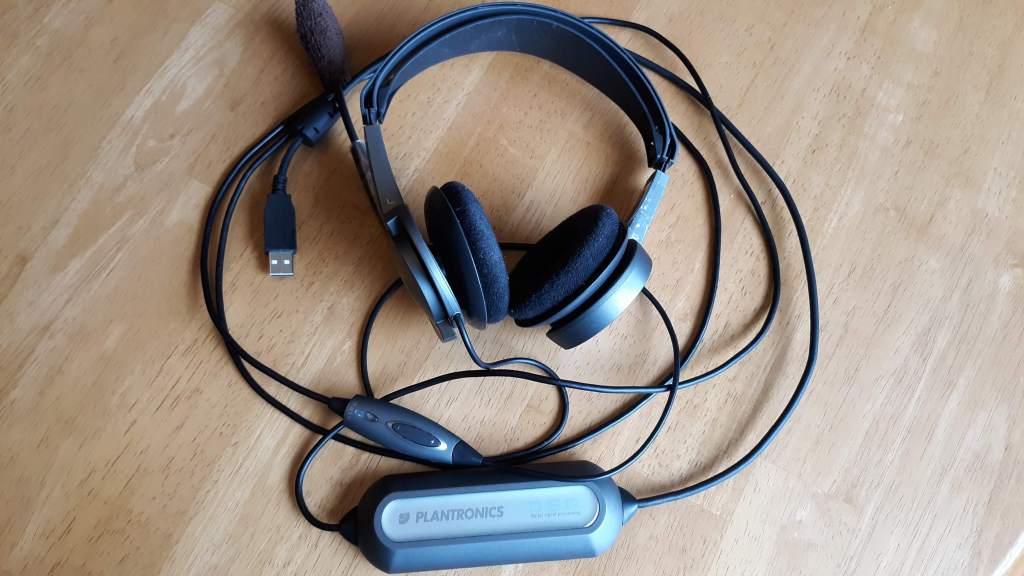
Plantronics USB Headset, circa 2000
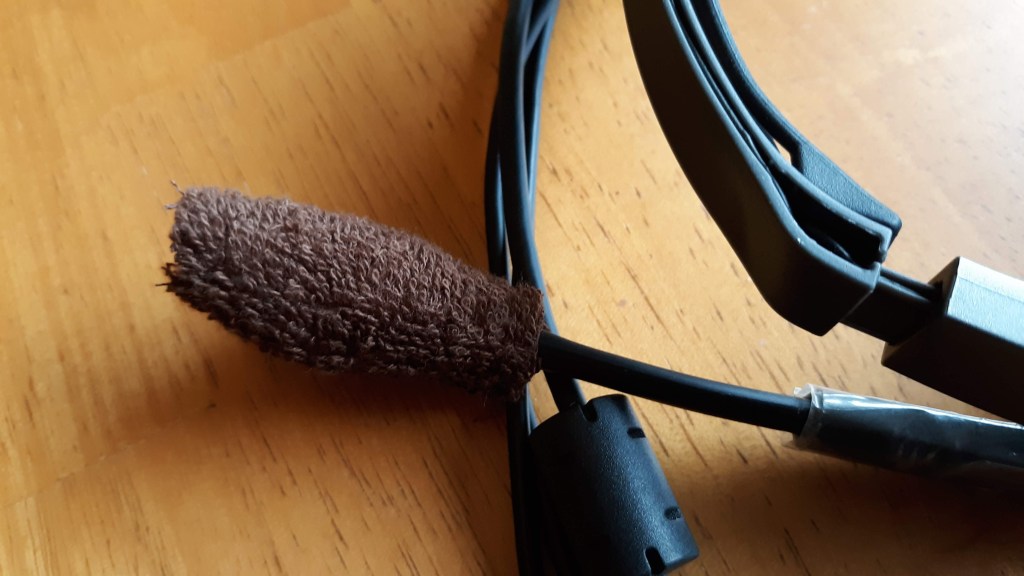
This older headset has it’s own problems. Turns out the hard plastic parts rub against each other, causing pops and snaps during recording. I guess the plastic got old and sticky over the years. The pops and snaps are so loud that the headset is unusable for recording.
Also notice that I had to replace the muff with some cloth. The foam had rotted away, as foam of that type does over time.
Enter the Webcam
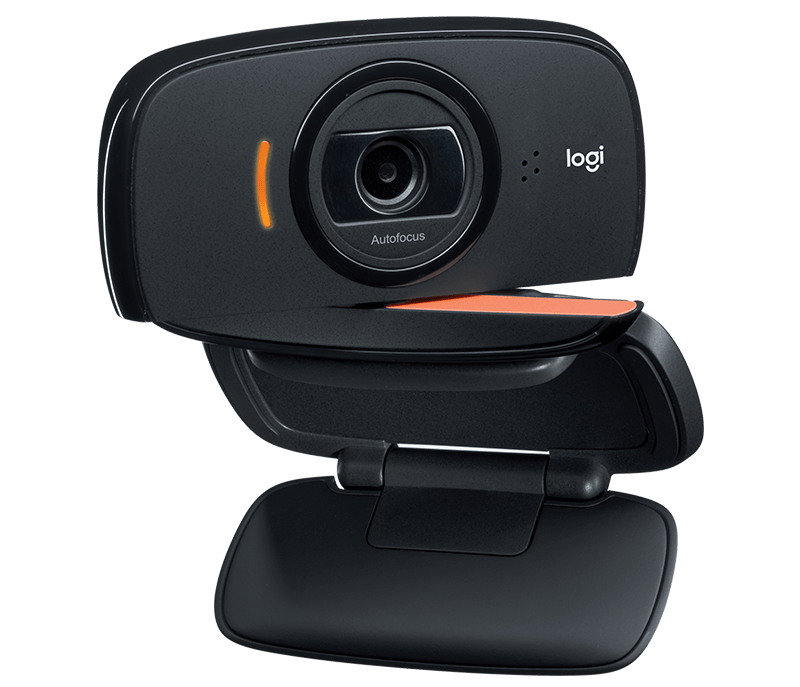
I’ve had this Logitech C510 webcam for a long time. And it still works fine. But has long since been superseded by newer models. However, the problem with this device is that it hasn’t worked for sometime, for audio. Works fine for video, but Windows 10 has not seen the microphone for some time.
To serve customers in these times, most organizations need to make Appointments. Various organizations that I’ve dealt with do this in different ways:
Umpqua bank, for example, has always had a large staff of helpful folks on phone banks, so they make appointments by phone. You call them ONCE and make an appointment at your local bank. However, if you have to change an appointment, then you need to call them back and they need to Skype the local branch to change the appointment. You get email confirmations of all the changes. Ok. Not the best, but Ok. One phone call that you make.
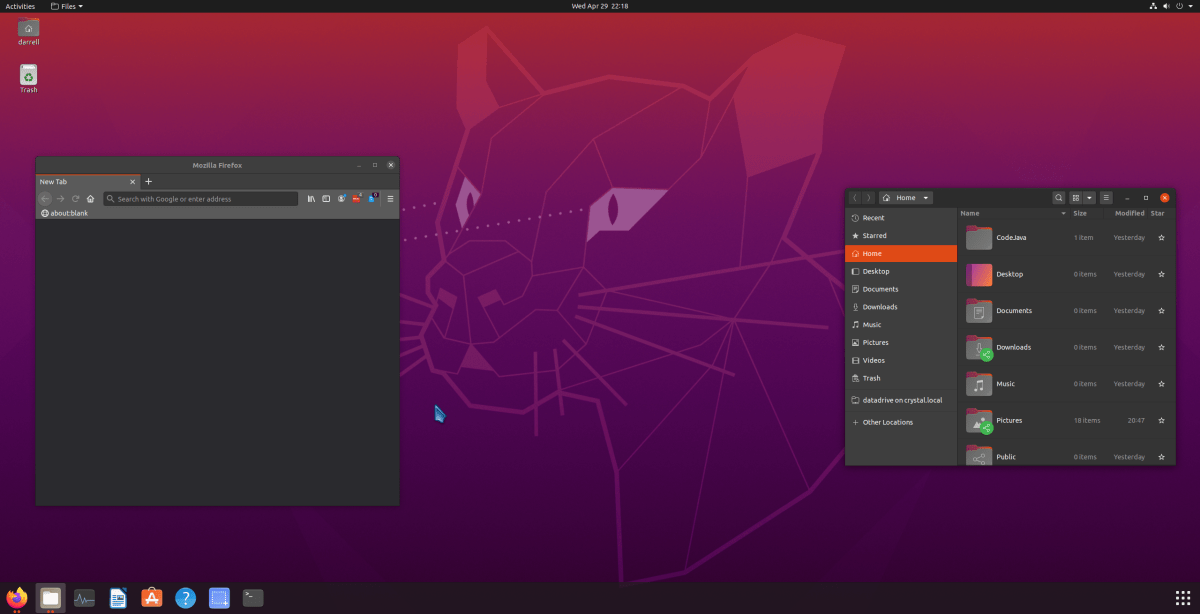
So, Ubuntu 20.04 just released, and there are a ton of Youtube videos reviewing it. After the debacle of file sharing between Linux Mint 19.3 and Windows, I decided to make a VM [Virtual Machine] with Ubuntu 20.04 to see if it had fixed the problem. The short answer is, alas, no. Guess Ubuntu will get the fix when it’s ready, and I’m sure the fix will be back ported to LM 19 when it releases.
Years ago, I used Ubuntu for a time, before Linux Mint came out. It was pretty clunky, but a lot less clunky than SUSE which is what I started with years ago. Things have come a long way. Of course, Mint is based on Ubuntu, but they are very different experiences. This is a diary of sorts of my experiences while I was testing the file sharing problem and setting up Ubuntu to my liking.
So, reaching a Windows File Share on Windows 10 from Linux Mint 19 has yet another problem. But there is a fix. My Post Here drew the attention of someone who had the answer.
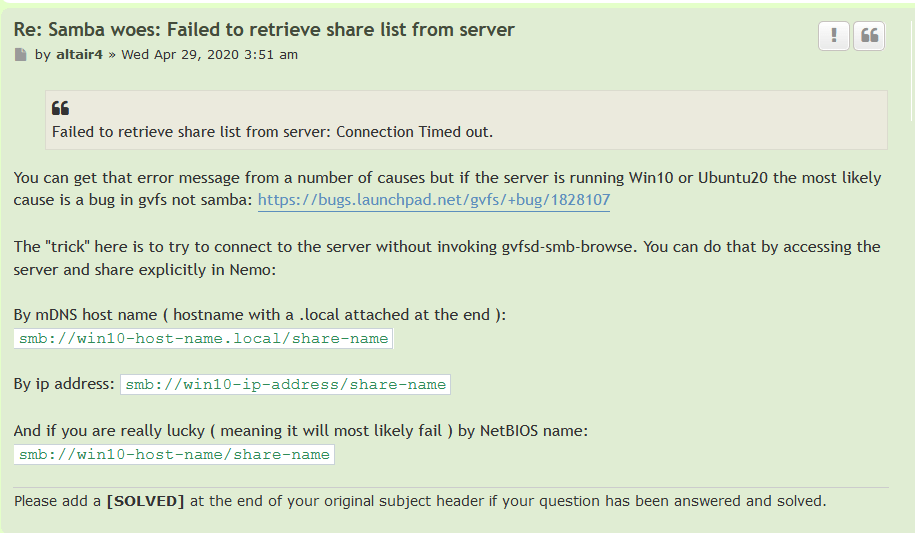
The problem is that trying to reach a Windows 10 shared folder from a Linux Mint 19, or Ubuntu 20.04, system, causes an error:
“Failed to retrieve share list from server”
Here’s the workaround.
The Workaround
It’s pretty easy. And you can do two things.
When it asks for “credentials” mark them “remember forever” and store them in your keyring, so you never have to worry again.
And use “Bookmark” in the file browser to remember the share so you can easily go back there again the next time you need the Windows Share from Linux.
I was able to use the smb://win10-host-name.local/share-name fix.
I tried file sharing to Windows from Fedora 32, the latest, and it failed in the same way, and was fixed in the same way. So all the Linux distros apparently share the same samba gvfs code.
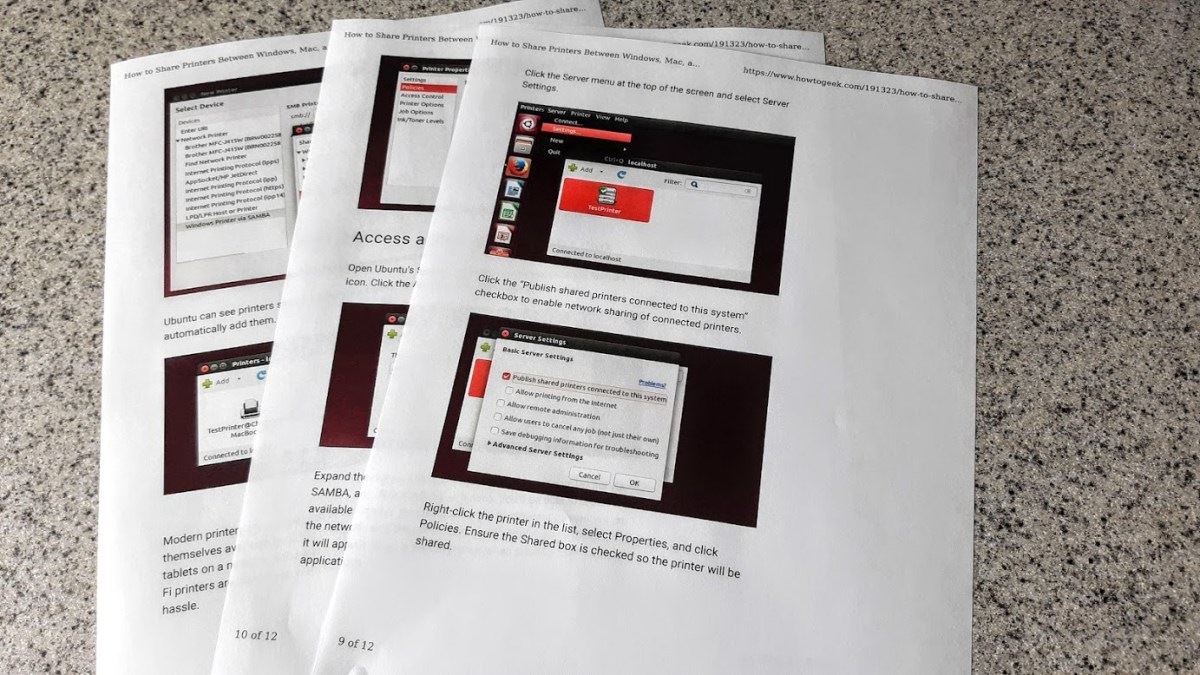
For a while now I’ve been wondering how to print from Linux running in a VirtualBox virtual machine to my local Windows Printer. Well it just works. Sort of.
I did what it says on this page and it did work. I thought I had tried this a while ago and never got it going. But there has been progress with Ubuntu / Linux Mint over the years and it looks like it works now.









 Windy Weather