I am getting sick and tired of signing UP for every site. And I don’t want to expose my facebook / google or some other identity to every site I use. My lastpass vault has 100s of sites in it. Just try and ask a question on a forum and you have to SIGN UP on that site.
And then visit your email address to confirm a link. Look at this nonsense.
That’s the last link I got to confirm. Looks like they dumped the whole cookie they have for me in hex and that’s the link to confirm. That’s enough to be the entire context of what they might know, or they think they know about me. Rather than a hex of a database link or some other short unique number – like 64 bits long. They have this trash.
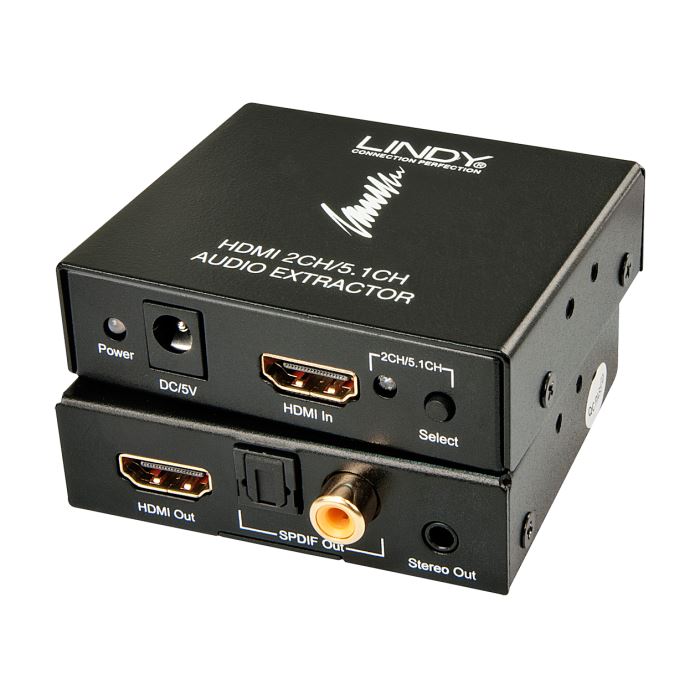
So what if you want to listen to headphones in this modern HDMI connected world?
There were some old converters, but they only decoded 2.1 sound. Here’s one that decodes 2.1 or 5.1 sound. 2.1 sound is not going to be enough. Most broadcasts these days are 5.1 or 7.1 and most Set Top boxes and BluRay can be dumbed down to 5.1, but probably not 2.1.
I’m sure you all know this, but I had to try it for myself.
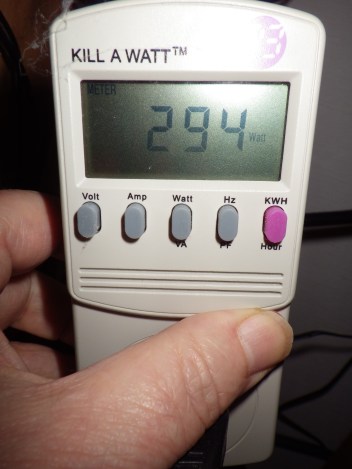
Three Computers Running
294 watts for 3 computers idling. Not running any particular load. And now Sleeping
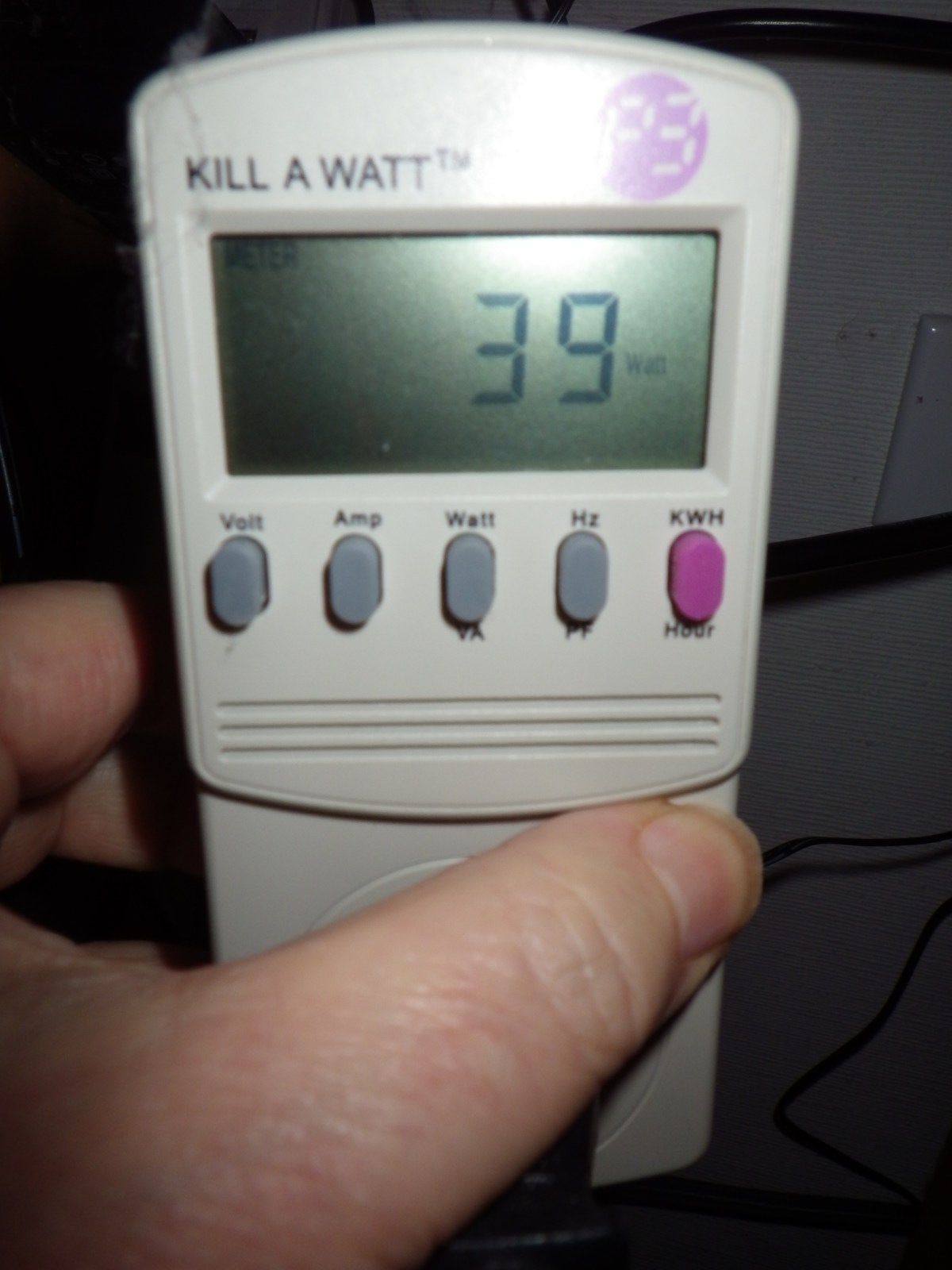
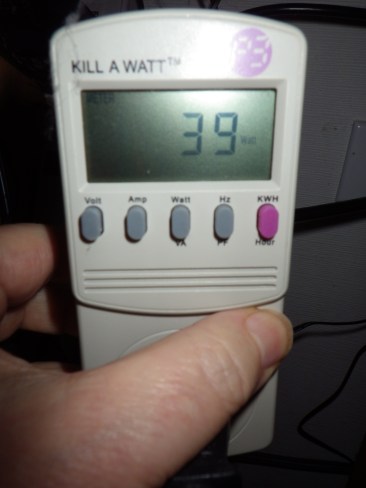
Three Computers Sleeping
Only 39 watts if they are all sleeping. You probably all know this, but I have avoided sleep for years since way back when I tried it and often couldn’t wake up the computers and had to reboot them. Back in the Windows 95 Days or some such.
Well now with Windows 10 I’m giving sleep a try again. We’ll see. But based on this kind of power saving I’m willing to try it again. I plan to set them all to sleep if no activity for an hour.
This is the configuration measured:
Core i7 950, SSD, One 650 HD.
Core i5 4570, SSD, 1TB HD, 2TB HD
Core i7 4770, SSD, 2TB HD, 4TB HD
UPS, 4 Port DVI KVM switch, 24″ Monitor on standby
10 watts for a sleeping computer isn’t bad.
Update: Windows 10 sleeps all night, but does not go to sleep automatically.
I could not get these systems to go to sleep automatically. Despite lots of research and disabling LAN wake up of any kind, and looking for applications that might be keeping them running. I could not figure out why the systems would not sleep automatically. But when they were put to sleep manually with the power menu, they stayed asleep all night or longer.
If you want to do this, I suggest you enable Hybrid Sleep. My systems are on UPS [Uninterruptible Power Supplies], but if the power goes out its best if they can wake up from Hibernate as well as sleep. Hibernate writes the system state to the system disk [SSD in this case] so it is safe from a power outage. Sleep keeps a little power going to keep the memory alive and if the power dies, the system will lose any work that was active.
Most of my systems had Hybrid Sleep available, but one did not. After going through the settings in the 6 different ways to get to the power settings, there was no Hybrid Sleep or Hibernate options. Again, despite lots of research the only way to enable Hibernate, and therefore Hybrid Sleep, was to use the powercfg program directly. If you can’t find the Hybrid Sleep setting use Run As Administrator to run a command line window, then use the command
powercfg -h on
to enable hibernate.
While I’ll have my screens shut off after 15 or 20 minutes as I always have done. I guess I’ll have to manually sleep my machines. It is just too complicated to figure out what is keeping my systems from going to sleep by themselves.
As you can tell from previous posts, I’m having trouble with the Windows 10 Anniversary Update on one of my machines. It’s an older machine and I suspect that Windows has broken a driver for the old motherboard. The latest version that worked properly was Version 1511 / 10586.545 and each time I restored to the last Restore Point, it went back to that. So apparently, the Anniversary Update 1607 / 14393.51 is the problem.
After going back to a Restore Point on two successive days, I turned off the Windows Update service and the machine was ok for a day, but I decided that this was too risky a state to leave the system. I have decided to move the system to Linux Mint 18, and this post is being typed into that system. It took about 2 hours to do the update, including installing a new system HD, and another couple of hours to set up Thunderbird email.
I have used Linux Mint for many years, and the latest is version 18. I prefer the Cinnamon version, but you may prefer another of the several window managers. For my choice, Cinnamon looks the most like Windows.
This machine is used for email, online shopping and document creation. It has two 1080×1200 monitors driven by an older GTX 270 card. Not the best for gaming, but just fine for it’s uses. Continue reading “Move to Linux”
When I bought the stove I got some cleaner in bottles that looked like this:
The original bottle that I bought a year before looked the same, but contained Muratic Acid. The newer formulation contains Isopropanol. Clearly dangerous based on the labeling.
But this product works just as well, has a much better odor and no scary warnings.
Also it is much cheaper.
Basically this is a natural soap formulation and it works fine to clean off creosote and other deposits from my stove. You might like to try products like this to clean your stove.
Now that I have a new 2K Monitor, it’s time to upgrade my 3gen old graphics card to the newest one out there.
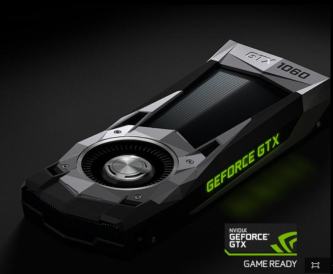
My new ASUS PB258Q 25″ 2560×1440 monitor doesn’t run all the time at 60hz on my current GTX 760 graphics card. So after 3 generations it’s time to upgrade to the brand spanking new GTX 1060 Founders edition.
In the past I have gotten ASUS graphics cards and they have always looked very nice. But the non-founders edition cards, while $50 cheaper, are all pretty dorky looking.
Dorky Non-Founder 1060s
There was a glitch though while I was trying to order the Founder’s card from Nvidia, which is the only place you will ever be able to get the Founder’s Editions. The Firefox browser did not work. The Buy Now buttons were all dead.
I eventually fired up the EDGE browser on my Windows 10 system and that worked just fine. For several days I thought it was Nvidia’s problem, either the site was broken or they were out of stock. But they are in stock, as of 25 July, and all is well. It’s on it’s way with free shipping.
Windows 10 Update takes no account of whether you want to use the computer. It just downloads the updates and you have no control. Here’s an example.
My daughter and I frequently visit over a VPN – from SoftEther.org – and we are both on Windows 10. Today when we set up the connection, and began talking on Mumble, our voices began breaking up and the other communications were under severe stress.
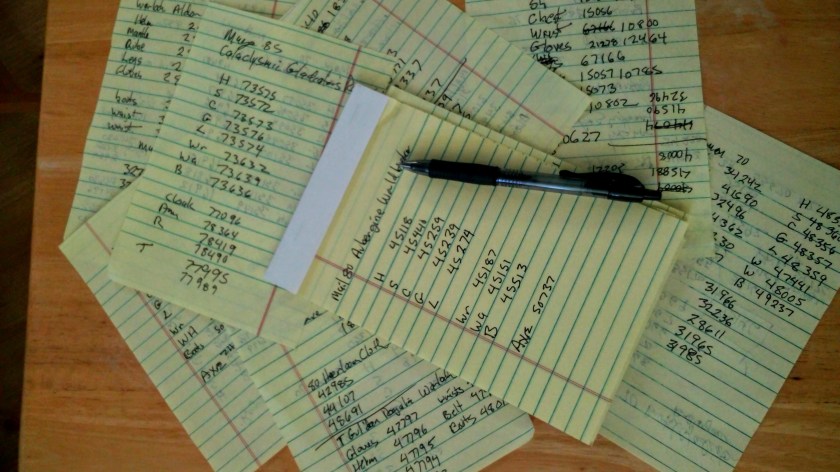
Recently I’ve been playing a game where I really need two monitors, but I don’t have two monitors. So I’ve been reduced to writing down notes on slips of paper. Here you can see how those slips have been piling up. Most have something on both sides.
Well on a shopping trip to WalMart I saw a Boogie Board, but they could not find it to sell it to me. The Walmart inventory said there were 21 in stock, but the sales person could not find them. Boggie Board is only about $25, although the price varies widely. But I came home and found one on-line and ordered it for the same price.
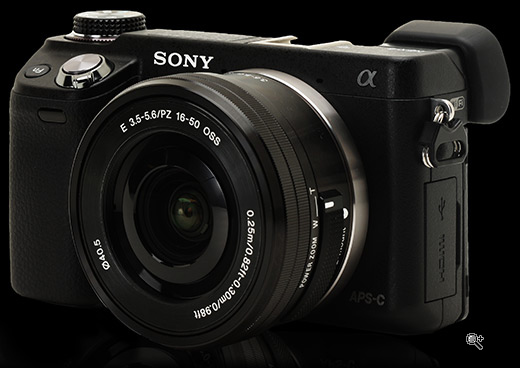
I’ve had my Sony Nex-6 camera for a while now. I got mine in 2014, but the camera has been out since 2012 and it’s probably been superseded by other models. I noticed on one of the news sites I scan that the Smart Remote App for Sony cameras has been updated, so I thought I should try to get it running. To review, this app allows almost full control over the camera from a tablet or smart phone using an application over WiFi. The android app is here.
I should have kept my camera firmware up to date so I had some glitches getting the camera updated to V 1.03 so that I could run the Smart Remote Control. If you have an older Sony Alpha camera, you might want to follow along to avoid running into issues.











 Windy Weather