Bad Audio Recording

A Few Headsets

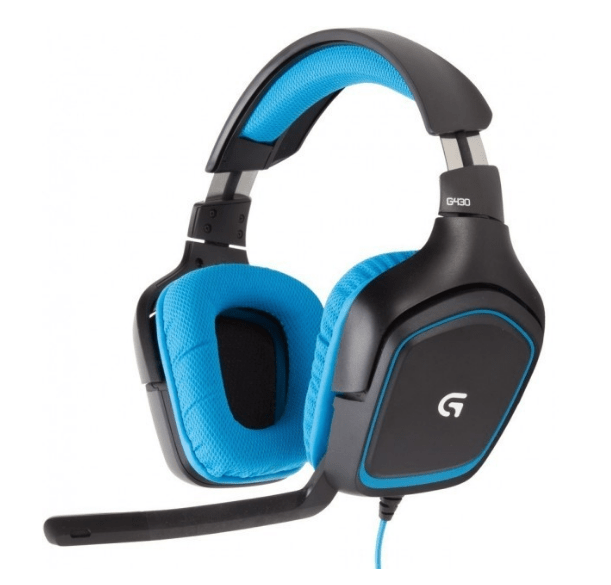
I have a nice gaming headset. Logitech G430. Works fine with Discord. However, it fails when I use it with Corel Video Studio, or with Windows 10 Gaming Capture for captures in a game. It clips and drops parts of the audio, especially at the beginning of phrases. I’m in a very quiet space, so background noise is not the problem.
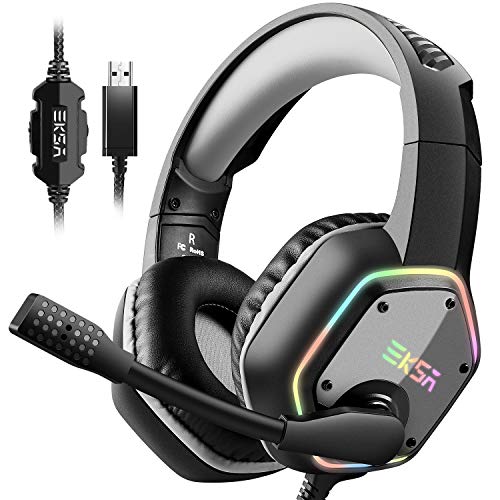
I decided to purchase another headset by another manufacturer to see if that fixes the problem. We’ll see. But in the mean time, I already have another device to record audio.

Headsets used to be very expensive. The G430 started out at $99 and is now $39, like the EKSA. Lots of choices on Amazon and elsewhere. Looks like they probably all use the same USB – Audio chip.

Older Headsets Have Their Own Problems
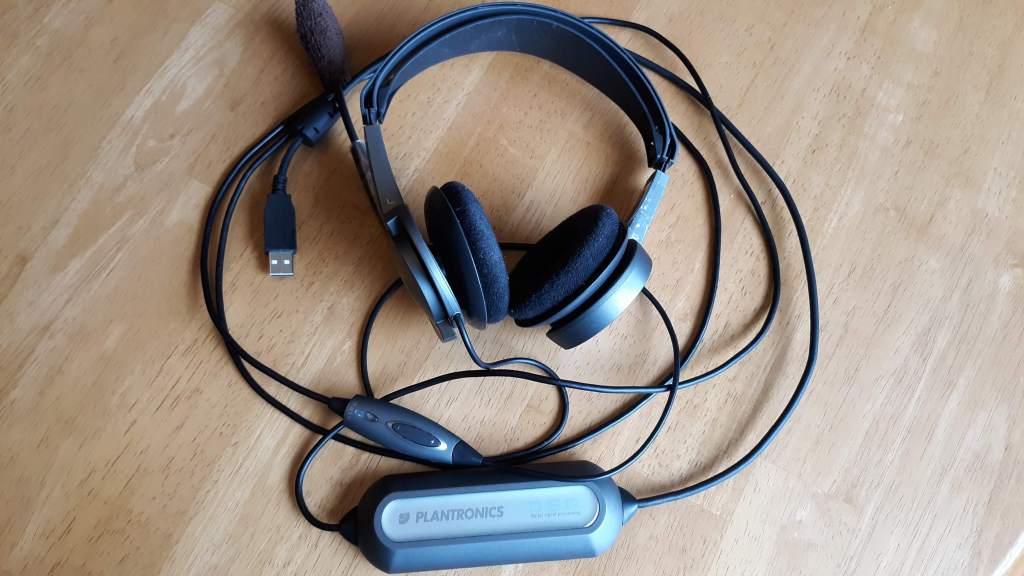
Plantronics USB Headset, circa 2000

This older headset has it’s own problems. Turns out the hard plastic parts rub against each other, causing pops and snaps during recording. I guess the plastic got old and sticky over the years. The pops and snaps are so loud that the headset is unusable for recording.

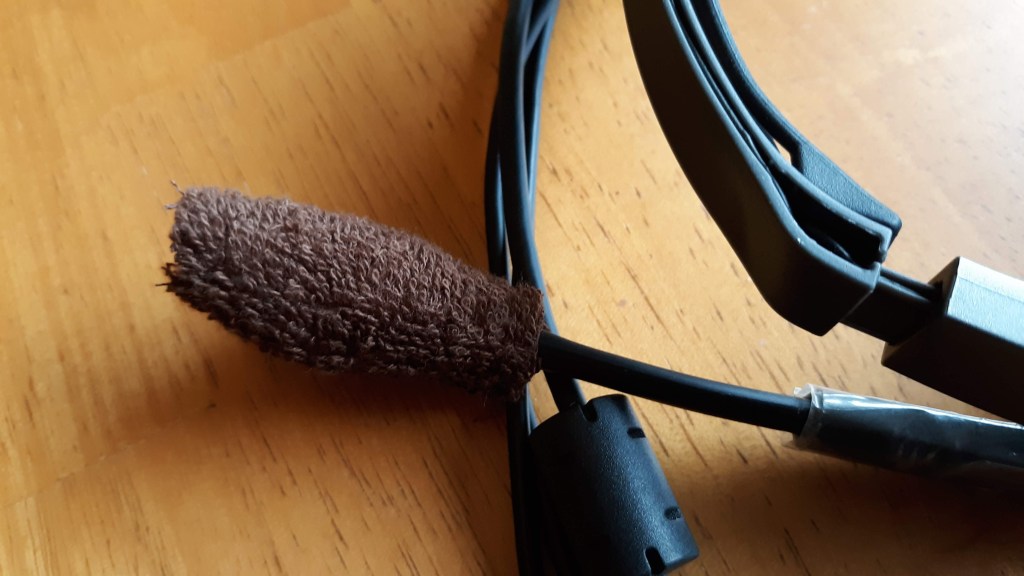
Also notice that I had to replace the muff with some cloth. The foam had rotted away, as foam of that type does over time.

Enter the Webcam
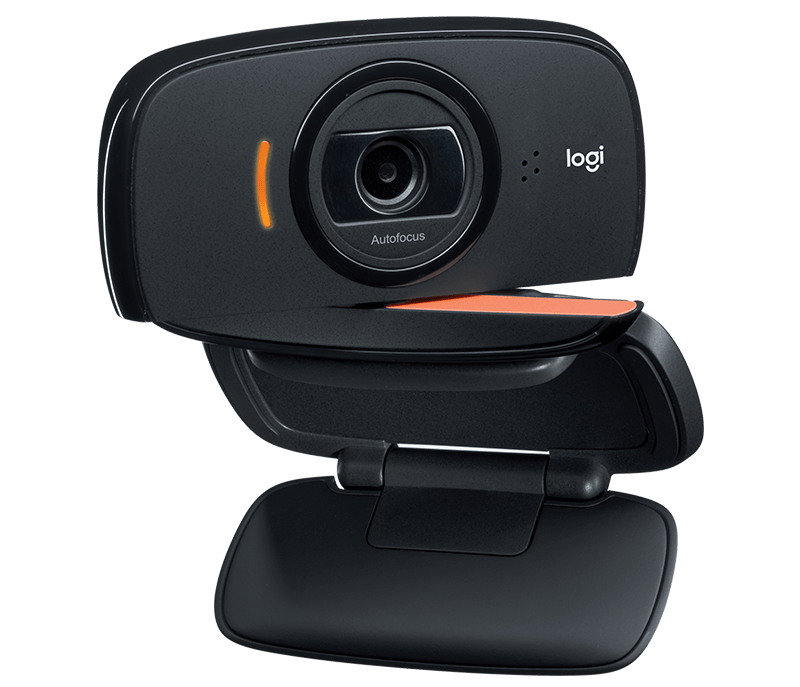
I’ve had this Logitech C510 webcam for a long time. And it still works fine. But has long since been superseded by newer models. However, the problem with this device is that it hasn’t worked for sometime, for audio. Works fine for video, but Windows 10 has not seen the microphone for some time.

Let’s use google to find out why.
Continue reading “Bad Audio Recording”

Printing from LinuxVM

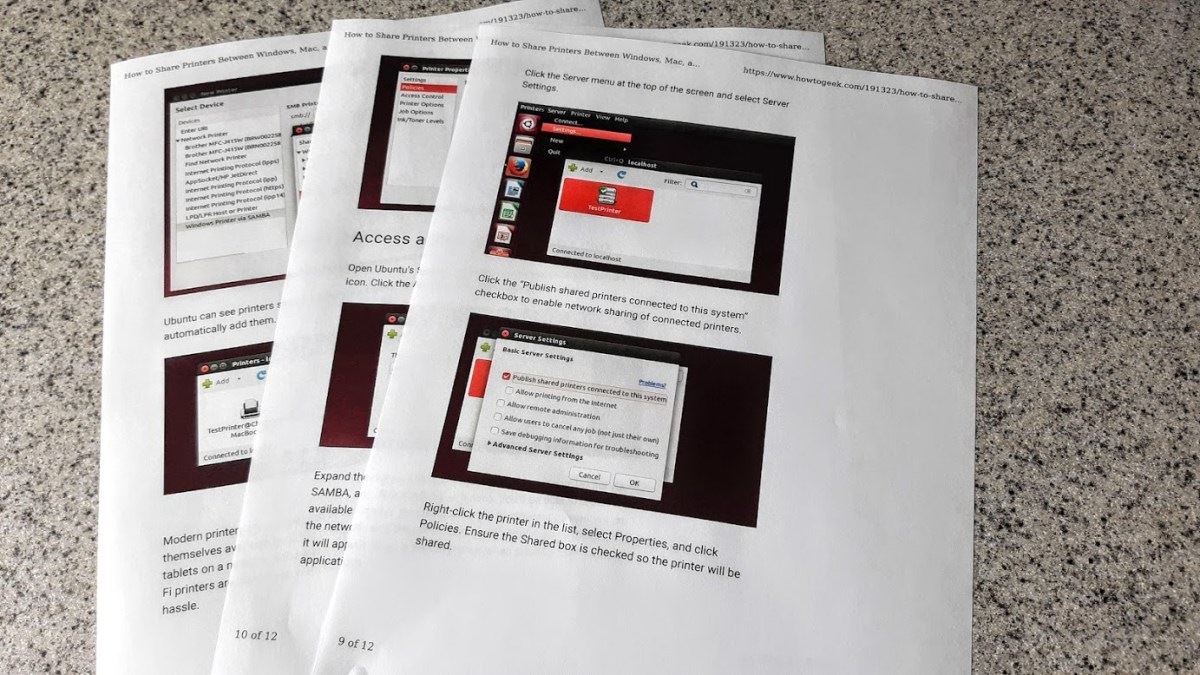
How to Share Printers on a Network.png
From 2017 – A long time ago

For a while now I’ve been wondering how to print from Linux running in a VirtualBox virtual machine to my local Windows Printer. Well it just works. Sort of.

I did what it says on this page and it did work. I thought I had tried this a while ago and never got it going. But there has been progress with Ubuntu / Linux Mint over the years and it looks like it works now.

Continue reading “Printing from LinuxVM”

Impress Show Runner Trivial on Linux

Update 11 April 2020: Using the xdotool method, the QtShowRunner works well on Linux, so there is a portable version for Windows and Linux. Get the latest at the github repo. I’m still investigating “Deployment” for Windows and Linux. Now, previously…

I have beat my head against the wall trying to fix the QtShowRunner program that works on Windows to work on Linux. None of the methods have worked.

  • Kernel uinput API calls never worked.
  • Using the X11 XSendEvent to send either Mouse clicks or Key events didn’t work.

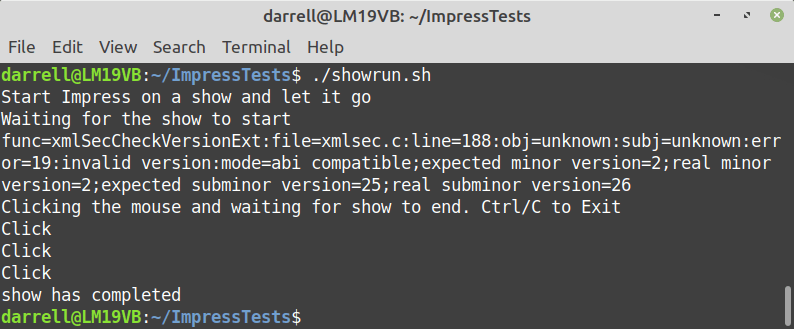
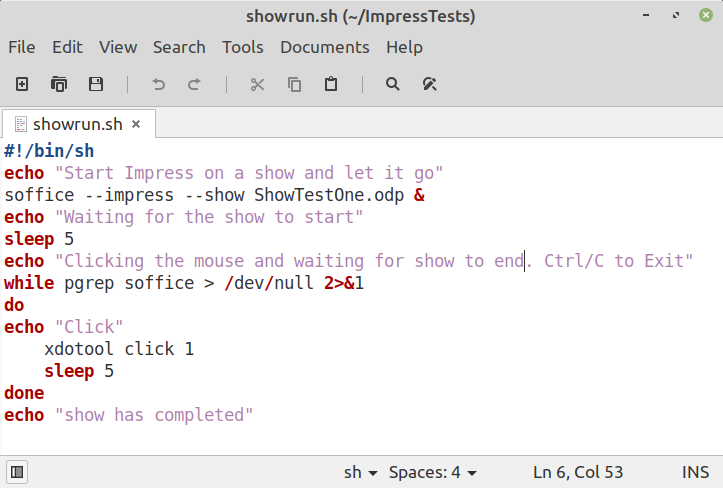
Finally I found a command called xdotool which does many X things including sending mouse clicks and key presses. Here’s a shell script that uses the xdotool to launch soffice impress to show a slideshow and then terminates the show and then exits the script.

Screenshot from 2020-04-09 20-11-31.png

The script launches the show with the ending & to detach it. Then loops looking for the process using pgrep and if it’s still around, uses xdotool to click the mouse and waits for  5 seconds. When the process finishes the show, and the click ends the show, then pgrep fails and the script exits. Trivial.

Continue reading “Impress Show Runner Trivial on Linux”

QtShowRunner Runs Shows in Impress

You recall my previous post about using LibreOffice Impress to show artwork?

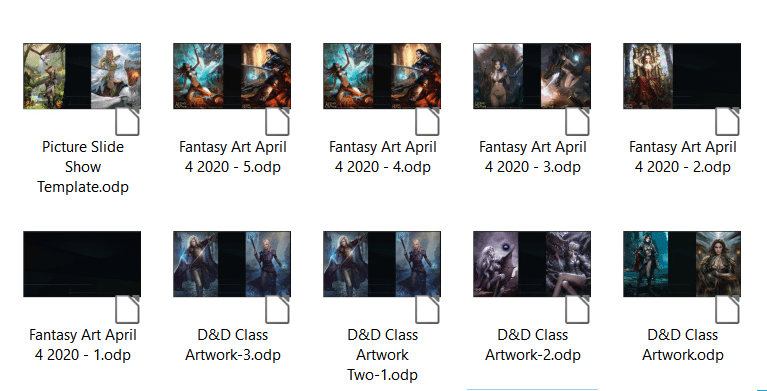
Well that’s a problem if you have lots of artwork you want to show. The slide shows get very large and so you have a few shows, and then you want to loop them all, right? Impress does not support that. So I wrote a program to help.

SlideShows.png
Lots of Artwork Slide Shows

RunningMan.pngQtShowRunner runs a sequence of LibreOffice Impress slide shows one after the other in a loop. Currently it runs on Windows but soon the plan is to move it to Linux Mint.

See my original question about this problem here:

Chaining Impress Slide Shows Together?

After no solution appeared, I wrote a program to do it.

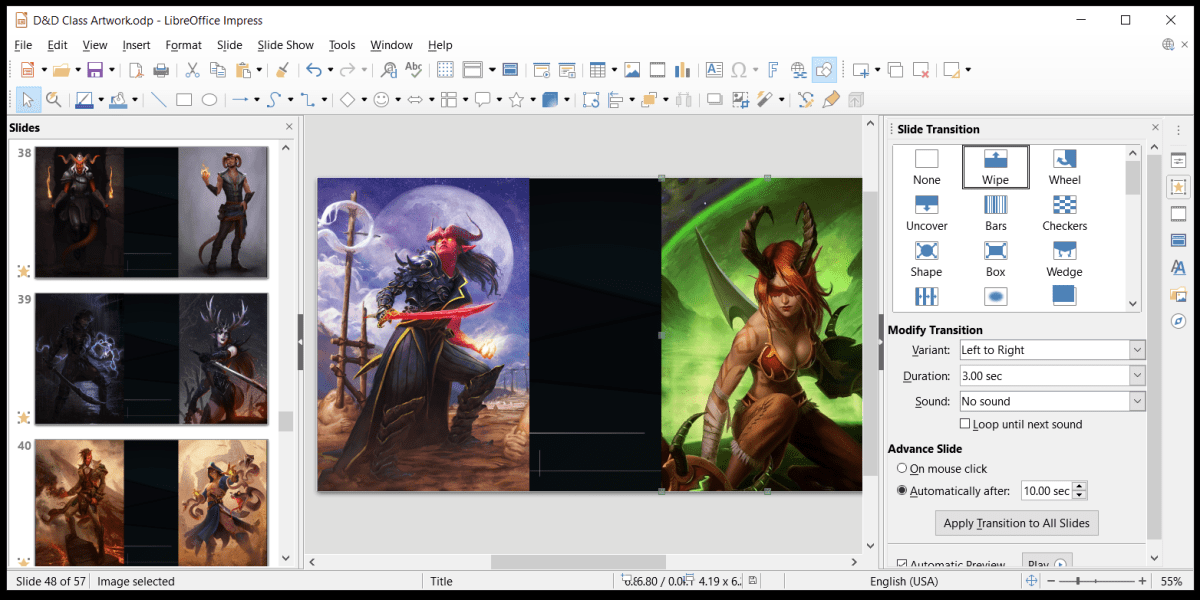
Here is a shot of the program dialog and the Impress Slide Show settings. You need to uncheck Change Slides by Clicking on background for QtShowRunner to work without skipping through your slides.

Here is the SourceForge page for the program.

Continue reading “QtShowRunner Runs Shows in Impress”

Slide Shows for Vertical Aspect Images

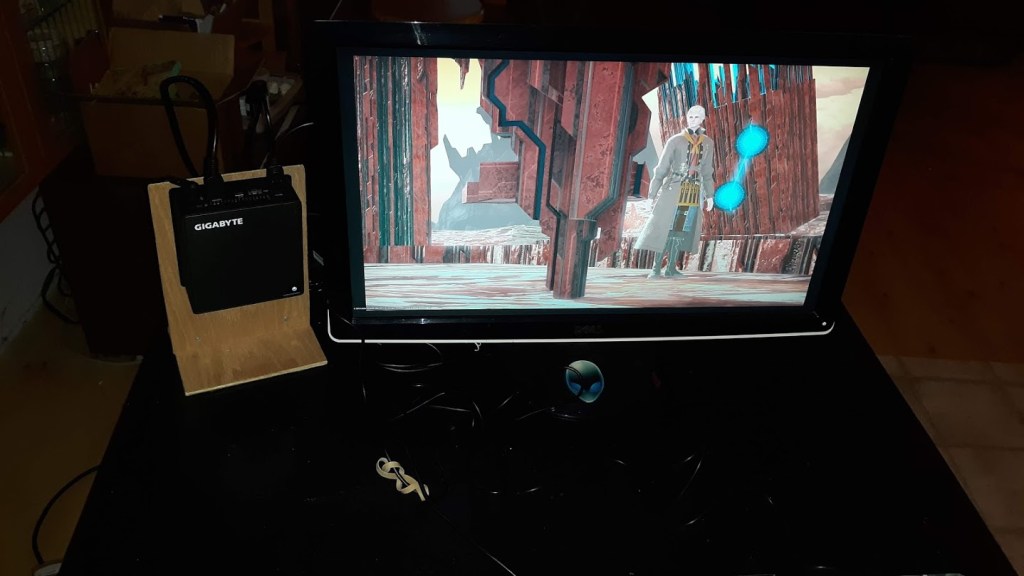
I have a couple of mini-PC systems that I use to display images in a slide show. One of these systems displays these slides on a 4K monitor and I’ve recently gotten a more modern one for that purpose. Post for that is upcoming soon.

Using these systems to display images of 16:9 Aspect is no problem and most images captured by cameras and cellphones and screen shots from games are of this or approximately this aspect. I use Irfanview on Windows, and the built in image viewer on Linux.

Slide Show of Game Screenshots

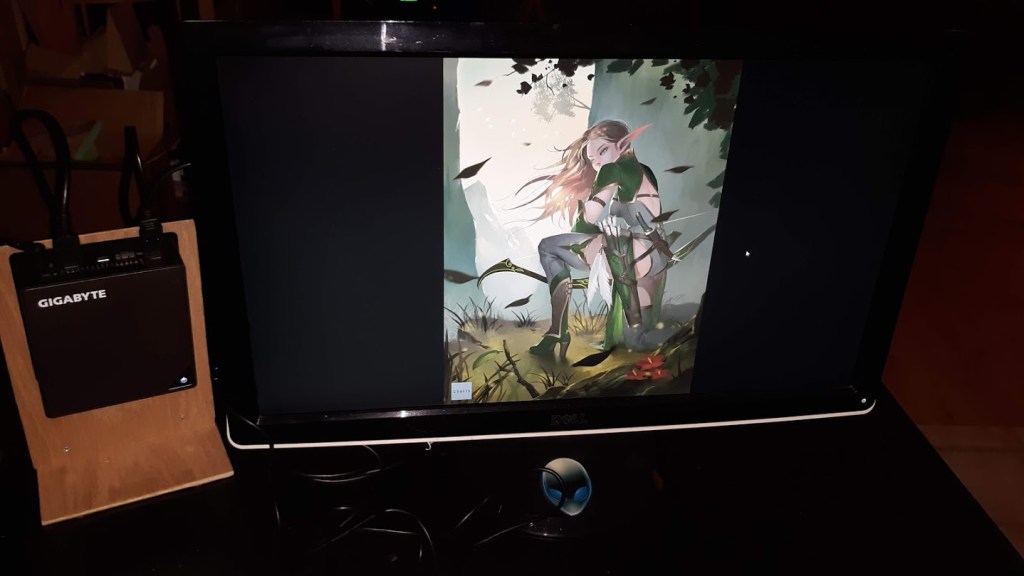
However, showing slide shows of vertically aspect images is less than ideal. Too much of the screen is left black to be pleasing to the eye.

Vertical Aspect Image Slide Show

When a large number of images like these are presented, it would be better to be able to quickly make a slide show that shows more than one image at a time on the screen.

Continue reading “Slide Shows for Vertical Aspect Images”

Partial-Erase LCD Writing Tablet

I’ve been using Boogie Boards – Eraseable LCD tablets for a couple of years now. These are very cool / cheap tablets that you can press a button to erase.

I saw my first one at Walmart and later found a later model that was plain rather than electric green. I have two next to me and use them all the time to write down notes while I’m playing MMO games. They are especially useful while crafting to keep track of which items you’ll need to gather or purchase to continue your crafting or whatever. But they make great shopping lists and “Refrigerator Notepads” since some have magnets on the back to stick on the Fridge.

Some notes while crafting

If you have not seen these, you scribble on them with a stylus, and then press a button to erase the whole thing instantly. They contain a tiny watch battery which lasts for years, and can be easily replaced. If you want a permanent copy of what you wrote, just take a picture with your phone. You might want to increase the contrast which is easily done with the photo camera app.

Breakthrough – Partial Erase

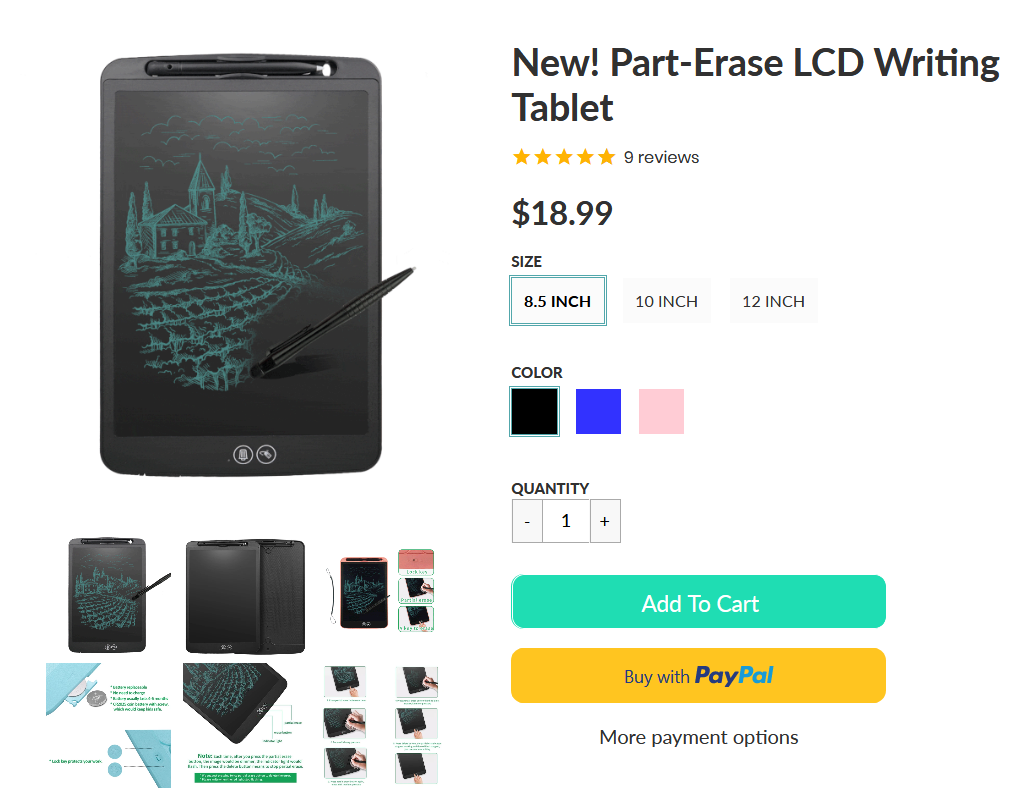
Well there’s been a breakthrough in this space! Another company, NewYes has made a version that has Partial Erase. After pressing a button, you use the Eraser on the Stylus to erase parts of the screen. Press another button twice to erase the entire screen. Very cool.

Screenshot_2019-12-09 New Part-Erase LCD Writing Tabletx.png

Enjoy
:ww

Google Calendar – Add Tracking Link

I use Google Calendar and one of the things that I do all the time is track package shipments that I’ve ordered. Keeping bookmarks in a browser is a pain. Each time you add a tracking link to the book marks, it goes at the end of the list rather than the beginning, so it becomes very long, and finding it is more difficult when the list becomes very long over the years.

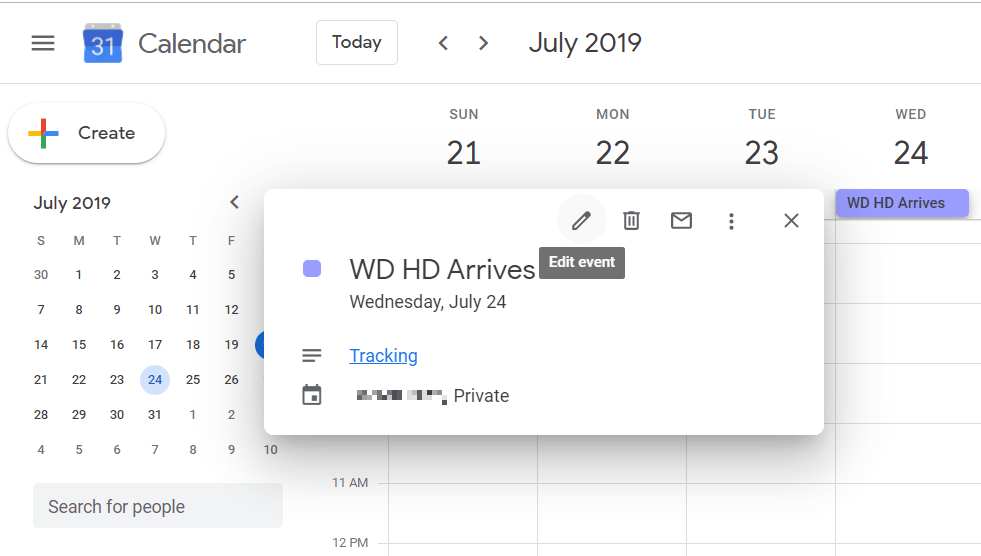
So now I use Google Calendar. For each shipment, I add an “All Day” event to the day when the shipment is supposed to arrive. It turns out that each Calendar entry can have a description with a link. So I find this an easy way to have the tracking link close at hand is to add a description link to the calendar entry.

To use the entry, as above, just click on the calendar entry, which then displays the description with the link and a click on that brings up the tracking page.

The problem you may run into however, is that the link field may not be long enough to hold the entire tracking URL. In my case it was cut off at a place where the shipping website gave an error. But I was able to edit the link back to just before a slash so that the website showed the tracking correctly.

I hope you find this useful. I’ll be using this method to save tracking links from now on.
:ww

Hiding an Email Service in Cat Pictures

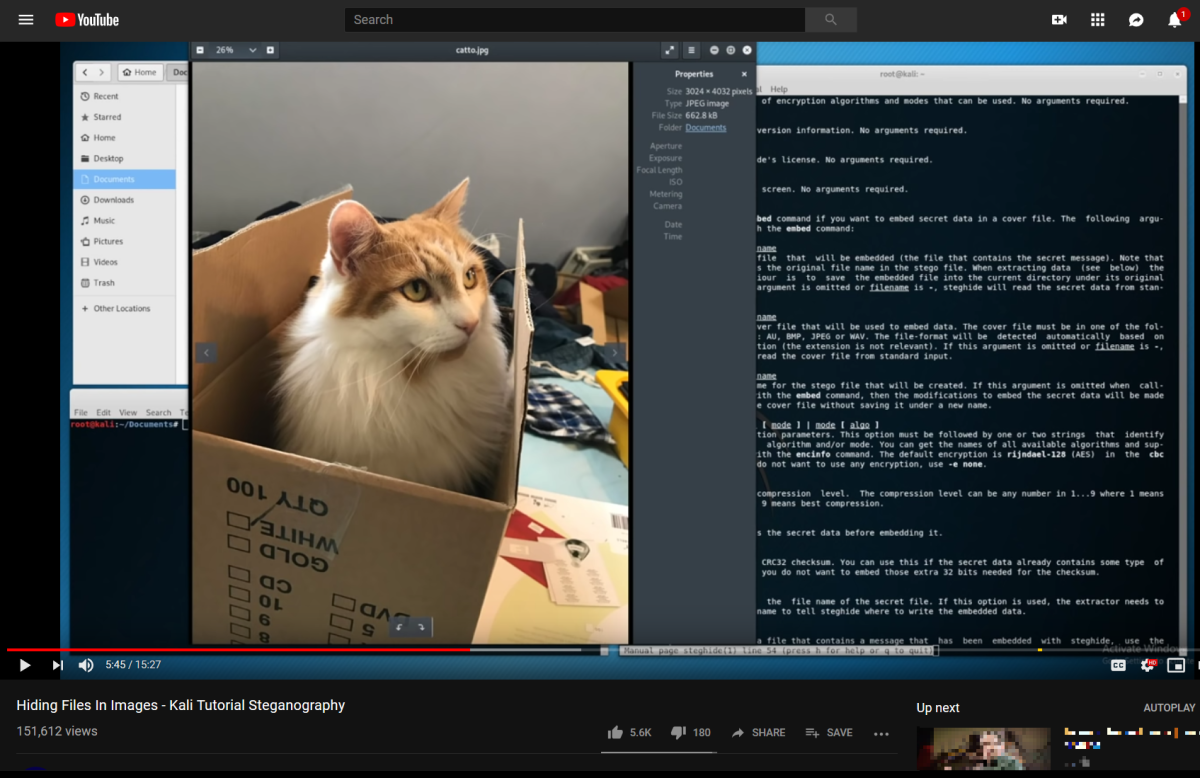
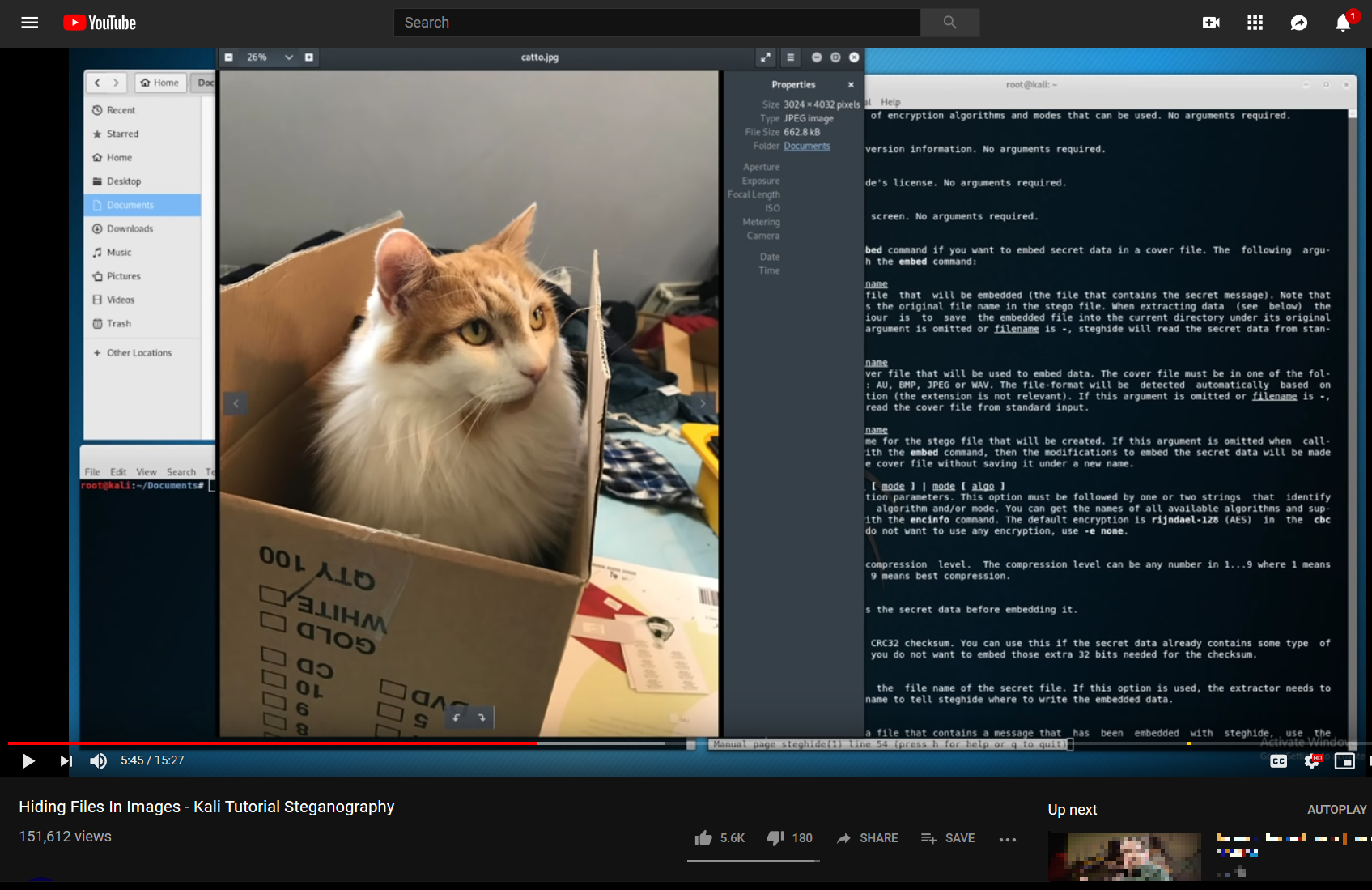
Hiding Files in Images.png
Hiding Files in Images?

I’ve known about Stenganography for some time. And no, it’s not spelled wrong. That’s not Stenography, but Steganography. Two different things. I’ve been thinking recently about all the news items that are talking about privacy erosion and governments around the world passing or about to pass laws to break into your private messages of any kind. And then the above video popped up in my Youtube suggestions. From 2 Feb 2019 no less. Quite Recent. I’ll provide a link at the end of this post, but it’s not the main point of the video. I’m going to take that primitive program’s idea and show how it can be extended, a lot. I’m saying primitive and if you don’t believe that, watch the video. Sigh.

Steganography is:

Steganography (/ˌstɛɡəˈnɒɡrəfi/ (About this soundlisten) STEG-ə-NOG-rə-fee) is the practice of concealing a file, message, image, or video within another file, message, image, or video. The word steganography combines the Greek words steganos (στεγανός), meaning “covered, concealed, or protected”, and graphein (γράφειν) meaning “writing”.

I’m not mentioning anything the NSA does not know, but apparently the lawmakers around the world have not called in an expert who has mentioned the science of Steganography to them in their hearings for their new lawmaking regarding Privacy.

Let’s look at what’s happening to Privacy / Encryption around the world.

Continue reading “Hiding an Email Service in Cat Pictures”

Alienware Aurora Lighting Progress

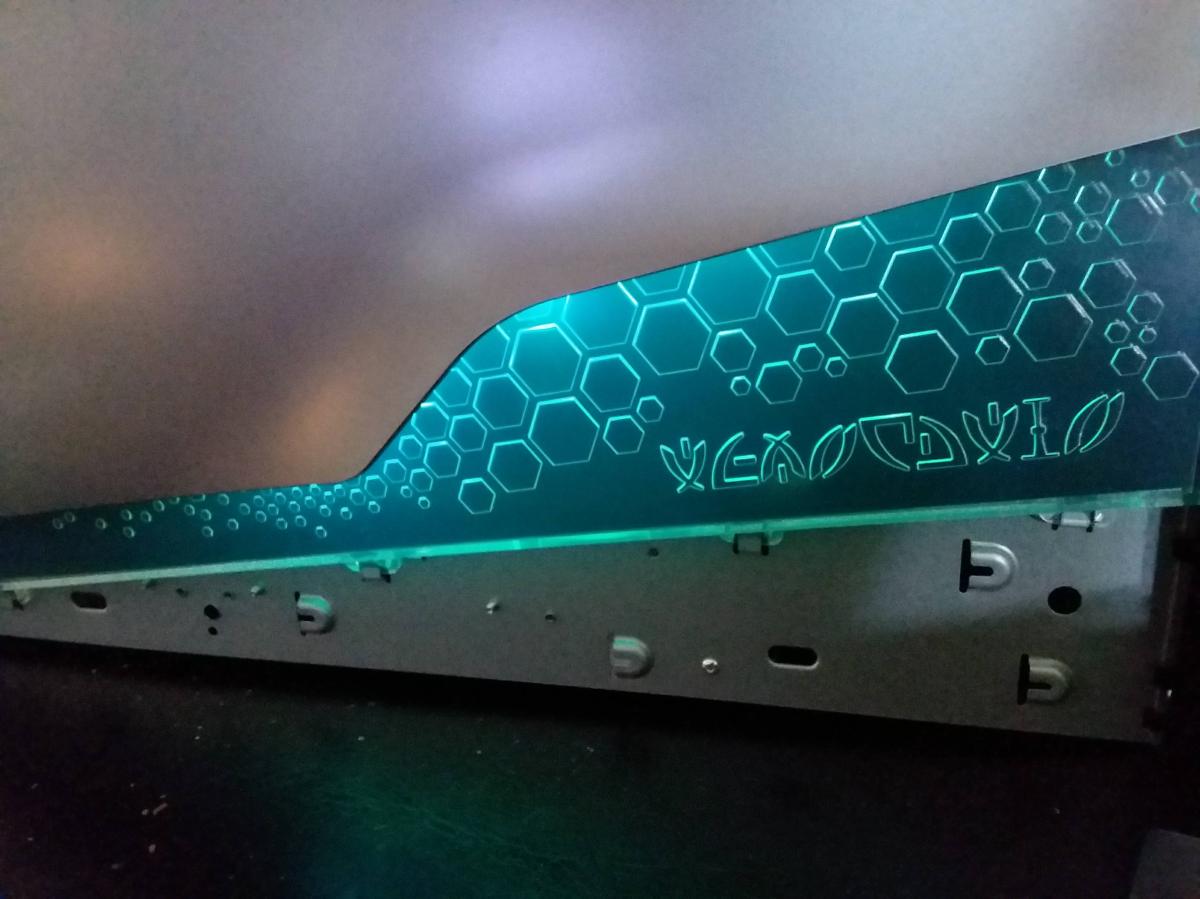
Started to make progress on Aurora lighting. Here are the side lights.

Here are the front lights without the face.

The lighting is a USB powered LED RGB non-animated lighting chain. This is the usual type of LED lighting that is stuck on the back of a TV for ambient lighting. I’ll post more details as I finish. The Aurora case is a nightmare to take apart, especially the right panel.

More later.

:ww

LED Lighting for Alienware Case?

I’m sick of not having lighting for my Alienware Area-51 and Alienware Aurora cases. They work part of the time but can’t be easily controlled. The lighting is Proprietary and out of date. Alienware and later DELL made no effort to support the lighting with Windows 10 or Linux. These are what the two cases look like with lighting on:

That is the Area 51 circa 2006 with blue lighting in the vents and Alien Heads on sides and front. The Front Alien head is the power button.

And that’s the Alien Aurora R2 in Blue and Red lighting. The Front Alien Head opens the access door for the media drives. The power button is a hidden button behind the head on the top of the case.

Continue reading “LED Lighting for Alienware Case?”