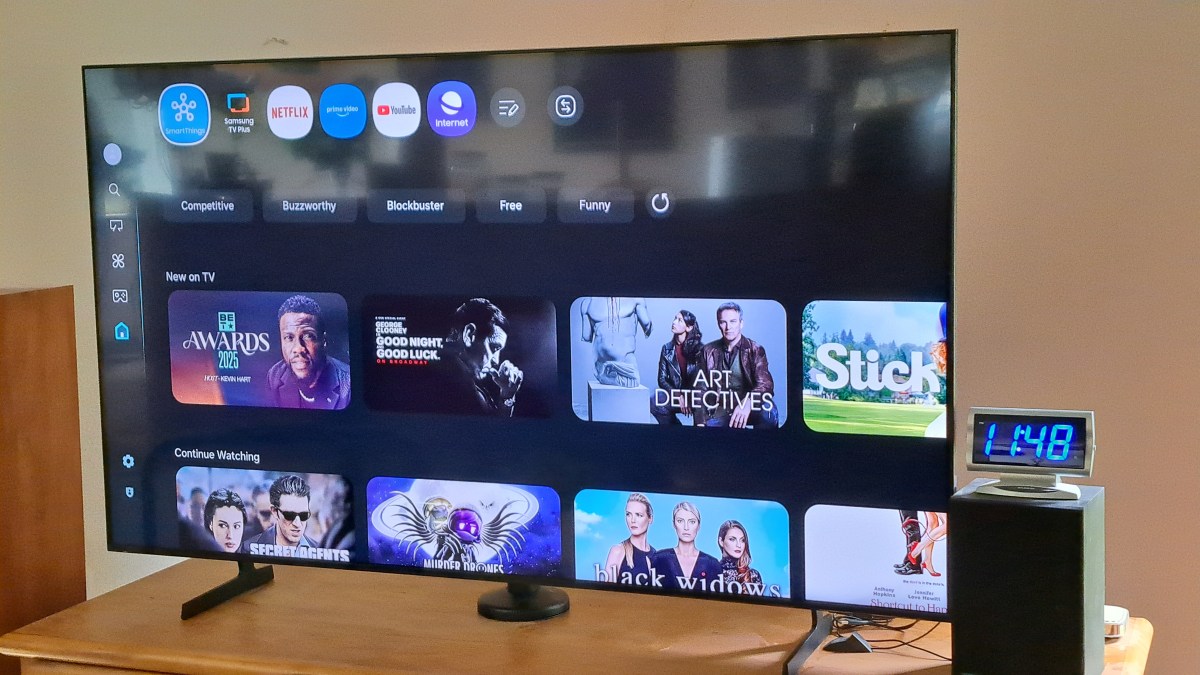
Sony Bravia TV Works Fine

I forgot to post this earlier. Back in June I thought the Sony Bravia TV had died. The Sony Bravia TV is actually fine. Yep Still works. Turns out that there is a little button on the bottom / middle that reboots the TV. For some reason I had never needed that before, but when the TV shut down the last time, I thought it was broken. But it turns out that when I plugged it in and pressed that button it booted up just fine and works fine. So I’m back to using the Sony Bravia now. Very odd. Always before when it shut down, just power off and back on had caused it to reboot. But this last time the hidden button on the bottom had to be pressed.
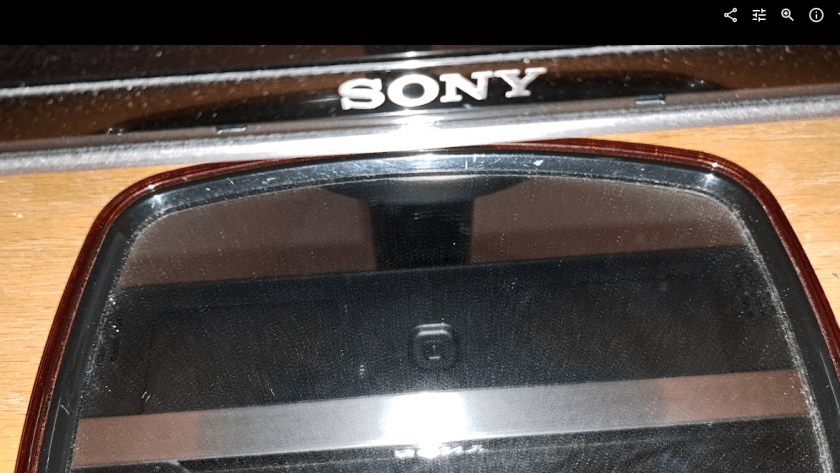
The Sony is better than the Samsung TV in at least one way: The Youtube interface for captions shows more options for some reason and is easier to use.

TV Stand Adjustments

I had to wrestle with the stand to put it back to fit the Sony TV after the grinding and drilling to make it fit the Samsung. But that was easier than fixing it the first time. Odd that they made the stand so hard to adjust. I guess they decided that they would sell more stands if they made the stand so it could not be easily changed to fit more TVs.
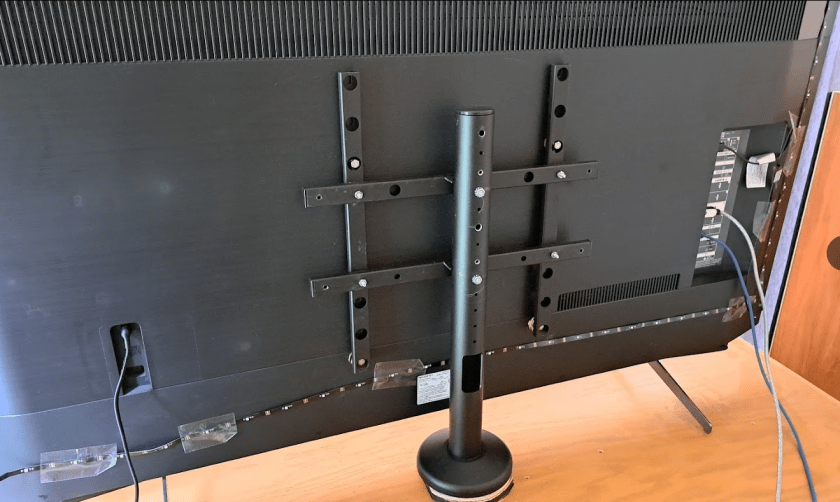
I had waited too long to take the Samsung back to return it. Sooo. I packed it up and put it away. Maybe I’ll be able to sell it to a friend. The Sony has been fine. No more annoying shut offs like before. I think Sony Released an update that fixed some problems.

Oh well.
:ww
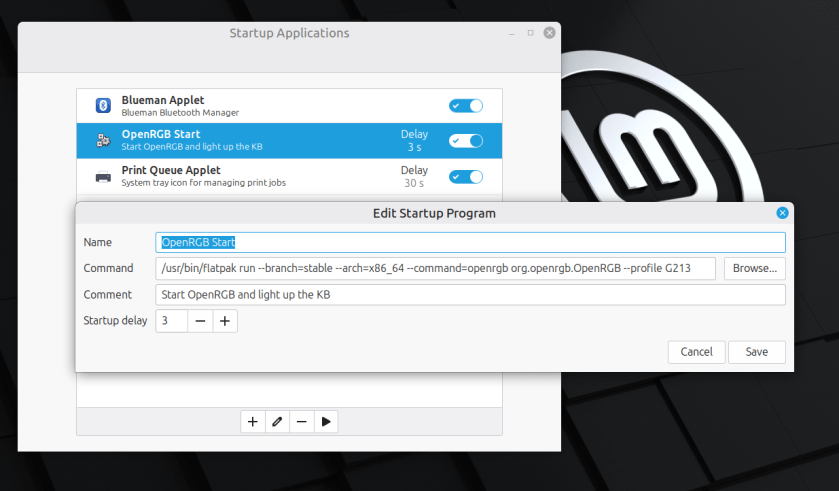
OpenRGB Start on Linux Boot

Here’s an example with Linux Mint 22.2. Other Linux Distros are probably very similar. OpenRGB is installed with FlatPak which is probably the simplest way to install it.

It’s pretty simple to start OpenRGB to light up your Keyboard or other things when you boot linux. Just enter a startup command in the Startup

I found this command by examining the short cut that flatpack produced when I installed it. Just add the –profile option to load your particular profile.

Enjoy,
:ww

Duster Cord Winder Enhancement

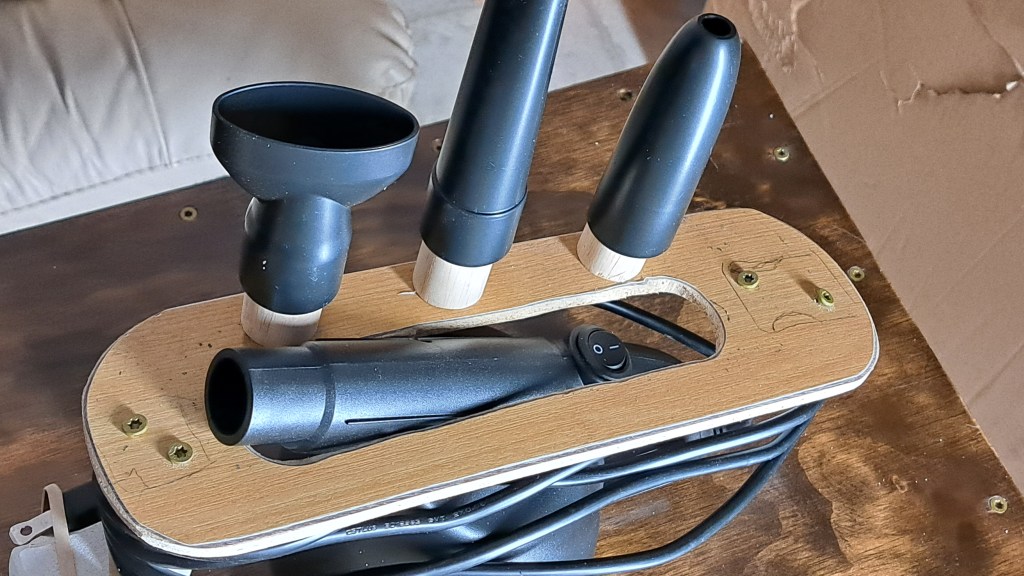
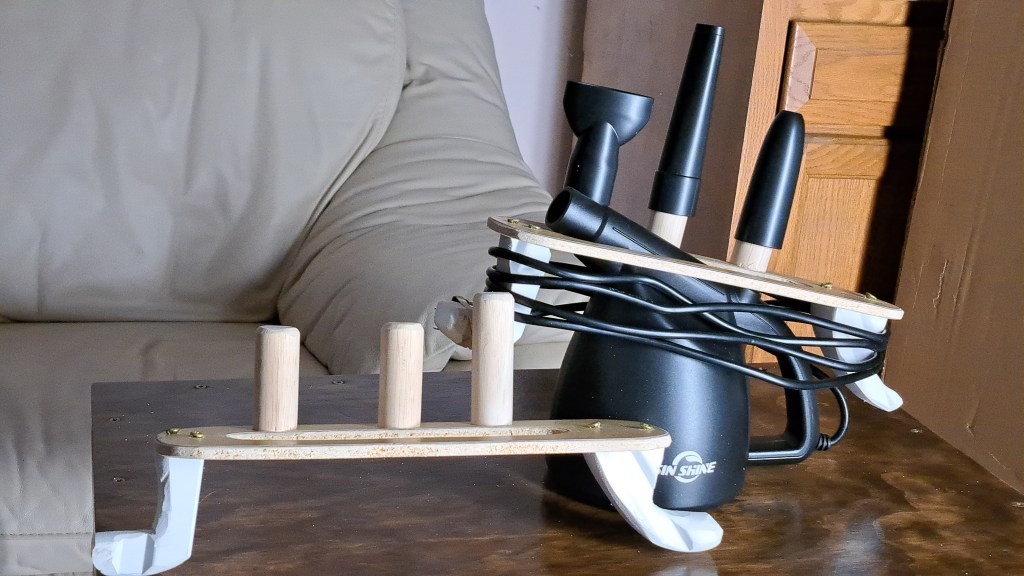
An earlier post shows the duster cord winder and describes it. Some dowels added to the duster cord winder allows storage of the duster nozzles.

The pointed nozzle needs a longer dowel. I thought about painting the cord winder black, but it’s not really the time of year to paint things. Too cold in the shop and I don’t want to spray items in the house. So maybe another time. I made an extra cord winder for a friend. Merry Christmas.

:ww

Computer Duster Cord Winder

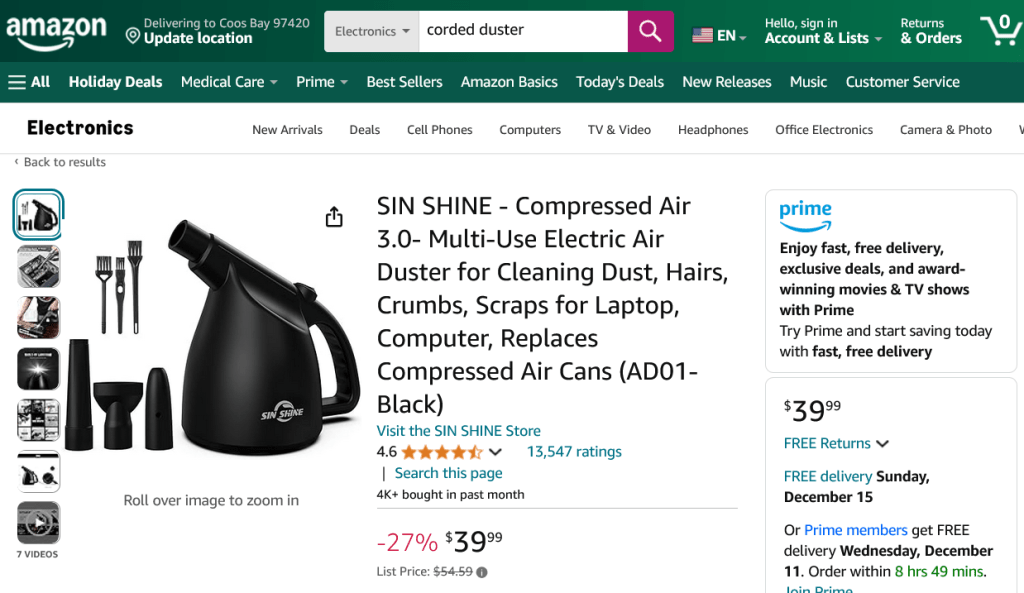
I recently discovered that Dusters are a thing. I had been using a small, clean shop vacuum to blow out my computers. Of course, you can never use the shop vac on vacuum or the hose and inside of the shop vac are dirty and this blows dirt into your computer. Compressed Air cans work, but are expensive. You probably don’t want to use an air compressor since it has so much power that it could damage the electronics and might blow chips or oil or some bad items into your computer. But in the last couple of years, at least since the last time I looked, there are now many types of Dusters out there. This one is corded, to avoid batteries going bad and to have much more power. Also it has a light in the nozzle to light the area where you are cleaning.

There are many to choose from. This one has a 10 ft cord, which is nice, until you want to put it away.

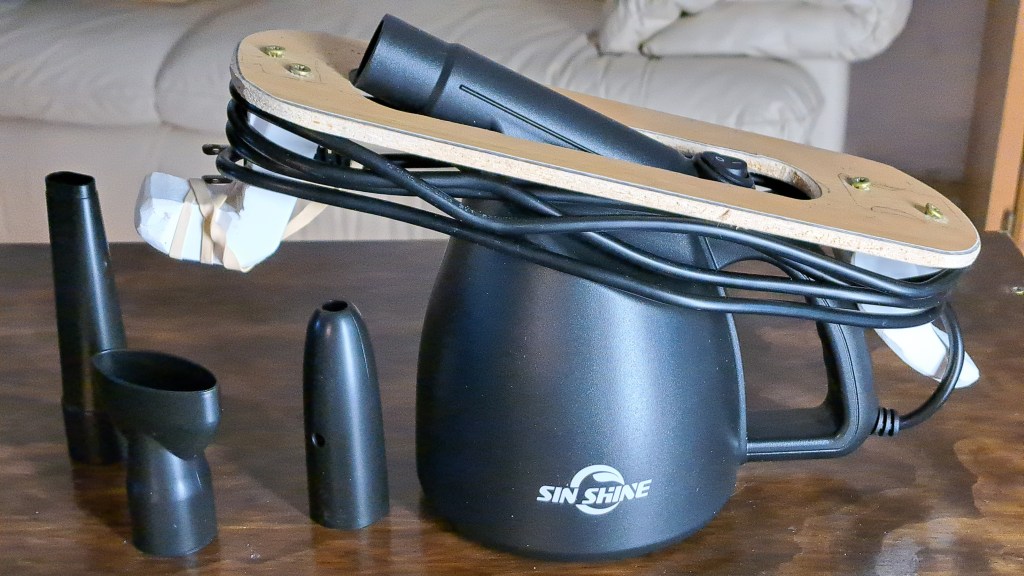
I spent a while this afternoon making a rack to wind the cord around that fits onto the duster so it can be put away neatly.

An oval cut from a plank of laminate flooring, and a couple of hooks cut from plastic window trim and the cord can be neatly wound for storage. I’ll probably add some dowel stubs to hold the accessories.

Cheers,
:ww

Discord Helps Find Which Breaker

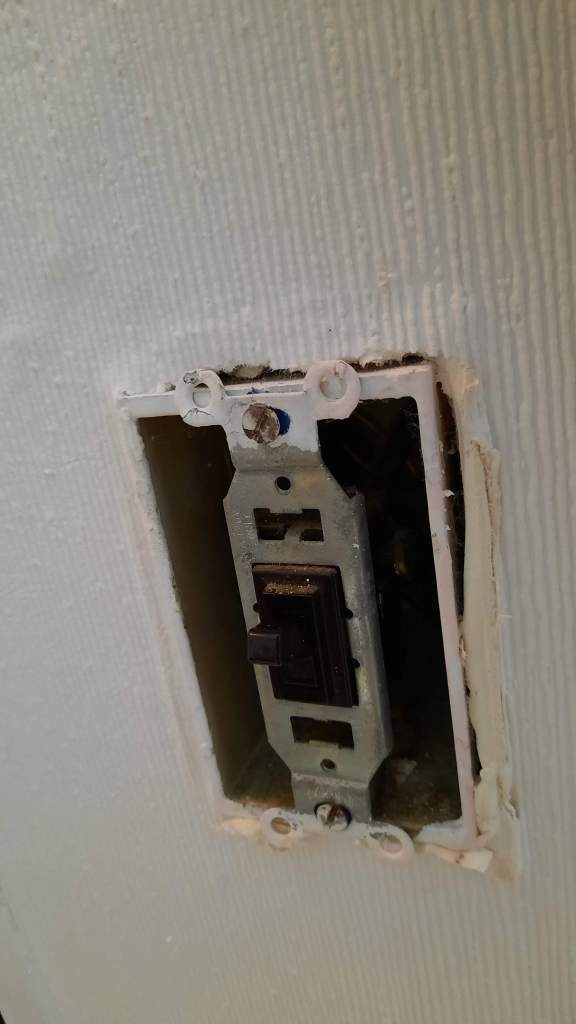
Need to replace this switch

Breaker Breaker, Where is the Breaker?

None of this is a problem for those of you with someone else in the house. Just make a mobile phone call and have the other person stand near the circuit you are testing. Sure Sure. But I live alone.

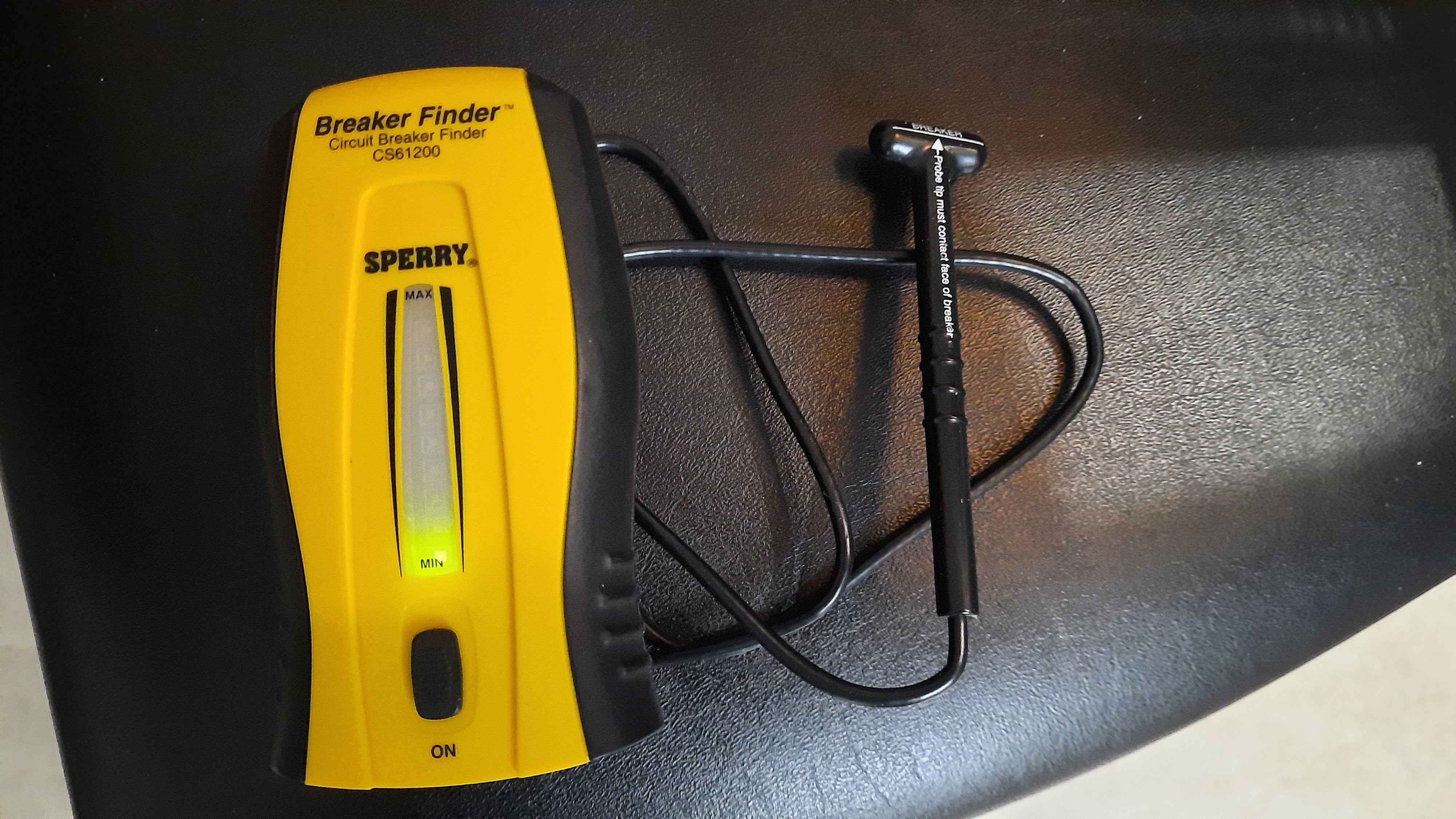
A switch in the back bedroom / Computer room was bad. It was not making a positive connection so the light would flicker when the switch was thrown or wiggled. So, how to find the breaker? How about the Breaker Finder Tool I purchased a while ago?

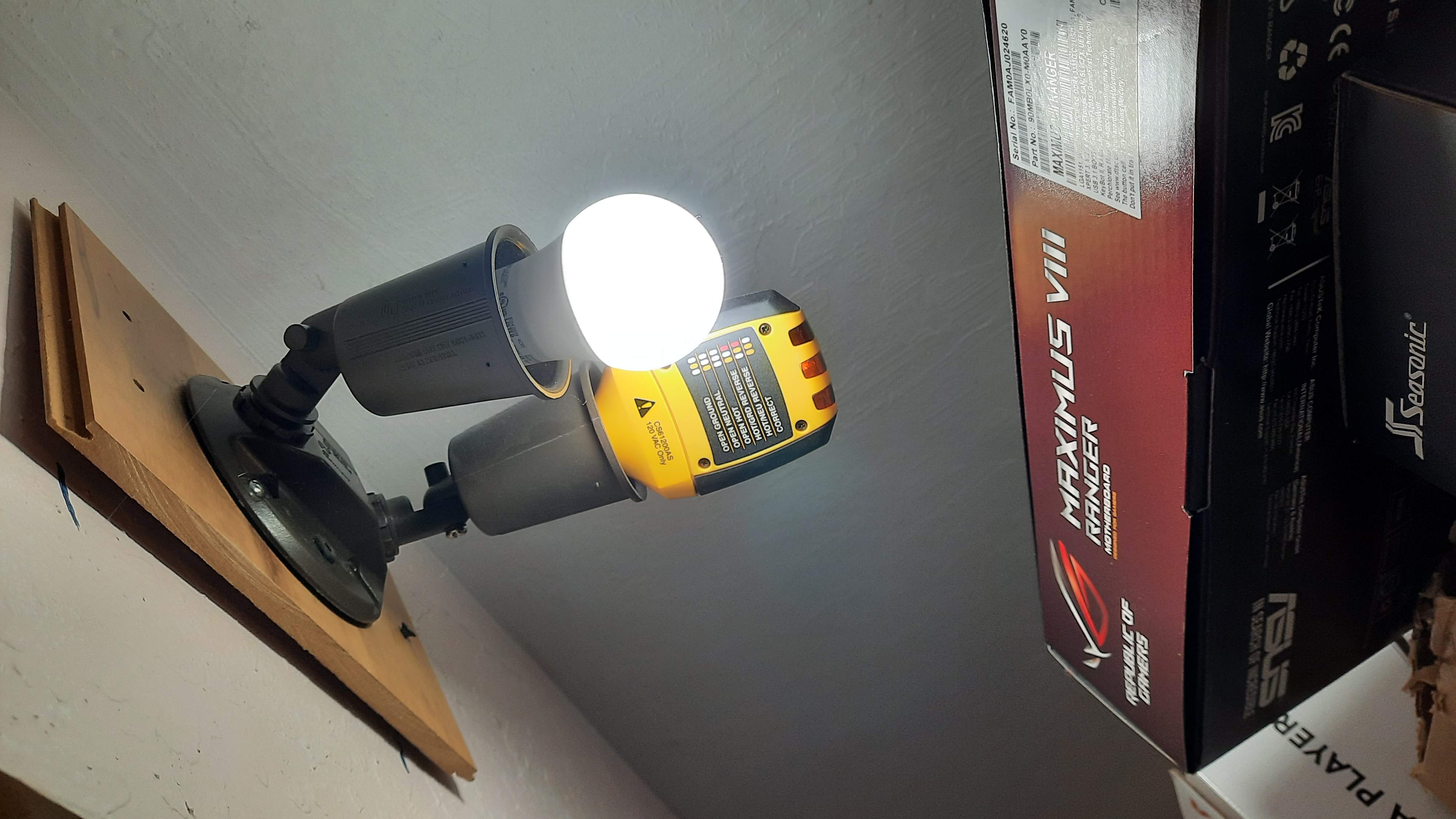
This tool makes a beeping noise when the probe is brought near the breaker where the other end is plugged in, or screwed into a socket. Nice theory at least. And it has worked before for me. But in this case the tool made a horrible screeching sound when the probe was anywhere near the panel, so it’s not working at all in this case. No clue why.

Enter Discord.

Continue reading “Discord Helps Find Which Breaker”

Credit Cards Stuck in Last Century

So, the operation of Credit Cards is apparently stuck in the last Century. The major suppliers of credit cards have not kept up with the requirements of the modern age of online transactions.

On-line Credit Card Fraud is a Major Headache

Case in point: My credit card was used Fraudulently. I have a couple of cards, one for physical transactions where I’m always present – well almost always present. And another that I only use On-Line. Of course, the fraud involved the credit card that was used online. I purchased some Game Currency from a game I play a lot for $10, and less than a week later someone tried to purchase $5599 at Best Buy. There was a lot of confusion about whether the transaction occurred On-Line, but the address was given as Minneapolis, Minnesota. Which is far from where I live. So the transaction was declined, and I was alerted. But that’s not the end of the problem. That card number is now stopped. It can no longer be used. And if this were last century, I could just use another of my few cards to eat take-out at restaurants, or buy groceries.

But this is 2020, and that credit card is in the hands of over a dozen on-line merchants whose computers will automatically try to use it on some random schedule to provide services that I use. These include Netflix, my internet service, my satellite tv service and so forth. I’m “waiting four to five business days” for the new card to arrive. And any of these days one of these many services’ computers might try to use that dead card. To say nothing of the fact that it will take an hour or so to go through all the services’ websites and give them a new card number. I need a better way.

Continue reading “Credit Cards Stuck in Last Century”

Gear Upgrades After 5.3

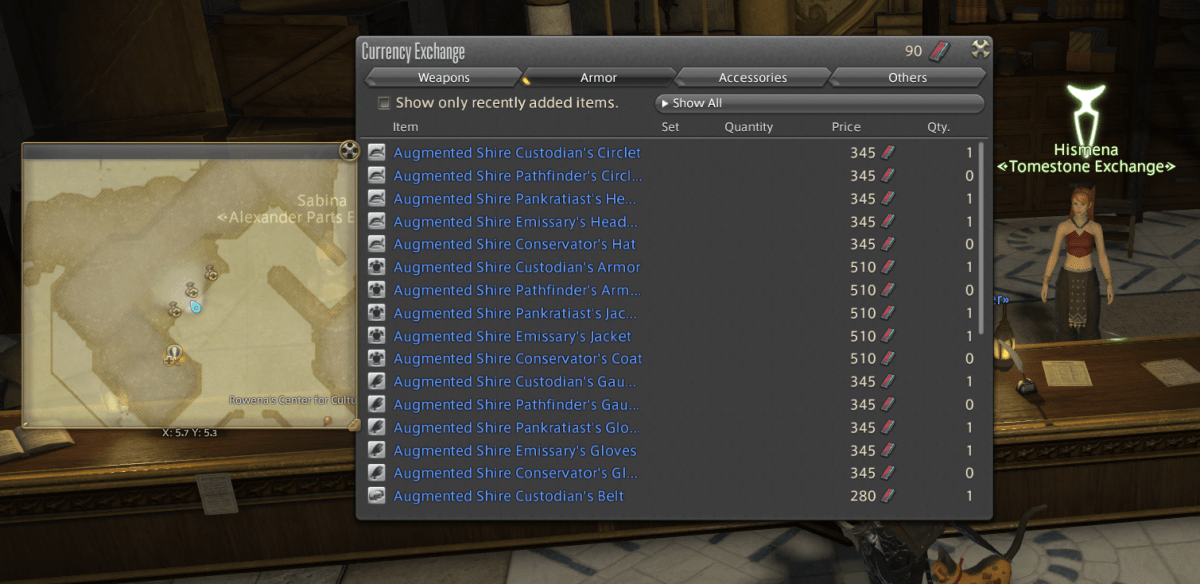
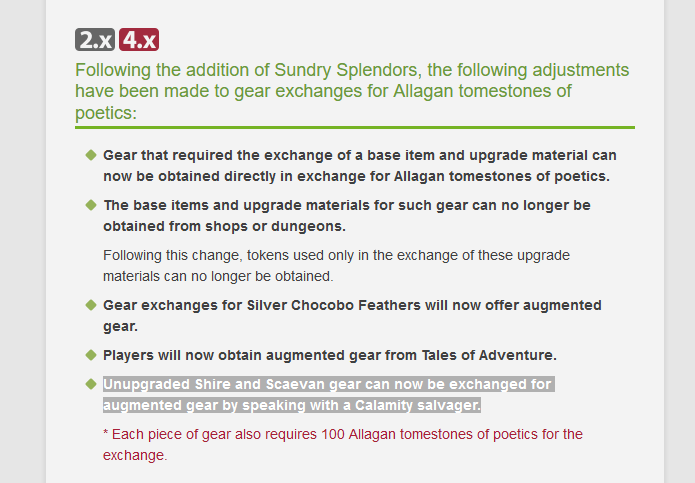
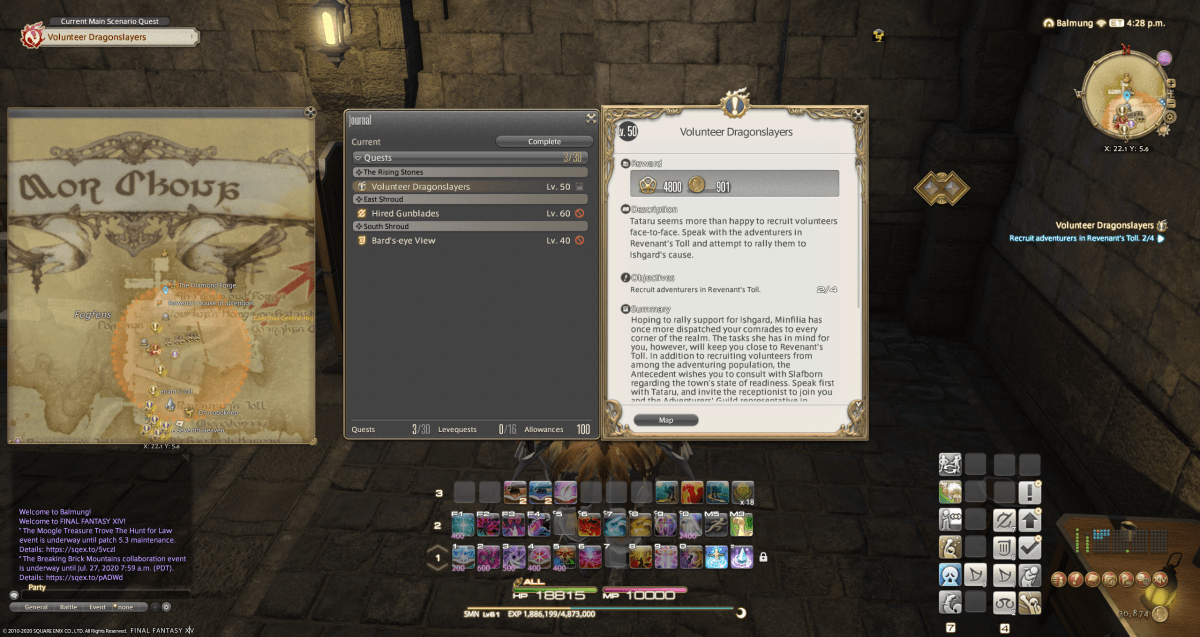
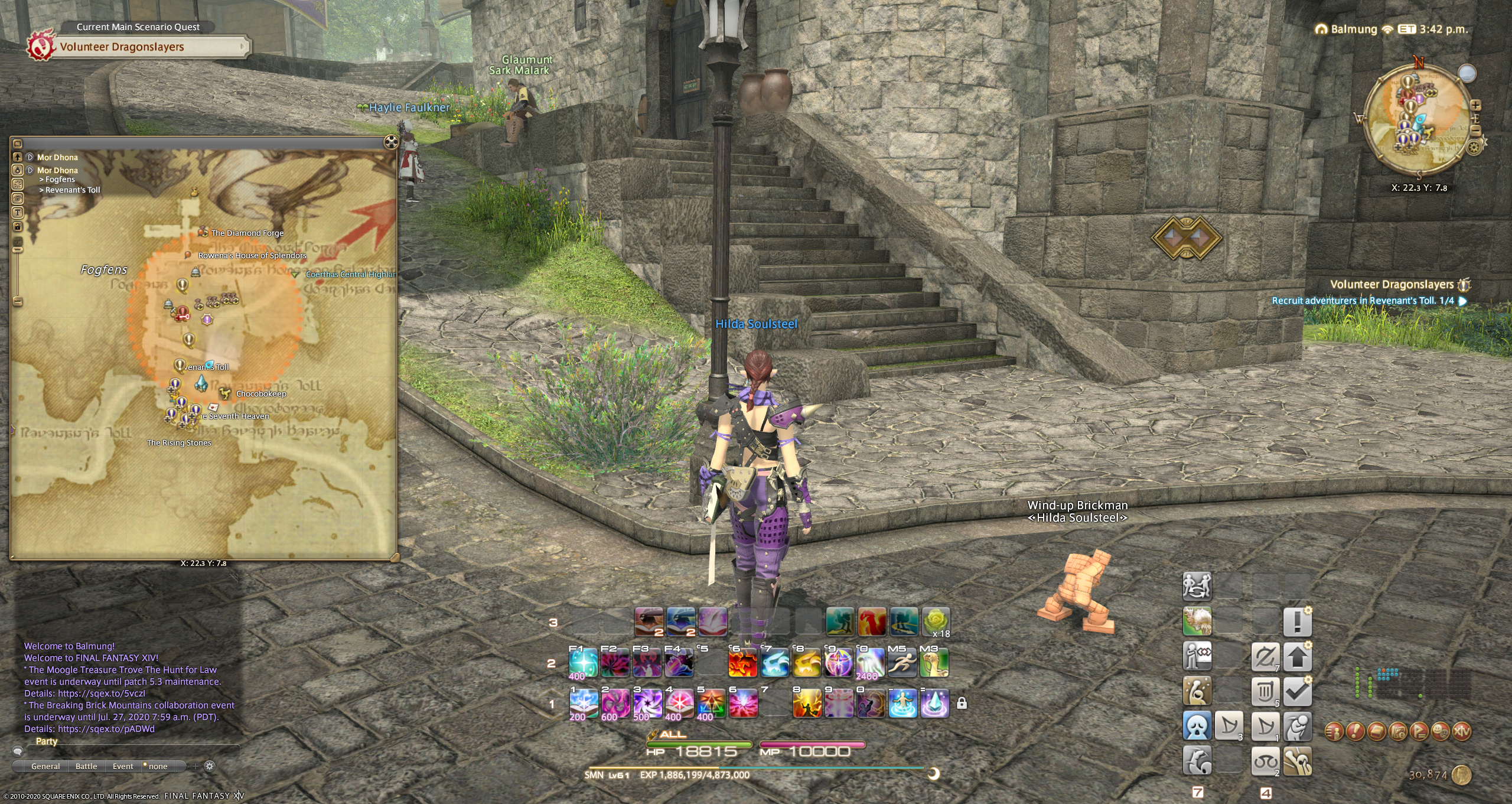
There have been some changes to Shire [60] and Scaevan [70] Gear upgrades with 5.3. And it’s a little confusing. You can check the patch notes for 5.3 here.

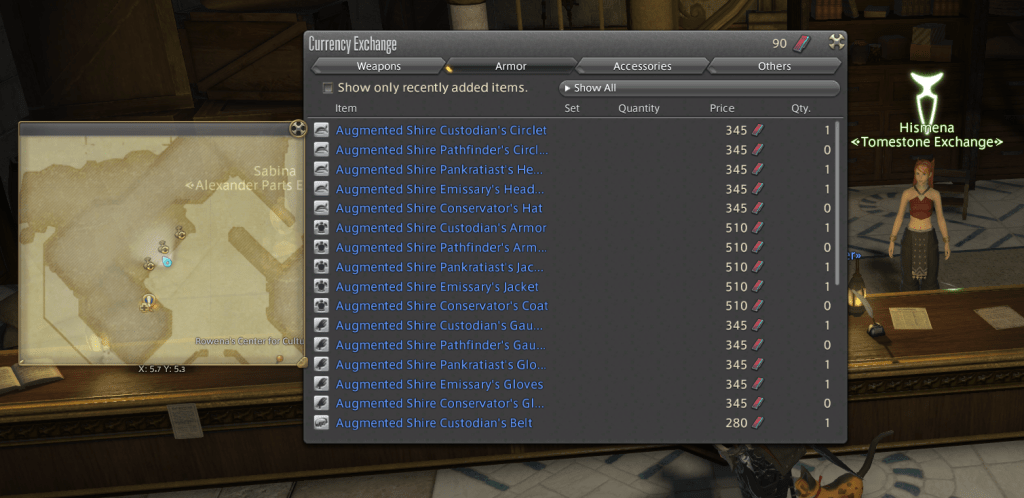
Notice that the NPC in Idyllshire no longer sells Un-Augmented gear and no longer sells upgrade materials. The upgrade NPC across the street will still upgrade gear if you have the upgrade materials left over from before the patch.

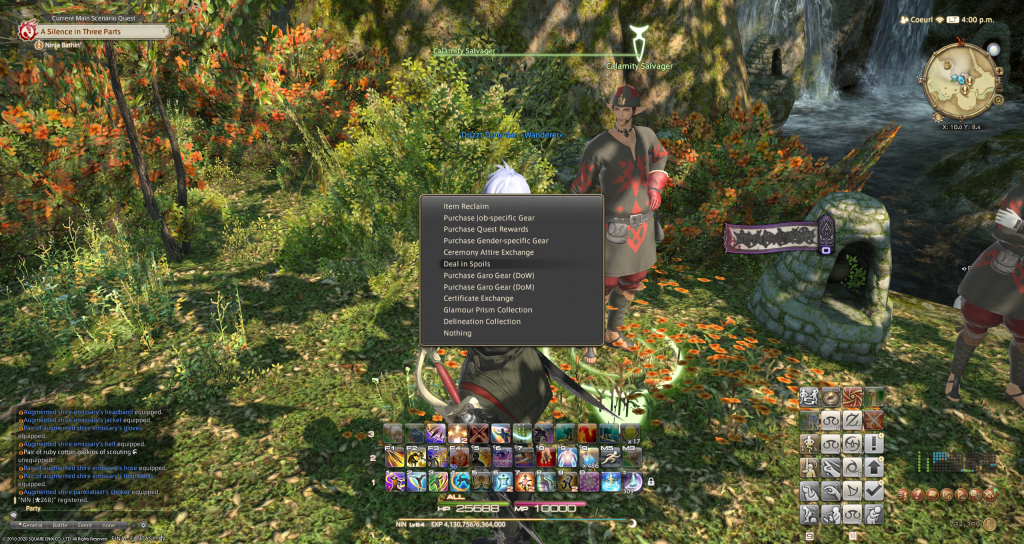
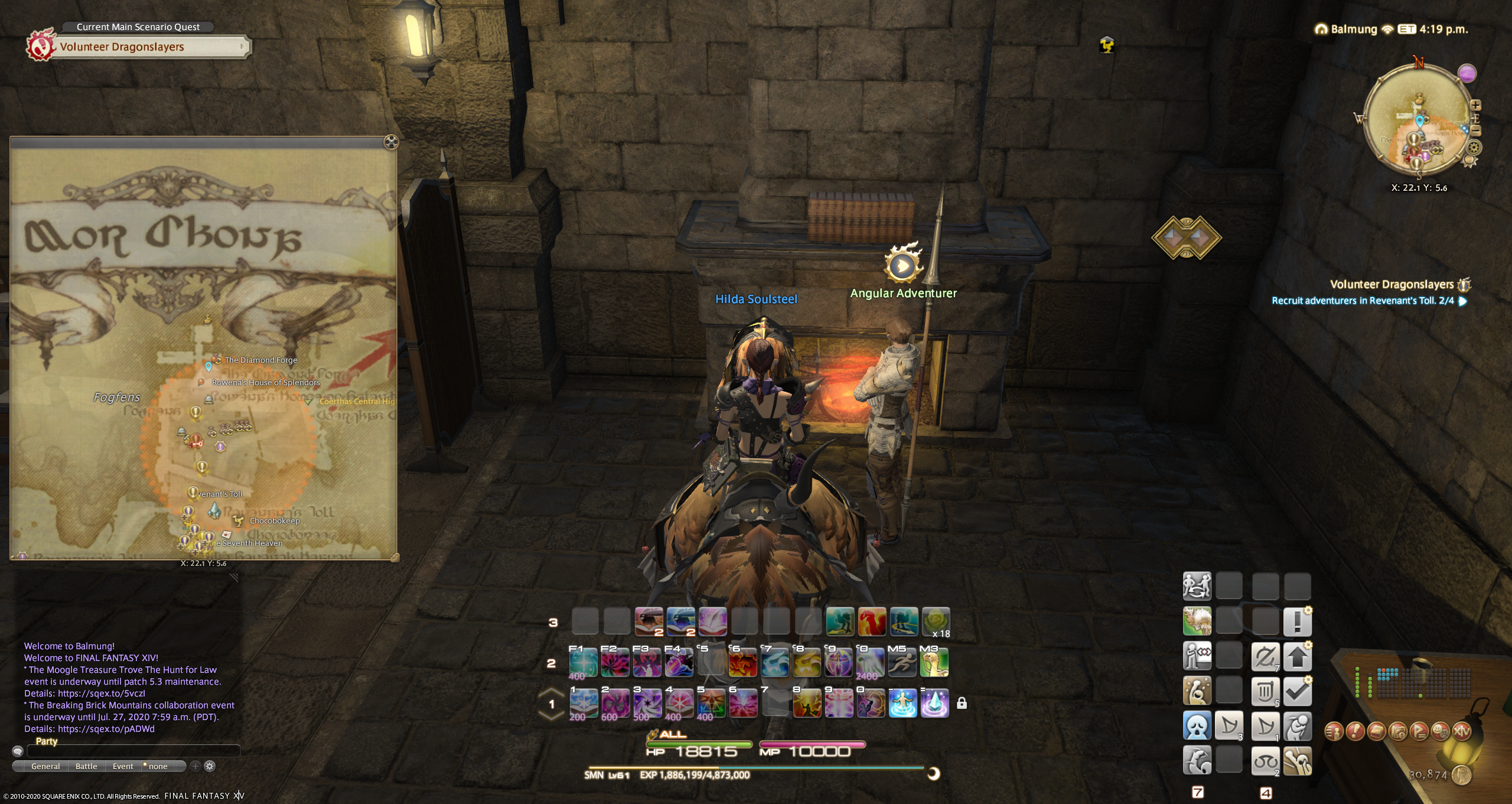
However, if you have the un-augmented gear, but no Twine, Gobcoat or whatever, then you have to take a hike to the Calamity Salvager in a major city. Here’s my visit to the one in Gridania.

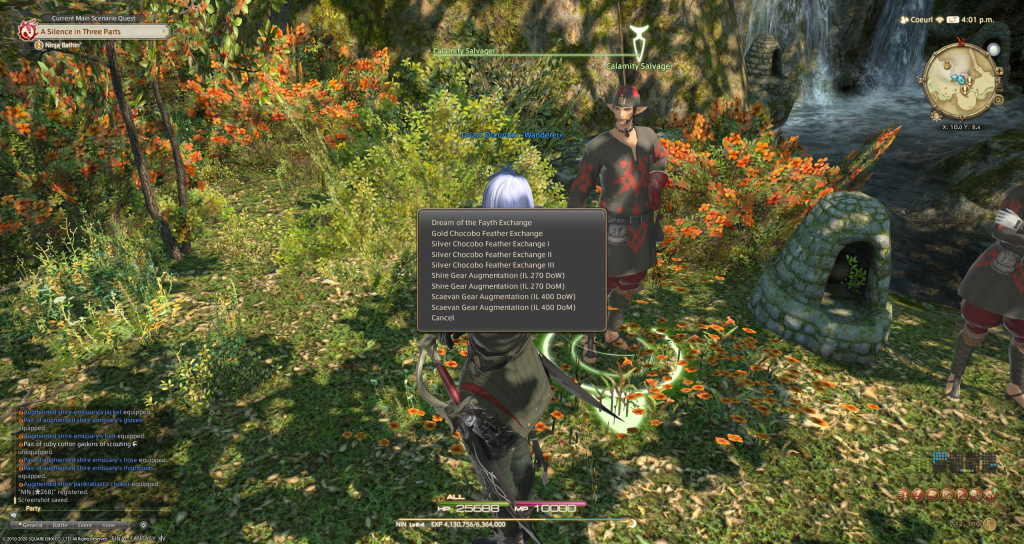
When you visit the Salvager in any of the three starting cities, you need to “Deal in Spoils” and then choose the Shire / Scaevan War or Magic choices to upgrade your old gear to the new augmented type. It costs the same number of tomes as before, but the intermediate materials [ twine, coat or gob] are no longer needed. Once you upgrade all your gear, you never have to deal with the salvager again. All the new gear starts as Augmented, for more tomes of course.

I’ve not yet dealt with the issue of Ironworks gear [50]. I’ll come back here to update this when I found out what’s up.

Continue reading “Gear Upgrades After 5.3”

Windows 10 Random Beeps

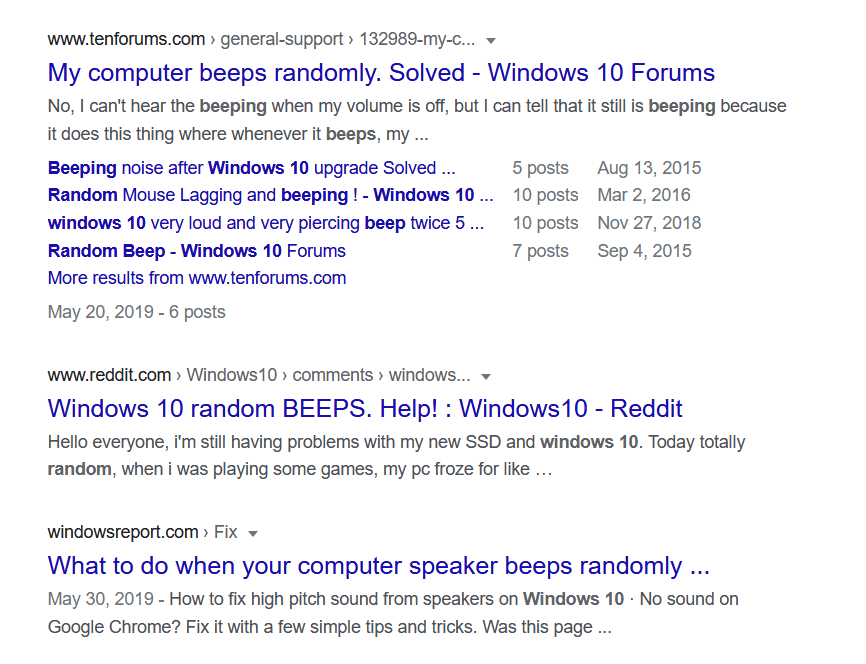
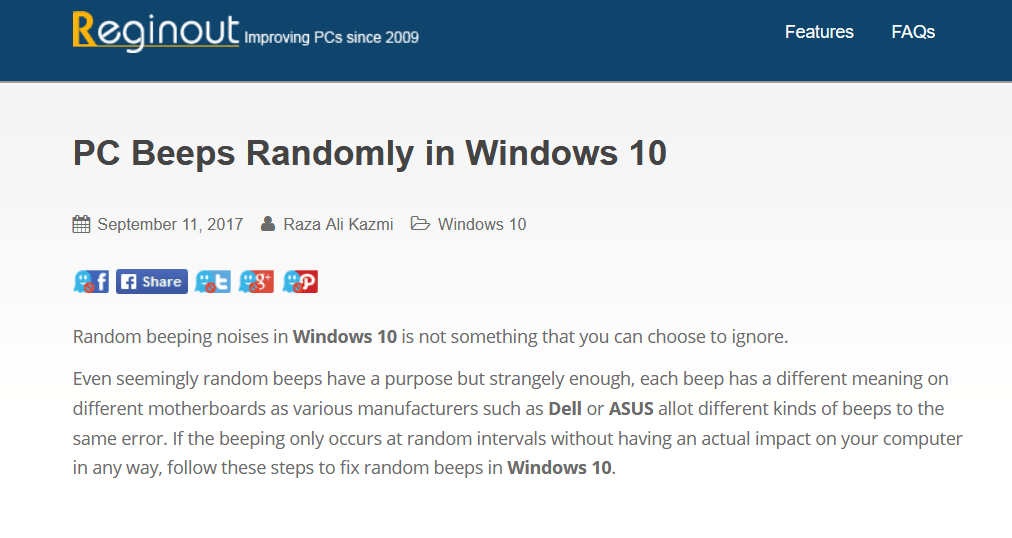
For the past few weeks I’ve noticed Windows 10 beeping at random times. These beeps don’t seem to be correlated with anything I’m doing. I finally did a google search. It turns out that this has been a thing for quite some time.

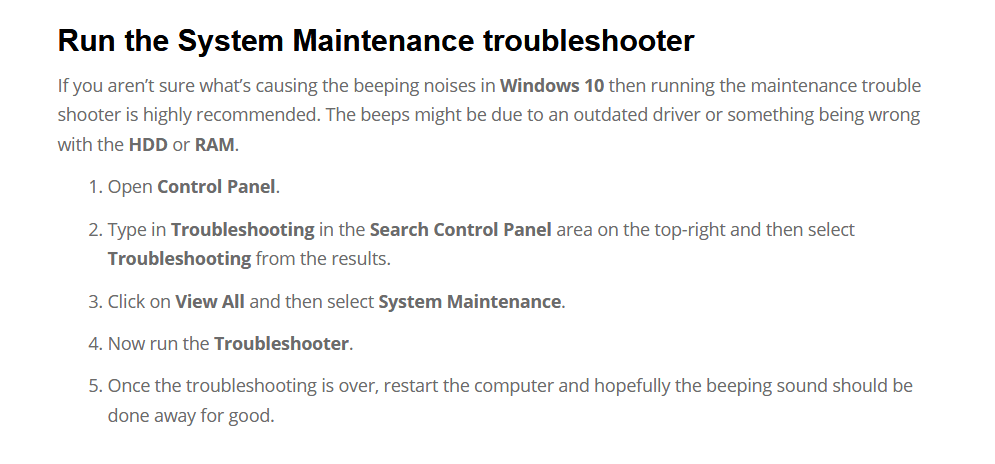
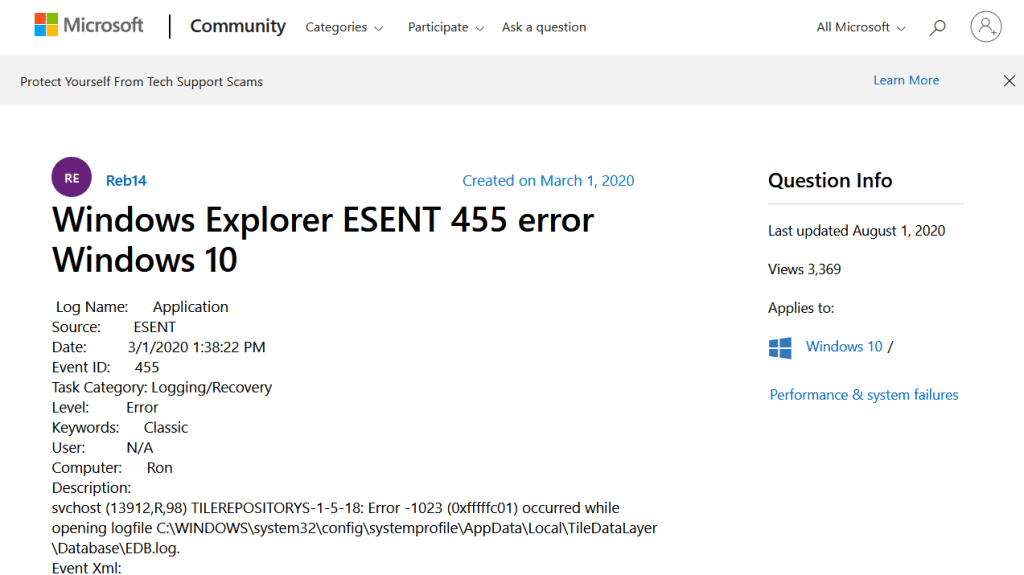
I could not get the troubleshooter to work. But continued searching found that the beeps were an indication that the Event Log was being used. And using the Event Viewer – just type Event Viewer into the white search box at the bottom left of the desktop – showed errors in the Application log. And these errors were ESENT 455 errors. So a google search of that showed that the problem was easily solved.

Continue reading “Windows 10 Random Beeps”