When using IntelliJ to build a JavaFx project, eventually you man want to build a JAR to deploy the program to another system. The following plugin is required in the Plugin section of the POM.xml file to build a JAR file. There may be other ways than manually adding this plug-in. This method was shown on a Discord channel.
Continue reading “JavaFx Maven Assembly Plugin”Category: Java Development
StackOverflow is Pretty Picky
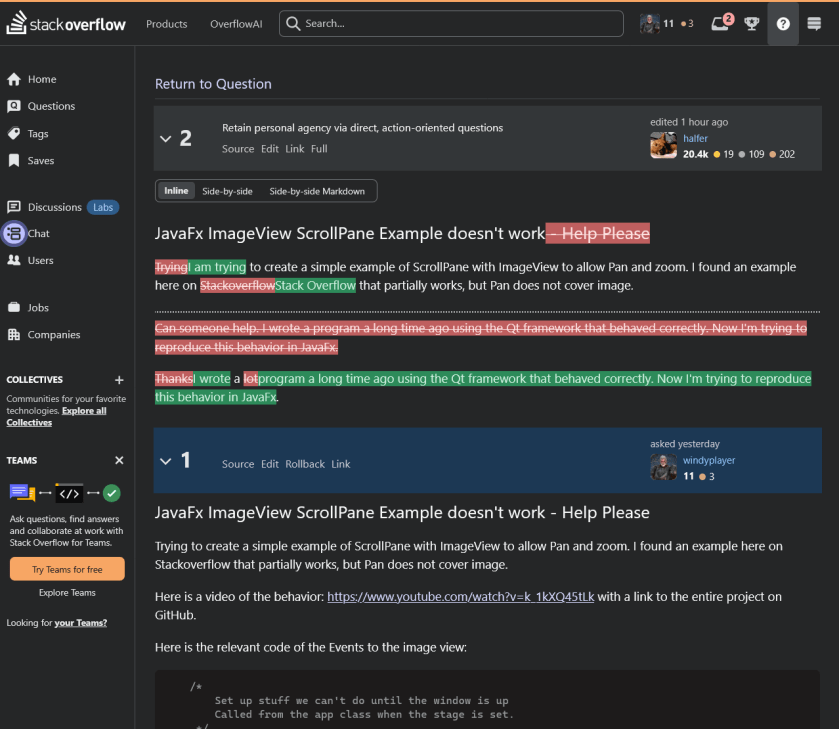
So, I’m having trouble with a JavaFx program and decided to ask a question on StackOverflow. And it looks like a moderator, or other user, edited my question to change the wording. I have no problem with the edits, except that they seem awfully picky. What do you think?

So I am attempting to “Retain Agency” by posting this here for us to have a look.
In the future, I will always attempt to retain my agency.
I had assumed that StackOverflow was a forum, but it seems it is subtly different from a forum. Here are a couple of examples of the etiquette of StackOverflow showing through:

:ww
Java Programming for Desktop Apps
The last time I wrote Java code was about five years ago in 2000. At that time I needed a program to display a series of LibreOffice Impress slide shows to build an artwork display using a Linux System with a large monitor.
Recently I’ve gotten bored with Gaming and have decided to go back to programming and have decided to rewrite QtScreenShotArchive in Java. QtSSA is a program that I wrote back in 2013 to back up and organize screen shots for games I play. The program works great, but it is complex enough to provide a challenge for some Java coding. If you are interested in the current C++ QtFramework based, QtSSArchive program, it’s available from the page above.
Things have changed quite a bit since I last programmed Java. As I recall I was using the Eclipse IDE. Eclipse is still around, but the flashiest guy on the block is now Itellij. If you go there to download, be sure you scroll down to the bottom of the page to get the free community version rather than the free trial of the paid version. Unless you wanna pay. LOL
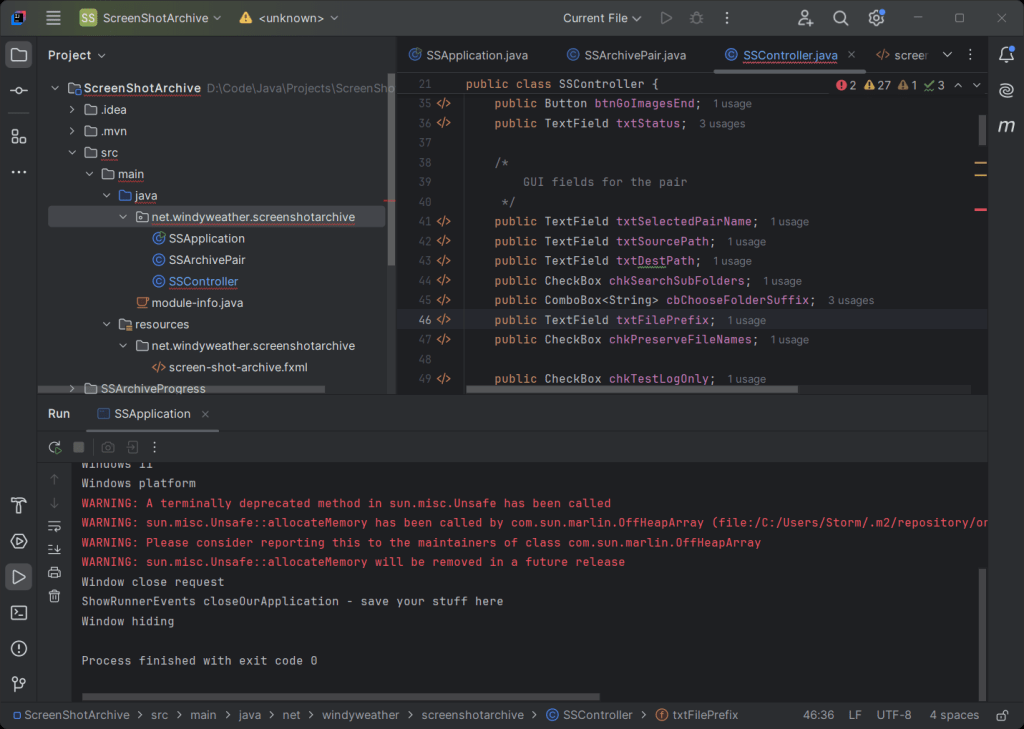
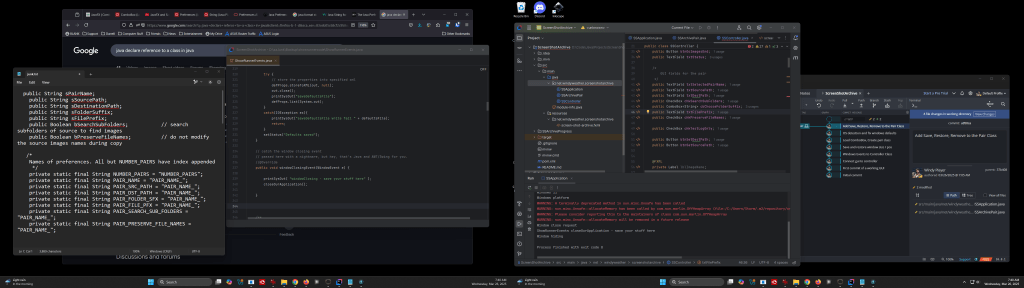
Here’s what IntelliJ looks like:


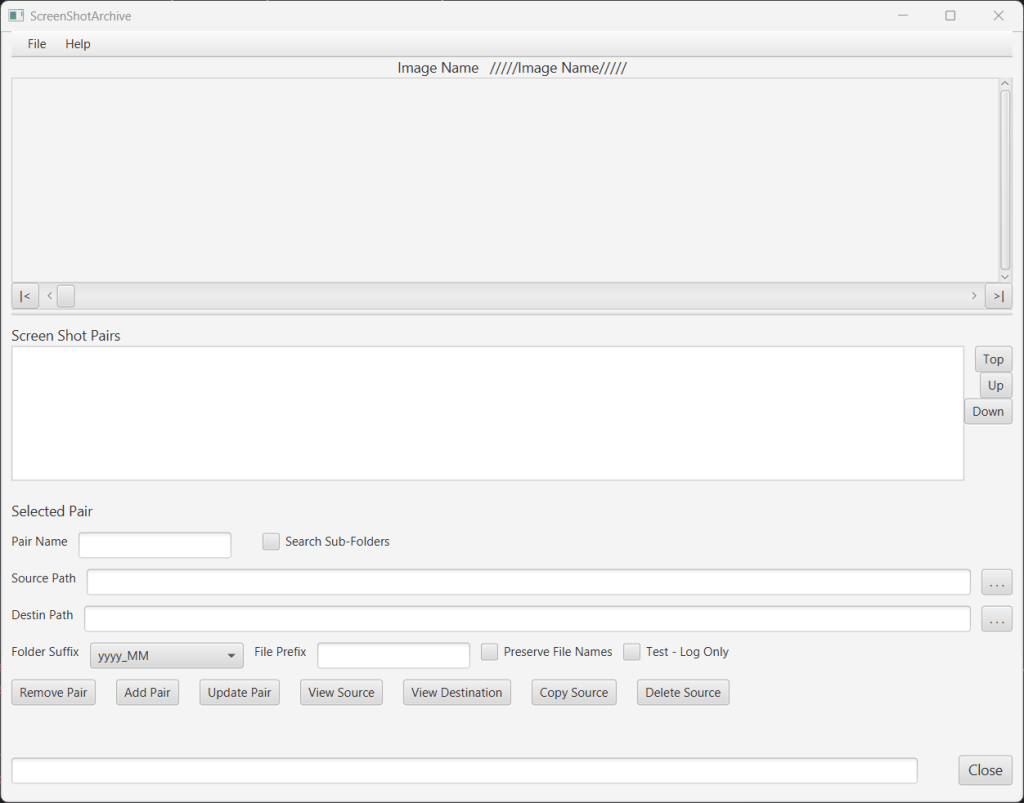
I suggest you use two monitors for development. I use IntelliJ on one and web pages for research and sample code on the other. And GitKraken is waiting in the background to check stuff in. There is an example of the GUI for the SSArchive program as well.
Continue reading “Java Programming for Desktop Apps”JavaFx – Modify a Modal Dialog when Shown
Note: Post is back dated by a year to keep it off the front page.
The latest Java app is progressing well. The AboutBox needs some modification to the text after it launches.
The app is built in JavaFx using IntelliJ. It is far along enough to build a modal AboutBox. The Box has a TextArea containing a description of the program is not editable. All that works fine. But the area can’t be formatted with new lines in the SceneBuilder, so the fix is to load up the content when the DialogBox launches. The code works to modify the TextArea with new text, but not when the Dialog Box is Shown. At that time, the changes have no effect on the TextArea.
Continue reading “JavaFx – Modify a Modal Dialog when Shown”Strange Java Issue
Update
See below for the solution. Spoiler – It’s a typo.
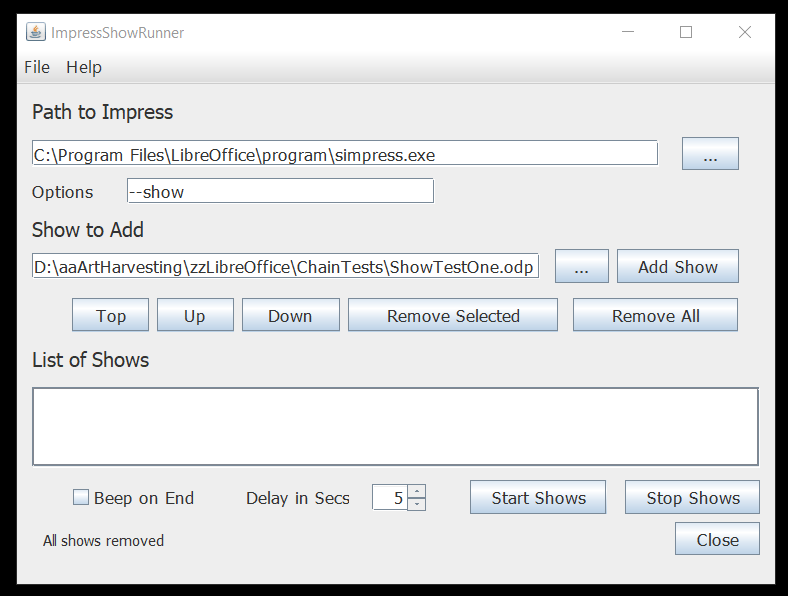
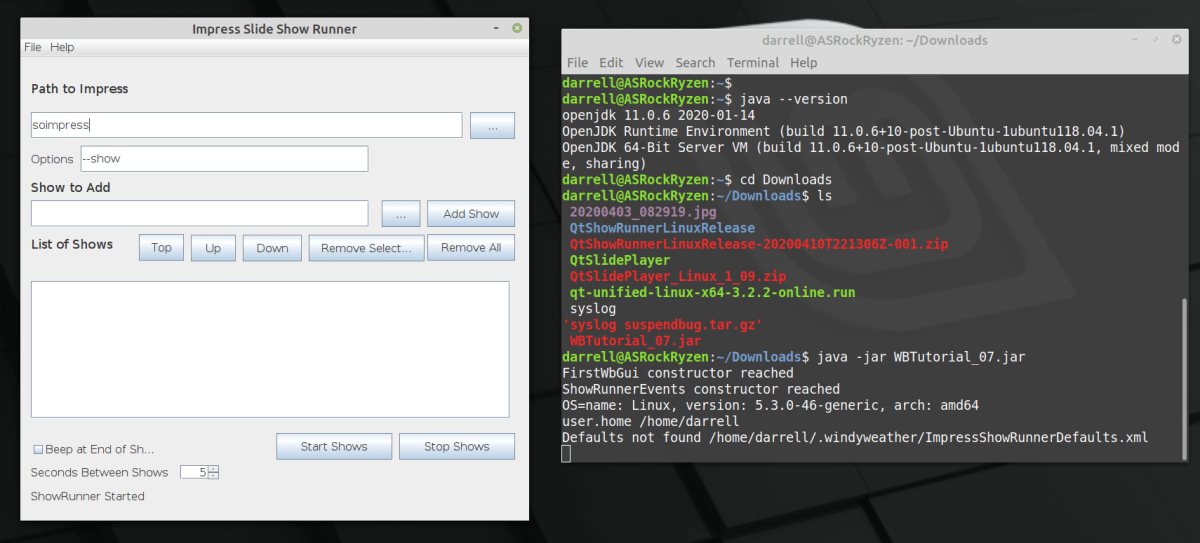
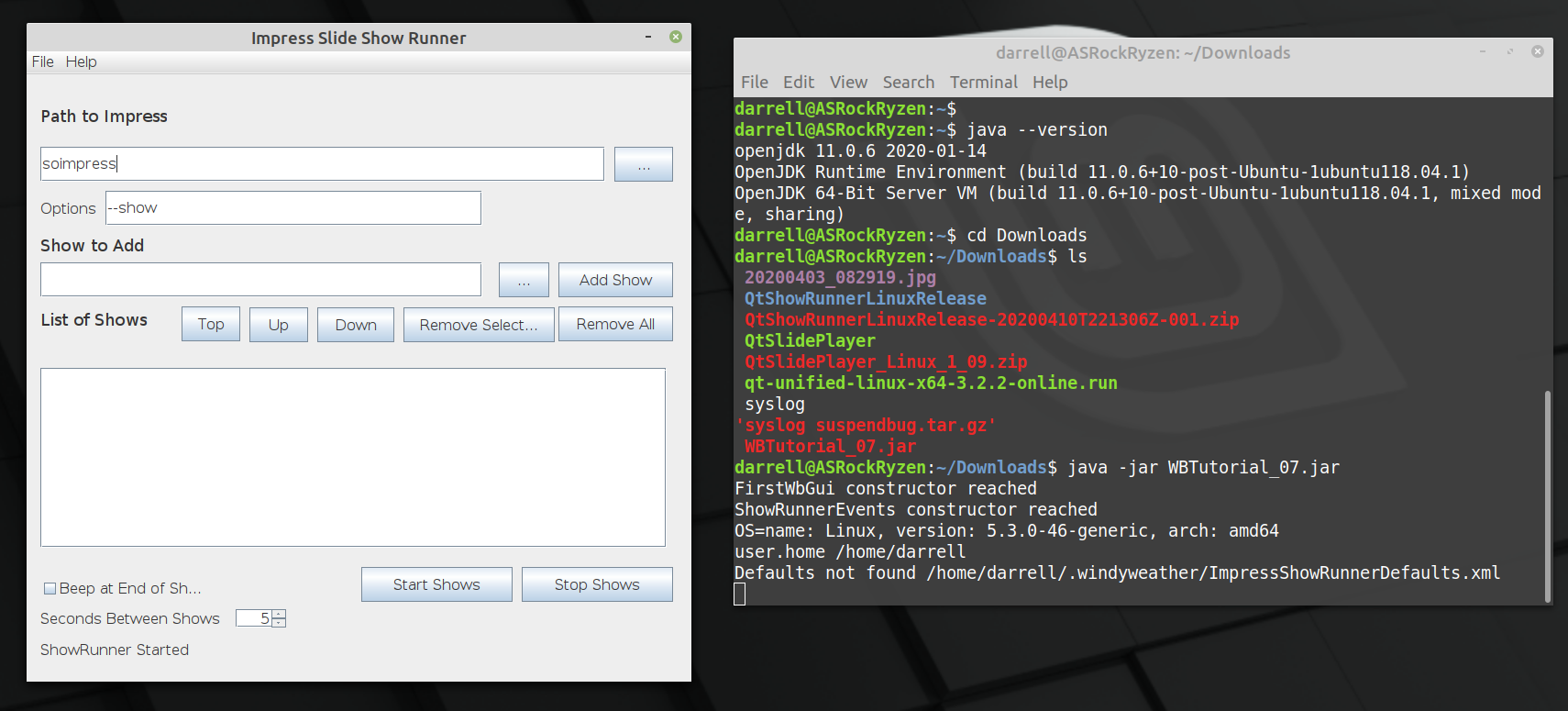
Back in April 2020, I wrote a little program to run a sequence of LibreOffice Impress Slide shows. For ease of deployment on Windows and Linux, I built the program in Java. And it worked just fine. Here’s what the program looks like:
You can follow the whole Saga of its development using this link. The program has been working very well on Linux Mint 19 and 20 and Windows 10 for a couple of months now. I’ve not changed anything since May 16. Here’s the github repository.
Continue reading “Strange Java Issue”ImpressShowRunner Resizable
Update: All is working now. Get the latest jar file here. And the sources here.
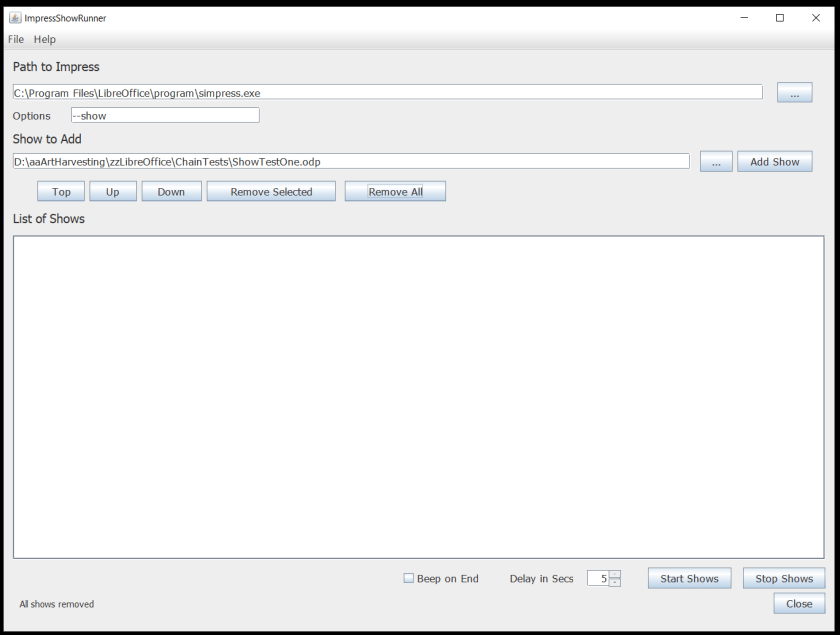
Well that wasn’t that hard. After looking at this page on Java layout managers [TLDR], and then this page on Group Layout again [TLDR]. I just jumped in and tried it out. And whadda you know. It’s not that bad. It’s a little glitchy. Not as smooth as the Qt Layout manager, but it works. Here’s what is working so far.
So the list and path strings resize. And this uses 14 pt type rather than 16 pt, so it’s a little more compact and probably won’t mess up on some screens like the larger font size did.
ImpressShowRunner Released
ImpressShowRunner is running well on both Windows 10 and Linux Mint 19.
Here is a complete description of the program and how to use it.
The program is distributed as a JAR file and requires Java SE 11 or later to run. OpenJDK 11 is built in to Linux Mint 19 and the normal windows SE release is currently Java 8. This will not work to run the program since it was developed for the JDK 11 version of Java. Actually. Let me get back to you on that. I have JDK 14 installed on the system I use to test on Windows 10. I need to sort out these Java version numbers and confirm that the program works on Java 8. Are Java JDK versions different from the RunTime environment versions? Let’s see.
Java – We have the Technology
We recently proved that Java desktop programs can be easily deployed to Windows and Linux. Now we have proved that other complex parts of the program to run a series of Impress Shows in a loop.
- Running the command line to launch the Impress program to show the slide show.
- Finding out when the show is complete.
- Clicking the mouse repeatedly so that the show ends when it finally reaches the black screen.
1 and 2 are pretty easy. In Qt there is a class that executes a command in another process. And you can wait on it or check to see if it is complete. We can’t wait of course since Impress just waits forever for a click on a black screen at the end. Soooo.
3 is not so easy on Qt. The solution differs by OS. On windows you need to call the Kernel to send events to be dispatched through the event handler. UINPUT calls. On Linux, the easiest solution I found was to launch the “xtodo click 1” command to perform a mouse click. The xtodo command is easily installed on Linux, but this is another step to make the program work. But the Java solution is much easier.
Java Deployment Is Easy
I’ve been using QtCreator and the QtFramework for many years to build apps for Windows / Linux. Deployment is always a struggle with the Qt Framework. Deployment is hard work. Lots of hand work and testing to make sure the installers are correct.
I’m now forever done with Qt for that. Java is sooooooo much easier to deploy.
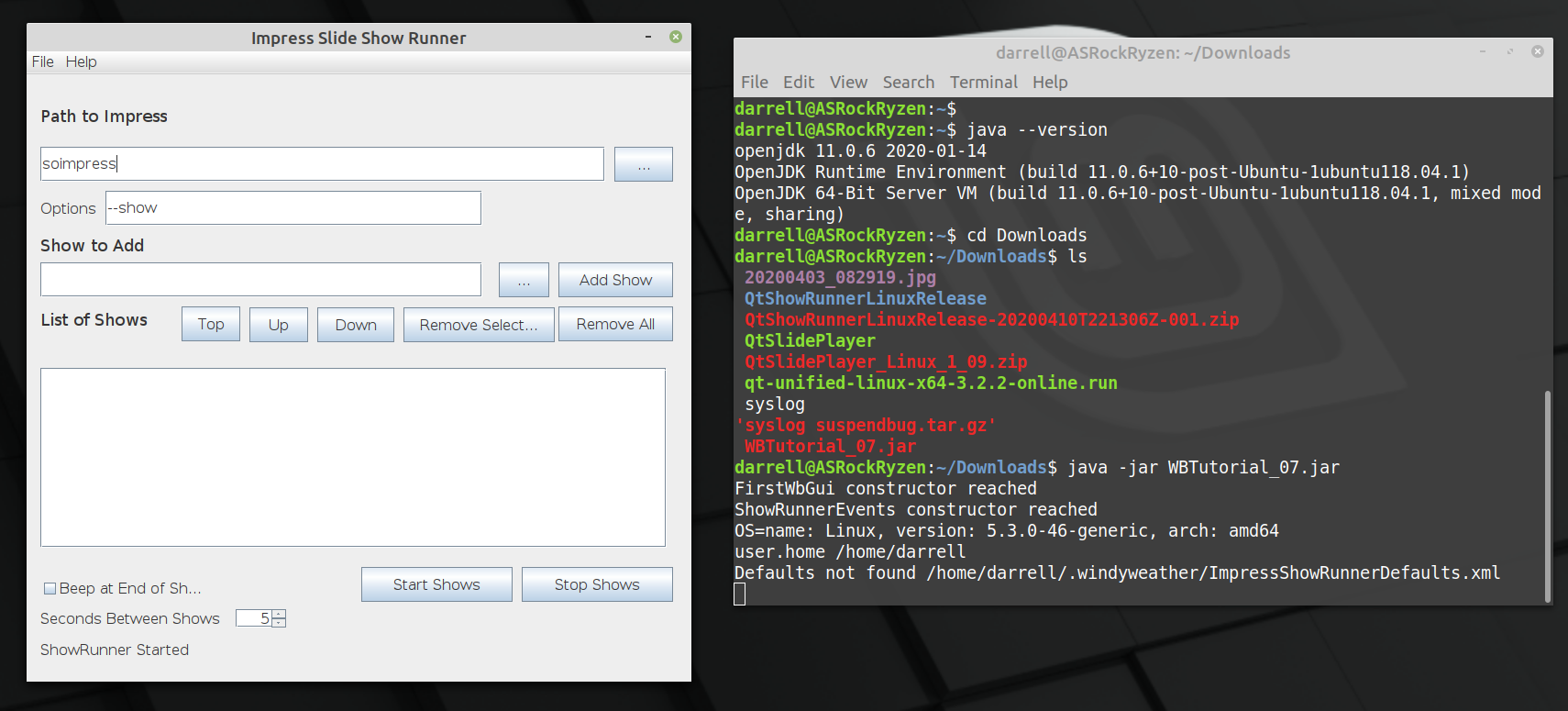
The above shot is of the prototype Java Impress Show Runner app running on Linux from a JAR file built on Windows 10. It runs on Windows 10 and it runs on Linux, with no changes and instantly. No fiddling required.
Here’s what it takes to build apps this way. Just an overview, not the entire story, but it has only been Five days since I started with Eclipse and Java. So it’s not that big an effort.