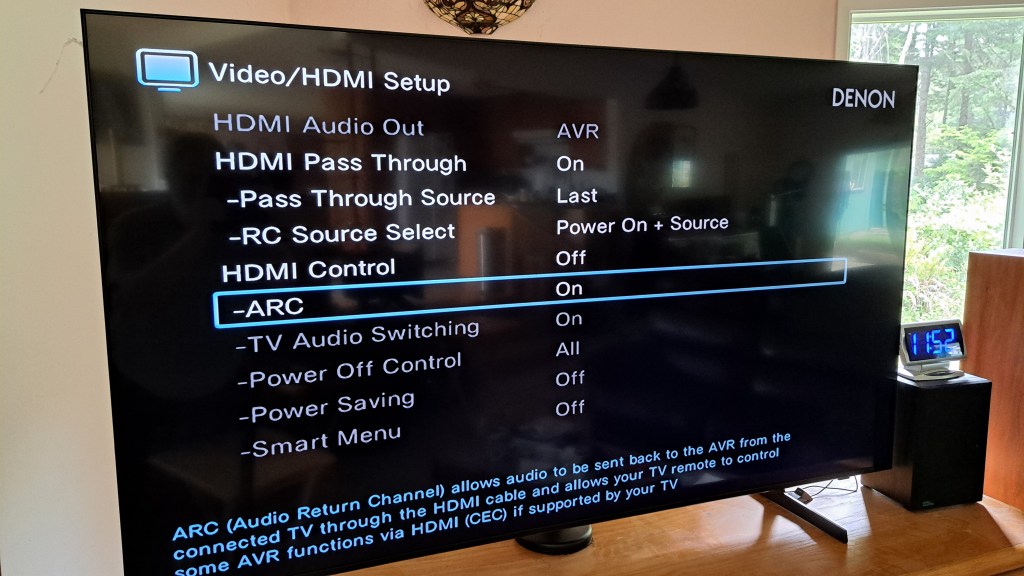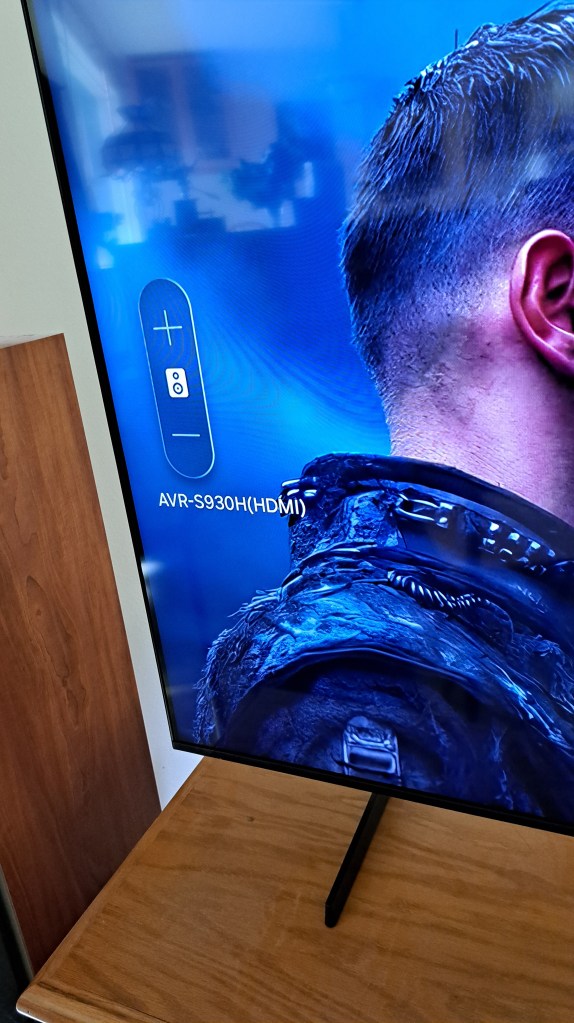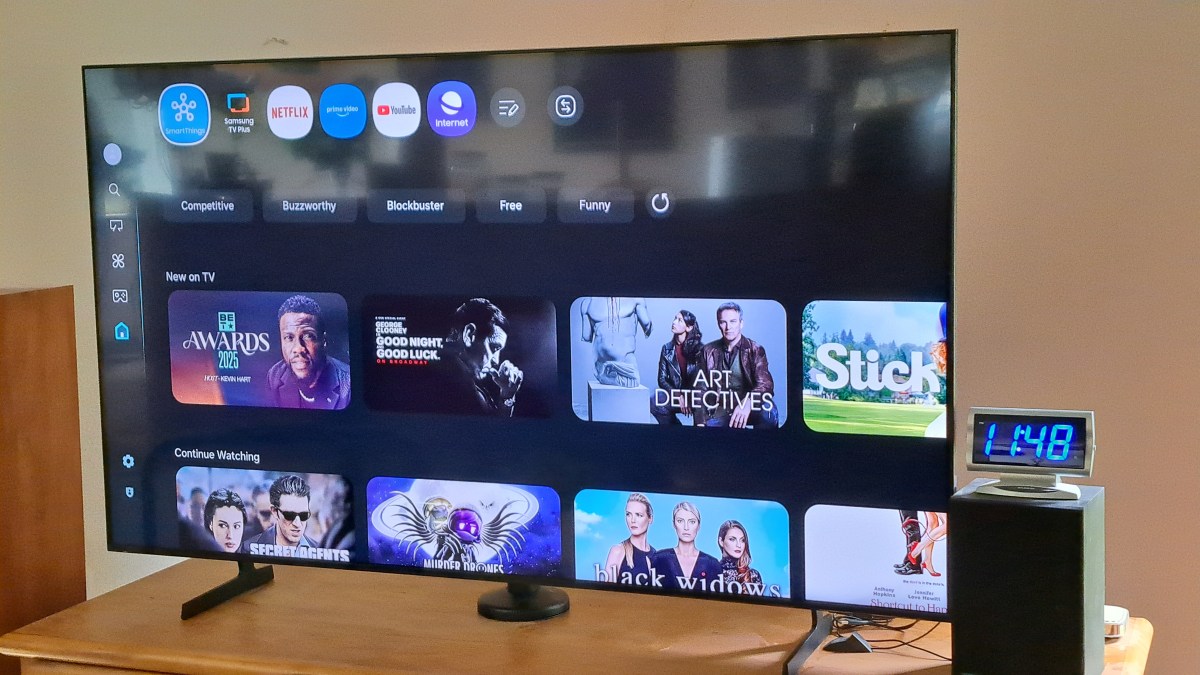
Sony Bravia TV Works Fine

I forgot to post this earlier. Back in June I thought the Sony Bravia TV had died. The Sony Bravia TV is actually fine. Yep Still works. Turns out that there is a little button on the bottom / middle that reboots the TV. For some reason I had never needed that before, but when the TV shut down the last time, I thought it was broken. But it turns out that when I plugged it in and pressed that button it booted up just fine and works fine. So I’m back to using the Sony Bravia now. Very odd. Always before when it shut down, just power off and back on had caused it to reboot. But this last time the hidden button on the bottom had to be pressed.
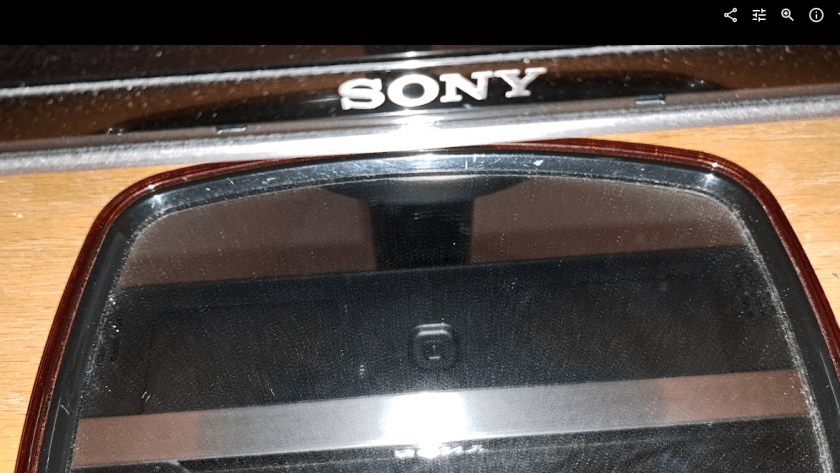
The Sony is better than the Samsung TV in at least one way: The Youtube interface for captions shows more options for some reason and is easier to use.

TV Stand Adjustments

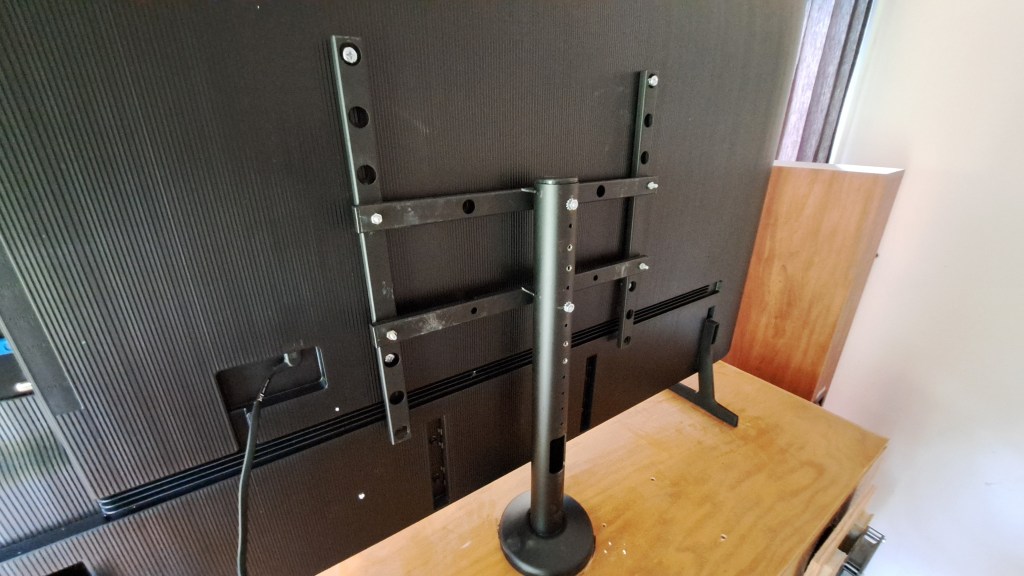
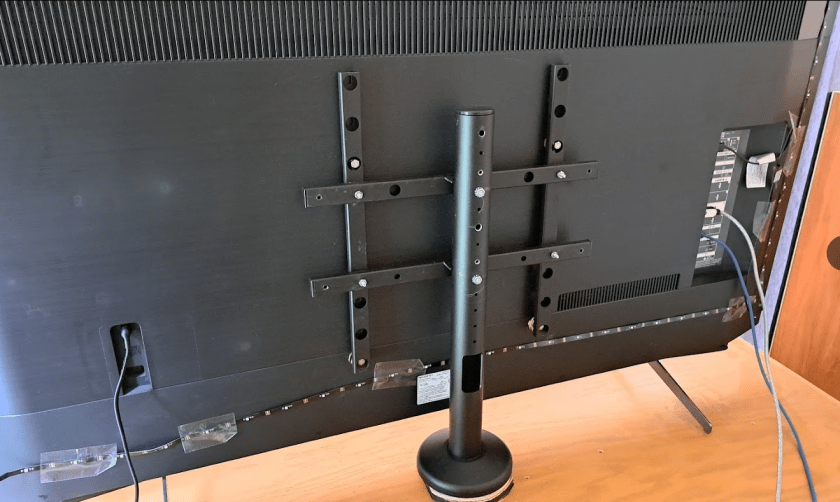
I had to wrestle with the stand to put it back to fit the Sony TV after the grinding and drilling to make it fit the Samsung. But that was easier than fixing it the first time. Odd that they made the stand so hard to adjust. I guess they decided that they would sell more stands if they made the stand so it could not be easily changed to fit more TVs.
I had waited too long to take the Samsung back to return it. Sooo. I packed it up and put it away. Maybe I’ll be able to sell it to a friend. The Sony has been fine. No more annoying shut offs like before. I think Sony Released an update that fixed some problems.

Oh well.
:ww
New TV

A few days ago, I posted about a Sony Bravia TV occasionally hanging up and requiring a power cycle to cause a reboot. At this point the TV has died permanently. Power cycling no longer boots the system. It remains black.

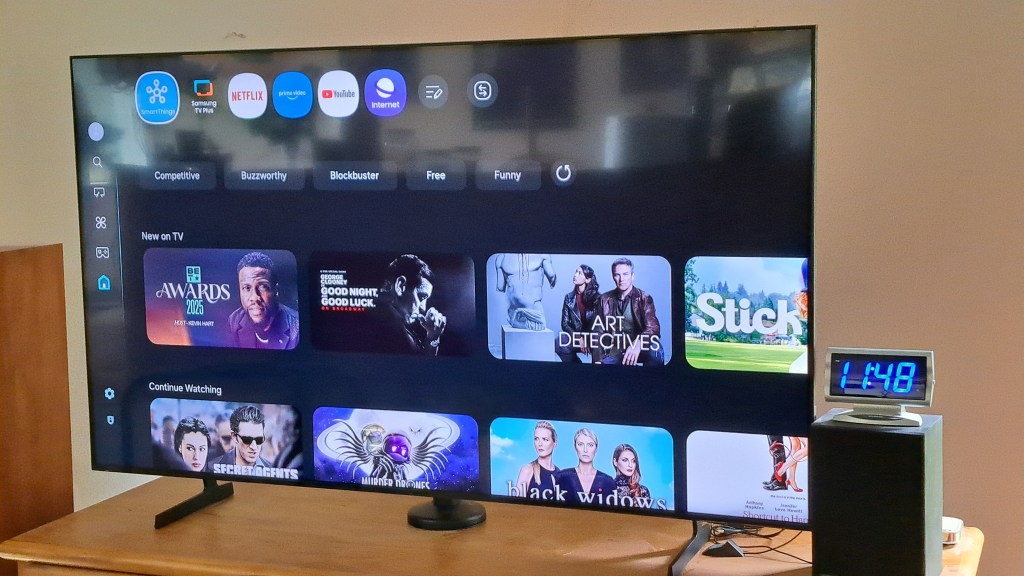
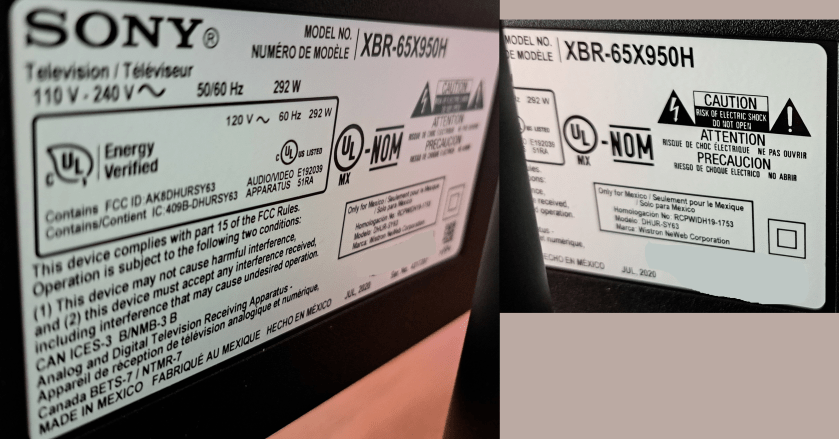
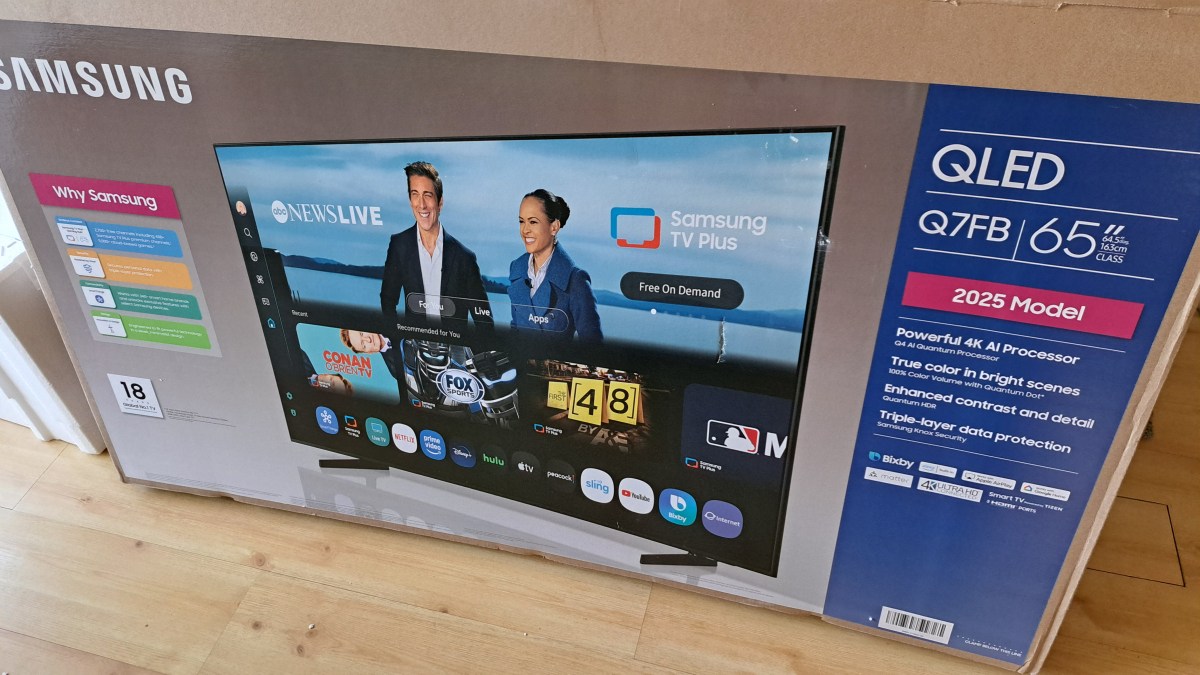
I’ve purchased a new Samsung TV for about 1/3 the cost of the Sony TV from five years ago. The label indicates the Sony TV was manufactured July 2020, and it was purchased in October 2020. For the new TV I spent an extra $100 for the QLED model. I hear that QLED is a more modern screen technology, and it seemed reasonable to stay up to date for that small amount of money. The screen looks very nice.

Several things required changing to accommodate the new TV.

Continue reading “New TV”

Sony Bravia TV Hangs Up

My five year old Sony Bravia TV works perfectly well, until it doesn’t. I think the TV, and Android operating system of the TV are fine, but the three apps I use are getting more and more complex and memory hungry as time goes by.

July 2020 – Manufacturing date of this very nice TV. And like I said it works perfectly well most of the time. But after a few trips through Youtube, and sleeping the TV now and then through the day or over several days, eventually the TV just hangs up. I click on a Youtube video and the screen goes black. I hit HOME and it eventually – a few too many seconds – goes home. There are 2-3 second delays as I move between selections on the home screen.

Time for a reboot. I have a remote switch – one of these from Amazon. So I can just power off the TV, count to 10, and turn it back on. All is better, for a few days until it happens again.

Five years ago the memory capacity and processor speed were just fine for this TV. And streams play just fine watching movies on Netflix and Prime, or YouTube videos. But all three of these Apps have gotten increasingly complex in the way they deal with thumbnails and a dozen other things that keep using more memory and processor time.

Someday soon this TV is going to be replaced, not because it doesn’t work, but because it has not kept up with the apps. Oh wait. Is there a Generic App runner that I can use? I used to run a Linux Box as my streaming system. I’m not sure I want to buy into the Roku thing. But maybe some generic box? Google stopped making Chrome Cast. Hummm… Well someday I’ll check into that. For now, rebooting works.
:ww

Monitor Saga Continues

Update: 16 April 2025 – Work around – Use HDMI cable instead. There are dozens of threads on Reddit and elsewhere over several years complaining the Display Port does not work. Many mention “Solved” for things already tried and don’t work in this case. So one place mentioned that HDMI cable works, and yes – The ASRock Monitor always wakes when using HDMI cable. And it looks fine. The ASUS 32 ” monitor always wakes from Sleep with Display Port. Anyway, so the ASRock Monitor will be on an HDMI connection. This is the solution that works here.

Since sometime in 2024, I’ve been struggling with a monitor problem. At first I thought it was due to mixed connection types [HD and Display Port] but alas, I think I have tracked it down to failures in the monitors themselves. Multiple types, and multiple manufacturers [Maybe. Can’t be sure]. Here’s the latest test and what happened.

Continue reading “Monitor Saga Continues”

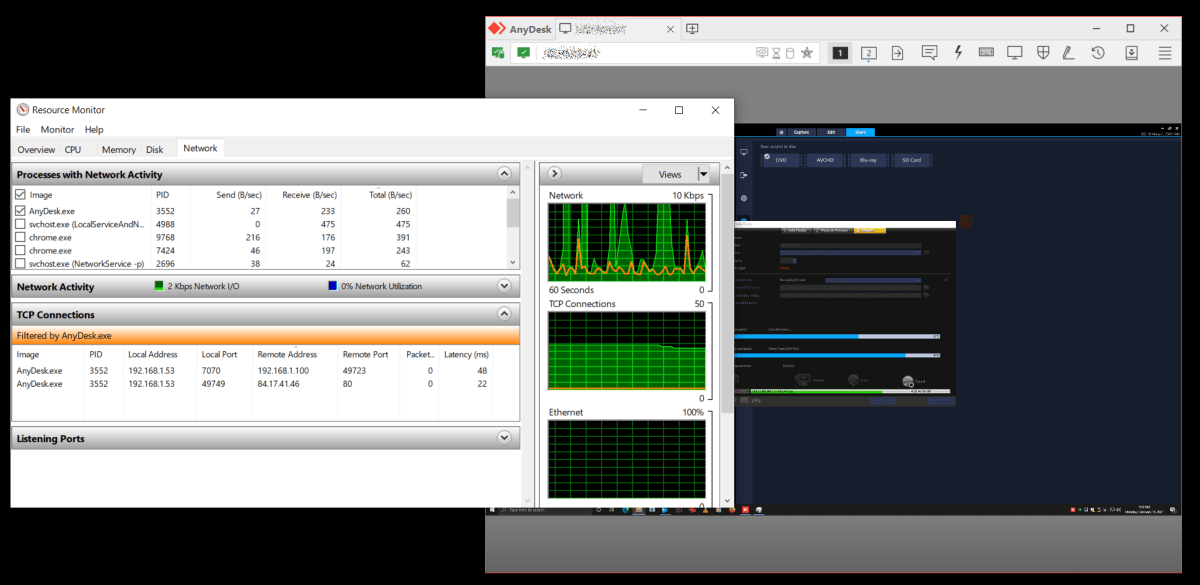
AnyDesk – Local is Local

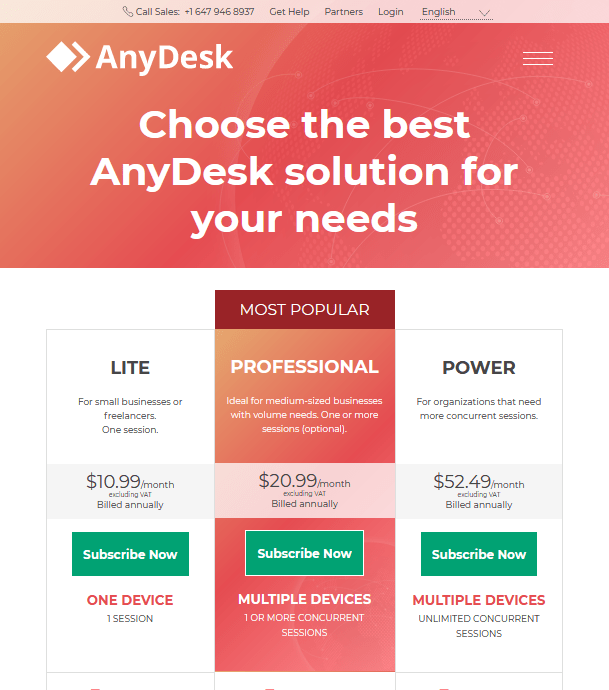
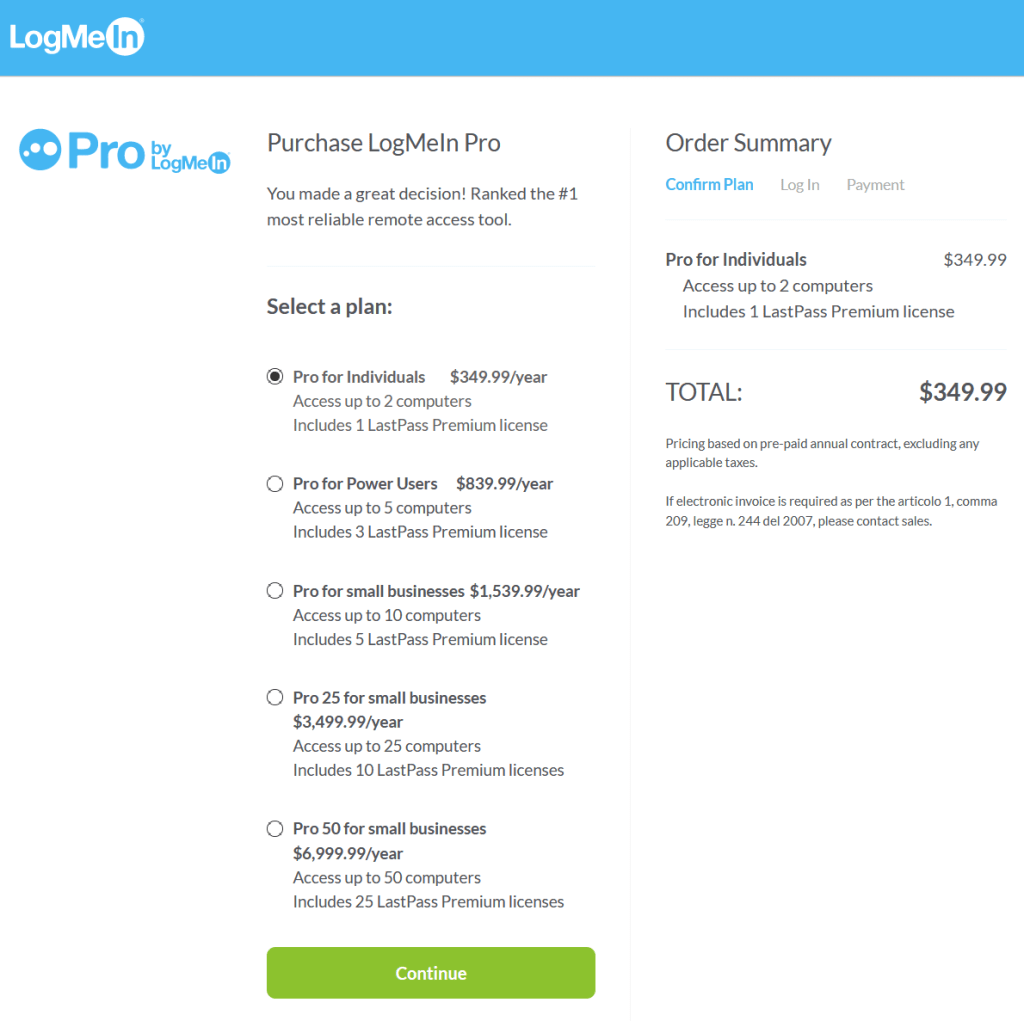
My use of “Remote Desktop Access Software” has a long and storied history. It started years ago with LogMeIn, which is still around, and worked fine, but it no longer [at least to my knowledge] has a Free Option.

But Why Shouldn’t I Pay for Remote Desktop Software?

Here’s a long list of Remote Desktop software. After LogMeIn went behind a paywall, I used TeamViewer for a while, but they did the same thing. I do not use these programs as part of a business. I use them for personal use and to help friends – even before lock-down restrictions – maintain their computers, without pay.

So I need a totally free solution.

But What About Microsoft Remote Desktop?

I have never studied Microsoft Remote Desktop in detail. But my understanding is that it is not “Firewall Friendly”, but is rather designed for experts on both ends who either only use it on their LANS or know how to perform the arcane incantations to spirit connections through Firewalls.

What’s the Big Deal with Firewalls?

In order to be “Firewall Friendly” or in other words to “Allow NAT Traversal” or to Allow Traffic through a Network Address Translation Firewall, requires that the two machines find each other using a server out on the internet somewhere. Here’s where the costs might come in. Just like the Zoom or Discord or other services we use, the traffic must go from one machine, through those servers and then on to the other machine. All the time the connections are open with only 10s of millisecond latency. To be sure, a remote desktop connection has vastly smaller traffic requirements than a zoom call with a half dozen folks.

Continue reading “AnyDesk – Local is Local”

Alienware Aurora R8 – You Have Got to be Kidding

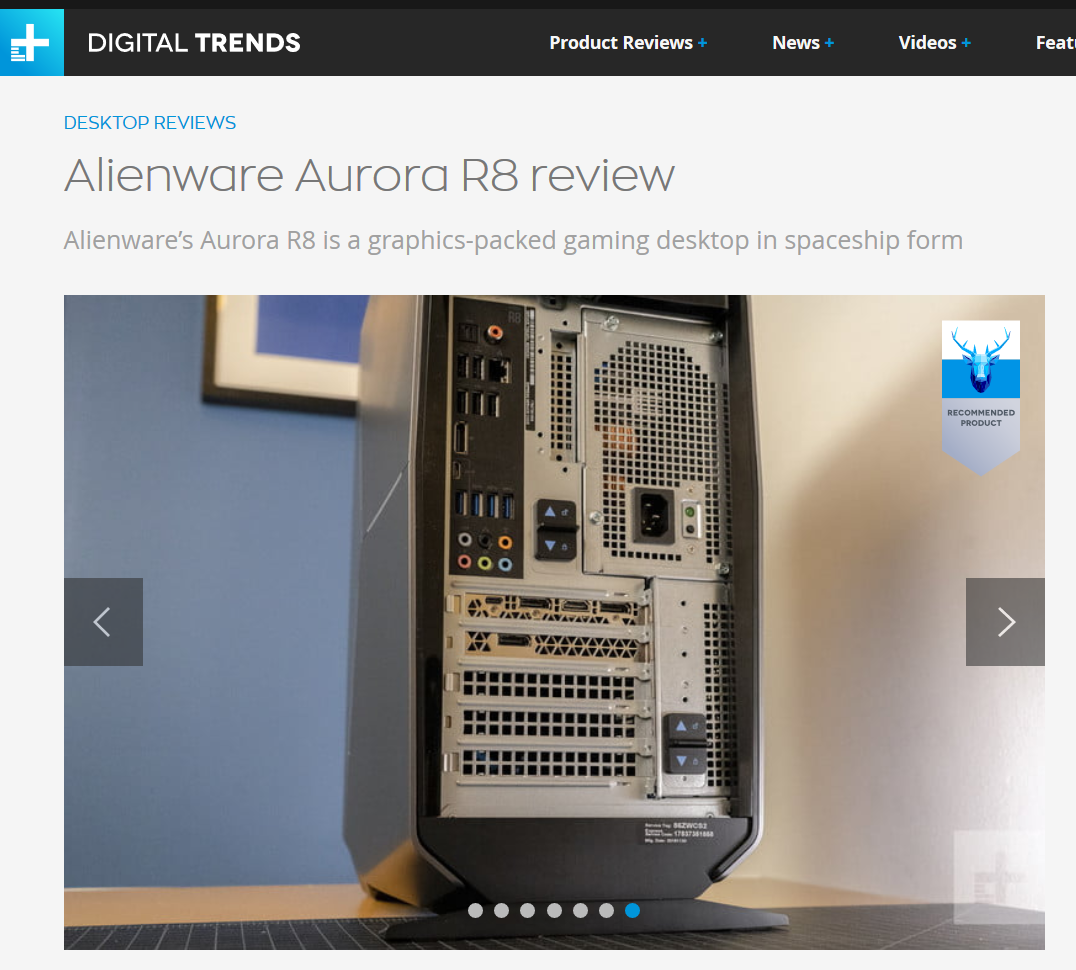
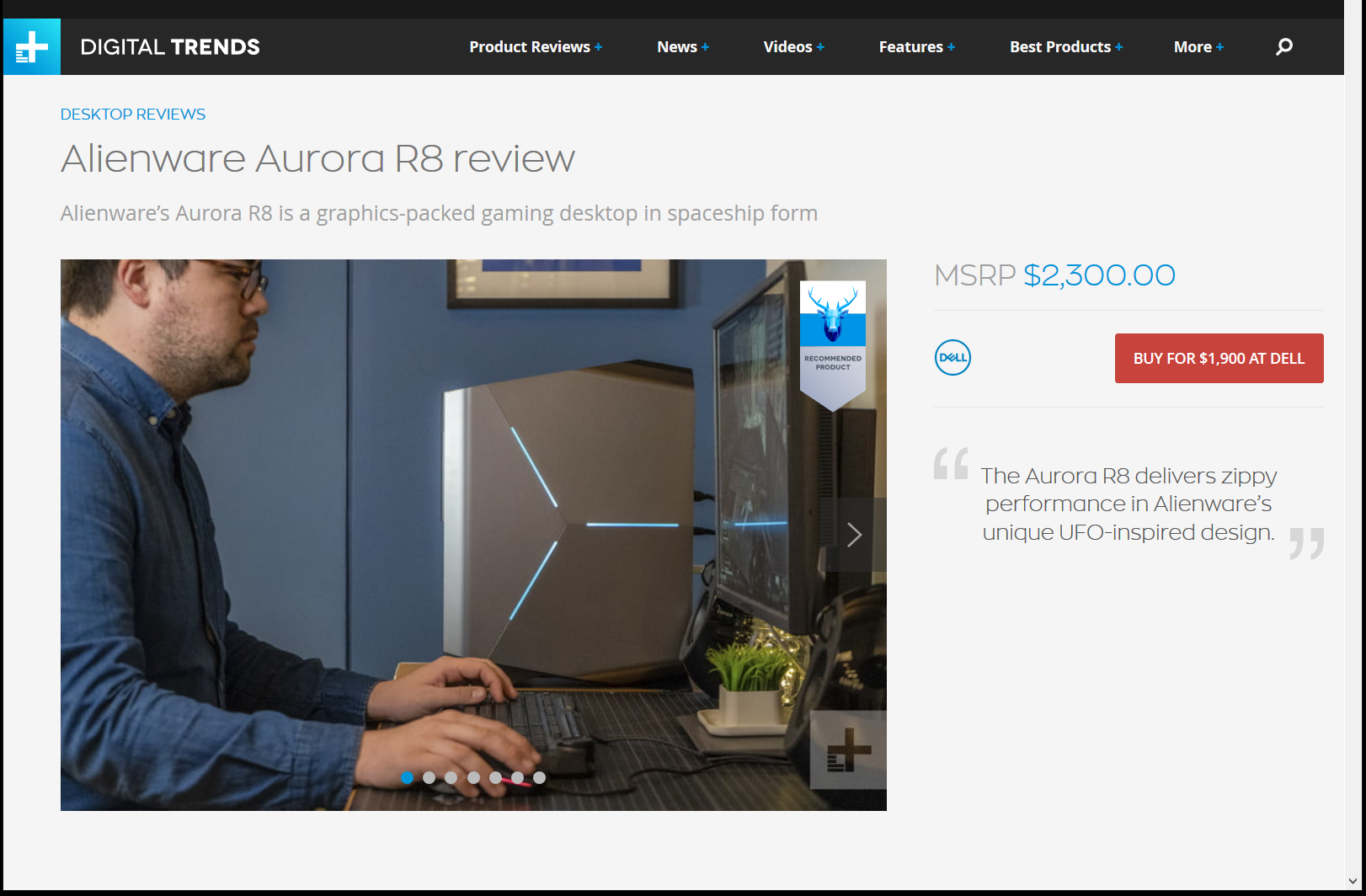
I just saw a review for the new Alienware Aurora R8 and I was shocked. This is a premium system. At least it has a Premium Price and is touted as having Premium Specs. Here’s the review.

Digital Trends Aurora R8.png

Ok. So it’s a mid tower case. Not just a square box, but not like the Alienware Designs of Old to be sure. This case has as few angles as possible, and still have anything but 90 degree angles. Not very exciting. Slightly Trapaziod on some sort of “Stand”.

But things have changed out there since 10 years ago when it was ok to not powder coat your case metal. Everyone is coating “Premium Cases” in black these days. But look at the back of the new Alienware Case!

Digital Trends Aurora R8 Backside.png

Cheap Tin is no longer a Thing DELL. Get with it. Your metal should be powder coated BLACK not just galvanized Tin. Or bare Aluminum? A while back I built a new computer using a Glass case and it cost about $1000 less than this new thing from Alienware. All the parts of the case were coated black. That build cost about $1400 with a nice graphics card, a sweet processor and a nice lit up motherboard and lit up RAM modules. There is no way to show off the interior of this Aurora R8 case since the power supply is folded over the motherboard, which makes the case fatter of course.

But, they can’t even powder coat what shows in the back? Sigh. Why have a black motherboard connection surround if you are going to leave bare metal all around it?

Looks like Alienware is just a meaningless name now. A Brand without Distinction of any kind. Nice going Dell.
:ww
Experiments in 4K

Ever the experimenter, I recently got a Samsung 40″ Class MU6300 4K UHD TV. As you can see from the price, I didn’t choose MSRP.  I was just checking what prices were doing on UHD TVs and came across a deal on a refurbished model at almost 50% off.

The first one arrived broken. But I didn’t despair . After calling Walmart customer service, they agreed to ship me another and emailed a return label for the broken one.

Apparently, the first one had been dropped before it was packed since it was in some serious bubble wrap and there was no mark on the box. Oh well. The pictures above were taken when it was plugged in and the damage was not evident when the TV was not plugged in.

Continue reading “Experiments in 4K”

Get Ready for 4K!

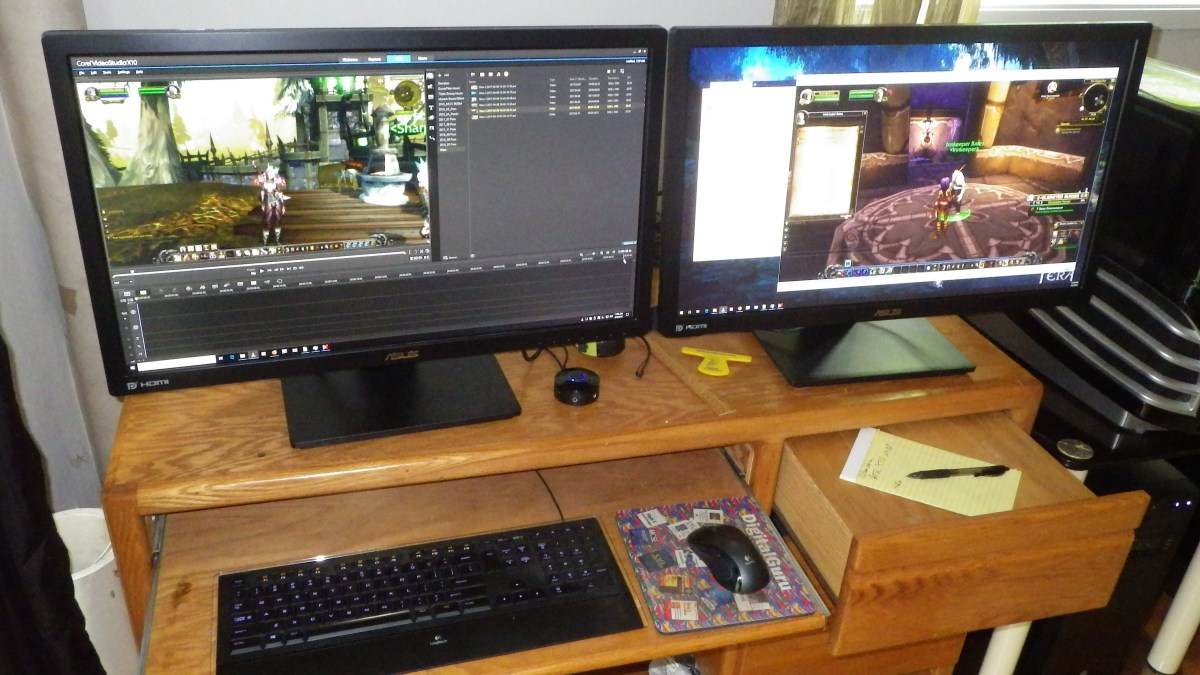
My main computer area has four computers, a KVM switch, and it has for a long time had a single 1080 monitor. Recently I was doing some video editing and moved the recently purchased 2K – 2560×1440 – monitor into that area and hooked it up with a separate cable.

There is the network backup machine – lower left – two Alienware cases – with modern Core i-7 upgrades, and a small Core i5 Linux Mint system. All the systems have SSD system drives of course with various large data / video HDs from Western Digital. And of course there is a 1 GBPS 8 port network hub.

The KVM switch is many years old and is DVI, not even HDMI. It has served well and faithfully, but it’s time for an upgrade.

Some research indicated that IOGear has recently come out with a 4K, Displayport, 2 Monitor KVM switch, so it’s time for an upgrade. This switch is $599 MSRP on the IOGear site, but it’s only $442 on Newegg. Hurray. Update: See below. It’s all working now.

Continue reading “Get Ready for 4K!”

Discord – Great Audio / Text Chat

AS_000035.jpg
Discord Audio / Text Chat

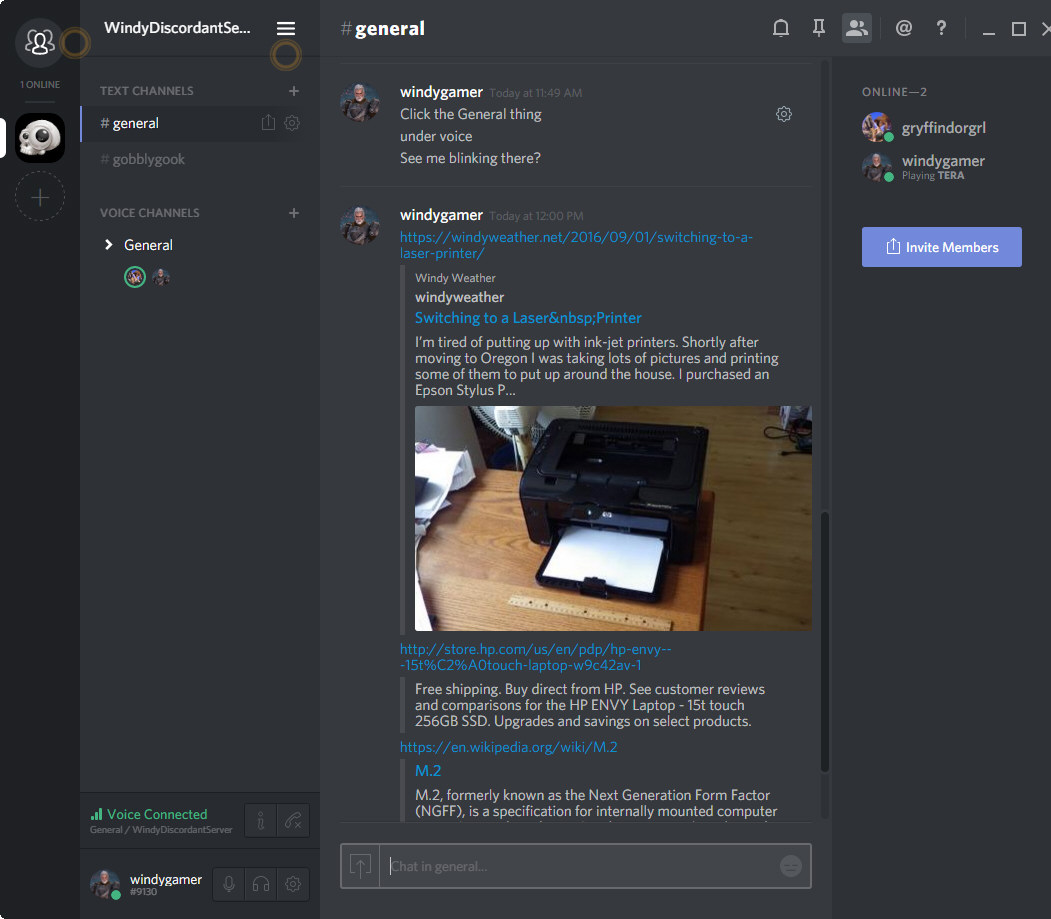
Discord is an audio / text chat app aimed at gamers. And it is way better than skype, teamspeak, ventrilo or mumble. Look at what it does when you share a link? It reads the page and provides a summary in the chat window. If you hit a wordpress post, then the featured image and first paragraph are fetched. Wiki fetches the first paragraph of the article. There is probably some standard web interface to ask a website for a summary. I don’t know. But this just works great.

Discord is very easy to set up, and works in a browser window or as  desktop application on Windows or Mac and on your phone with apps for IOS and Android.

Why should we put up with lousy apps that haven’t changed in years, like Skype Teamspeak, and Ventrilo. Even Open Source programs like Mumble are hopelessly out of date and clunky. Continue reading “Discord – Great Audio / Text Chat”

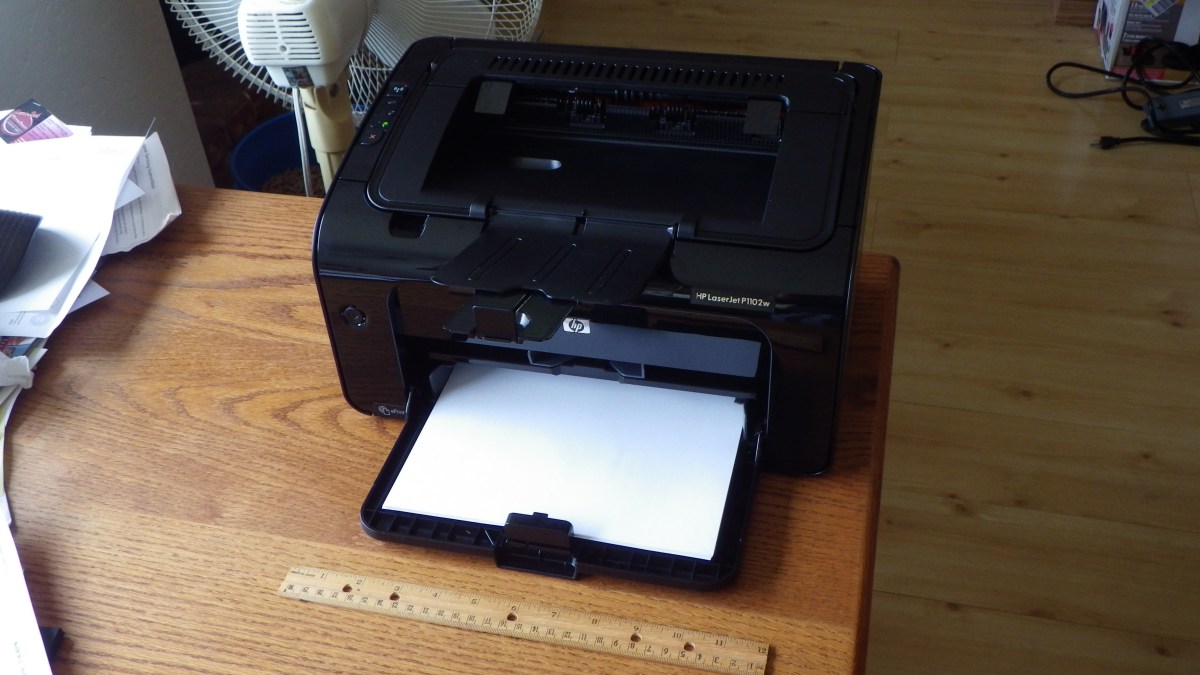
Switching to a Laser Printer

IMGP0757.JPG
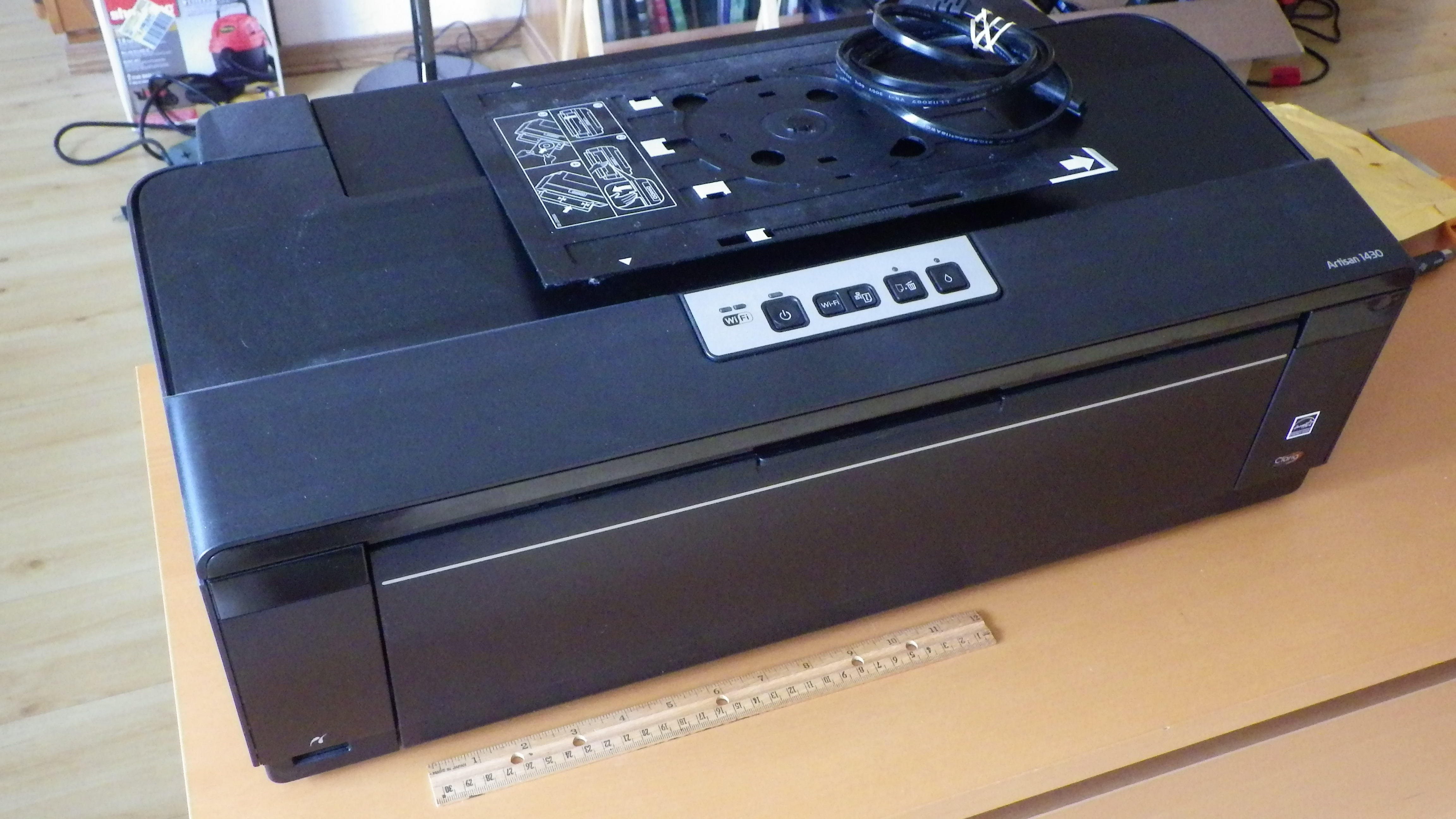
Epson Artisan 1430 – Out of Ink I Didn’t Use

I’m tired of putting up with ink-jet printers. Shortly after moving to Oregon I was taking lots of pictures and printing some of them to put up around the house. I purchased an Epson Stylus Photo 1400, a very nice printer. Large format with DVD printing. I used it to print some very nice large format photos, as large as 13 x 19, and many DVDs. After about 5 years it developed a problem where the black ink was bleeding into the yellow so the output was smeared with black. But it would print black fine. I still have it, but I haven’t used it in years. I then purchased an Epson Artisan 1430, which is the replacement for the SP 1400, and again it produced very high quality photos, many large format and DVDs. Continue reading “Switching to a Laser Printer”