Case Thermistors

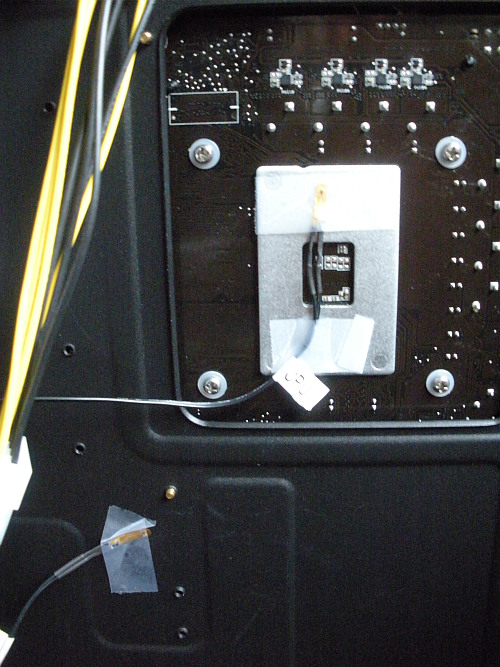
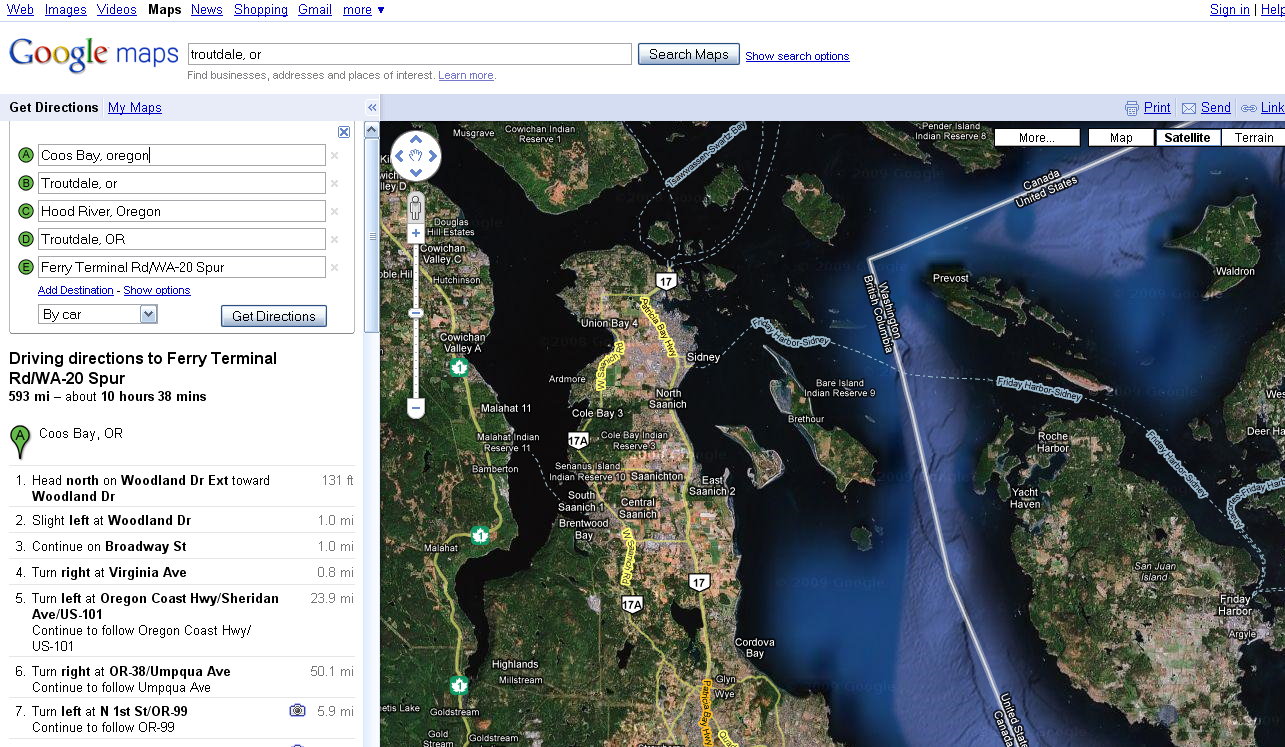
Mine were mis-located. I moved them as shown in the picture.

Case Thermistors

CPU thermistor on the back of the liquid cooling block.

SYS on the metal plate backing the motherboard.

That’s just my idea.

I don’t know anything better than Scotch Brand tape. Don’t use the cheap stuff since I’m guessing that eventually the sticky will come off and the thermistor will fall off.

– windy

Stuck Quest – How Can It Be Canceled?

As I have taken 3 characters through Ether Saga to levels about 20, I have made some mistakes in how I have done the quests. Two of the characters reached the mid 20’s before I began to go back through the training quests to find the Cloud glide mount. When I did that, for one of the characters I took a quest that I have not been able to complete or remove from my Quest dialog.

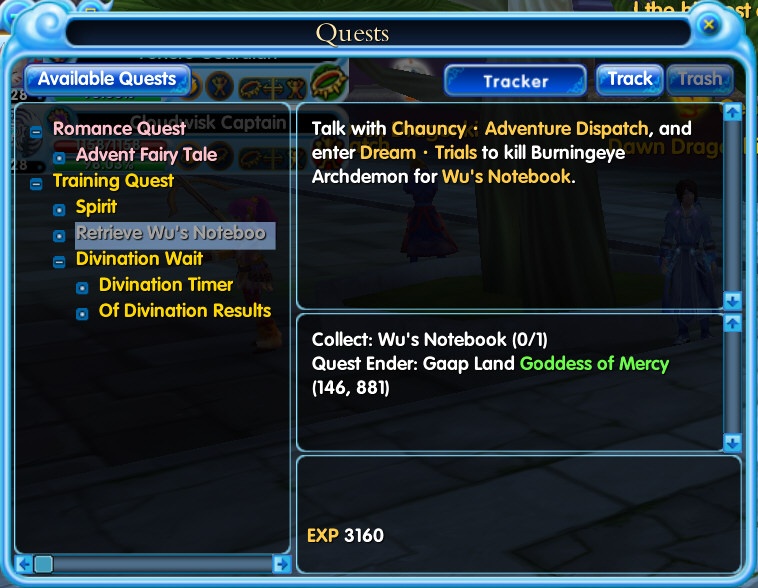
Quest tab with Stuck Quest

As you can see here, the quest “Retrieve Wu’s Notebook” cannot be removed since the “Trash” button is Disabled. However, the quest cannot be completed by the level 28 [at the time] character because the character receives no drops in the dungeon. The dungeon boss was killed – after quite a bit of effort – and there was no drop of the notebook. On attempting the quest a second time, the helper quests in the dungeon were attempted. These quests give drops of a transform card or other items to make it easier to kill the boss. After killing perhaps a hundred low level characters in the dungeon, no drops occurred.

Is there a way to remove this quest from the quest panel? Obviously it cannot be completed.

Thanks,

Windy

ANSWER: Apparently no way except to purchase a Wu’s Notebook.

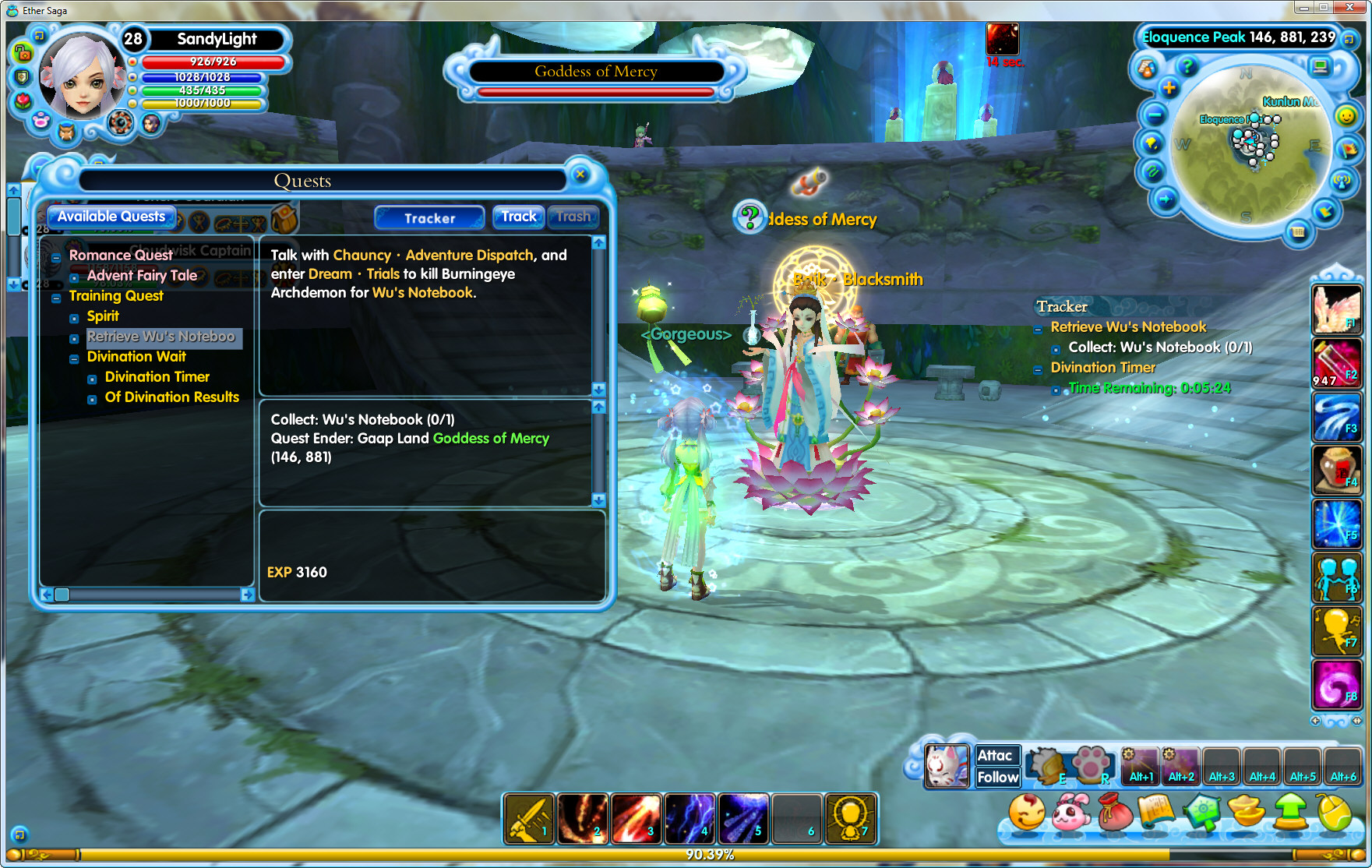
Level 28 Character with Stuck Quest

Click for a larger view.

Netgen 4.9.11 Crash on Sample File

I tried Netgen 4.9.11 on a simple STL file and it crashed.

Problem signature:
Problem Event Name:    APPCRASH
Application Name:    netgen.exe
Application Version:    4.9.11.0
Application Timestamp:    4aaaabd3
Fault Module Name:    netgen.exe
Fault Module Version:    4.9.11.0
Fault Module Timestamp:    4aaaabd3
Exception Code:    c0000005
Exception Offset:    000c1fee
OS Version:    6.0.6002.2.2.0.256.1
Locale ID:    1033
Additional Information 1:    fd00
Additional Information 2:    ea6f5fe8924aaa756324d57f87834160
Additional Information 3:    fd00
Additional Information 4:    ea6f5fe8924aaa756324d57f87834160

Read our privacy statement:
http://go.microsoft.com/fwlink/?linkid=50163&clcid=0x0409

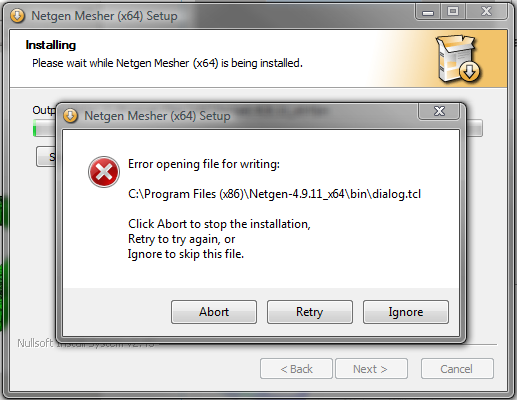
Also the install on Vista x64 SP3 is broken in the presence of Account Control ON which is the normal case for Vista. It gives an error as indicated in the following picture:

Install_Error

Here is a ZIP file of all the files including the STL file that caused the crash.

Netgen_Crash_Gengon

Thanks,

Windy

Hypercosm Fails in Firefox 3.X

Update: Fixed in a new release of the Exporter. A working version of the scene is here.

Fails in Firefox 3.0.12 and 3.5.2. Website reported as a failed site.

Using Max 2009 on Vista x86, SP1, I created and exported a simple scene with a knot, 3 lights and a camera.

Here is the scene on this website.

The model does not play in Firefox 3.0.13, either from the file system or from this website.

It does play in MS IE 8 both from the file system or from the website.

The samples on the hypercosm website play in both MSIE 8 and Firefox 3.

Continue reading “Hypercosm Fails in Firefox 3.X”

Virus Scans Take Forever on Network Drives

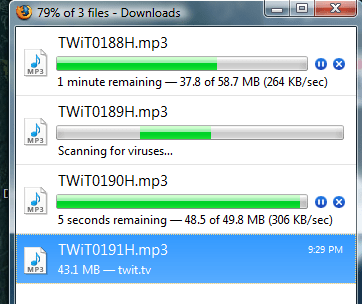
Careful where you download a file with your browser. When the virus scanner kicks in it can take forever on a network drive.

Scanning

Like many of us, I use Firefox. After a file is downloaded, the virus scanner is called, in this case AVG Free, to scan the download for any nasty free loaders. This only take a couple of seconds on a local hard drive, but if you point your download to a network drive, in this case so that I can play my podcast using a media client – my PS3 actually – the virus scanner will take many times longer, perhaps a couple of minutes rather than a couple of seconds.

Not sure why that should be, but it is. So don’t point your downloads to a network drive.

– windy

Audacity – Copy / Paste Bug

Audacity has a bug when copy/paste is used on a segment of audio in a track.

Audacity 1.2.6
Vista x86 SP1
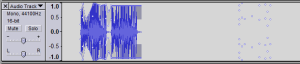
Audacity_Copy_Paste_Bug

click for full size image.

To reproduce the problem:

  1. Record a segment of audio.
  2. Select a portion of the audio and
  3. point to a point beyond the audio recording on the same track and
  4. paste. Observe that the pasted audio is tacked to the end of the recording, not at the paste point.
  5. Select the Envelope tool.
  6. Observe that Envelope handles for the pasted audio are displayed beyond the audio data.

I have tried to reproduce this outside of this test project and was not able to reproduce the problem. However, the picture above indicates that this problem does exist for some series of steps.

I suggest that the audio paste should have occurred at the mouse position rather than at the end. This would require adding a segment of silence to the file.

Also, I’m not sure how one can move a segment of audio along a track without moving the entire track. For example, if the alignment of the pasted audio needed to be adjusted, then I’m not sure how this could be done. The Time Shift tool apparently moves the entire track, not just the selection. I’ll check the documentation.

– windy

Audacity Crash Opening AVI file

Audacity 1.2.6 crashes when opening the enclosed AVI file. The AVI file was captured by a Nikon S550 camera and then reduced from 640x to 320 x using Nero Vision. The OS is Vista x86 with SP1 on a Alienware M15x.

Here is the crash info:

Problem signature:
Problem Event Name:    APPCRASH
Application Name:    audacity.exe
Application Version:    0.0.0.0
Application Timestamp:    455814e4
Fault Module Name:    ntdll.dll
Fault Module Version:    6.0.6001.18000
Fault Module Timestamp:    4791a7a6
Exception Code:    c0000005
Exception Offset:    00068915
OS Version:    6.0.6001.2.1.0.256.1
Locale ID:    1033
Additional Information 1:    fca9
Additional Information 2:    0dc2035d9f92c9e2614959a67b8ae723
Additional Information 3:    18f1
Additional Information 4:    3bfce306861458c8ad571409cb716cf8

Here is the AVI file that causes the crash: Audacity_Crash_1