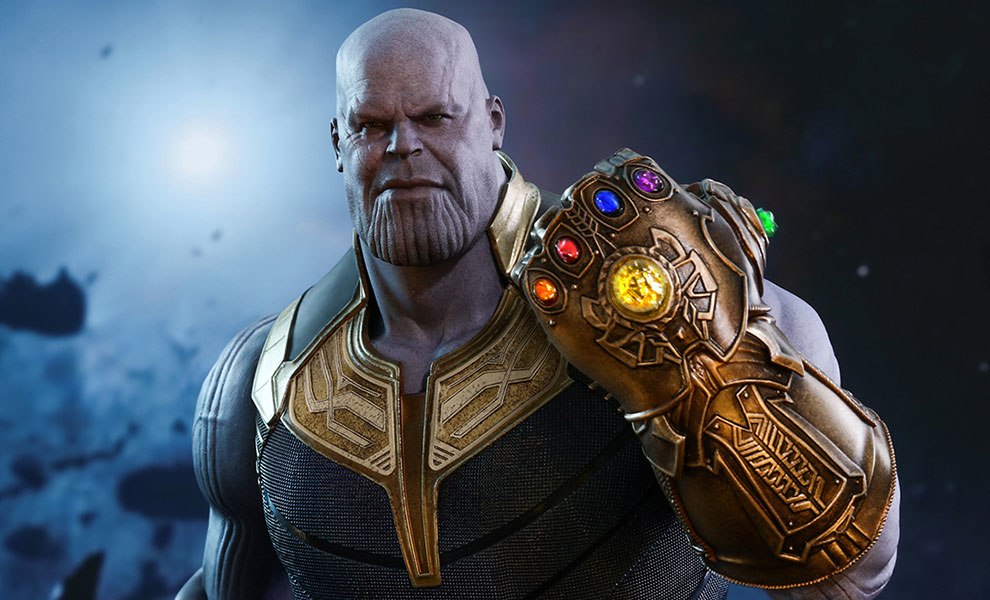
I keep tripping across this flawed thinking in the Marvel Universe. And with the new movie coming out recently, maybe it’s time to remind us of the flaws. I’m not rushing out to the movie. I’ll see it when it comes to Netflix. But, as far as I can tell, Thanos is an idiot with no math or astronomy skills. Here are some of the reasons I say this:
If you HALVE the population of any critter in a constrained environment – and apparently Thanos’ “snap” halved the population of all critters in the universe, according to this account – then it doesn’t really take that long for the population to recover. Most populations follow a Leaning “S” curve, this is because growth slows as resources are depleted. So, if the population is suddenly reduced by half, it will make a sudden jump in growth rate to compensate and if the resources available are the same, it will recover to the same level. So snapping only has a short term effect. And I’m not even talking about the Avengers returning from the Phantom Zone or wherever they went. But then what?
I’m building an App on Windows and Linux. I was able to make a zip file containing the app and DLLs for a simple deploy on Windows. Now I’d like to link the app statically for a simple deploy on Linux.
But when this finishes, I can’t find the prefix I chose anywhere. I presumed from the web page that it was going to make another tree with a static version of Qt in it, but I can’t find it anywhere.
So what happened?
What did I do wrong?
And when I do it right, how do I use it to build the static app.
The web page is not clear on that. I can’t find a way to “Configure” my app in QtCreator to use another build method, or do I do it manually. They seem to use some example app, but that dir path does not match anything that I have for my app. Here is my app tree.
Anybody help me build this app statically for easy deployment on Linux?
Thanks
:ww
Update: I guess I forgot to do a “make”. But when I did that ran for over 2 hours and I still can’t find what it produced or figure out how to use it. I’m giving up on “Linux Static Deployment”. It is apparently only designed for folks with more energy than I have.
There are no images in this post, since that might cause an Article 13 Copyright Violation and prevent my readers in the EU from being able to see this. [Satire Intended]
In case you missed it, here is an article that summarizes Article 13. I will not quote any of the article here, since that might awaken the Copyright Dragon.
Under Article 13, the hosting service – WordPress, Youtube, Facebook, you know. Those guys? will be held libel, with big fines, for hosting any content that infringes on anybody’s copyright. So this is the “Old Guard” media companies – Movie studios, Record Labels, Newspapers, etc etc. You know who they are too. – trying to protect their last vestiges of “rights” from the Old World.
These “Old Guard” have, as Old Guards always do, missed the point of the New World. The new world is about “Exposure that Captures the Hearts and Minds”. Let me give you some examples.
Summary: GitKraken on Linux VirtualBox VM shows blank menus
On Linux Mint 19.3 on VirtualBox 6.0.18 VM on WIndows 10 host, GitKraken sometimes shows black menus.
Steps to Reproduce:
Install GitKraken on Linux Mint Guest using VirtualBox 6.0.18 on Windows 10 1903 host.
Observe most of the time the menus work but sometimes they show black rather than their white contents.
Expected behavior: [What you expect to happen]
Menus should work
Actual behavior: [What actually happens]
Menus are black sometimes when you need them the most. Do I have mind reader feature enabled?
Just kidding. Something is wrong.
Sure would be nice to give you a screenshot. Oh wait. I can that’s why I did this post. One sec.
Oh Wait
It’s even worse than I thought. If you left click on the file name on the right list that you tried to edit, then a white box pops up with [Save, Don’t Save, Cancel] options and your Linux VM is now locked and requires a RESET to reboot and get going again. Not just GitKraken is hung. The entire VM is stuck.
Now VM Is Hung
So the machine must be RESET at this point by using the MACHINE >> RESET option at the top of the screen on the left. Hummm Something is broken. This is easily reproducible. Just click on any modified file on the right, choose edit file and then try to figure a way to save it and when you see that box, you are hosed.
Backdated by one year to get it off the front page. Don’t know another way. Sorry.
I’m not a noob. Retired Software Engineer. Been programming since about 1968 and first used SCCS for source control. Used too many source control systems over the years to count. But I’m new to git. Only used it once before couple of years ago.
I doing a Qt project after some time off since my other projects, and found GitKraken and of course GitHub.
So this project involves 4 computers for development and debug.
Win1 – Windows 10 primary development.
LinVM – Linux Mint VirtualBox VM hosted on Win1.
Lin1 – Mini Asrock PC running Linux Mint.
Win2 – Mini GigaByte Brix running Windows 10.
Installed Qt and GitKraken on all these systems. Developed the code and committed and pushed changes from all four systems. Hey I assumed it could handle changes from everywhere, what do I know? Pulled stuff down to start work on a system for dev or test each time.
Used the same profile when setting up GitKraken on all the systems. Maybe this was an issue. Tell me if so. What do I know?
Ok enough jawboning. Here’s the issue: On Win2, after the last pull, GitKraken now shows me this:
After last pull on Win2
Normally I would expect this. As I understand it, each system is keeping a “Local git Repo” and when you do a pull, of course it should show local files are different from the local repository. The thing is, I expected the interface to show me a way to do a stage and commit to clear these. In other words
“Hey, git, accept this pull and put it in your local repository!”
But I don’t see anyway to do that. If I click on those files no “staging” or anything like it shows up.
So if I were not such a fool and was using the command line interface, what would I do? Or would git command line have fixed this up automagically, because it knew that all successful pulls should be “commited” to the local repo?
Is this a GitKraken bug? Or expected behavour? And how do I fix it and move on?
Thanks a ton.
Here’s the whole picture displayed by GitKraken. Click for a larger view.
GitKraken after last pull on Win2
Git and GitKraken seem great. Don’t want to go back to SCCS, but I’m confused.
Thanks for your help.
:ww
Update:
After Editing .gitignore and pushing that to GitHub, the condition cleared itself. Now the file shown on the right list is just .gitignore. Not clear if this is a subtlety with git or an issue with GitKraken.
Post backdated by a year to keep it off the front page. Don’t know of any other way.
Updates: See End of Post
Building a Qt application that spawns another app and then clicks on it – the top window I think. Got it working on Windows with SendInput.
Now for the same idea on Linux. I’m trying to use X11. Found lots of examples using XQueryPointer and XSendEvent. Odd loop looking through windows and subwindows I have no clue about. Anyway, it doesn’t work and I have no idea which window the code is trying to target. Nobody talks about that in the examples.
Code runs, checks for errors and finds none. But clicks do not work. My click on mouse works instantly.
How do I figure out where clicks are going? And how do I find the top window or whatever I need to send clicks there?
Here’s the debug output of the app:
Here are the routines called by the Qt application from TimerEvents inside the QtWidget application. Here is the code over on GitHub.
This file contains hidden or bidirectional Unicode text that may be interpreted or compiled differently than what appears below. To review, open the file in an editor that reveals hidden Unicode characters.
Learn more about bidirectional Unicode characters
Part of the Stormblood expansion, this is a multi-stage quest with a fight and then a run through the city to find your friends. The problem is that there are no pointers along the way, although at some point a “curious Kojin” shows up to guide you.
Part of the issue is that you are doing this quest at Night – At least I was and I assume based on the description of the quest, that everyone does it in the dark. The only Youtube walk throughs that I found were done by first timers who didn’t go back on an Alt to show the best way. I think I’ve found the best way by scouting it out in the daylight.
So to review.
You meet your fishy friend on the bridge at night.
He leads you to the docks and there betrays you to the Imperial Forces. Lyse beats up the fishy friend and holds him while you and Alisaie kill the imperials. The fight is easy. Just kill them all.
The Local Samurai show up and want to arrest you, but you have 9 smoke bombs.
Notice as you face East away from the water up the ramp a shimmering wall on your left. It’s not a barrier. Run through it. Use a smoke bomb here if you must.
Then follow the map to the East, up and over and then down in an alleyway to find your friends. You don’t need to go through the market place.
I got lost and didn’t see the message about following the Kojin until I had found my friends. So you are likely to have plenty of smoke bombs. I didn’t use them until I was trapped. That’s fine too. You don’t need to avoid being trapped.
I wrote this up to remind me for when I do it on my Alts, but you might find it useful too.
I remember trying Neverwinter years ago and being so unimpressed that I only made one character, got it to about level 4 and gave up. Well, a lot has changed since then.
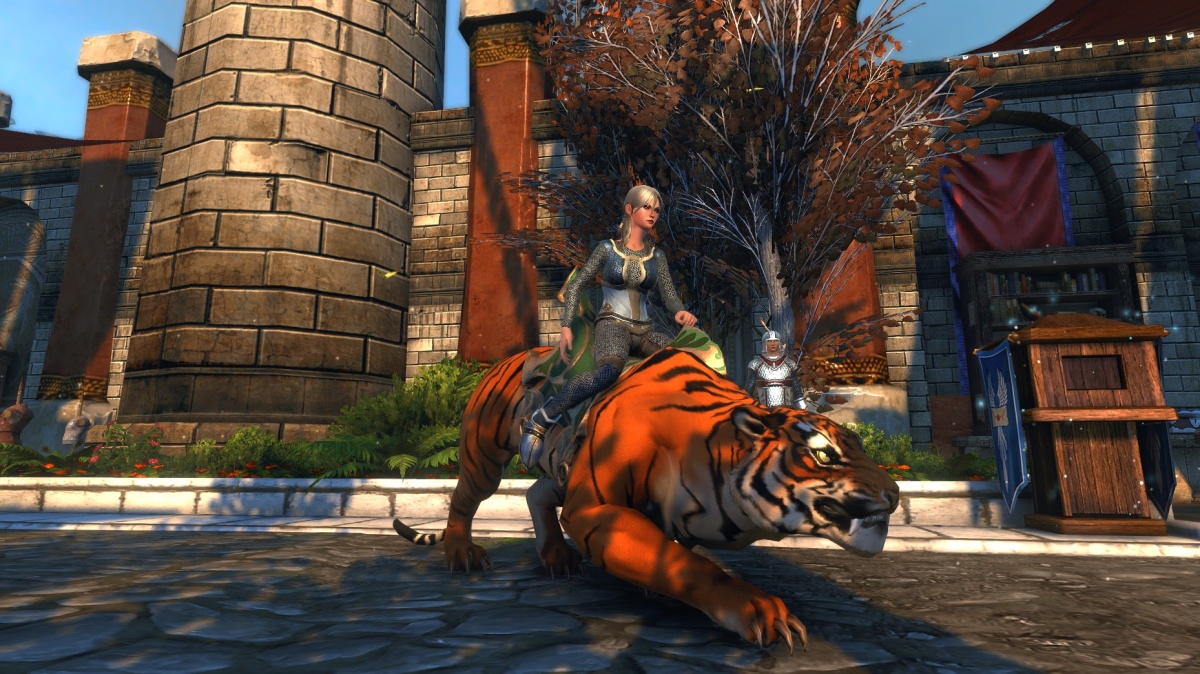
Neverwinter is not a modern game. So be prepared for some nostalgia. But it’s not a clunker either. It’s a real 3D Game. Not a TOP DOWN ISO camera game. It is WASD movement. Those are requirements for me. I need to be able to look at the sky and move around with my muscle memory that I’ve trained after years of playing.
The graphics is better than the old parts of World of Warcraft, but not as nice as Tera or GW2 or FFXIV.
But the combat is very nice. It’s Action Combat, not TAB targeting. So you need to place the little circle on your target.
There are a ton of Races and Classes to choose from. Follow the Wiki link above.
All of the classes I’ve played are completely survivable, at least through the tutorial and first few instances.
There are only a few buttons to push. Unlike Wow and FFXIV, the goal for skills has not been to fill the entire keyboard with skills. 5 or 6 will do you.
As a minor downside, no Hot Key mapping is provided. So you need to manually edit some ini file or other to change Inventory to Bags if you want to do that. I haven’t bothered yet. But they keyboard layout is well designed and works fine with my Left Hand game keypad. This game works on consoles too, if you are of a mind to play it that way.Update: Keybinds do exist. I just missed them.





 Windy Weather