
I’ve watched the Gemini button at the end of the Google search box for a few weeks ? Months?, but I’ve never tried it until today. Today I had a problem installing Java on Linux and I let Gemini help.
Background
A while ago I wrote a Java program to display artwork in the form of LibreOffice Impress files. The Showrunner program takes a list of Impress files and displays them one after the other and starts the first one after the last one. It is written in Java so that it’s easy to use on Windows or Linux.
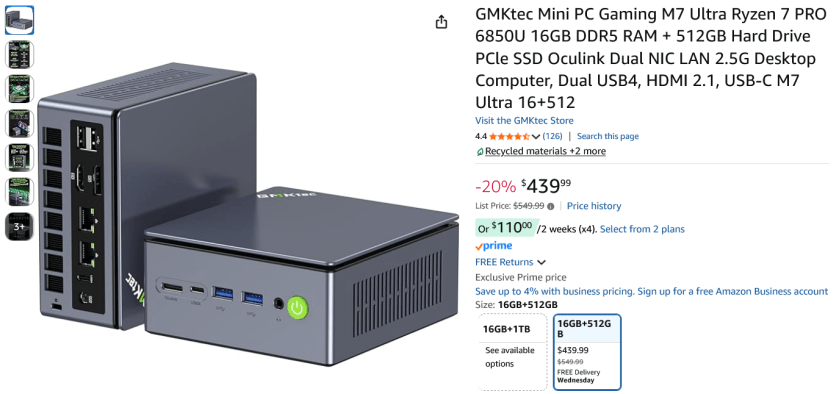
I just got a new Mini system [5″ x 5″ x 3″] system. Basically a folded up laptop with 16GB RAM, 500GB SSD and it came with Windows 11 Pro – Yuck. So my first task was to install Linux Mint 22.3.
Installing Linux Mint 22.3 went without a hitch. But to use ShowRunner I needed to install Java. I tried to just install it. And that looked like it worked, but didn’t when I tried to run the program.
Continue reading “Gemini First Use – But Not Last”
 Windy Weather