Gemini First Use – But Not Last

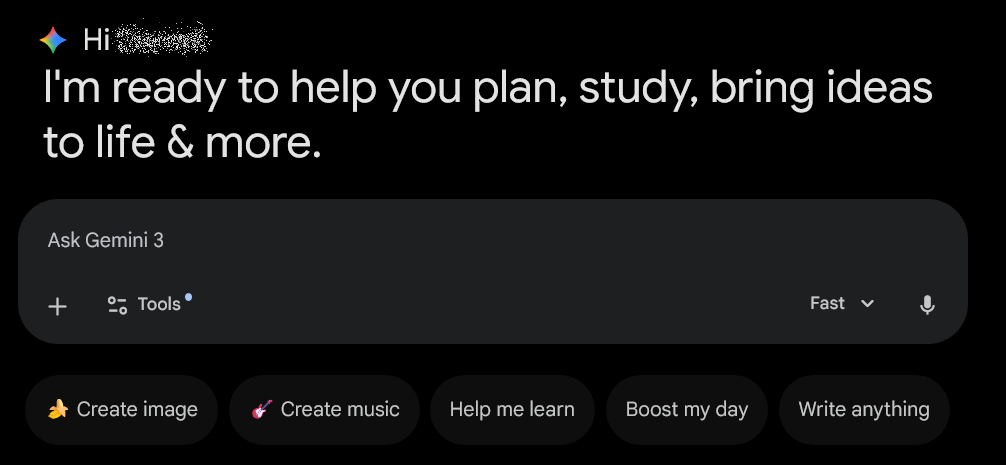
I’ve watched the Gemini button at the end of the Google search box for a few weeks ? Months?, but I’ve never tried it until today. Today I had a problem installing Java on Linux and I let Gemini help.

Background

A while ago I wrote a Java program to display artwork in the form of LibreOffice Impress files. The Showrunner program takes a list of Impress files and displays them one after the other and starts the first one after the last one. It is written in Java so that it’s easy to use on Windows or Linux.

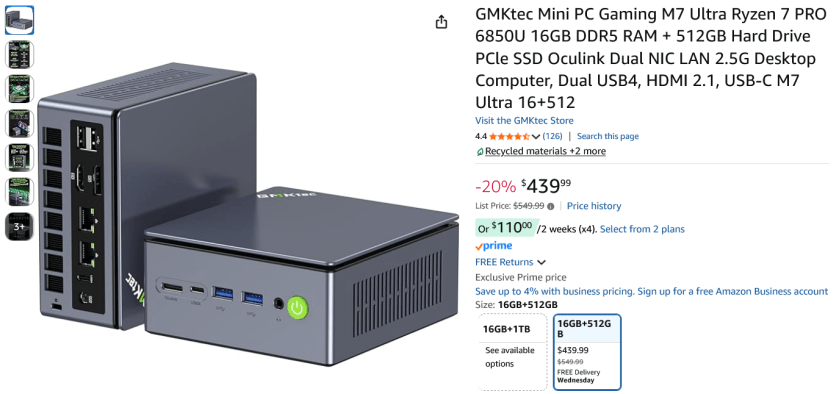
I just got a new Mini system [5″ x 5″ x 3″] system. Basically a folded up laptop with 16GB RAM, 500GB SSD and it came with Windows 11 Pro – Yuck. So my first task was to install Linux Mint 22.3.
Installing Linux Mint 22.3 went without a hitch. But to use ShowRunner I needed to install Java. I tried to just install it. And that looked like it worked, but didn’t when I tried to run the program.

Continue reading “Gemini First Use – But Not Last”
Java Programming for Desktop Apps

The last time I wrote Java code was about five years ago in 2000. At that time I needed a program to display a series of LibreOffice Impress slide shows to build an artwork display using a Linux System with a large monitor.

Recently I’ve gotten bored with Gaming and have decided to go back to programming and have decided to rewrite QtScreenShotArchive in Java. QtSSA is a program that I wrote back in 2013 to back up and organize screen shots for games I play. The program works great, but it is complex enough to provide a challenge for some Java coding. If you are interested in the current C++ QtFramework based, QtSSArchive program, it’s available from the page above.

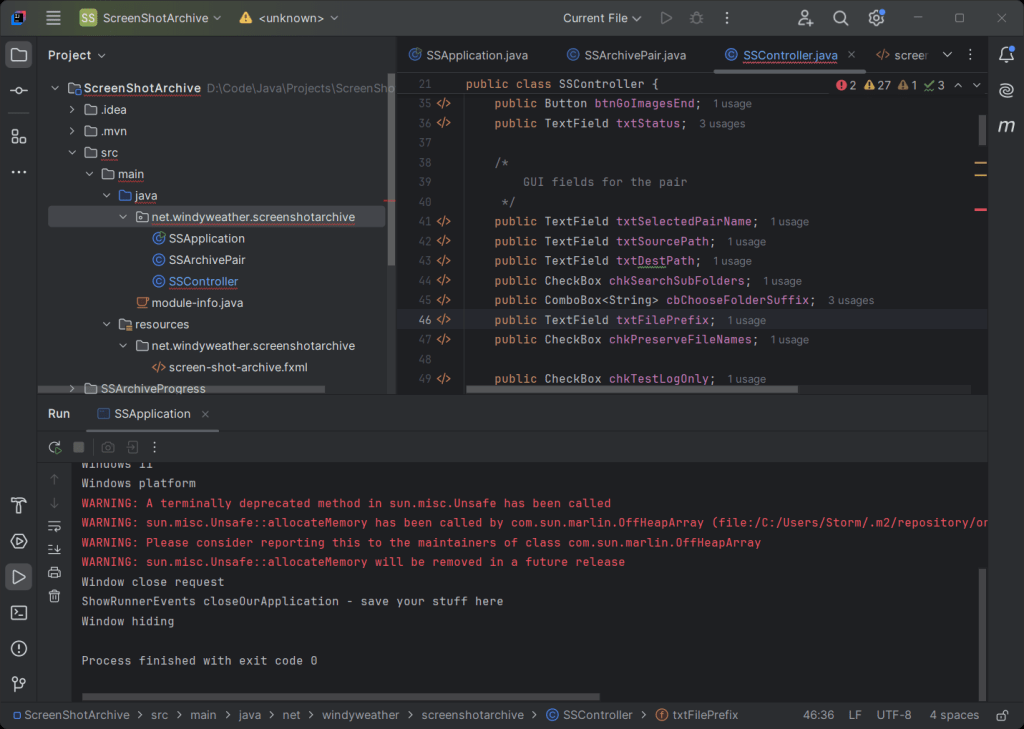
Things have changed quite a bit since I last programmed Java. As I recall I was using the Eclipse IDE. Eclipse is still around, but the flashiest guy on the block is now Itellij. If you go there to download, be sure you scroll down to the bottom of the page to get the free community version rather than the free trial of the paid version. Unless you wanna pay. LOL

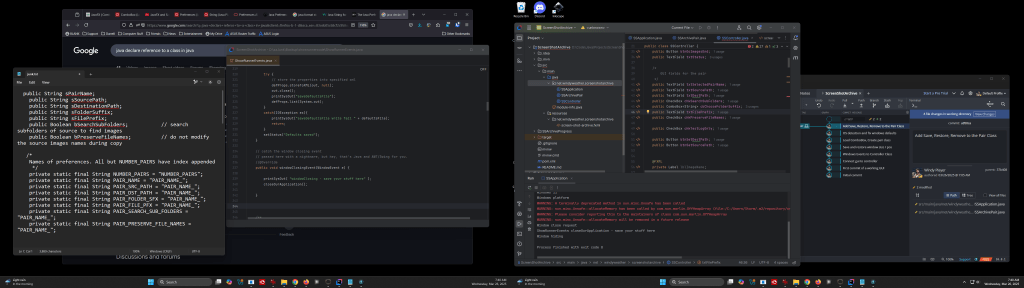
Here’s what IntelliJ looks like:

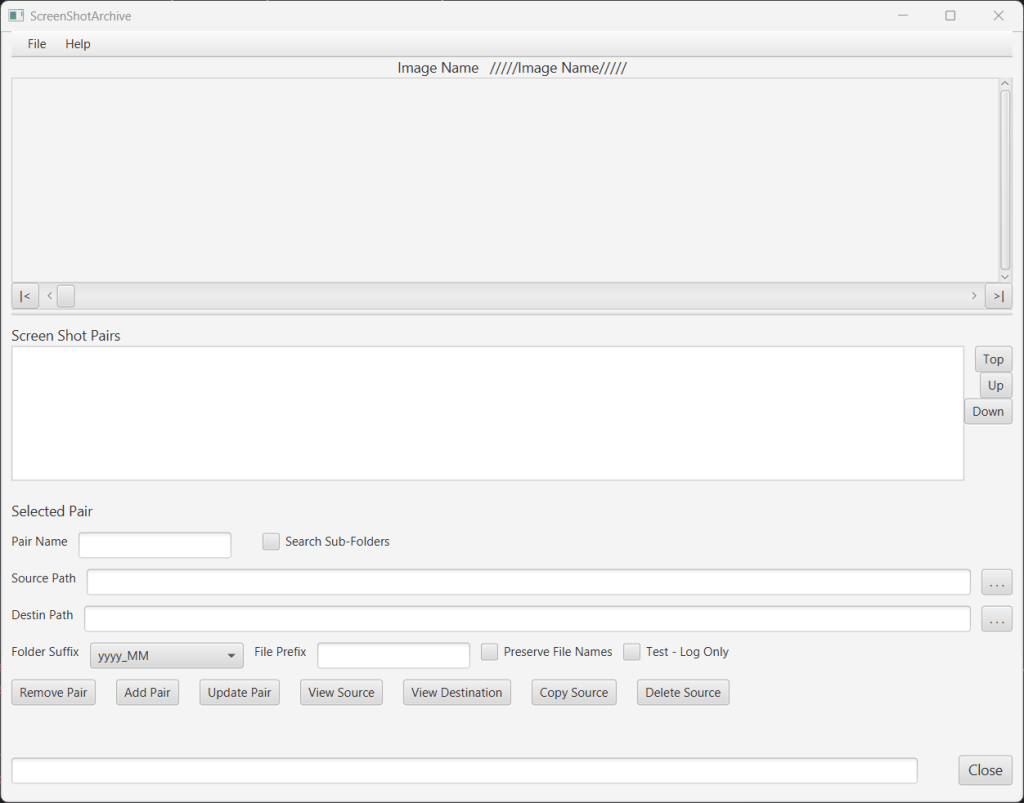
I suggest you use two monitors for development. I use IntelliJ on one and web pages for research and sample code on the other. And GitKraken is waiting in the background to check stuff in. There is an example of the GUI for the SSArchive program as well.

Continue reading “Java Programming for Desktop Apps”