Somehow I made a background color I like but the only way I can copy it is to copy the rows. Don’t we need to be able to set any color, and see which color is set?
Did I miss it?
Here’s an example. What color did I use for the rows?
Thanks,
ww

Somehow I made a background color I like but the only way I can copy it is to copy the rows. Don’t we need to be able to set any color, and see which color is set?
Did I miss it?
Here’s an example. What color did I use for the rows?
Thanks,
ww
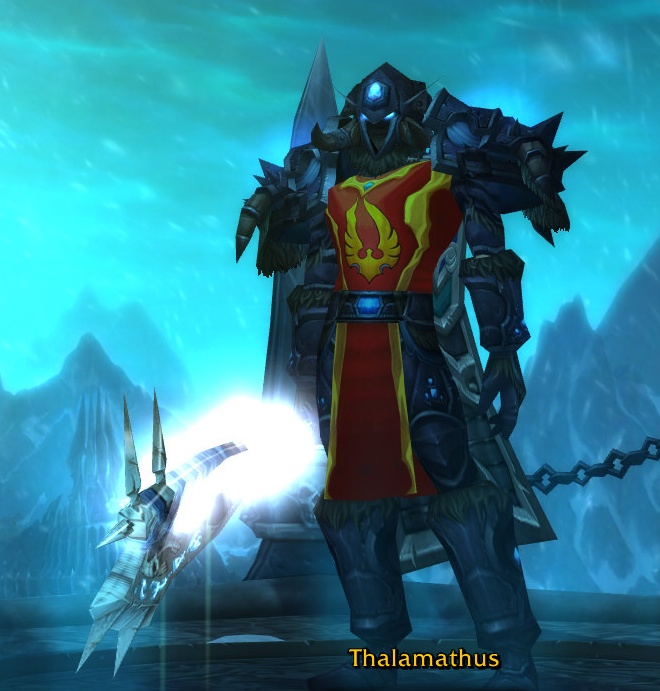
Once you level at least one character in your account to level 55, you can create Death Knight class characters of any Race on any Realm. Death Knights start at level 55, so all the drudgery of getting to level 55 is eliminated, but there are other problems to deal with. There are many notable experiences and problems for a Death Knight:
The Battle Chair is complete.
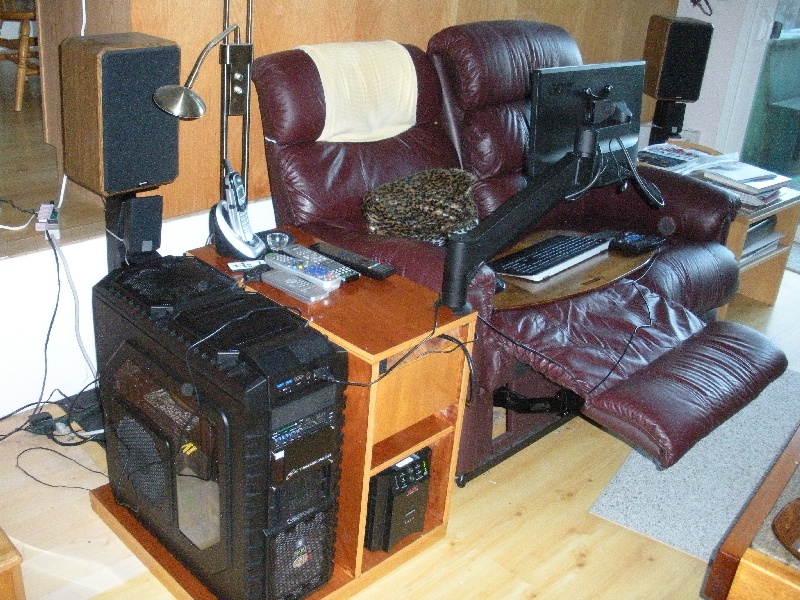
How great is this? Whatever computing you want to do, you can do it from the comfort of the recliner. Continue reading “Battle Chair Complete”
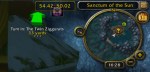
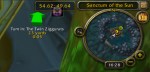
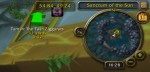
There is an issue with display of tomtom way points in the compass circle map. As you get closer they move on the compass map.
Here’s an example:

When used for gaming, laptops tend to over heat, and eventually they destroy their video cards. My Alienware m15x laptop, while it seems to have good cooling, has had 4 new video cards in the last 3 years. I have wanted to use a desktop for gaming, but prefer to do most of my playing from the comfort of my recliner. Here is the start of an idea to accomplish that. Missing from the renderings are the arm that holds the monitor from the case to the right of the recliner to the monitor in front of me. As you can see the computer case is very large. I’ve provided for a UPS in the cabinet since in my area all my computers require a UPS due to frequent power glitches that would cause an unprotected computer to reboot. Click on pictures for larger views. Continue reading “Battle Chair Design – Revision 1”
I have recently been playing World of Warcraft. While the game has much to recommend it, especially since they have a trial or starter edition that is free-to-play [up to level 20], it has a serious problem with its design of “realms” or “shards” as some games call it.
“Shards” or “Realms” of course is the name used for the “instances” of the server that are required to support very large numbers of players. These games are MMO – Massively Multi-Player – and “Persistent” which means that they do not place players in private “instances” of the game as they play. But it is not possible to have hundreds of thousands of players all playing in the same server at the time. How is the game going to solve the problem when thousands of players show up in the same town at the same time for a party or just to hang out on a Saturday night?
Well the point is that World of Warcraft solves this problem very badly. There are better solutions out there. Let’s look at the Wow solution and then look at some other games and see much better solutions. Continue reading “Wow – Realm Design Has Problems”
World of Warcraft has a free to play starter edition with restrictions. Some are:
But you can have up to 10 characters per account so you can explore a lot of the world and figure out how things work.
Add Ons EcoSystem
World of Warcraft has a huge ecosystem of AddOns that add and change functions of the program. I needed a way to see my coordinates on the map to match up with quest descriptions. There are a ton of map addons so I chose a simple one. You can find TomTom here and comment on it here.

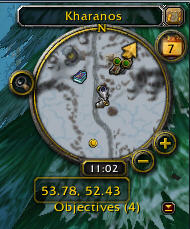
Here’s the compass of Wow without TomTom – Where Am I? With TomTom no problem I get the coords at the bottom. Continue reading “TomTom – Wow Addon for Mapping”
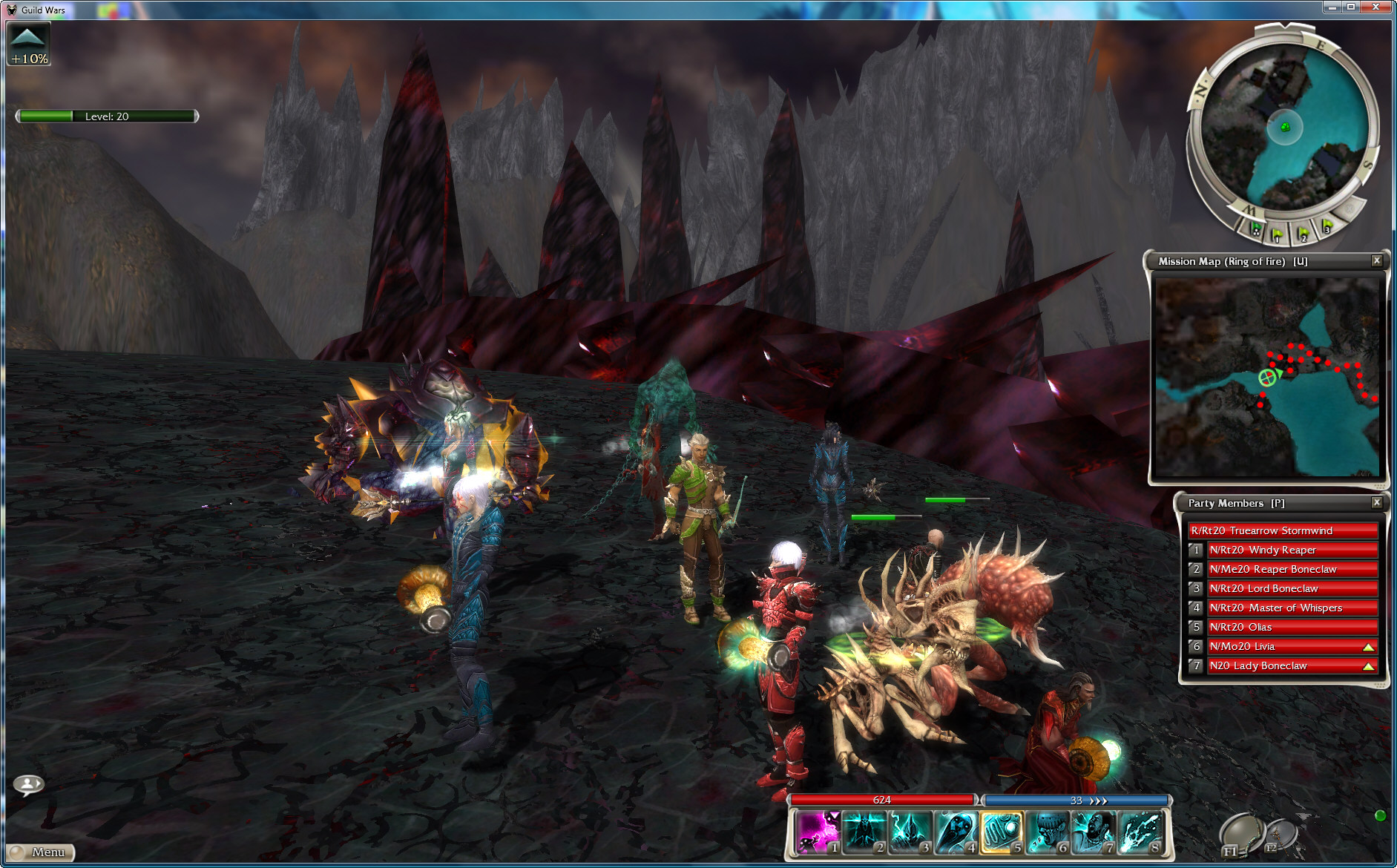
Guild Wars recently added “Mercenaries” which are ways to add the other players in your account to your list of heroes – or players that you control as part of your team. Heroes were added with the “Nightfall” expansion and at that time were characters that you gained by progressing in the game. Nightfall had about a dozen heroes, and the “Eye of the North” expansion added many more heroes to this list, but still with the idea that you gained heroes by doing quests.
Mercenaries allows you to build your own heroes in two ways:
Continue reading “Guild Wars – Mercenaries Build Powerful Teams”

As I write this we are seeing daily reports of hacking and break-ins to commercial and defense enterprises world wide:
But it seems we are not doing a set of straight forward things that we can do to prepare for and mitigate the impact that cyber war is having on this country. We can start with some simple and comparatively inexpensive steps.

What’s the big deal with apps over webpages?
Short History Lesson
In the day of the web, starting 20 years ago, say 1990, web pages were all the rage. By 2000 we had the (dot)com boom. Nobody was talking Apps then. We weren’t writing hundreds of thousands of apps for our PCs then. The concept of having a single program on the PC that could display hundreds of thousands of websites was the way things went. We could have had a PC app boom then. Continue reading “Whither Apps?”
 Windy Weather