Considering an Upgrade

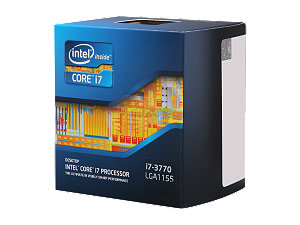
Intel ci7 3770 box
Intel Core i7

I’m using two of my computers for, among other things, to edit and convert videos for upload to YouTube. Here’s my channel. One of he machines is an Alienware Aurora R2 I obtained used with Core i5-750, circa Q3 ’09. The other is a system I built from scratch, with a Core i7-2600 circa Q1 ’11.

I’m considering upgrading the older Alienware system to an Ivy Bridge 3770 processor. This upgrade of the processor, motherboard and memory will cost about $550. So the question is: How effective will this upgrade be in increasing Video Conversion performance?

A BenchMark

I decided to do some testing to find out whether the two systems that I have are very different in performance before proceeding with the upgrade. When using both systems to edit videos, they perform very well using Corel Video Studio X5 [2600] and X6 [750]. The editing process proceeds with no noticeable delays or lags. Any performance issue has to do with how long it takes to convert the video. Continue reading “Considering an Upgrade”

Tracking SSD Activity

Your SSD
Your SSD

After upgrading my system with a shiny new SSD, the HD light was blinking like a heart beat every second or so, and that concerned me. SSD’s have a limited lifetime, for writes, so it occurred to me that Windows might be burning up my SSD by continually writing to it.

After checking around a little on the web, I found the SysInternals windows utilities on the Microsoft techweb site. At first I tried DiskMon, which showed disk activity,  but didn’t show which files were being accessed. Then I found Process Monitor, which showed which files were being written and  by how much. Continue reading “Tracking SSD Activity”

Battlechair Moving Day

Aurora R2 at Battlechair

I decided that if I’m going to get any use from the SSD I had better move it to where I use my computer the most. So I swapped the computers to put the Aurora R2 with the battle chair. I’ll swap them back after I upgrade the Armor 90 system to a 500GB SSD in a couple of months.

The Plan

The plan is to upgrade the Armor 90 system to a 500GB SSD and this will free up 2 650GB 7200 rpm drives that were in a striped array as the system drive. Continue reading “Battlechair Moving Day”

Aerocool Coolpanel III

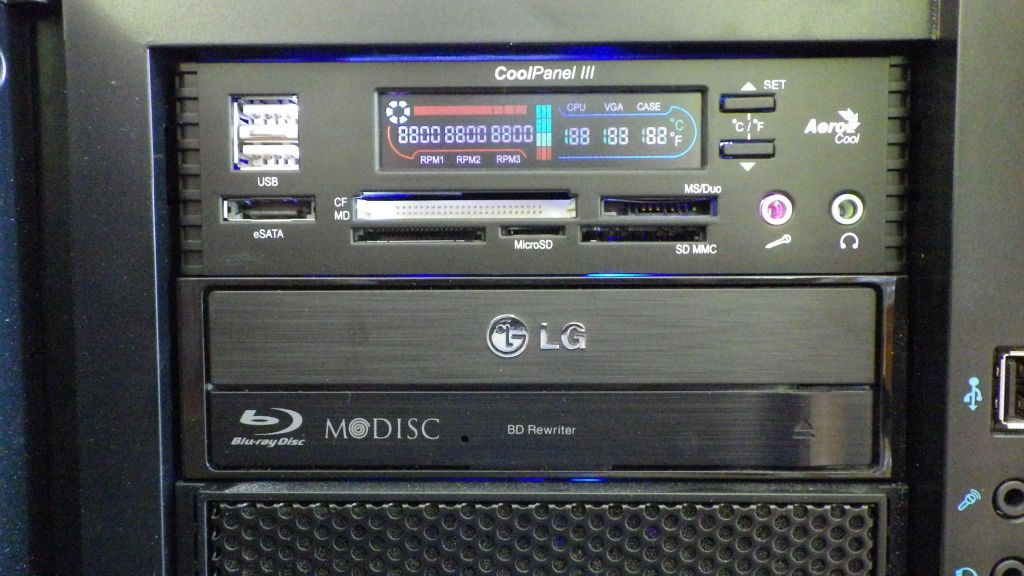
I finally got around to installing the AeroCool Coolpanel III in the gaming machine. I purchased this back when I got the battle chair machine.

CoolPanel III
CoolPanel III

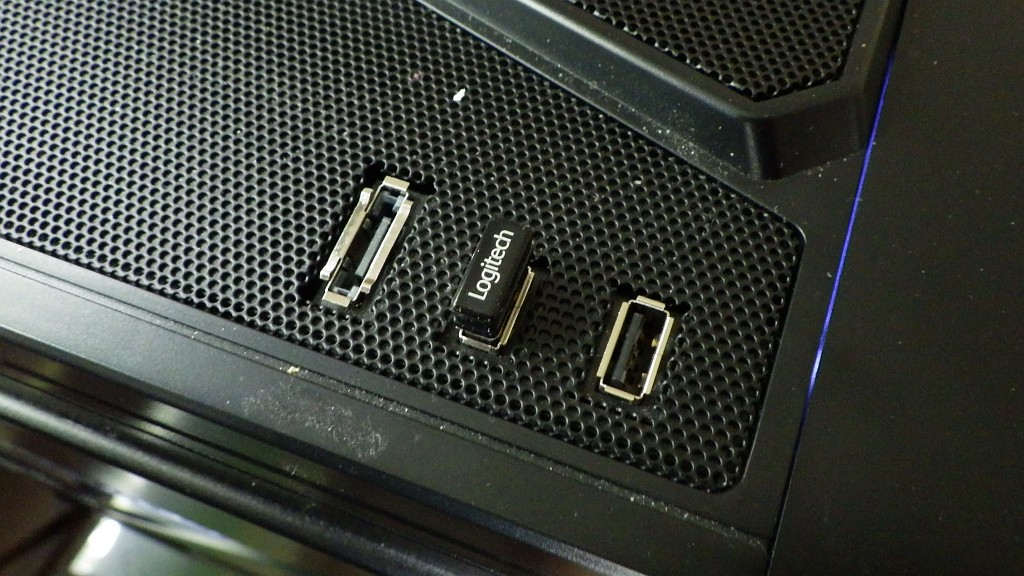
The coolpanel 3 has a media card reader, 3 channel fan controller/ temperature display, audio ports, USB ports and ESATA port. At this point I’m using the USB media card reader and temperature display. The rest of the functions don’t make sense in my current system. There are no more USB connectors on the MB and there are USB ports on the top and front of the case. The temp display is way cool tho and I really needed that media card reader.

Cheers,

– Windy

SSD Migration Success

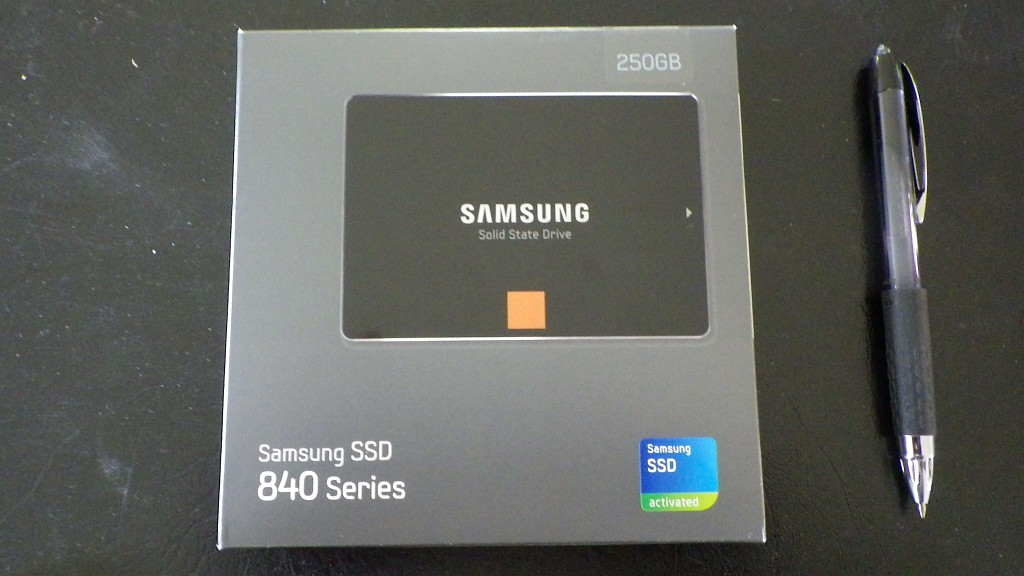
Samsung 840 250GB SSD

The SSD arrived today!

The first problem was that I neglected to order the package with the 2.5″ > 3.5″ HD bracket. So mounting the drive was an issue. I had taped the Laptop drive during my testing using a cardboard platform, so after not finding any bracket when calling around to places in town, I did the same, and then ordered some brackets from NewEgg. Continue reading “SSD Migration Success”

SSD Migration Nightmare

The Problem

Samsung 840 250GB SSD

You may have noticed that prices for SSDs have come down quite a bit in the last year or so. And the sizes are now quite reasonable. A 250GB SSD will set you back about $200 and a 500GB SSD is about $350. So, I’ve decided that it’s time to begin migrating my computers to SSD system drives.

Casper 6.0 is among the tools I’ve had for sometime to migrate disks, so I gave that a try.

The test machine is an Alienware Aurora R2, circa 2008, with 8GB memory and a 1TB HD, running, Win7 x64. Only 180GB of the 1TB HD is used. As a test target before the SSD arrives, the migration target is a 320GB SATA Laptop drive.

Continue reading “SSD Migration Nightmare”

Linux Mint 15 RC problems

Installed Linux Mint 15 RC on Virtual Box 4.2.12 on Windows Host.

Problems include:

  1. Mint system hung after install / reboot when update was running. Recovery required CTRL/ALT/DEL to get back to windows. Cursor still moved, but system did not respond. Reset required to bring back Virtual Machine.
  2. Comix cursors did not show correct transparency. Dark gray box was around cursor at all times.

Log files from Virtual Box are here:

LinuxMint15RC_Bugs

Battle Chair Update

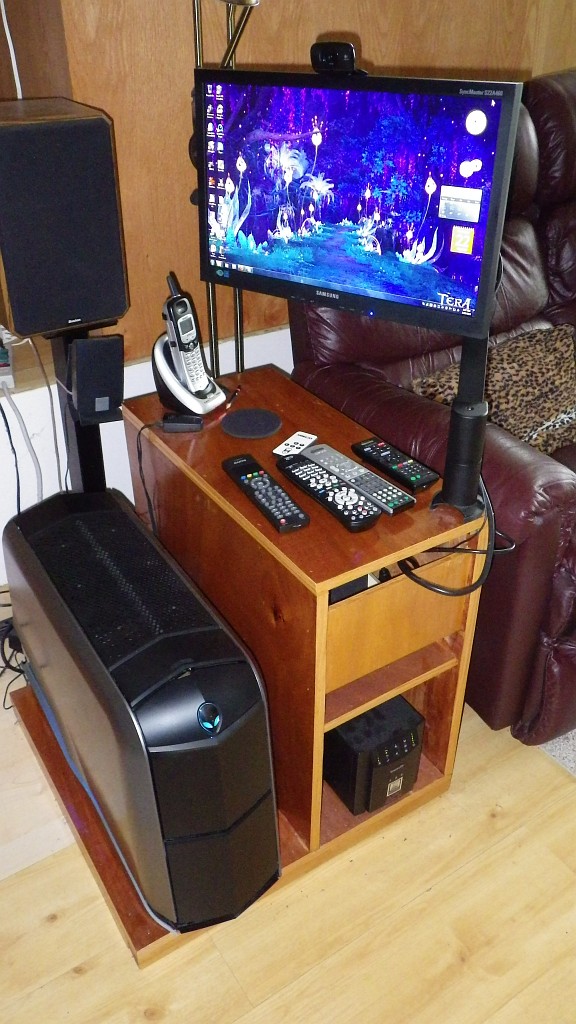
Battle Chair
Battle Chair

I’ve made some changes to the battle chair.

The system is now a Core i7-2600, 16GB, GTX 560i system in a Thermaltake A90 case.

For a while the monitor was an Acer 20″ 1600×900, but now it’s moved up to a Samsung S22A460 21.5″ 1920×1080 monitor.

Much nicer monitor and a faster system in a nicer case.

The monitor is very sharp and bright -It’s turned way down – and very affordable at about $190.

An upgrade to GTX 760 ti is planned when those cards are available.

Also you will notice the Logitech C510 Webcam stuck to the top of the monitor.


Continue reading “Battle Chair Update”

Corel Video Studio Pro X5 – Great Inexpensive Video Editing

Corel VS Box
Corel VS Box

Corel Video Studio Pro X5 is a great and inexpensive video editing suite for editing and burning both DVDs and BluRay disks.

I’ve been capturing game play footage from video games and wanted to make BluRay disks of that footage to remember and share what it’s like to play some of these games. I captured the game footage with Fraps  as full screen on my 1600×900 monitor with sound. Fraps allows you to define a hot key to start and end your video capture, so at anytime while you are playing the game,  you can start recording video. Corel VS made it easy to edit the videos, adjust clips, make short video backgrounds for the menus, and then burn the BluRay disks.

While I am making BluRay disks from video game footage, you can use any HD footage from your vacation, kids or whatever. The process is the same.

There are a ton of options, transitions, effects and other things in Corel Video Studio. I don’t use any of those, although I have used the titles. They are easy to apply if you want to use them, and there are tutorials on the Corel site and YouTube to give you more help. Continue reading “Corel Video Studio Pro X5 – Great Inexpensive Video Editing”