G.Skill DRAM Lighting App Fail

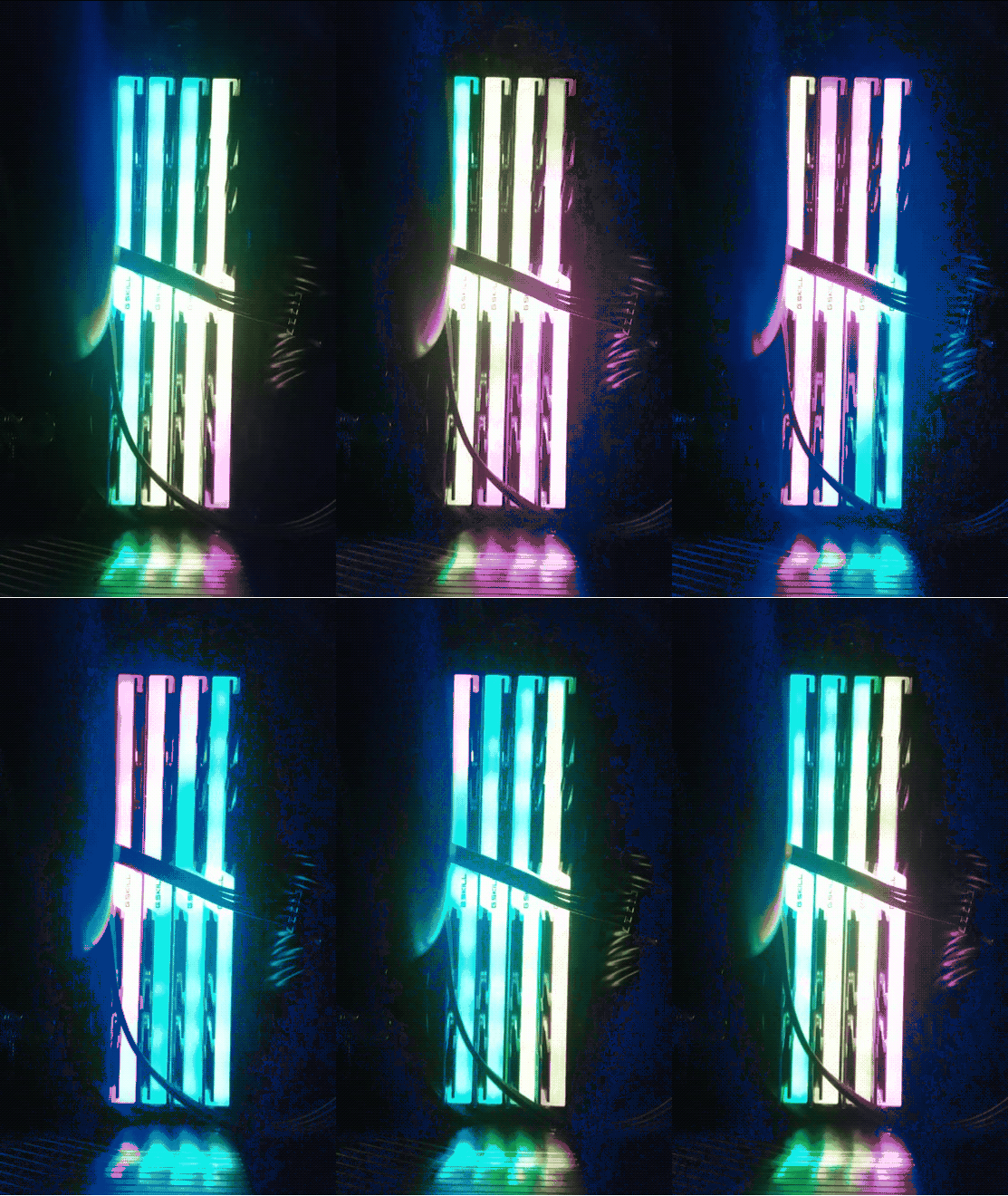
My recent builds have used G.Skill DRAM, which has neat RGB lighting. Out of the box the LEDs are animated and bob and weave the colors across the DRAMs. Very nice.

There is an App that allows control of the lighting and it has hundreds of options to control the colors and patterns of the DRAM sticks.

However, if you install the app and set the patterns, they are not permanent. If you sleep or restart the computer the lighting comes up dark. Actually, during the reboot or restart from sleep, the lighting is restored, but then it looks as if the driver turns the lighting off as the machine finishes coming up. So the app is useless unless you want to run it every time you boot or come out of sleep.

Thankfully, removing the app and rebooting puts the DRAM back into its initial lit and animated state.

I have tried to post a question in the forum, but the barriers to entry to the forums are too high. Someday they will get back to me about my sign-up on the forums and allow me to post. Everyone else uses automated Anti-Spam, but these folks do it manually so forget it. Looks like if you want your DRAM lights on, just don’t use their app.

Here’s a gif of part of the default animation:
GifMaker_20190203213557537.gif

:ww

LED Lighting for Alienware Case?

I’m sick of not having lighting for my Alienware Area-51 and Alienware Aurora cases. They work part of the time but can’t be easily controlled. The lighting is Proprietary and out of date. Alienware and later DELL made no effort to support the lighting with Windows 10 or Linux. These are what the two cases look like with lighting on:

That is the Area 51 circa 2006 with blue lighting in the vents and Alien Heads on sides and front. The Front Alien head is the power button.

And that’s the Alien Aurora R2 in Blue and Red lighting. The Front Alien Head opens the access door for the media drives. The power button is a hidden button behind the head on the top of the case.

Continue reading “LED Lighting for Alienware Case?”

Snifter Drying Rack

I need a rack to dry and store brandy snifters. So I made one. The snifters are 3″ in diameter with a 2.5″ base. I didn’t see anything like this online.

The project uses light weight plywood and a 1″ dowel 5″ long. Here is the plan for the top and the base. The top and base are 6″ square. I used a forstner bit to drill the holes and a scroll saw to cut out the slots.

Snifter Layout_1.png

Walnut stain, Poly varnish, and felt feet on the bottom complete the project.

Enjoy
:ww

Dustopper Is Much Better

Dust Deputy Cyclone Separator

A while back I bought and hooked up a Dust Deputy to the shop vac that I have been using to clean my pellet stove. The Dust Deputy is an after market DIY cyclone separator. And for what you get it’s pretty pricey.

The kit I got comes with two 5 gallon buckets and a hose along with the separator. But it required some ABS pipe, glue and some work to get it hooked up to the shop vac that I’d been using. Turns out that hose diameters are no where near standard on these vacuums of course. But I’ve got it going and have not had to clean the vacuum filter in over a year. I have emptied the 5 gallon bucket once in that time. But Wait There’s More. A Better Solution has arrived.

Home Depot Dustopper

The Dustopper from Home Depot is a much better solution. And Cheaper.

The left picture shows the Home Depot picture for this use of this device. Clearly a mess since you are dragging two separate canisters around your shop or other area as you clean it. That’s gotta be a pain. On the right we see a fellow who has designed a simple modification for a Ridgid vacuum to hold the Dustopper together with the vacuum. Takes less floor space and moves as one unit.

Clearly this is what I should have done. And I may yet do this.

I still cannot understand why Ridgid or some other shop vacuum company, Dyson even, has not just made a vacuum with a cyclone separator built into it. Why these nonsense add-ons? Is Dyson holding a patent that keeps others from doing it, but is not doing it themselves? Dyson does not make a vacuum suitable for cleaning shop areas after all this time.

Cheers.
:ww

Dice Tower Design

So, apparently, Dice Towers are a thing.

There are many Dice Tower design / construction videos on Youtube. Here are a couple of pictures from some I found. The problem with these designs is that they are made from foam. The one on the left is made with a foam core / glue gun construction with EPS foam blocks then cut and glued on. While the paint job is very cool, the light foam board construction is going to sound silly when you toss in the dice. The one on the right uses EPS foam blocks glued around a vase and a spiral ramp of foam core inside to bounce the dice around. Again, this one will just sound silly as it’s used.

Continue reading “Dice Tower Design”

Gigabyte Brix 7200 Displays 4K

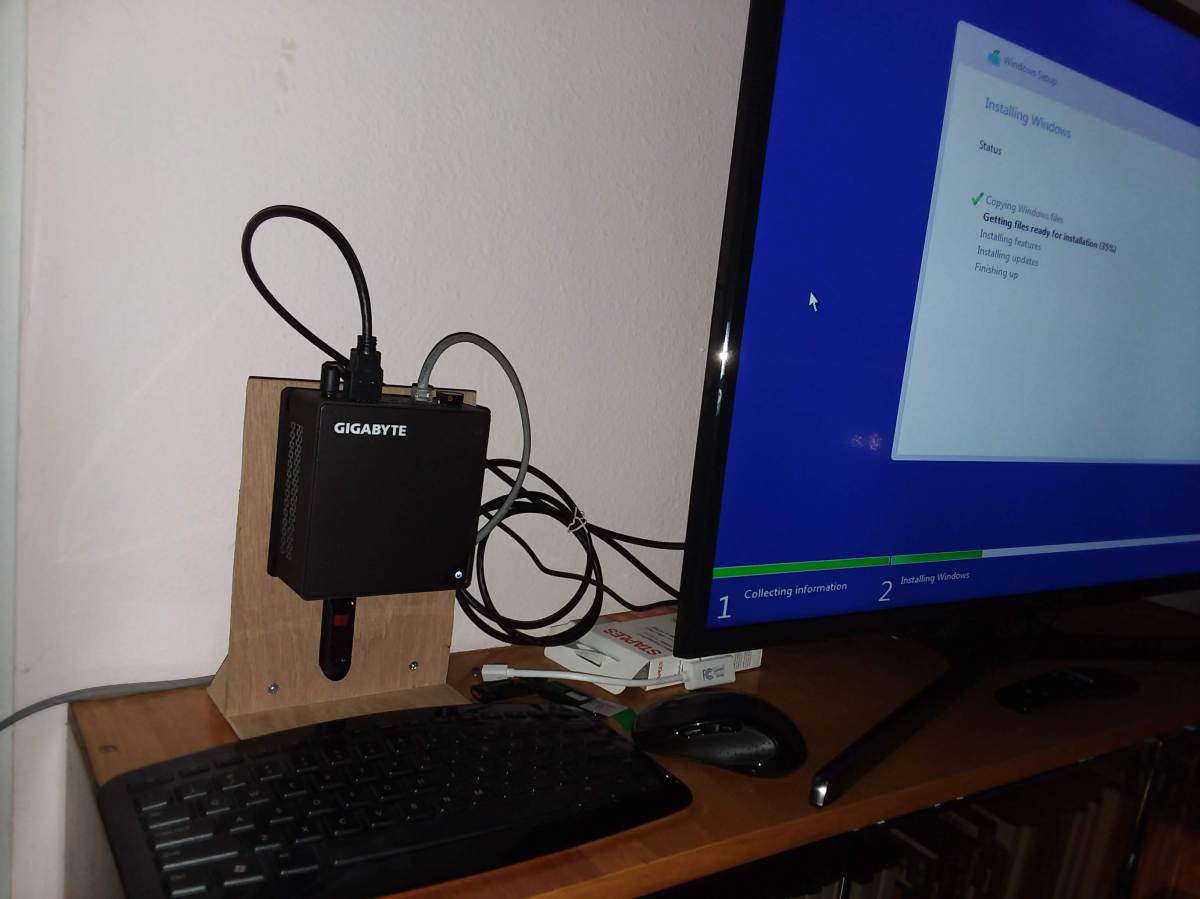
I’ve had a Gigabyte Brix GB-BKi5HA-7200 for a while now.

20181217_071122.jpg

This is about the 3rd Mini system that I’ve had. Maybe fourth if you include one that I built from parts. This one has:

Linux Mint Fails in 4K

It was running Linux Mint 18 and recently Linux Mint 19. And this was working fine, except recently I upgraded the monitor to a Samsung 40″ 4K TV – UN40MU6300FXZA. I found the Refurbished TV for about $290 for sale by Walmart a couple of months ago. This is quite a good price for this Samsung 6300 level TV.

Walmart_- Samsung 4K UHD TV_-_2018-08-04_15.37.31xx.png

Since I use this mini system to display photos and game screen shots a large high-rez display is just the thing. However, Linux Mint has never supported the display correctly.

As you can see, when in 4K [3840×2160], the display is sliced up and repeated across the screen. It works fine in 1920×1080 mode on Linux. From all the reading of the processor and TV specs, it looked like it should work fine and when I use a long HDMI cable to plug the TV into a Windows 10 system with a GTX 1060 card, it works fine too in 4K.

I am using a pair of 2K monitors through a IOGear Displayport switch and Linux Mint works just fine with that using a GTX 1050 card, which has DisplayPort output.

After spending a couple of days on various forums trying to understand and fix the problem on the BRIX with no luck, I had the bright idea of just trying Windows 10 directly on the system. So I made a Windows 10 install Thumb drive, removed the M.2 Sata, to avoid messing up the Linux Install with Windows 10, and installed Windows 10 on the 60GB SATA SSD. Worked like a charm and brought the monitor right up in 4K without problems.

Continue reading “Gigabyte Brix 7200 Displays 4K”

Palace of the Dead – Red Weapons

Above are various low level weapons in Palace of the Dead. Pink is a lower level, and green is approaching powerful for the floors you are on. Bright White is appropriate for the levels where you are playing.

When you start playing in the Palace of the Dead, your weapon is pink or green and eventually, as you trigger more Silver Chests, it turns White. I could not find any place that this was carefully described.

Here’s a play guide for the Deep Dungeon aka Palace of the Dead.

Continue reading “Palace of the Dead – Red Weapons”

More Adventures in Palace of the Dead

I’ve been spending a lot of time in Palace of the Dead. Here are some recent adventures:

Leveling

Leveling my Warrior / Arcanist is working pretty well.

The first couple of levels of the PoD don’t give much XP, but the 3rd and 4th levels give more than one level of XP. Level 41-50 has longer wait times and the boss is quite difficult so I usually just back up and start over when I reach that. I’ve cleared level 50 a few times, but I’ve been with groups that have wiped too.

Sale of Loot

And here are some sale prices for loot on the Market Board.

These are not frequent drop from Bronze Wrapped Sacks, but I’ve seen the hair style a couple of times in the last few days. Almost 1 million Gil!. And the Housing items aren’t too bad either if they sell.

Enjoy,
:ww

Palace of the Dead – Some Hints


I’ve been having more fun in the Palace of the Dead. While you can find lots of detailed guides online for the PoD, here’s a few hints that may organize your experience.

Palace of the Dead is way more fun than the normal dungeons. Killing goes much faster. You’re not just standing there wailing on trash mobs over and over. A few hits and they are down and you are moving on. Stuff is always popping up and changing. Floor to floor and within a floor. Normal dungeons don’t have re-spawns. Once the mobs appear and you kill them that’s it for those mobs. That area is cleared. You kill the mobs and move on. But in Palace of the Dead, stuff re-spawns all the time. Way more interesting.

Rewards

The XP rewards are the primary reason you are here. You have lots of classes / jobs to level and this is the way to do it. Forget leves. Do your roulette’s once per day, but you can grind PoD all day long and there are no limits. Your mileage will vary based on your “Rested” status and whether you have “Road to 60” but typically each run of 10 floors will get you 20% – 30% of a level, and maybe a lot more. So you can put on a level in less than an hour typically. While the Main Scenario Roulette gives more, along with a lot of Tomestones but that’s only available once per day above level 50. But PoD is all day all the time and it starts at level 1 once you enable it with a battle class at level 17.

Continue reading “Palace of the Dead – Some Hints”