
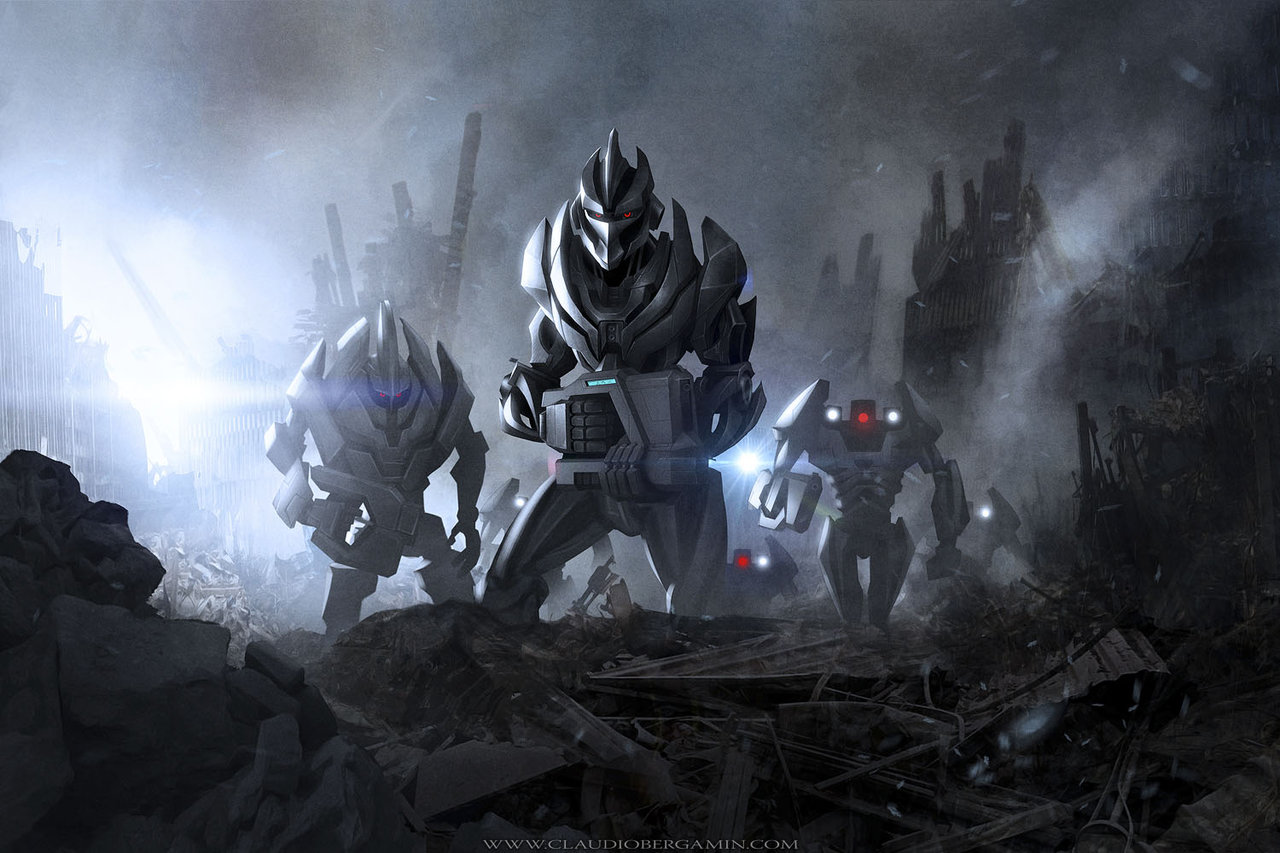
This is a follow up post containing an argument left out of the original paper found here. It is written as a fictional dialog between the expert and a Hypothetical Analyst who has the question.

This is a follow up post containing an argument left out of the original paper found here. It is written as a fictional dialog between the expert and a Hypothetical Analyst who has the question.

This brief paper looks at a point in the analysis of the Singularity Problem which appears to be overlooked: The difficulty of building or maintaining an infrastructure to support the Singularity goals, whatever they might be. The building and maintenance of infrastructure to accomplish human goals, whether those goals be the building of Smart Phones- compare this with the Paperclip Maximizer – or Transportation or World Wide Energy or Computer Chips of all kinds is a major problem for humanity and consumes a major part of humanities creativity, effort and resources. In the analysis that I’ve heard and studied – references below – on this subject, an economic analysis of the limiting factors of developing an maintaining the necessary infrastructure is either left out entirely, often in the case of fictional treatments, or glossed over. I suggest that just as biology and economics have developed theories of population and market collapse due to resource constraints, so should the analysis of the singularity treat more thoroughly the issues of the development and maintenance of the required infrastructure. It is my view that such analysis will likely calm many of the fears of catastrophe that accompany presentation of the singularity and its effect on humanity.
Updated 13 Jan 2015 – see below
I recently added some SATA drives to my Linux Mint 17 system and ran into a few glitches and issues. This is a YouTube video that shows how to get around these issues using a USB Drive rather than a SATA drive, but the principles are the same.
Enjoy, ww
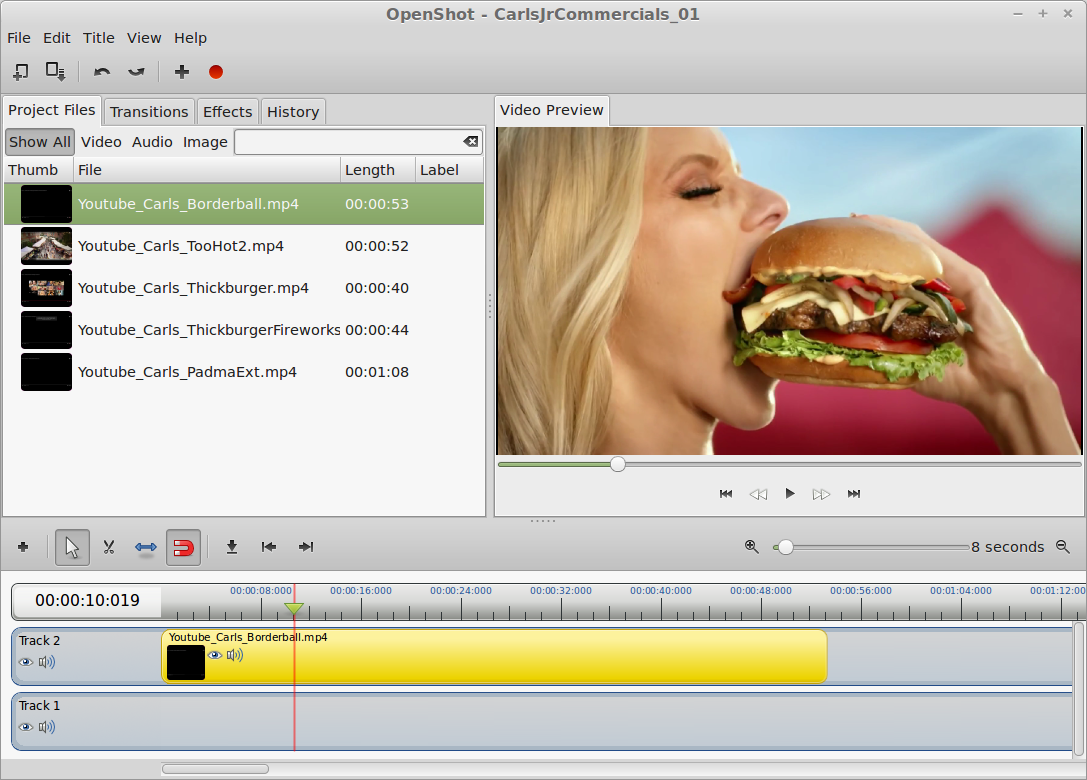
Now that I have your attention, I’d like to describe what I have found out recently about capturing, editing and burning DVDs of videos using Linux. I have been editing video and burning DVDs for years on Windows. I started long ago when the tools were barely functional and finding a set of tools that understood a common set of file formats was quite a challenge. The situation on Windows has matured over the years and currently you can purchase for a very small price a set of tools that will allow you to capture, edit and burn both DVDs and BluRay disks with remarkable ease.
The situation on Linux Mint is almost that good. Currently I cannot find software that allows editing and burning the BluRay disk media with titles and menus, but one certainly can edit the videos themselves. Read on for the full story.

Hurray! Windows File Sharing just works in Linux Mint 17!
It’s been a long time since I tried it. Back in 2010 when I was using Ubuntu, I wrote a post about how to set up Samba, and WinBind to get network sharing going and was quite disappointed that it wasn’t working. Well, that process was so cumbersome that I haven’t used it much over the years and in spite of the fact that about half of my computers are Linux, I haven’t bothered to set it up, or check to see how things have progressed. But I was sharing files recently and lo and behold, it works just fine!
As you can see from this picture, I am looking into a share from a Linux Mint 17 system into a Windows 10 system and can see and read those files. The Windows 10 system drives are shared read/only, as is the best practice. More about that later. But here is what you can expect if you have a mixed network, and how you can use Windows File sharing between Windows 10 and Linux Mint 17.
Continue reading “Linux Mint – Windows File Sharing Just Works”
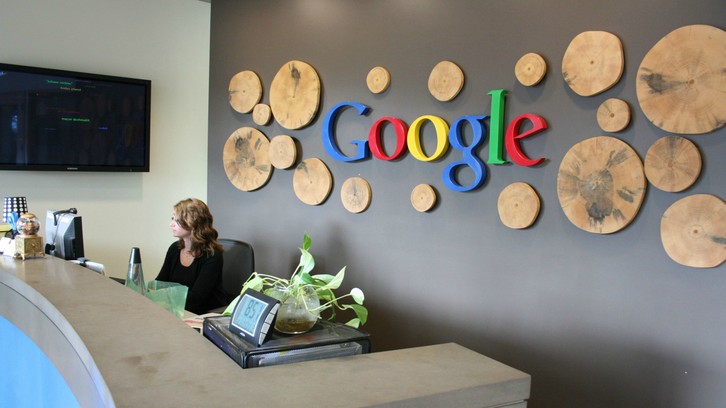
Maybe it’s time for Google to have Terms and Conditions… For Countries. I suggest the following:
Quote:
If you want Google to be available within your country’s boundaries – based on IP address and nothing else by the way since we aren’t going to check anything but this – then you as a sovereign country agree to the following:
(1) Google does not support “Right to be forgotten” or any other censorship that you may want. Forget it or forget Google.
(2) Google does not fiddle with it’s search results based on your country preferences. If you don’t like the results, seek help with an SEO expert, or Google will be happy to not be present in your country / jurisdiction.
(3) Google will abide by the terms and conditions that it has published. If you don’t like them, then don’t use Google or don’t have Google in your country.
(4) Google is building and providing the best search engine, and other services, that we can, based on our own conscience and our business plan.
If you don’t like these terms and conditions, use another search engine, or make your own search engine. Up to you.
End Quote:
Seems like it’s time for this. <Disclaimer> I have no financial interest, or any other kind of interest in the success of Google or it’s services, other than I use them, and like some of those services. </Disclaimer>
I’m getting tired of all the whiners out there. Nobody ever whined about Alta Vista when it had 90% of the search market. Get over it, or get Bing – or whatever.
– ww
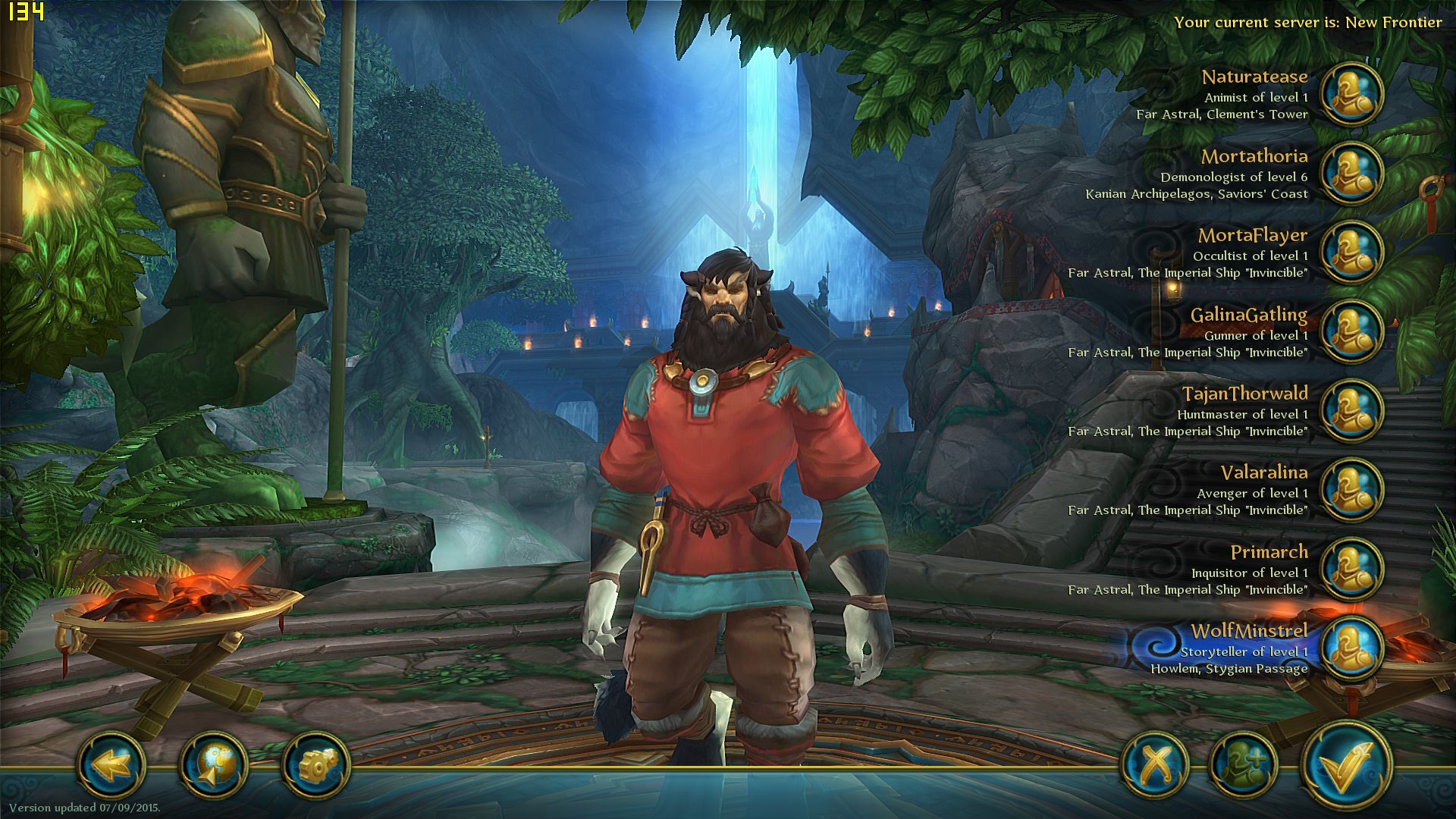
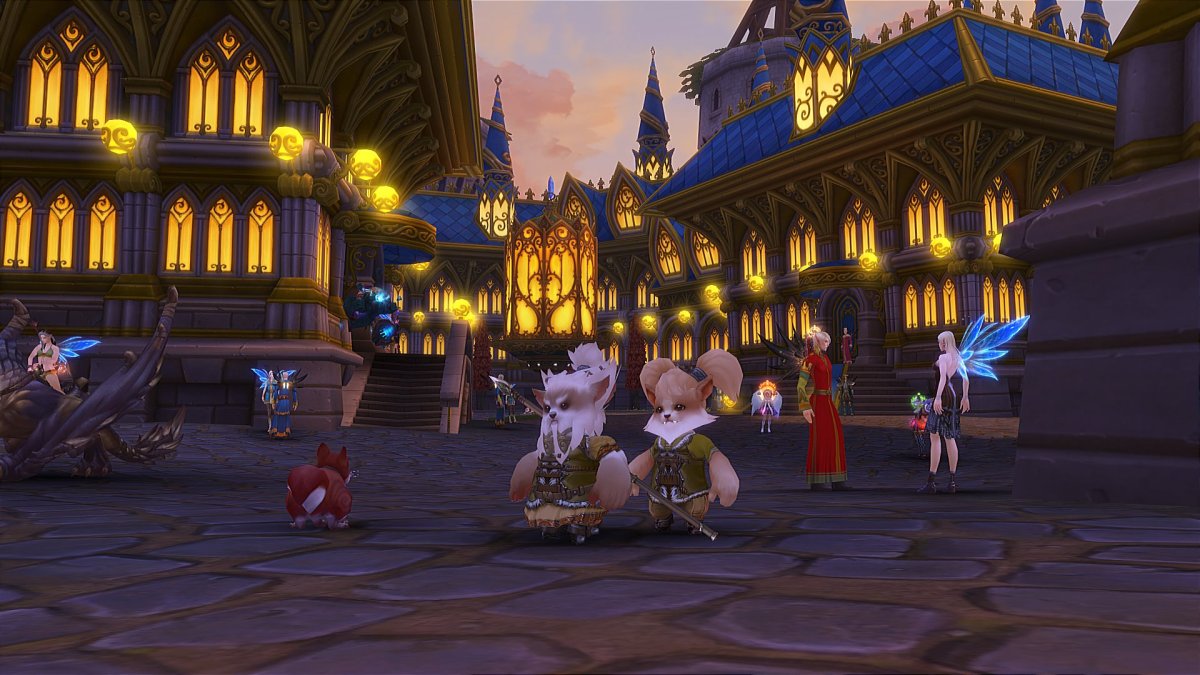
I played Allods back in 2011 when gPotato had it, and it was pretty clunky. Since then it has gotten much better. It no longer feels clunky. Let’s talk about the good news first. Here is an album of recent pictures from the game.
There is an interesting race that is unlike anything I’ve seen in other games. The Gibberlings are three characters, which you can design individually as you create them. But they act as one in the world. Here is a Gibberling family which are druids, with their pet squirrel.
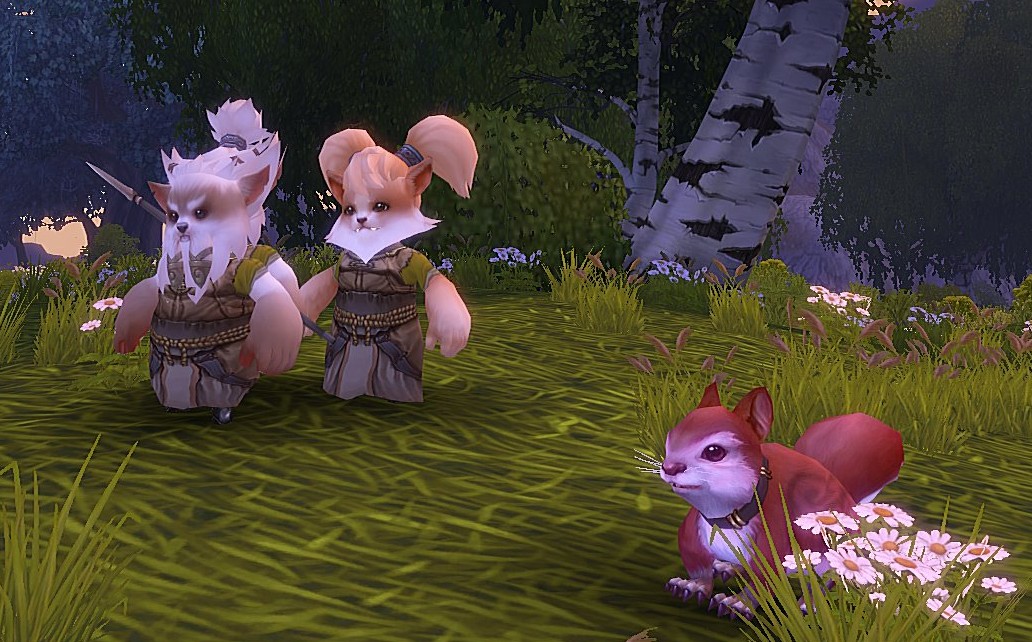
Graphics
The graphics look better than Wow – at least better than the historic places of Wow. The character models are better than the old Wow models, but not as good as the new Wow character models.
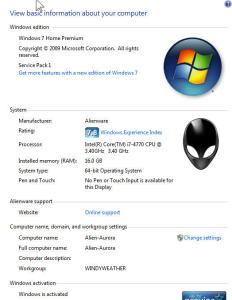
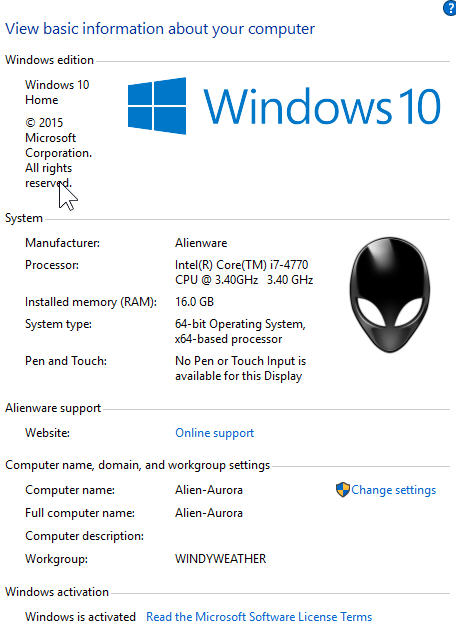
BTW, I have no idea why this system shows an Alienware Logo in the System Control Panel. I have completely swapped out the guts of this system and reinstalled a new copy of Windows 7.
I just upgraded this system to Windows 10 using the DVD burned last time and did the following steps:
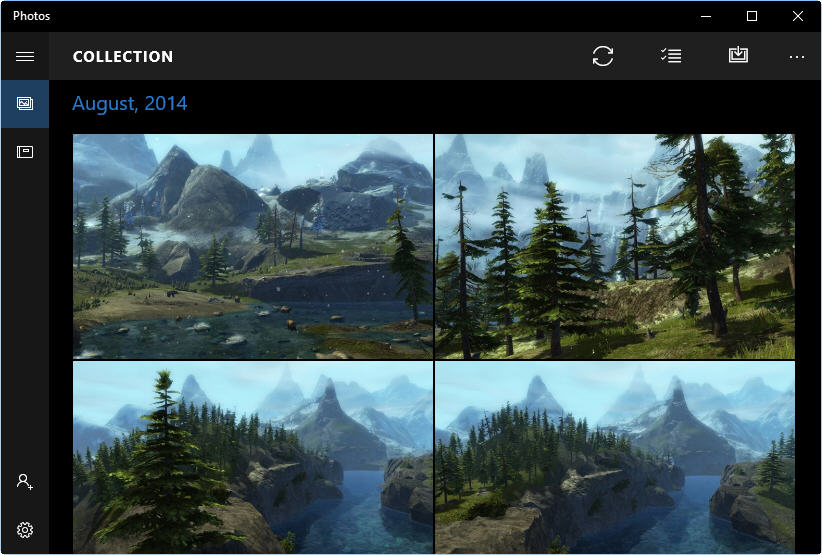
Photos App – Fail
First of all, I give the photos app a fail. It tries to be helpful, but if you are organized, then it gets in your way rather than helping you.
Now that Windows 10 has been released, it’s time to start upgrading my four windows systems. Starting with the oldest system I began last night.
Starting with the article on the Verge, I downloaded the ISO for x64 and burned a DVD.


 Windy Weather