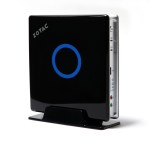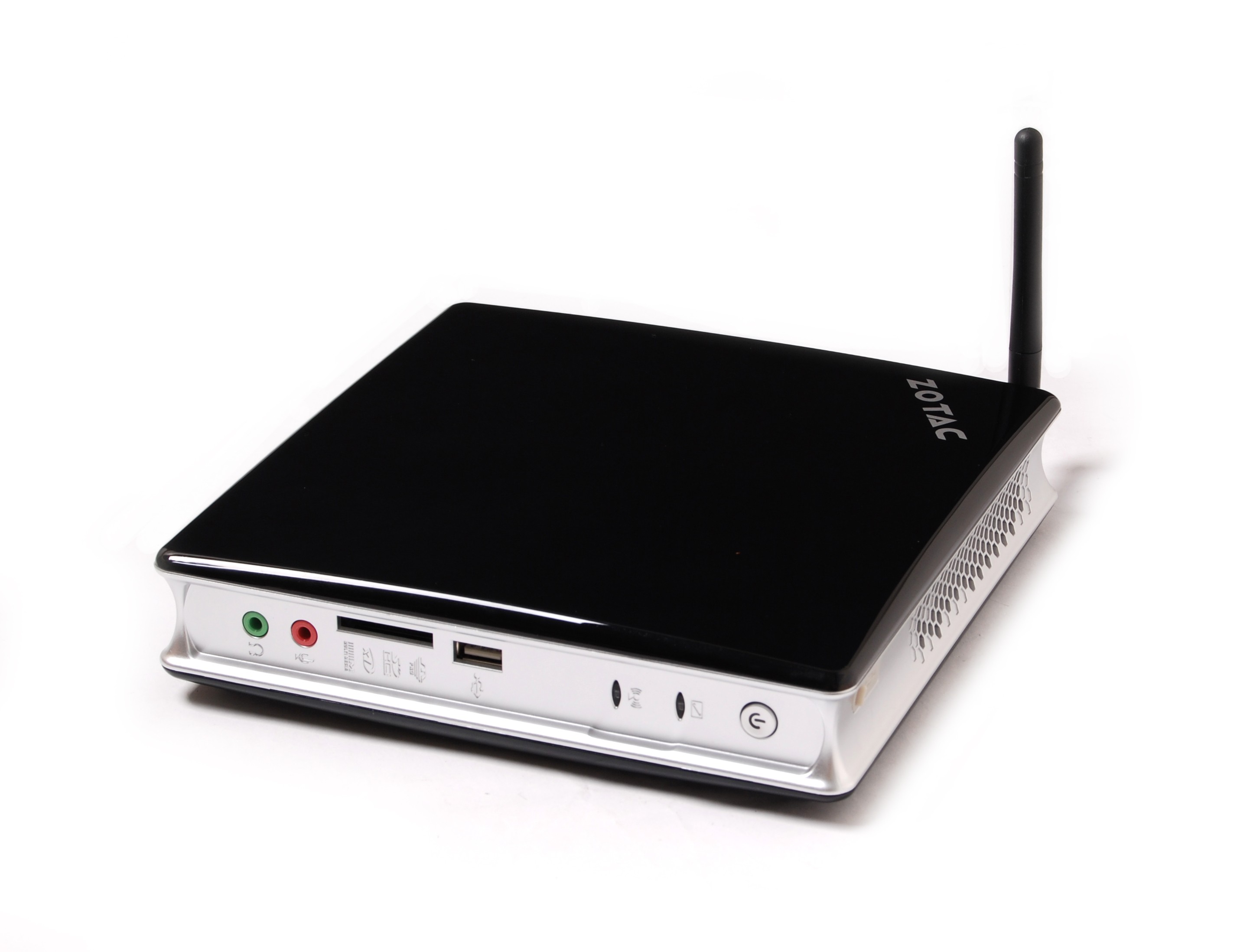
Zotac ZBox ID80

Zbox ID80

After getting the Alienware machine, I found myself with an extra 20″ monitor and noticed that the Blue Diamond box was getting a little long in the tooth. It has been running Ubuntu 10 and while it works, it’s very slow. Time for an upgrade.

The Zotac Zbox ID80 plus was about $300 from newegg, and while they have versions that are with and without HDD and memory, the one I got had 2GB of ram and a 320GB HD. I didn’t really need the HD since I had one of that size, but the price really tossed that in for almost free. I did get 4GB of RAM for it for an additional $21. Continue reading “Zotac ZBox ID80”

VirtualBox – Ubuntu Host / Guest

VirtualBox

Installed VirtualBox on Ubuntu x64. At first there was a problem: starting Guest hung system. But this problem was eventually found as a BIOS setting. Avoid enabling Limit CPUID MaxVal in BIOS when using VMM. Now system is working fine. At first, VBox installed from Ubuntu PPA, but then removed that and installed as per this page. Either would probably work fine since problem was BIOS setting.

Now have Ubuntu x86 and x86 guests running on x64 system.

Clean systems are now available for testing programs in both x86 and x64.

– ww

VirtualBox – Ubuntu in Windows

VirtualBox

Virtual Machine systems have been popular for servers for a few years now. They save big time $$ when setting up server rooms since most of the server systems in an IT shop aren’t that busy. But recently VM has become popular for desktop users. Many of the reasons we used to use “Dual-Boot” systems are much better served using VM. There are several reasons why you might want to run VM on your system:

  • You have a windows system and want to run Ubuntu.
  • You have a Mac and want to run Windows occasionally.
  • You have Windows, or a Mac, and want to have a system where you can surf safely, for example to do your online banking.
  • You are doing development and want to have a “clean” system for testing.

One of the most functional, and easiest to deploy, VM systems is VirtualBox. Now inside Oracle, this system was originally developed at Sun and is Open Source, and free. Microsoft has Windows Virtual PC,  and you can run Windows XP or Ubuntu on your Vista or Windows 7 system. But of course, it has no support for Ubuntu or OS/X as a host, so why learn more than one system? I’m going to use Windows and Ubuntu systems as hosts, so I’ve chosen VirtualBox.

Continue reading “VirtualBox – Ubuntu in Windows”

Debreate – How to use it?

I’m trying to use Debreate 0.6.5-1 on Ubuntu 10.04 to build a package. I’m new to package building. Can you help with where I’m going wrong?

I have some comments on Debreate:

  1. I can’t find a tutorial. Looks like a great program. But it’s not obvious how to use it.
  2. I’d like an option that takes a whole tree – like Packin does – and builds the package from that. The features that are present look interesting, but are not clear and may not match my requirements, whereas, the Packin method would seem to work for all requirements.
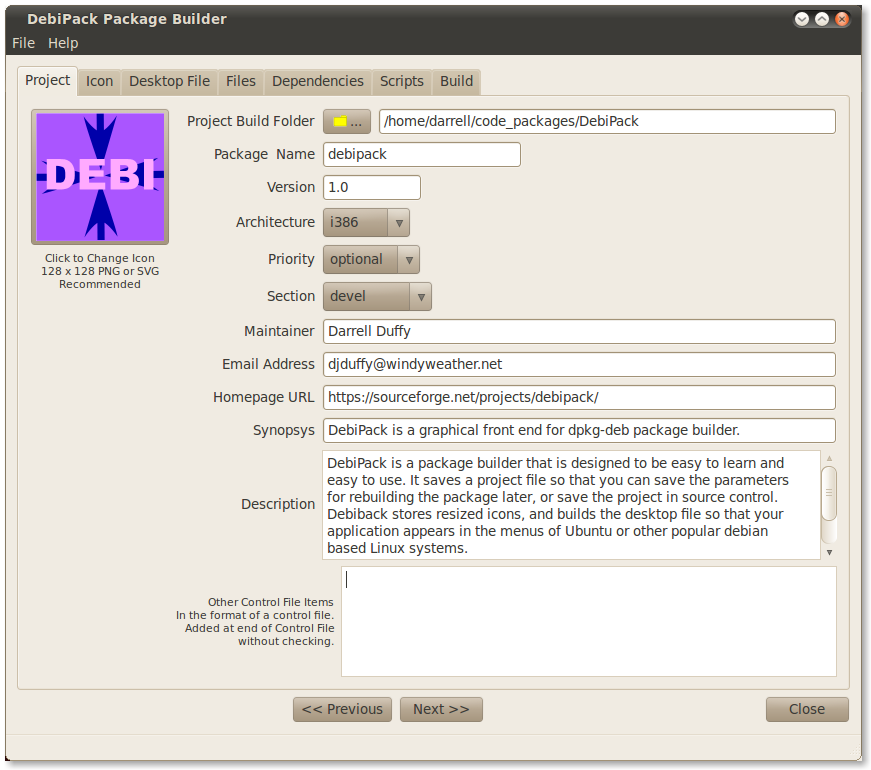
  3. Does Debreate build a .desktop file, or require that you have one? If it builds one that’s great. But I couldn’t get that far since the build failed. Not clear how to do a build, or what those paths are. Error is obviously not very helpful.
  4. It’s complex to fill out all the tabs in Debreate, and I’m likely to want to build a package many times to test it. How about the ability to save ALL the information in the tabs to a file. I thought that’s what the control file was until I looked at it. Maybe the control file could contain “Comments” that contained the rest of the information if the control file is for something else. Maybe the control file is used by the package installer, but that was never clear, since the use of Debreate appears to assume that I know all about packages before I start.

Thanks,

ww


Ubuntu 10.04 – Nvidia driver install issue

Update: Restart to clear the error below and then install the [recommended] driver. All is well as far as I can tell.

Using Ubuntu 10.04 LTS.
Zotac GeForce 9300 Motherboard

attempted to install the [recommended] choice and it failed.

With a previous install, this worked, but then system failed to start graphics when it rebooted. But that system used to have an AMD video graphics driver installed, so I reinstalled the entire system and now this occurs.

How can I clean out the “archives” and try this again?

– windy

Jetway Atom D525 System Works

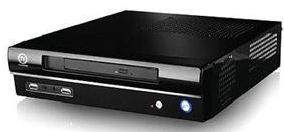
Thermaltake SD100 Case

The Jetway Atom D525 based system is running with Ubuntu 10.04.

The goals for the system are:

  1. Employ an Intel Atom D525 processor – a high performance dual processor system.
  2. Employ an Nvidia ION2 graphics processor designed for high performance netbooks / nettops. With DVI and HDMI display outputs.
  3. Support DDR2 memory, so that I could use memory parts I already have rather than purchasing new DDR3 SODIMM memory.
  4. Have a nice case with an internal power supply rather than an external power supply.
  5. Run Ubuntu.

Continue reading “Jetway Atom D525 System Works”

Ubuntu 10.04 – Problem playing DVDs

Update:

  1. Use regionset to set the region code if it’s not set.
  2. Use gxine, which is a more robust dvd player application.
  3. Now it plays most protected DVDs as well as unprotected ones.

Just installed Ubuntu 10.04 x64 on a mini-ITX system and would like to play DVDs. I’d like to use this as an entertainment system.

It plays non-protected DVDs just fine.

I have followed instructions here:

https://help.ubuntu.com/community/RestrictedFormats/PlayingDVDs

Including the part about chmod chgrp in the trouble shooting part.

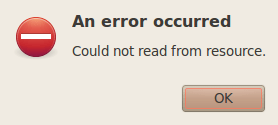
But protected DVDs give me this error:

MoviePlayer Error

Here’s the package manager showing what’s installed that might be relevant:

DVD_Packages_installed (click for larger)

Any clues about what might be wrong?

Thanks,

windy