More Nonsense – Obsolete Webcams

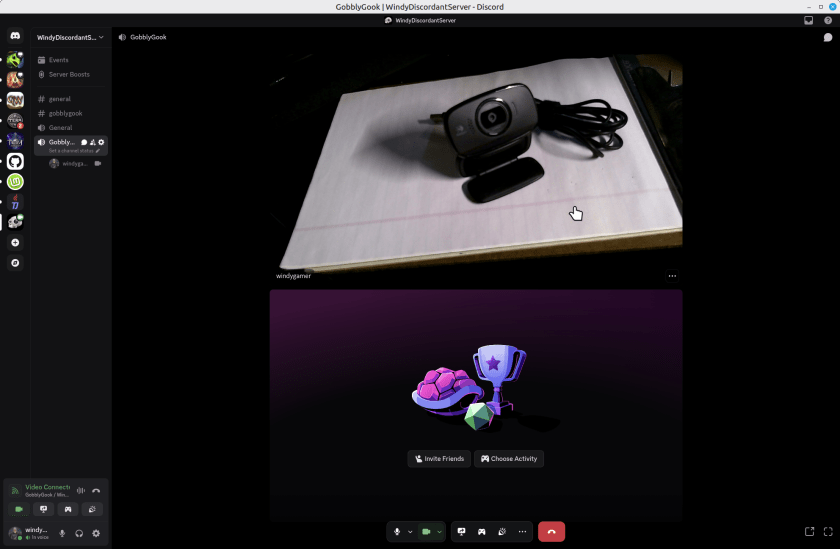
So, from a few years ago I have a couple of Logitech Webcams. I’d report the model number but they leave that off the device. On a little tag on the cord one says M/N V-U0016 and the other one says M/N-U0023. Embossed into the body of the webcams – which look identical – it says they support a microphone, auto focus and 720p. They are missing a shutter to block the camera which all new models have, but a piece of black tape solves that problem if you care. These webcams are perfectly great for Discord or Zoom calls. Here’s one web cam taking a portrait of the other in Discord, running on Linux Mint 22.2.

You might argue that it is not sharp but for a discord or zoom call its just great. I’ll not show my face here, but it was perfectly reasonable for 720p. Sure the new ones are 1080 or 4k, but who cares? If you really need that, then you don’t care about saving this old webcam.

Continue reading “More Nonsense – Obsolete Webcams”

OpenRGB Start on Linux Boot

Here’s an example with Linux Mint 22.2. Other Linux Distros are probably very similar. OpenRGB is installed with FlatPak which is probably the simplest way to install it.

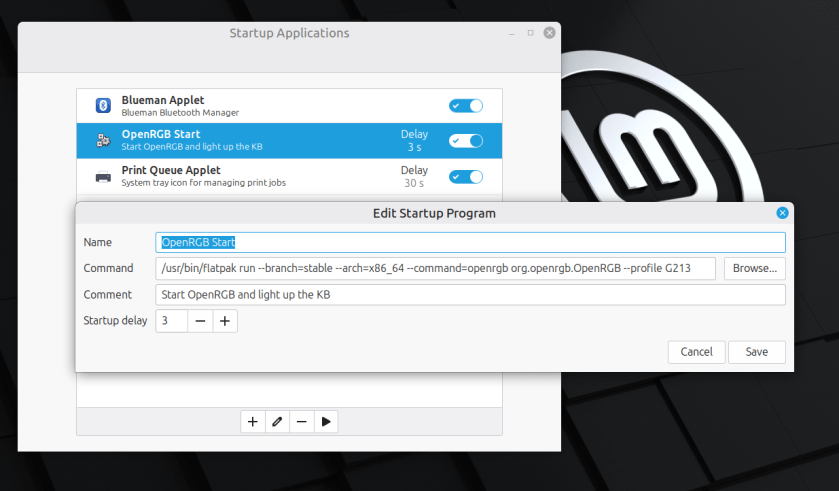
It’s pretty simple to start OpenRGB to light up your Keyboard or other things when you boot linux. Just enter a startup command in the Startup

I found this command by examining the short cut that flatpack produced when I installed it. Just add the –profile option to load your particular profile.

Enjoy,
:ww

Start OpenRGB after Suspend

[SOLVED] See bottom for solution.

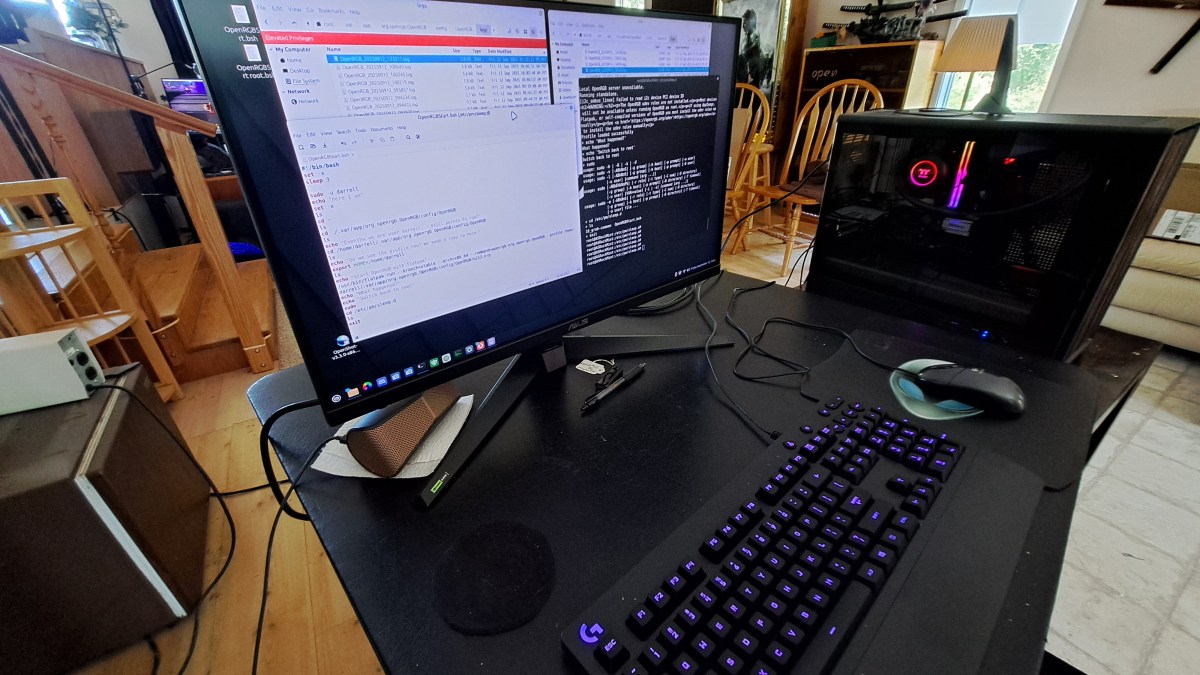
I’m using OpenRGB to light up my Logitech G213 keyboard. This is on Linux Mint 22.2. I added a command to the startup events so OpenRGB starts when the system boots. That works great, but OpenRGB does not automatically start on resume from Suspend.

Here’s a summary of what I have so far.

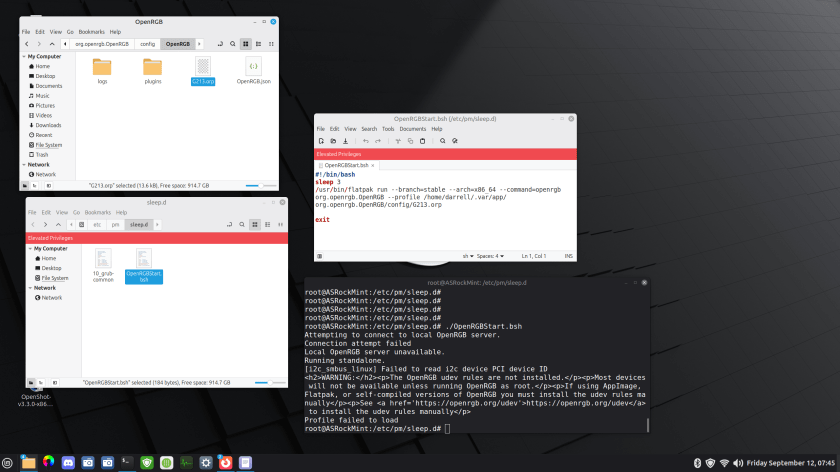
There is a bash script in /etc/pm/sleep.d that runs OpenRGB. The problem is that it fails to find the profile. There is apparently something I don’t understand about the environment. There is a terminal, set to root, and set to the /etc/pm/sleep.d directory. So I get the same error when I run the script from there.

Continue reading “Start OpenRGB after Suspend”

Ah… That Causes Blurry Text

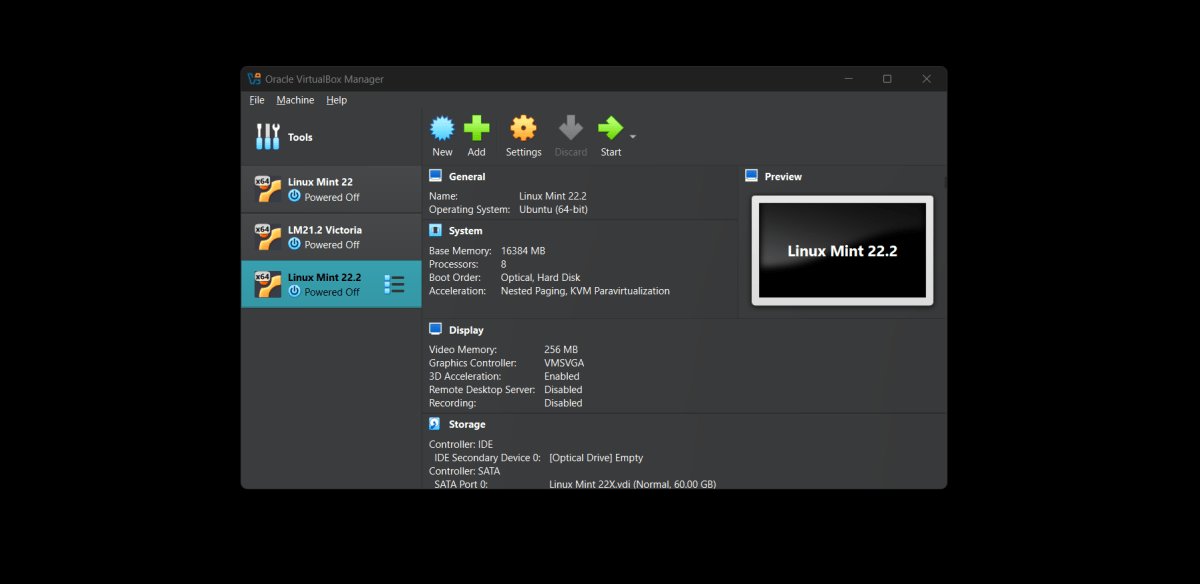
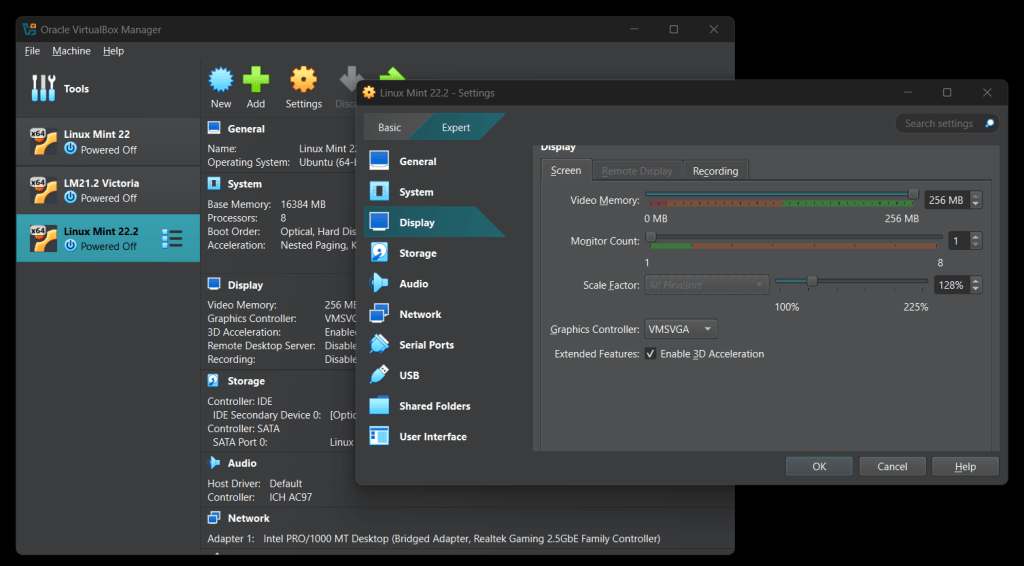
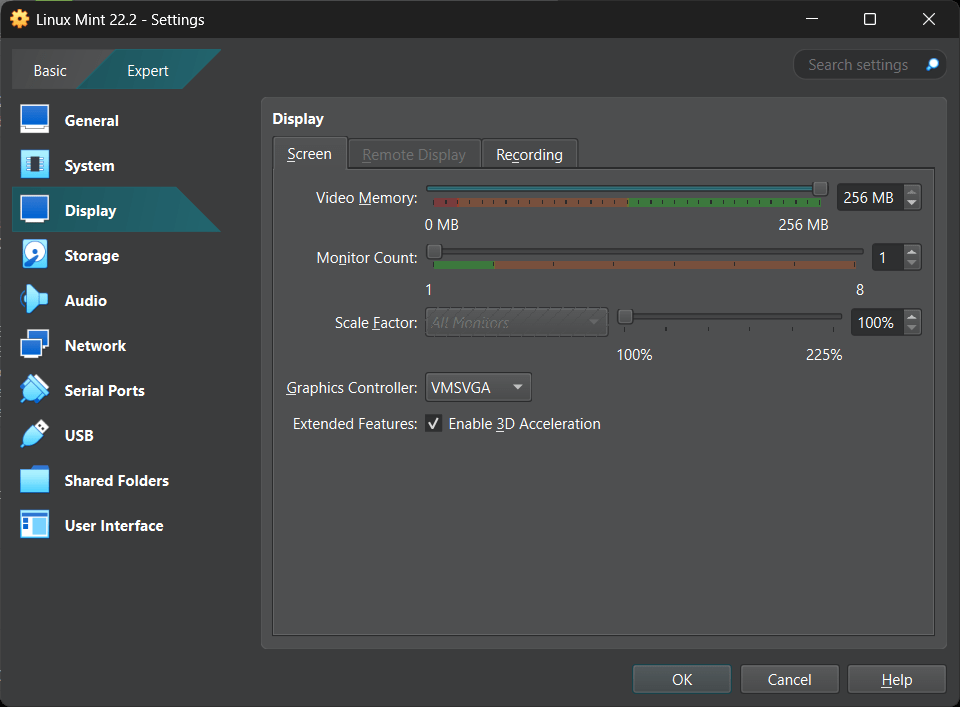
Back in December 2024 I was struggling with some of my Linux Virtual Machines having Blurry Text. No matter what I did, I couldn’t figure out why the text [and other things] were blurry. I thought it was an error with the graphics driver in Virtual Box, or the Guest Additions. Well it turns out it was a bad setting. I can’t figure out why I changed this setting and didn’t notice it. But when I put it back to 100, all was well. No more blurry.

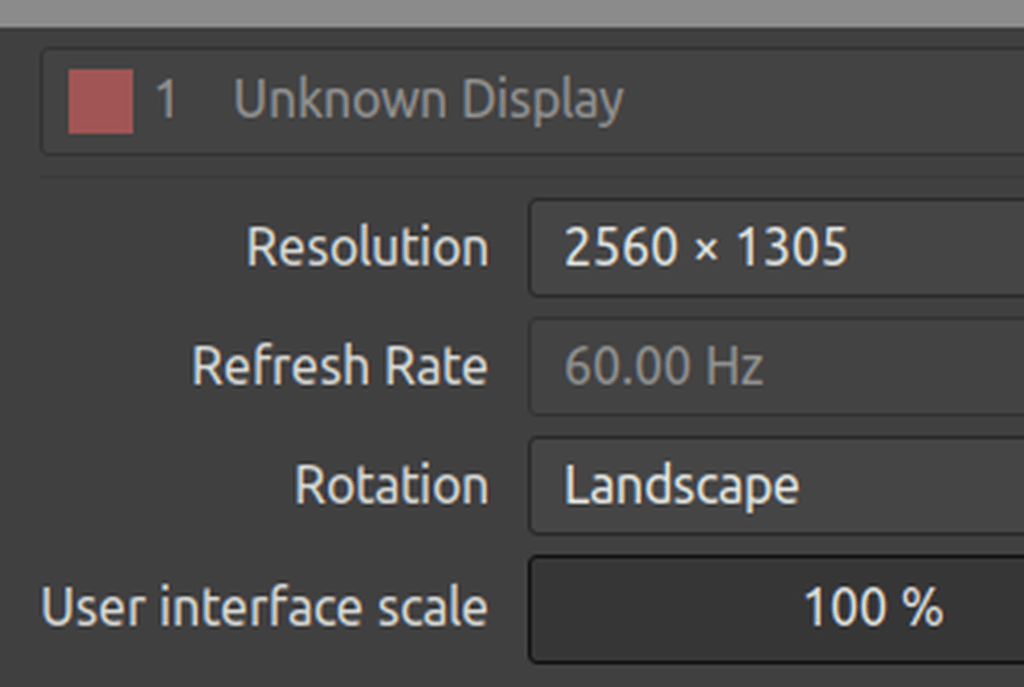
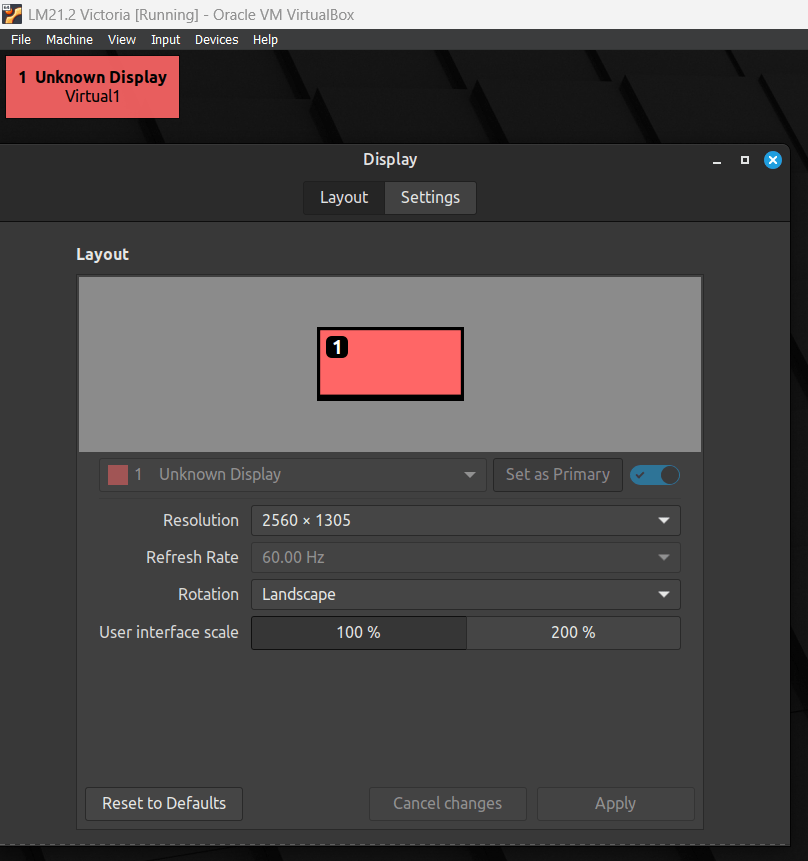
The picture on the left shows the display settings for the Virtual Machine with a “Scale Factor” other than 100%. Don’t do that. It will make the text blurry.

The picture on the right shows the correct display settings for sharp clear displays.

Not sure how it got changed, but it’s not the guest additions or the video driver. Just a bad scale factor setting.

Sigh.
:ww

System Upgrade for Windows 11

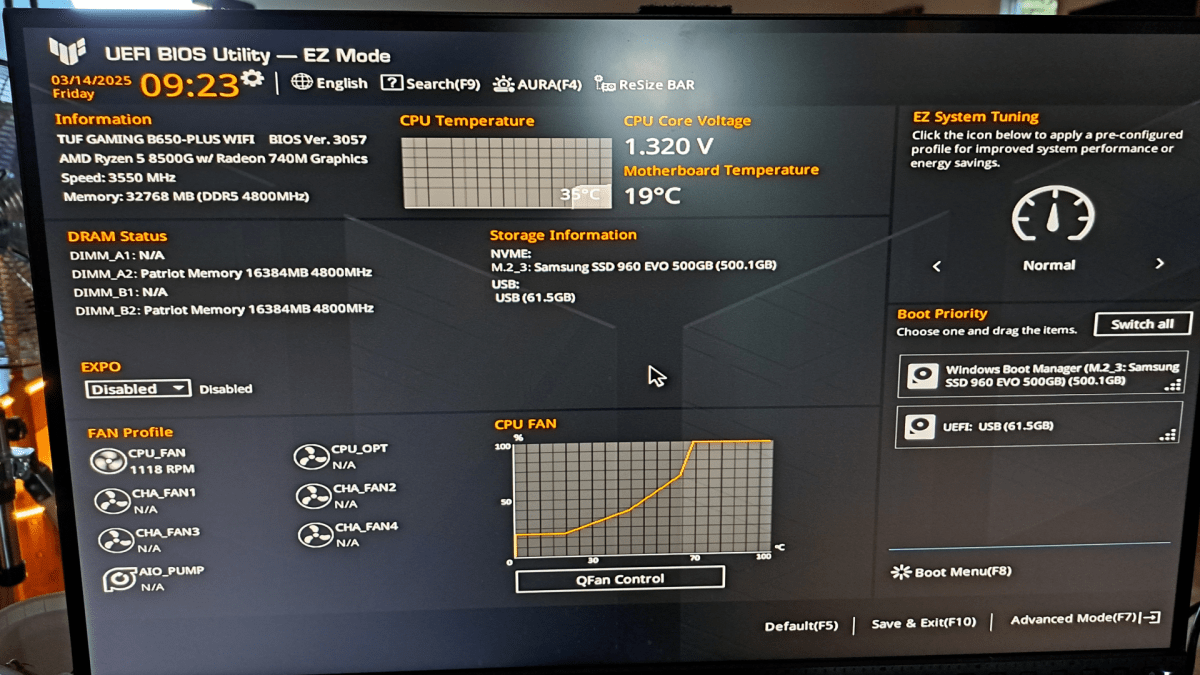
I am looking forward to the demise of Windows 10. Just kidding. I am doing the last conversion of my systems to prepare for the demise of Windows 10 in October 2025 – No more updates to Windows 10, esp security updates, after that time. And while Microsoft says stuff about being able to install Windows 11 on “any system” recently, they are not walking back this end date for security updates on Windows 10. Yep there are other ways. But they have an end date too, and cost a few bucks a year. Not sure I want to pay for home-grown security updates. So I’m going to move all my systems to Windows 11, or Linux Mint. Linux never said anything about not supporting older processors.

To review:

  • The new machine upgrade I did a while ago, when a power supply died, went straight to Windows 11.
  • Two more recent systems, upgraded in-place, which no glitches, from Windows 10 to Windows 11. No problems.
  • One machine – my “mail machine” – runs Thunderbird to support about a dozen email addresses. I moved that machine to Linux Mint.
  • This last machine is my Network Backup machine which runs Carbonite. Linux is notoriously finicky about file sharing with Windows. This machine serves as a dumping ground for important things from all the other Windows systems and then backs them up to Carbonite. I decided that I needed to buy a less than bleeding edge system that would run Windows 11.
Continue reading “System Upgrade for Windows 11”

Don’t Update Your Guest Additions

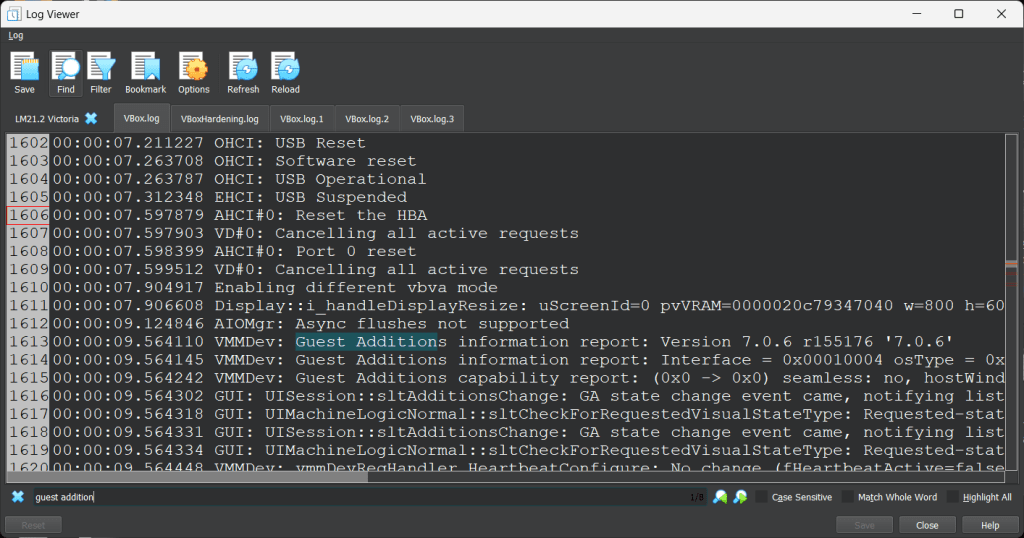
I checked the version of the Guest Additions in the Linux Mint virtual machines and the Blurry Problem is apparently caused by the 7.0.22 Version of the guest additions. See the earlier post to see the blurry text. Have a look at the GA versions in the following logs:

LM21.2 Text is not Blurry – GA 7.0.6

This is the earlier version of Linux Mint with Guest Additions 7.0.6. Text is not blurry because the window can be resized to fit the screen resolution.

Continue reading “Don’t Update Your Guest Additions”

Linux Mint Muddy Text

Linux Mint 21.2 Sharp Text

I use Linux Mint in Virtual Box virtual machines on Windows Hosts. I’ve been using Linux Mint 21.2 on a Windows 10 machine for some months now and it’s all fine.

After the nightmare struggle with disabling the Hyper-V on Windows 11 to get the performance back, I’m now running both LM21 and LM22 on Windows 11.

Notice the following examples of text in the windows:

Notice how sharp this text is. My monitor size is QHD [2560×1440]. I use Nvidia GPUs. This first example is on Windows 11 host with a Linux Mint 21.2 client on VirtualBox 7.1, no guest extensions [or not recently anyway]. GPU is a Nvidia RTX 3060. This text looks the same sharpness on Windows 10 host with earlier VirtualBox releases. It looks great.

Continue reading “Linux Mint Muddy Text”

Linux Mint Broken on VirtualBox

I updated Linux Mint 20.1 this morning on VirtualBox.

Update: Apparently this is about two weeks old, but not fixed as of 17 Aug 2021. Here’s a LM Forum post. I tried the work around to disable 3D and that works.

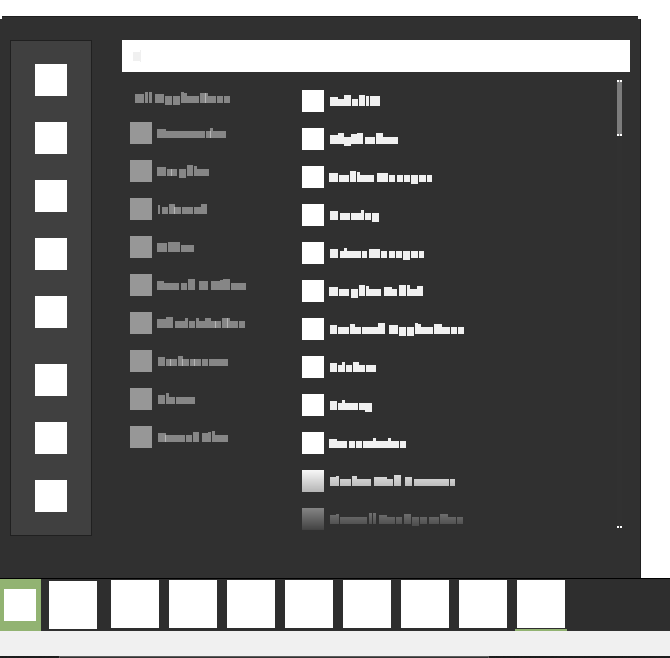
And this is what the menus look like now:

Rebooting does not fix anything. It is permanently stuck like this. Completely unusable / unfixable of course.

I’ve been using Linux Mint on VirtualBox for years and specifically LM 20.x for as long as it has been available. Sometimes there are minor problems, but this completely breaks LM on VB.

Reinstall From Scratch?

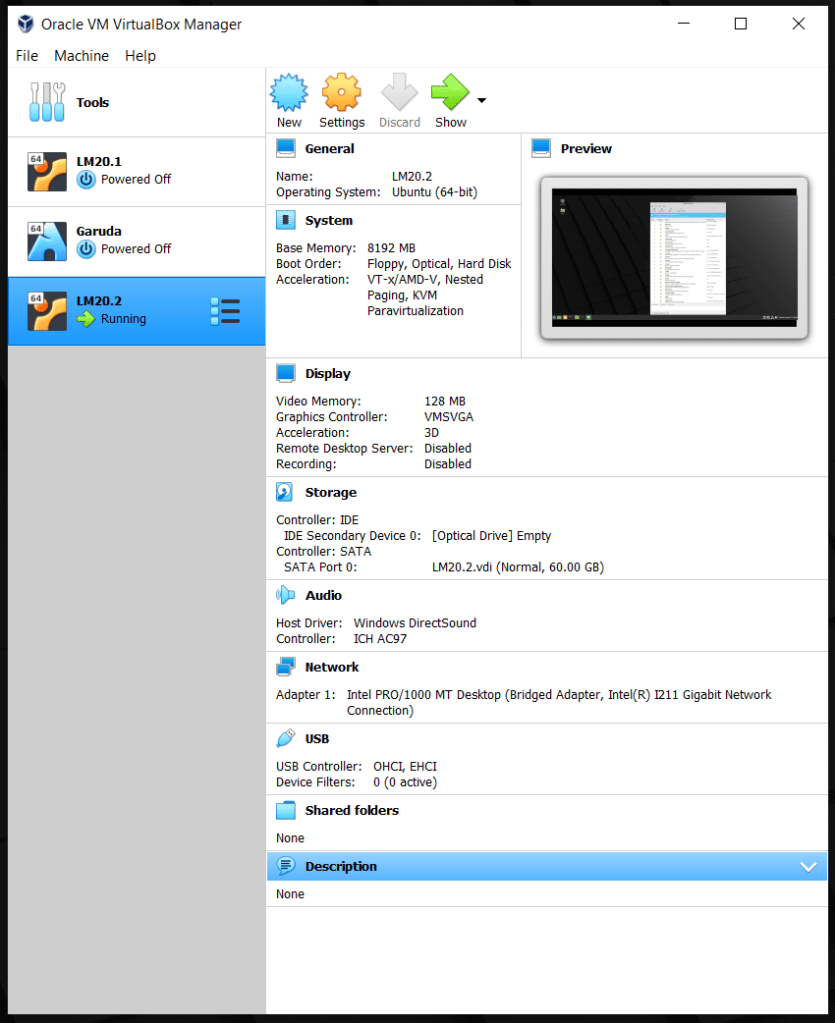
I created a new VM and reinstalled LM 20.2 on the latest VirtualBox. It worked fine as installed, but with the first update, it went back to the same problem. Here are the details:

After the clean install of LM20.2 on a new VBox on the latest VBox on a Windows 10 host the Linux Mint appears to work properly. After the guest updates – latest with latest install of VirtualBOX – everything is fine. Apparently. But the update completely trashes the graphics. I have no idea what caused it.. Maybe kernel, maybe something else. But I have work to do so I’m not going to diagnose it further. I’m just not going to update until I can confirm that this problem is fixed.

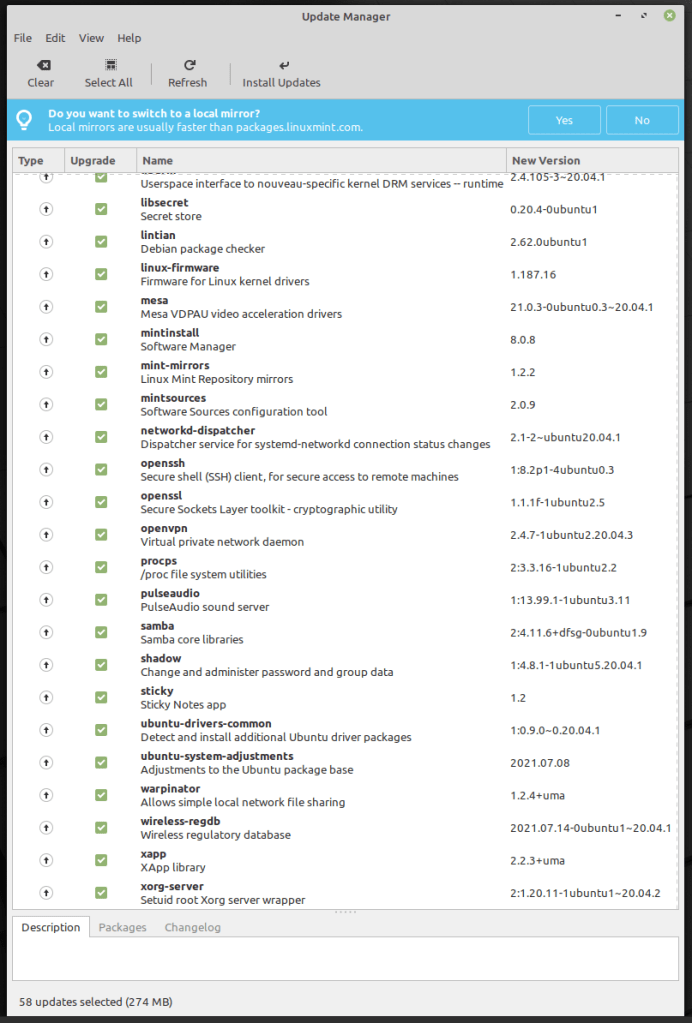
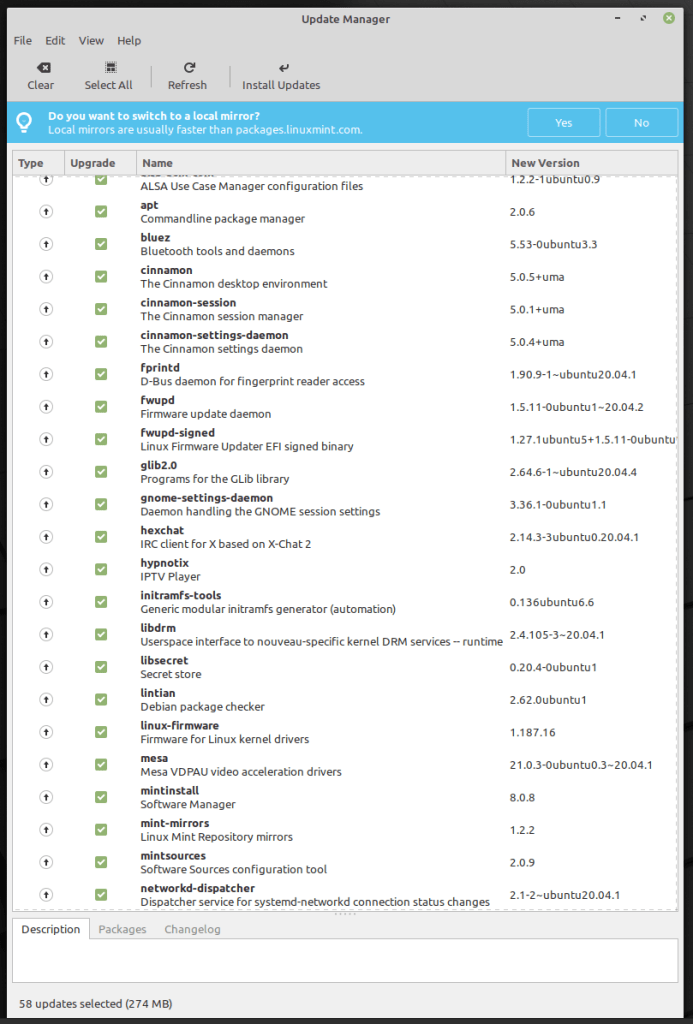
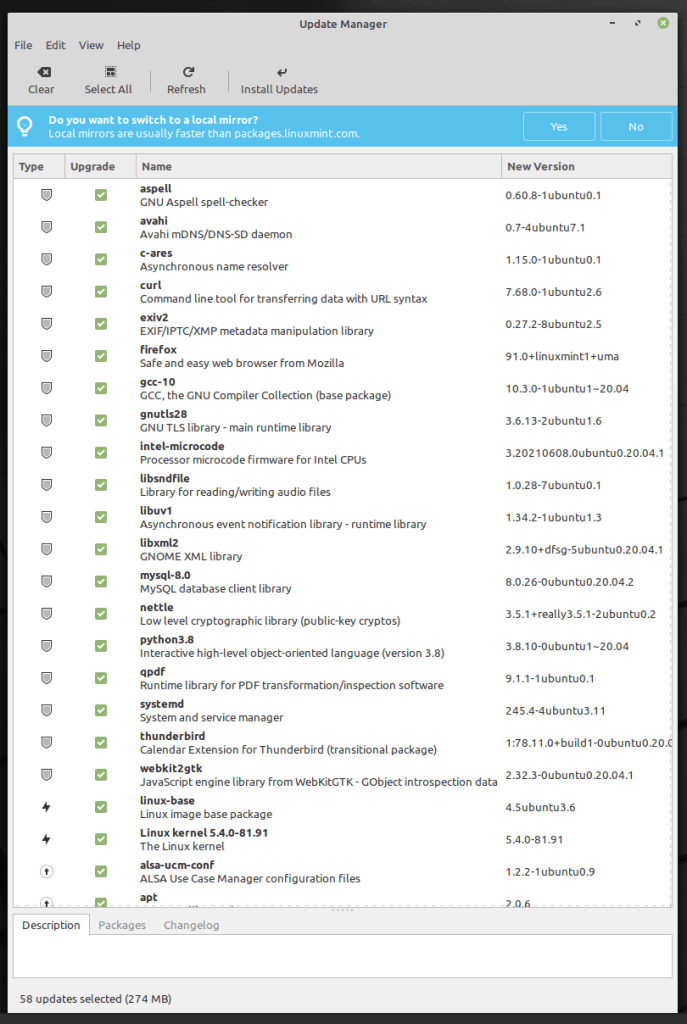
Here are the updates that LM 20.2 did after the install.

So apparently the only recourse I have is to REINSTALL THE WHOLE THING FROM SCRATCH AGAIN. and then NOT UPDATE IT.

Please do some QA on VirtualBOX before you SHIP an update.

Thanks
:ww

Strange Java Issue

Update

See below for the solution. Spoiler – It’s a typo.

Back in April 2020, I wrote a little program to run a sequence of LibreOffice Impress Slide shows. For ease of deployment on Windows and Linux, I built the program in Java. And it worked just fine. Here’s what the program looks like:

You can follow the whole Saga of its development using this link. The program has been working very well on Linux Mint 19 and 20 and Windows 10 for a couple of months now. I’ve not changed anything since May 16. Here’s the github repository.

Continue reading “Strange Java Issue”