CubicSpace RTRE
RTRE is a plug-in for max that provides real time rendering inside of max, and provides a way to publish an exe that can render the scene interactively.
Continue reading “Cubic Space Real Time Rendering Environment”

CubicSpace RTRE
RTRE is a plug-in for max that provides real time rendering inside of max, and provides a way to publish an exe that can render the scene interactively.
CubicSpace RTRE
RTRE is a plug-in for max that provides real time rendering inside of max, and provides a way to publish an exe that can render the scene interactively.
Continue reading “Cubic Space Real Time Rendering Environment”
This is a link to the Watch 4D program, which is different than the Watch 3D program. Watch 4D includes source.
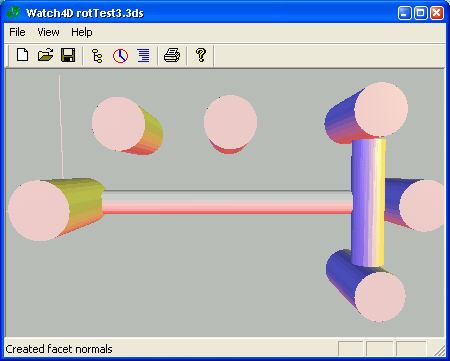
This is the Watch 4D program, which is different than the Watch 3D program. Watch 4D includes source.
Watch4D is a program to investigate the importation of 3DS files supporting several issues that are problematic for almost all other 3DS importers.
Watch4D is a modification of a program from elsewhere on this site called Watch3D. That program is unavailable for distribution in source form since it uses the CrossRoads library which is only available with a book.
Watch4D is based on open source code from CrystalSpace, and my own researches, so the source can be shared.
Enjoy,
-ww
Scan a whole disk, or just a directory tree, and find out where the space is being used and by which files. Oddly enough, tthe Windows 95 / NT Explorer has no such feature. The most you can do is watch the status bar for each directory as you navigate.
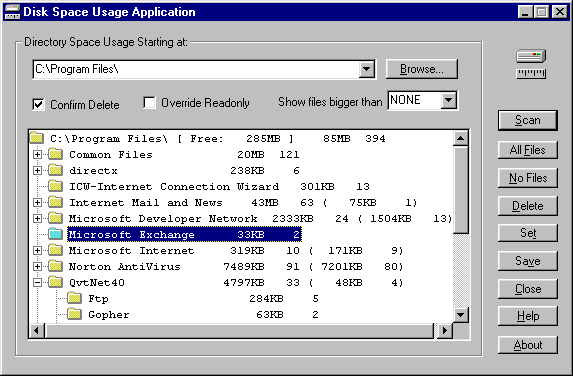
Scan a whole disk, or just a directory tree, and find out where the space is being used and by which files. Oddly enough, tthe Windows 95 / NT Explorer has no such feature, or WinXP for that matter. The most you can do is watch the status bar for each directory as you navigate.
Here’s a program that will let you manage your hard drive space and efficiently clean up your files.
Continue reading “Disk Space Usage Application”
The PakZip program solves two problems…
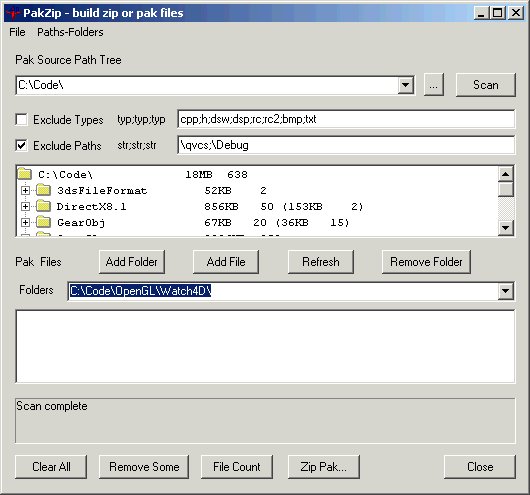
The PakZip program solves two problems…
Synchronize files between two folders, computers or backup files to offline media.
Synchronize files between two folders, drives, computers or backup files to offline media including removable hard drives and CD/DVD RW.
Update: This program has been superseded by SynchQt which is available on SourceForge.
Features New for Synch 3
The Geodesic program displays shapes of various styles and allows the objects to be examined in various colors and lighting styles. All the object types can be modified with various parameters.
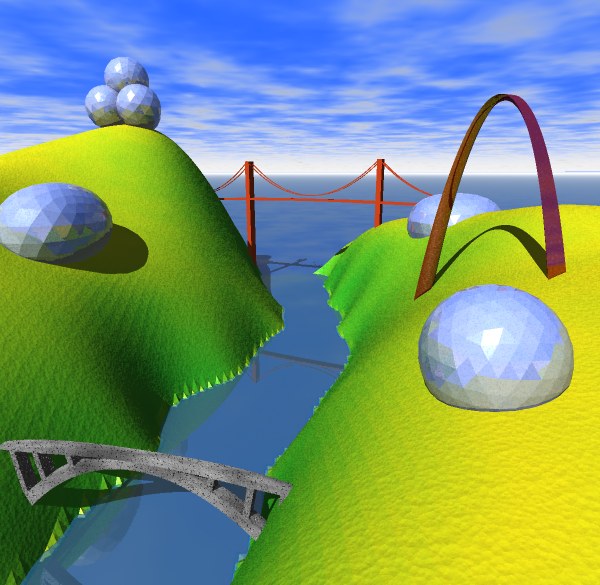
The Geodesic program displays shapes of various styles and allows the objects to be examined in various colors and lighting styles. All the object types can be modified with various parameters.
The program can export the objects in OBJ [Wave] format for import into your favorite 3D rendering environment.
Here’s a link to the original WW pages describing Watch3D an OpenGL program I developed a while ago to import and convert objects.
Watch3D is an OpenGL program I developed a while ago to import and convert objects.
Crossroads is a graphics library described in “3D Graphics File Formats” by Keith Rule. Published by Addison-Wesley Developers Press, 1996. There is an enhancement to the library on the web circa 1998.

Crossroads provides a very complete infrastructure for 3D graphics based on the VRML model of objects. There are input and output routines for about a dozen file formats.
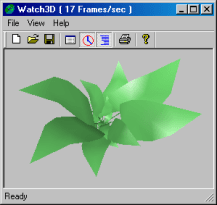
Watch3D provides an OpenGL user interface to display objects as well as modify them. The view object code is distantly based on OpenGL example code by Ron Fosner, 1996.
The toolbar items from left to right are:
Here’s a link to the Gemstones program. It creates gemstone objects of several styles, displays them and exports them for other 3D programs to use.

The Gemstones program creates gemstone objects of several styles, displays them and exports them for other 3D programs to use.
I am releasing the source in case you would like to learn how it works and modify it. I would appreciate it if you would let me know of any interesting modifications that you make.
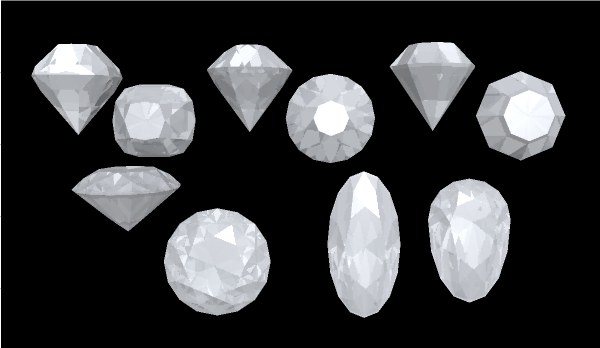
The Gemstones program displays various gemstone shapes and allow rotation to examine the shapes.
Objects can be saved to OBJ graphic files for import into graphics environments.
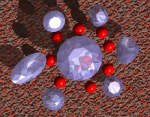
The large picture above was created by RayDream 5.5 after importing the shapes. The other pictures were created by screen capture from the program.
Colored lights and White, Black and Gray backgrounds are now available.
To review the gem as it is created:
 |
|
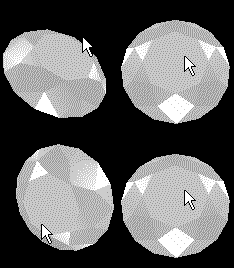 |
With Version 2.5, animation is mouse driven rather than keyboard driven. Weren’t you tired of clicking the keys?To rotate the view, just click on the window and drag with the mouse. Clicking stops any current motion and dragging rotates the view.To rotate around the Z axis, move drag the cursor near the edges of the window. |
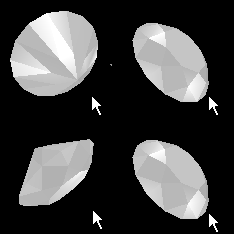 |
To spin the object, release the mouse while still moving. Spin it fast or slow, it keeps the motion it had when you released the mouse. |
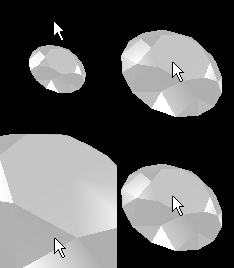 |
To zoom the view, use CTRL with the mouse. |
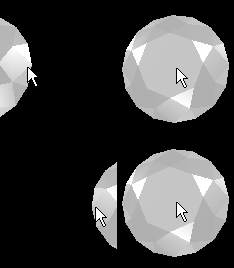 |
To move the view, use SHIFT with the mouse.. |
Programs and images Copyright (c) 2001, Darrell Duffy. Updated: 16 May 2001
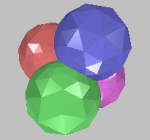
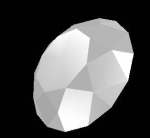
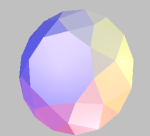
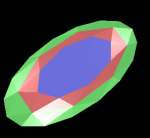
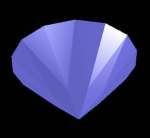
Here are some of the gems that this program can create.
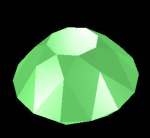
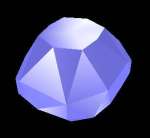
Enjoy,
ww
 Windy Weather