A few days ago, I posted about a Sony Bravia TV occasionally hanging up and requiring a power cycle to cause a reboot. At this point the TV has died permanently. Power cycling no longer boots the system. It remains black.
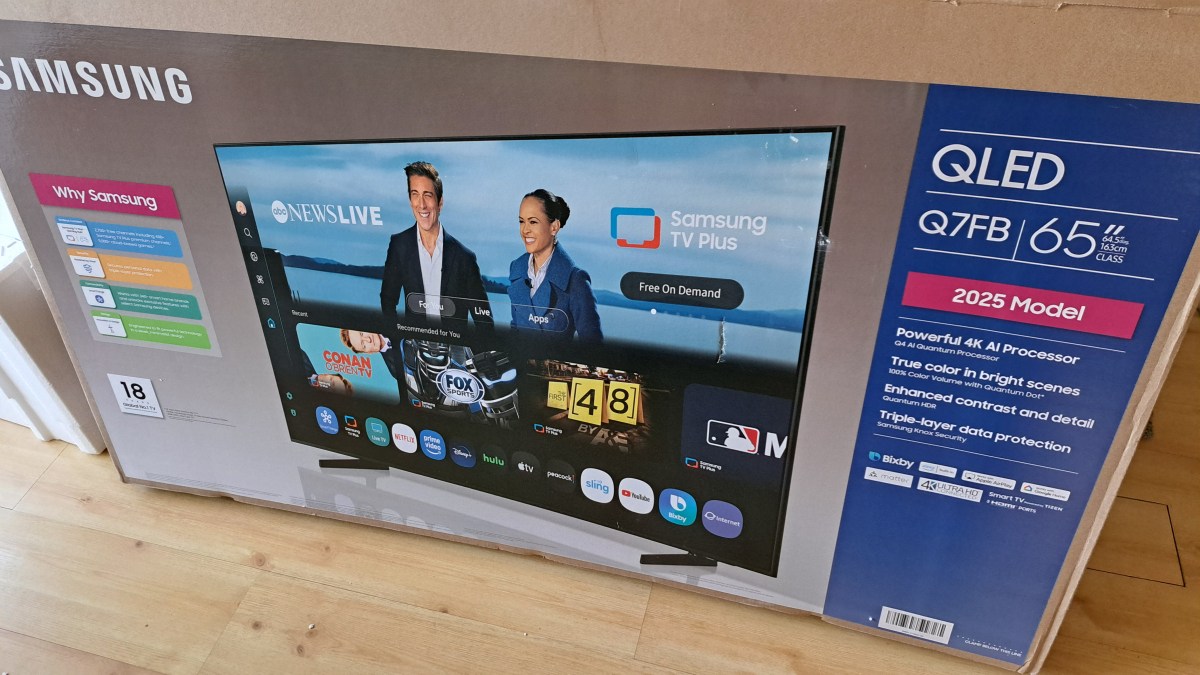
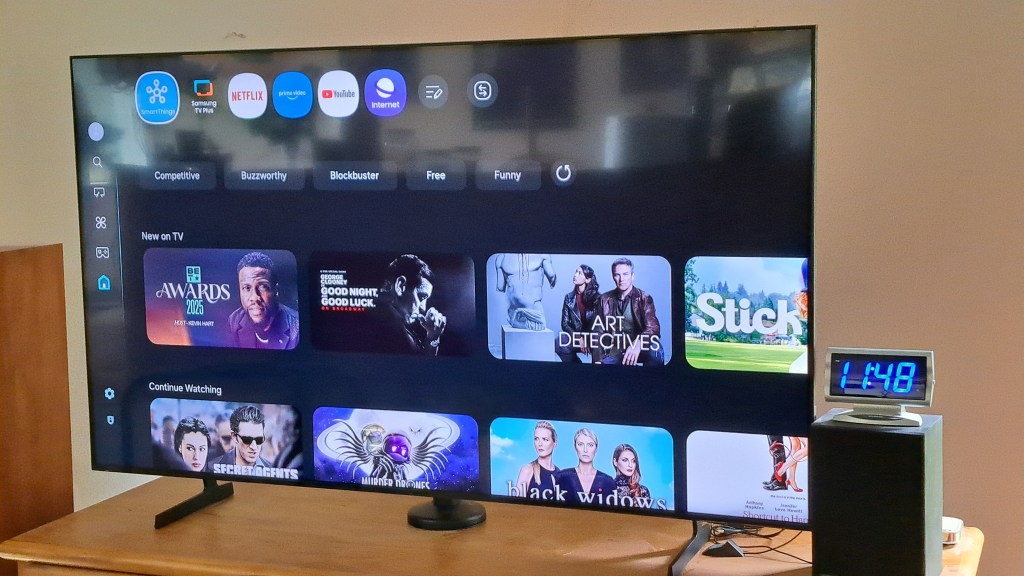
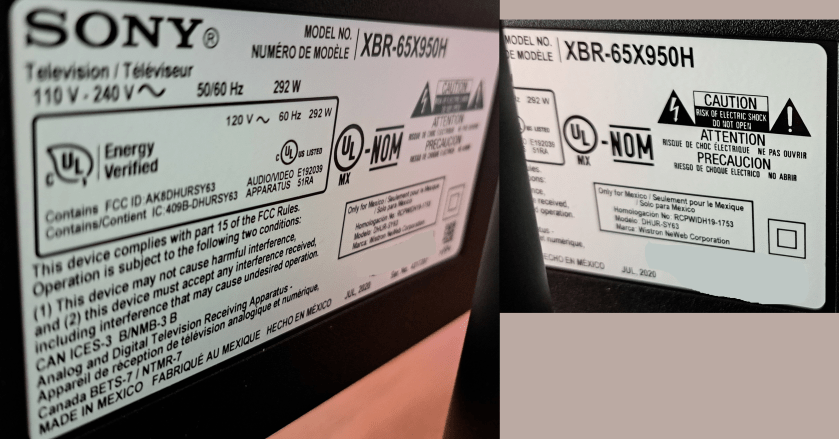
I’ve purchased a new Samsung TV for about 1/3 the cost of the Sony TV from five years ago. The label indicates the Sony TV was manufactured July 2020, and it was purchased in October 2020. For the new TV I spent an extra $100 for the QLED model. I hear that QLED is a more modern screen technology, and it seemed reasonable to stay up to date for that small amount of money. The screen looks very nice.
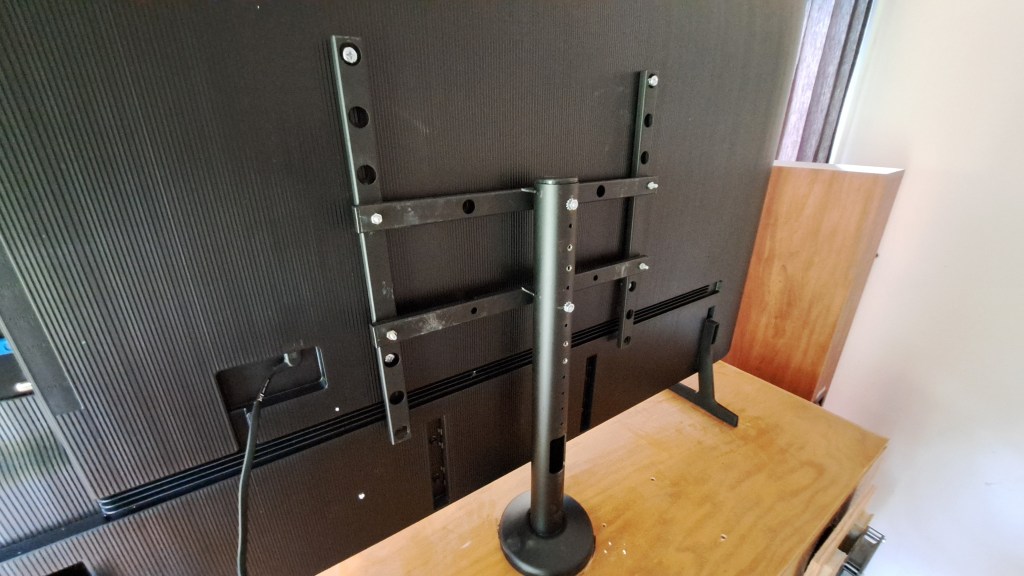
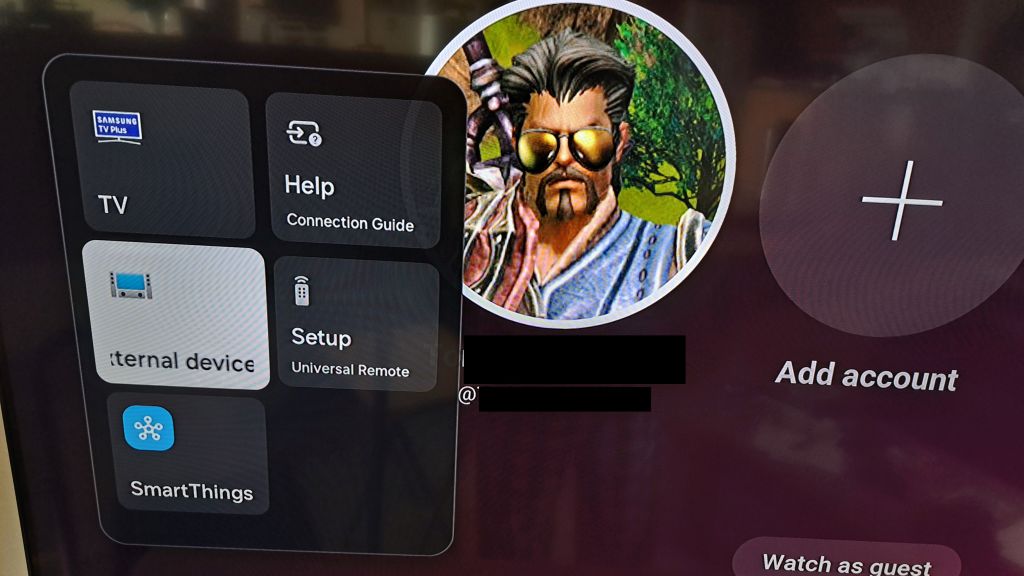
Several things required changing to accommodate the new TV.
My five year old Sony Bravia TV works perfectly well, until it doesn’t. I think the TV, and Android operating system of the TV are fine, but the three apps I use are getting more and more complex and memory hungry as time goes by.
July 2020 – Manufacturing date of this very nice TV. And like I said it works perfectly well most of the time. But after a few trips through Youtube, and sleeping the TV now and then through the day or over several days, eventually the TV just hangs up. I click on a Youtube video and the screen goes black. I hit HOME and it eventually – a few too many seconds – goes home. There are 2-3 second delays as I move between selections on the home screen.
Time for a reboot. I have a remote switch – one of these from Amazon. So I can just power off the TV, count to 10, and turn it back on. All is better, for a few days until it happens again.
Five years ago the memory capacity and processor speed were just fine for this TV. And streams play just fine watching movies on Netflix and Prime, or YouTube videos. But all three of these Apps have gotten increasingly complex in the way they deal with thumbnails and a dozen other things that keep using more memory and processor time.
Someday soon this TV is going to be replaced, not because it doesn’t work, but because it has not kept up with the apps. Oh wait. Is there a Generic App runner that I can use? I used to run a Linux Box as my streaming system. I’m not sure I want to buy into the Roku thing. But maybe some generic box? Google stopped making Chrome Cast. Hummm… Well someday I’ll check into that. For now, rebooting works. :ww
To Summarize: I’m using two monitors and one of the monitors does not wake from sleep without a power cycle. Most recent update is at top, in blue. The initial post is below in White Text.
Update: 17 Mar 2025 Problem seems to be with the Asrock Phantom Gaming Monitor not waking up from sleep. Setting the computer to never sleep has fixed the problem while I’m using the computer. Of course, when the computer is put into sleep mode over night, then the monitor does not wake up in the morning and needs to be power cycled to wake up. I have not done this testing with the previous monitor or graphics card. Maybe it is an interaction with the other ASUS monitor in some way. I have other systems that have two DP attached monitors – both 27″ ASUS monitors – and they never have this problem. Hum…. Maybe I’ll do a test: Replace the 32″ monitor with the 24″ monitor and see if that fixed the issue. Hummm. Eh Nope. That does not change the problem. 24″ monitor replaces the 32″ monitor and the 27″ monitor still fails to wake from sleep..
Update: Nope. Sorry. Replacing the cables did not fix the problem. This is not the whole answer. The main monitor clicked off again after I replaced both connections with Display Port. I’ll continue to try to find a solution.
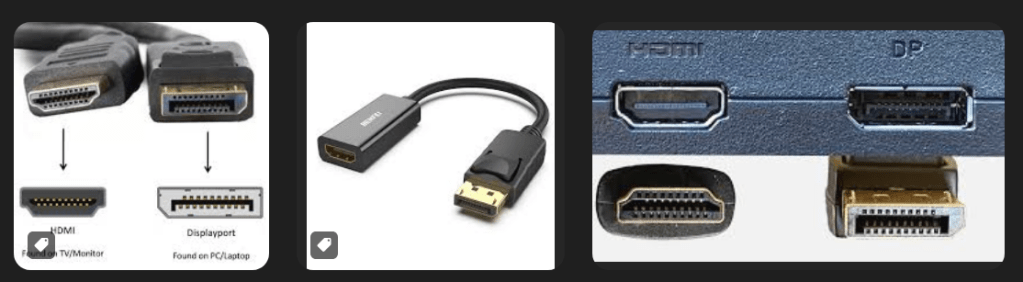
Update: Fixed the problem by replacing the cable to the monitor that kept going black. The cable, which had a latch, to the primary monitor is faulty. If the cable was wiggled at the monitor, the monitor would go black. I was confused earlier when the monitor would go black with nothing being touched on the cable or monitor. Replacing the DP cable fixed the problem. BTW, none of the DP cables I saw on Amazon had latches. The pictures of the ends of those cables were shown in such a way that the latch side of the connector was not shown. Newegg, however, as far as I can tell, only carries DP cables with latches. I’m not clear on the point of a DP cable with no latch. That’s the whole point of DP rather than HDMI which has no latch option. Cable converters between DP and HDMI contain no logic, but just wires. I suggest you always use DP cables with latches and my experience shows that cheaper cables, even with latches, can cause problems.
For over a year, I’ve been using two monitors with my gaming rig. One is a 27″ 2K monitor, and one is a 32″ 2K monitor. I was using a 24″ 2K monitor as the primary, and it seemed to have a problem that caused it to Pop and then go black. The pop is apparently the speakers in the monitor being disconnected. Audio is carried over the monitor connection to speakers in the monitor.
After getting the 27″ monitor, it had the same problem.
I’ve finally tracked the problem down. I think.
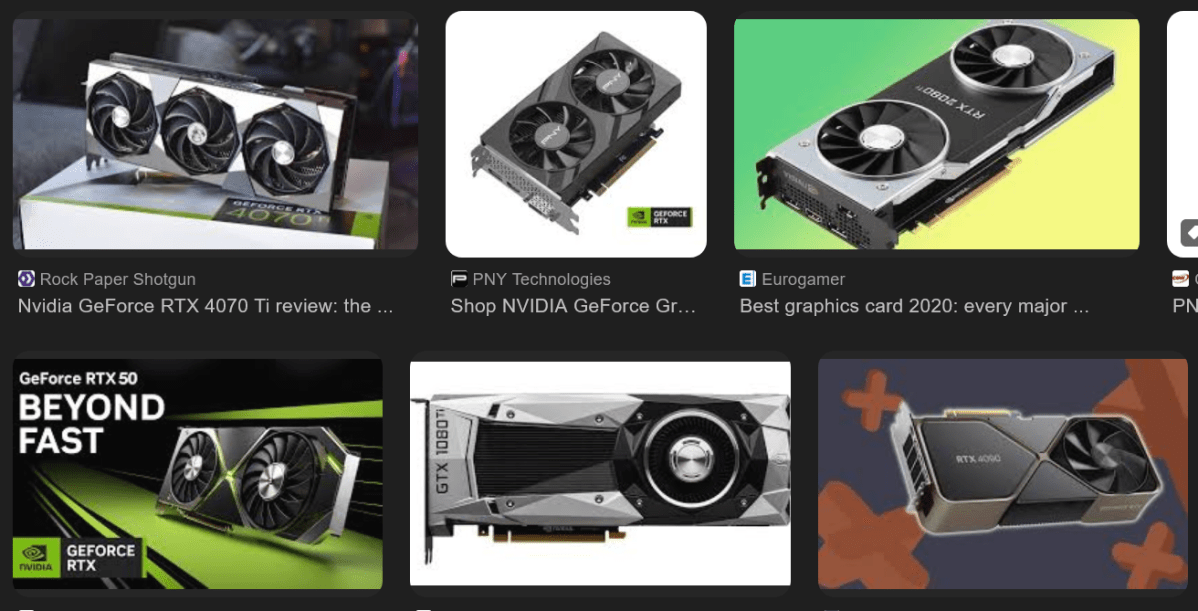
The problem is apparently that Nvidia graphics cards / drivers have an issue if you connect two monitors using different connection types.
My primary monitor [ smaller one, currently 27″] 2K QHD resolution has been connected with Display Port.
The secondary monitor, which is larger since it is actually farther away, is a 32″ monitor and I used HDMI to connect it since I had a long cable to use.
I recently got a nicer 27″ gaming monitor for the primary monitor, again using Display Port. And it has the same problem – Goes black. So the problem is not the monitor. And I’ve changed computers, and graphics cards – RTX 1060, RTX 3060. Same issue. Usually just once shortly after I start a game – any game FFXIV, GW2, ESO, you name it – the monitor on display port goes black, and I usually have to power cycle it with the switch to get it going again. This usually happens just once during a session. If I shut down a game an play another one, it is likely to happen a few minutes after starting the second game.
Well I just changed the connection to the 32″ monitor from HDMI to Display Port – got a long nice Display Port Cable. And it stopped happening.
So, either the driver or at least two generations of Nvidia GPUs have a problem that if you mix Connection Types, the Display port monitor go black and usually require a power cycle to get a display again. As you might imagine this can be annoying if you are the tank and you have just entered a dungeon with a party. Sigh…
Anyway, I’ll continue to test, but it looks like this is a long surviving problem with Nvidia Drivers / GPUs over several generations.
So don’t cross the streams! Er, I mean don’t mix the connections. :ww


 Windy Weather