
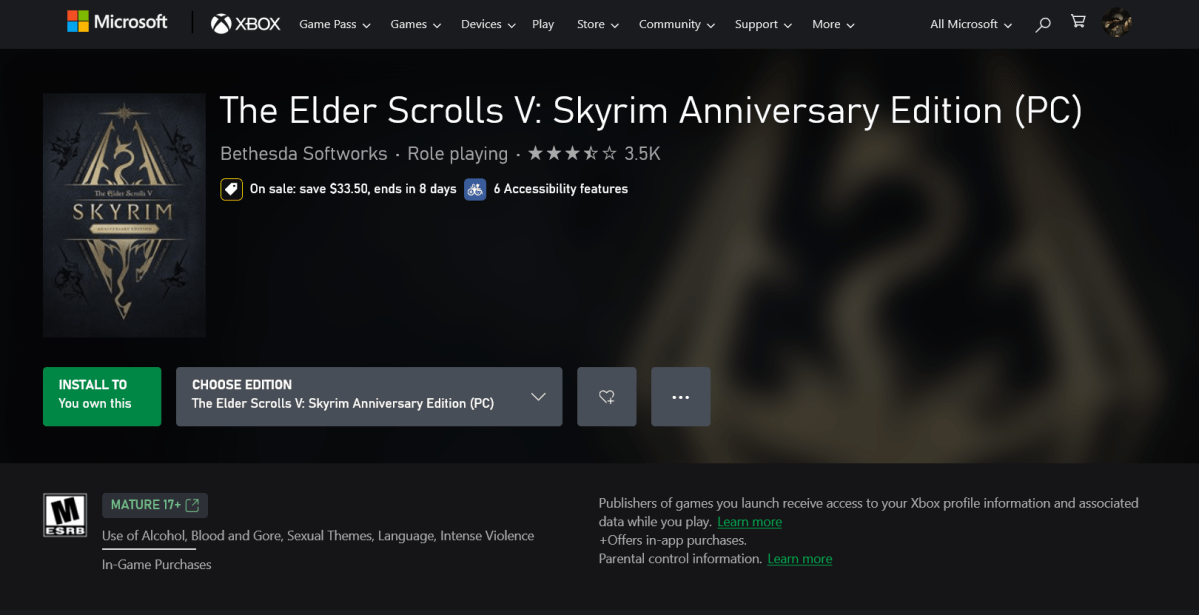
I used the web to purchase a copy of Skyrim Anniversary Edition and to do that I signed into one of my Microsoft accounts. As you can see above, I now own Skyrim. Then I opened the XBox app on my PC and tried to install the app.
I got this:
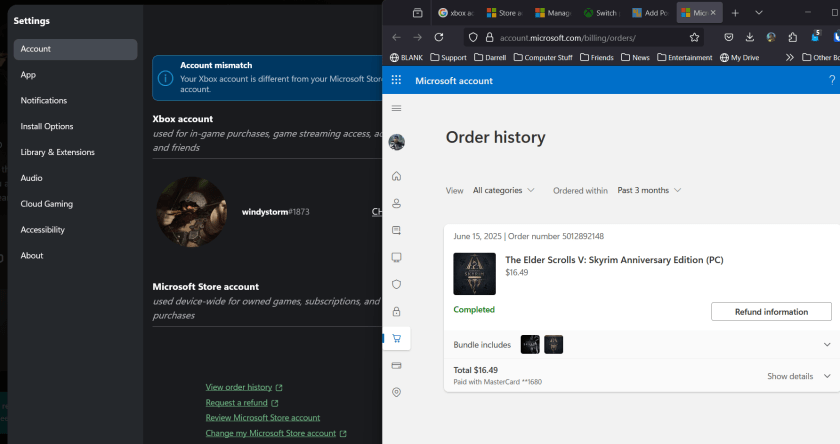
So as you can see, the account where I am logged into in the XBOX app, on the left, matches the account where I ordered Skyrim, as you can see on the right. I clicked the VIEW ORDER HISTORY button to display the web page on the right.
So now I need to set the store account to match this account that I’m logged into so that I can play the game, Right?
Oh.. there it is…
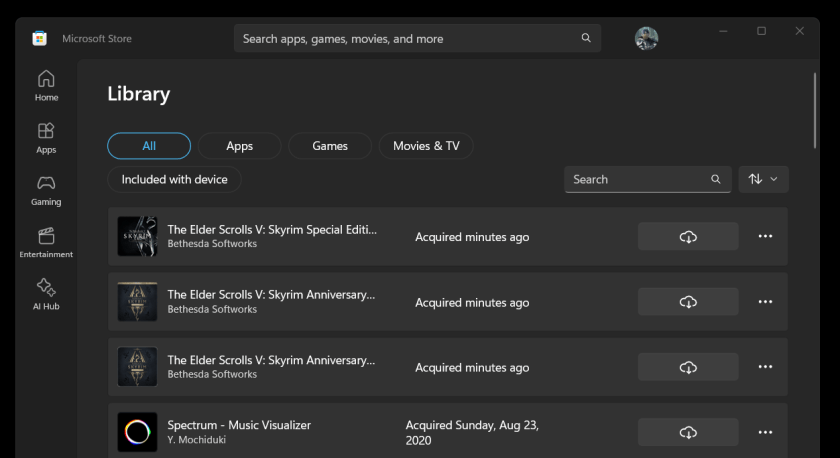
So the fix oddly enough, was to open the Store, sign out, and sign back in with the account. While the XBOX app seemed to offer an option to do that, it just sent me to a website that never said to sign out of the store and back into the store with the other account. So there are two apps, the store and the xbox app, that have different pointers to accounts for the store and when they disagree, they don’t help you sync them up.
Sigh. Looks like I can play Skyrim now.
:ww
 Windy Weather