OpenRGB Start on Linux Boot

Here’s an example with Linux Mint 22.2. Other Linux Distros are probably very similar. OpenRGB is installed with FlatPak which is probably the simplest way to install it.

It’s pretty simple to start OpenRGB to light up your Keyboard or other things when you boot linux. Just enter a startup command in the Startup
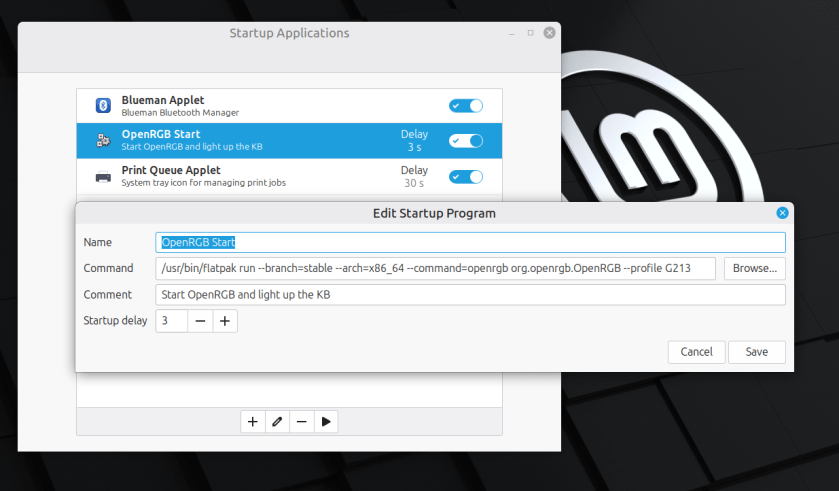
I found this command by examining the short cut that flatpack produced when I installed it. Just add the –profile option to load your particular profile.

Enjoy,
:ww
Start OpenRGB after Suspend

[SOLVED] See bottom for solution.

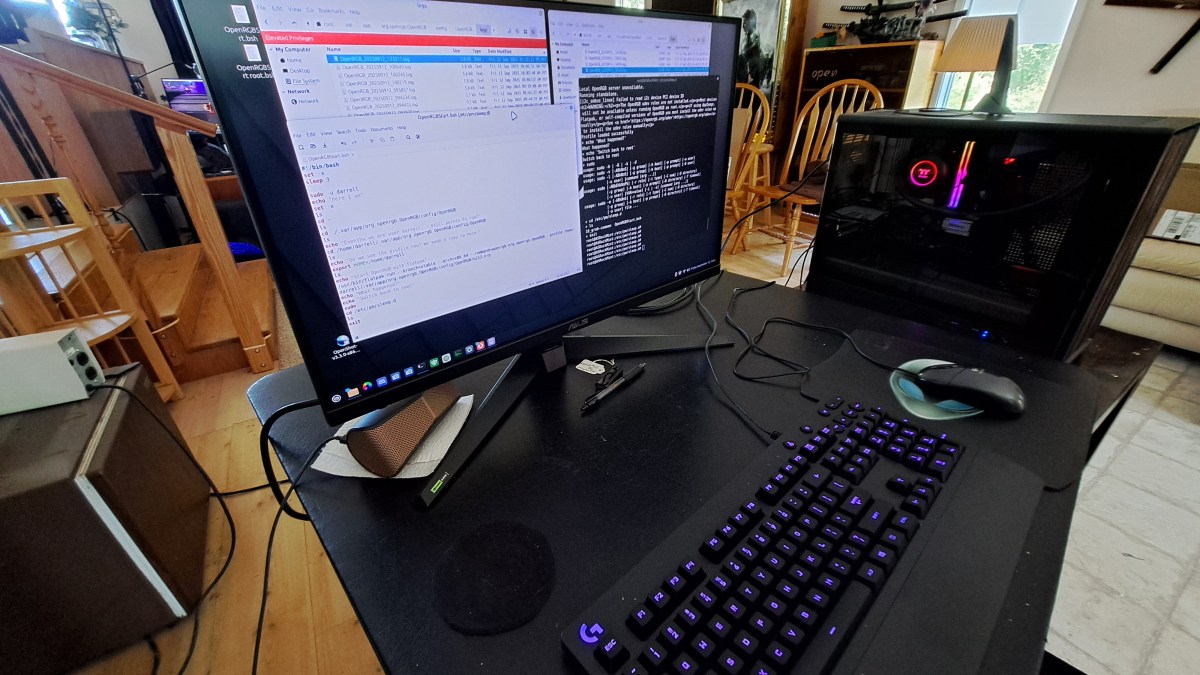
I’m using OpenRGB to light up my Logitech G213 keyboard. This is on Linux Mint 22.2. I added a command to the startup events so OpenRGB starts when the system boots. That works great, but OpenRGB does not automatically start on resume from Suspend.

Here’s a summary of what I have so far.

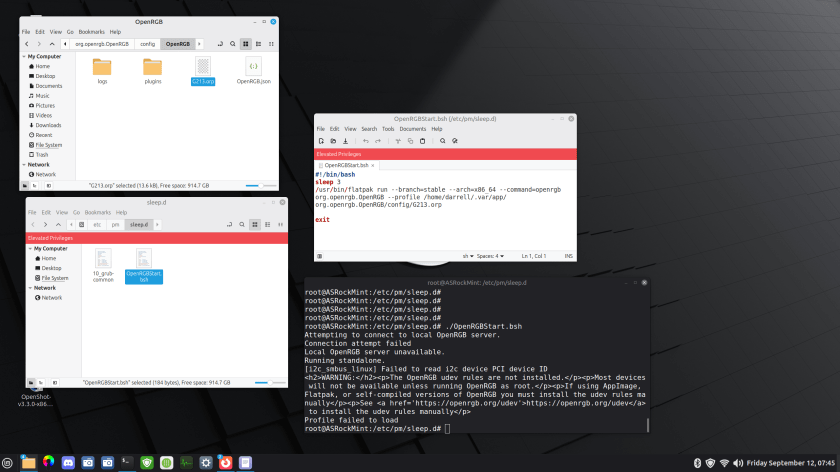
There is a bash script in /etc/pm/sleep.d that runs OpenRGB. The problem is that it fails to find the profile. There is apparently something I don’t understand about the environment. There is a terminal, set to root, and set to the /etc/pm/sleep.d directory. So I get the same error when I run the script from there.

Continue reading “Start OpenRGB after Suspend”