
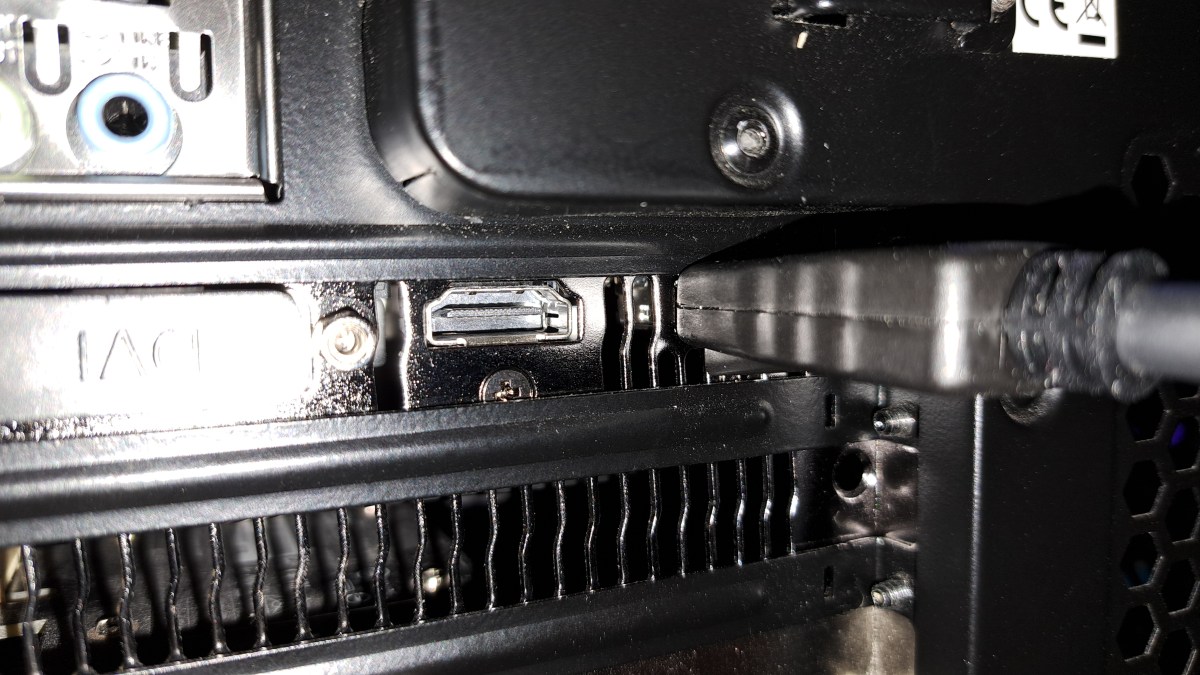
I have a gripe about computer cases. Well older computer cases. Something you should be careful about if you build computers, as I do.
Older cases are not designed to accommodate modern video cables, and GPU [Graphics Processing Unit] aka Video Cards. Let’s look closer.
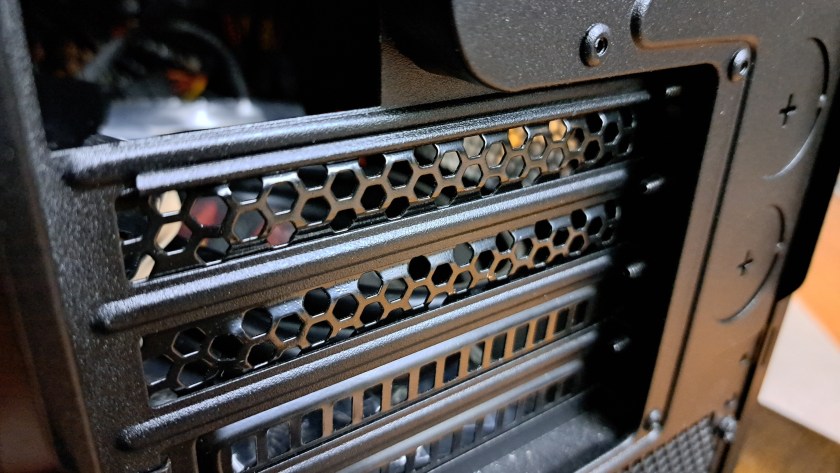
This is the expansion slot area in the rear of the case. The mother board allows cards to be installed, the perforated plates are removed and then, possibly, cables are plugged into the expansion cards through these slots. Notice the protruding ridges above and below each slot. These ridges are designed to stiffen the thin metal strips above and below the card slots. However, they were designed back in 2012 or so before video cards were a common thing.
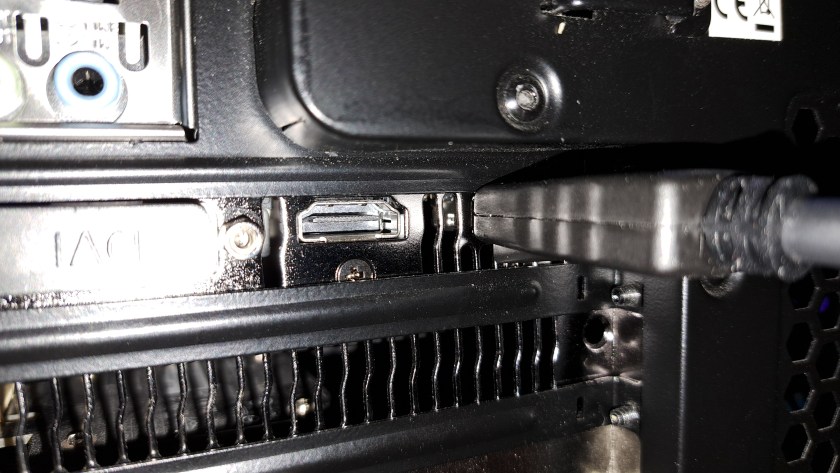
Here’s the situation where a Graphics Video Card is installed and one of the cables is plugged in. Notice the cable on the right. The Display Port video cable standard was available but not widely used on video cards when this case was released in 2013.
Cooler Master N200 Case
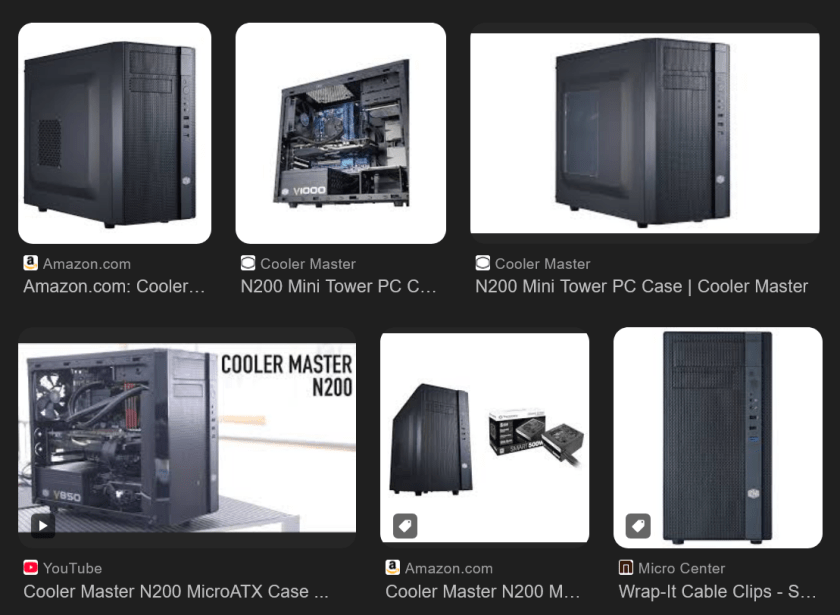

This case is still for sale on Amazon and other retailers today. It is not suitable for Graphics cards because the ridges interfere with plugging in the cables. The pictures above show this case used for modern Video Cards. The ridges between the expansion slots makes most HDMI and DisplayPort cables unworkable for this case.
ThermalTake Armor 90 Case

Designed a few years earlier, this case by Thermaltake is no longer produced.
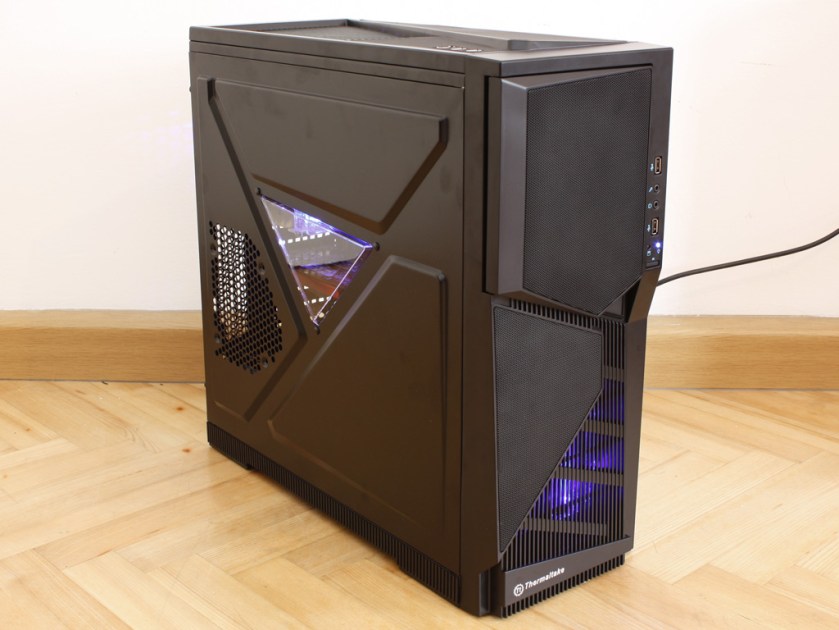
This case does work for Video Graphics Cards, but has problems with older motherboards. Notice how little clearance is available between the motherboard HDMI connector and the ridge around the edge of the Motherboard Interface Panel.
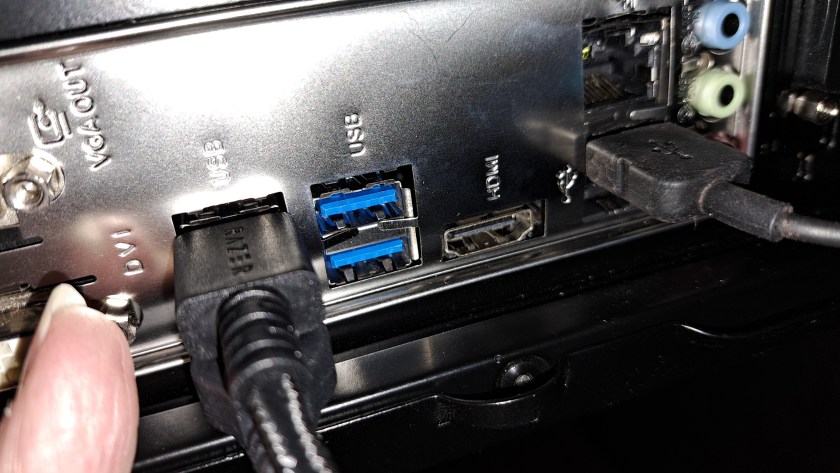
Using an HDMI cable in the slot in the middle of the picture does not work since a modern HDMI cable requires more clearance around the connector. The cable must be modified. This is a design failure of the motherboard interface panel.
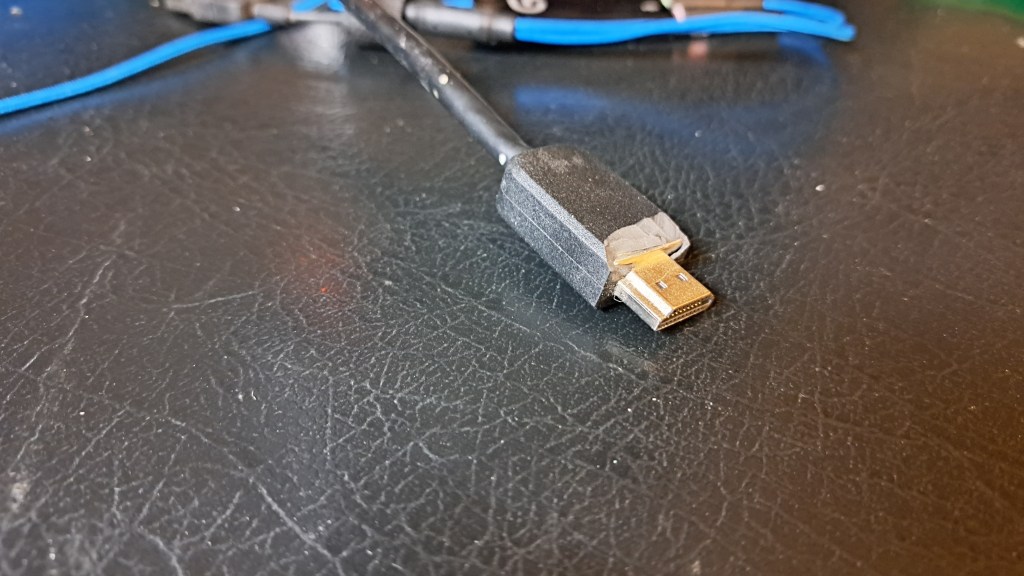
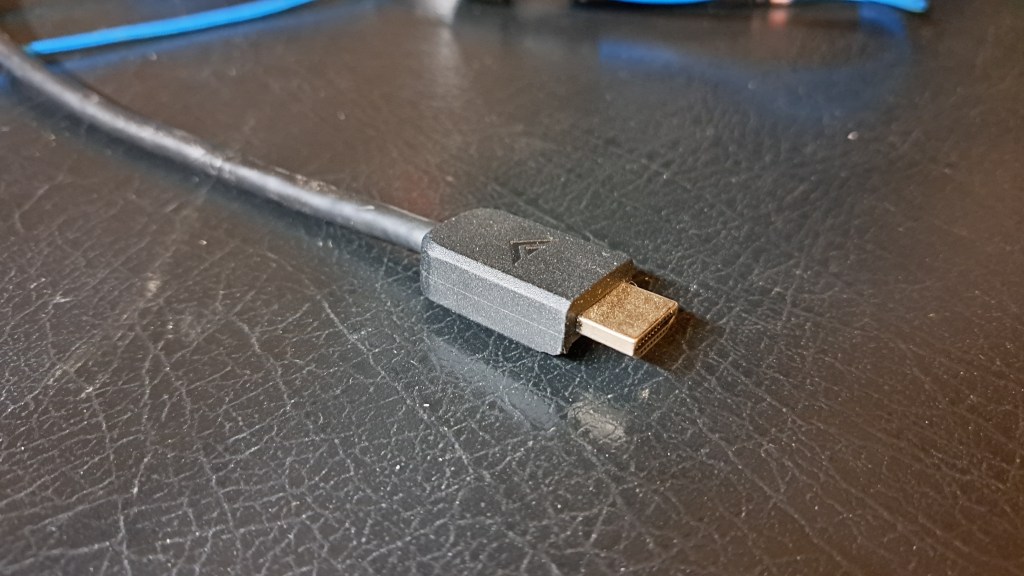
The image on the left shows the cable connector after the plastic was trimmed to allow it to be inserted. The other side of the cable connector does not need trimming. Obviously cables with metal connector ends cannot be trimmed like this.
Moving a Computer
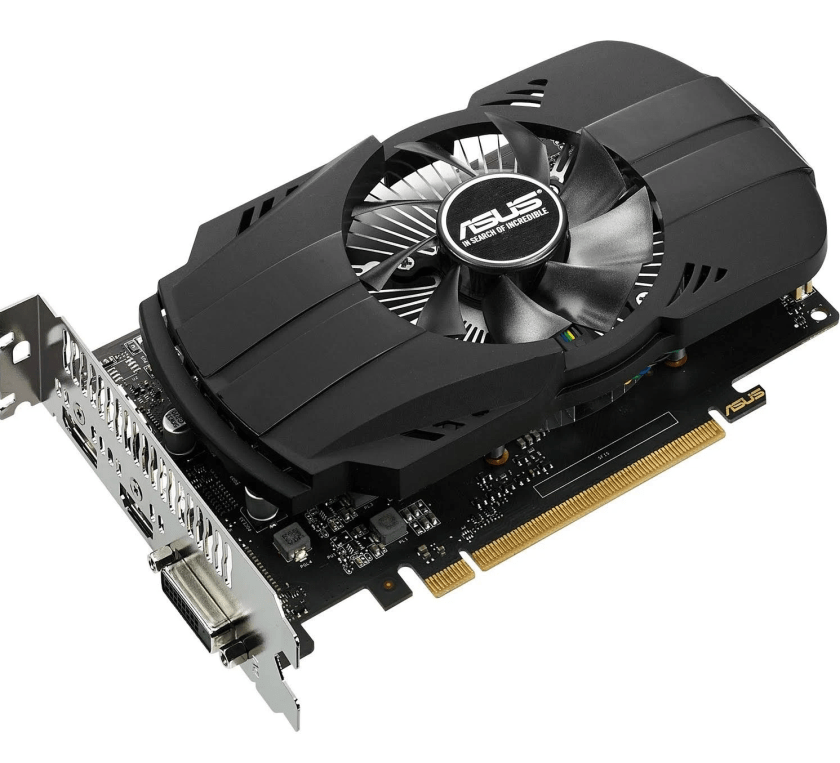
I have had a PC build in an N200 case for many years. While that older computer is not suitable for Windows 11, it is quite suitable for Linux Mint or other Linux Distros. The Intel Core i5 4570 CPU is quite suitable for use with Linux. And the AMD MicroATX motherboard supports a modern graphics card. It is currently using an ASUS Nvidia GTX 1050. Looks like this card is going out of style, but it works very well with Linux or Windows for applications other than heavy gaming.
Along the way I have had to modify HDMI and DisplayPort cables to plug into the Graphics cards in those builds. I got tired of doing that and moved a MicroAtx build [Small Motherboard] to the larger TT Armor 90 case, which does accommodate graphics card cables without modification.
I’m going to ditch this CM N200 case. It is not suitable IMO for modern PC builds. Gripe over.
FWIW,
Windy
 Windy Weather