Project Ascension is a Waste of Time

First Discovery

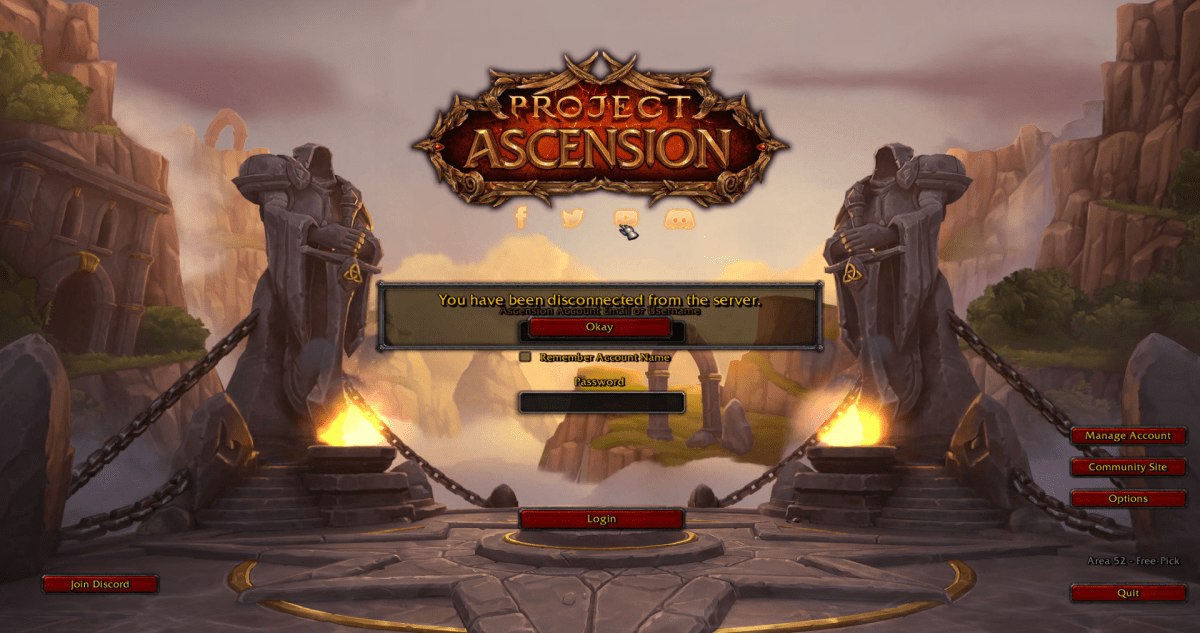
About a year ago or so I found the Project Ascension private server and played it for a while. This server is a Burning Crusade Classic server with class changes and other innovative changes.

https://ascension.gg/en

I like several things about their ideas for a Wow Server:

  • Extremely flexible class idea where you can pick and choose skills from any of the classes.
  • Ability to tame pets from Elemental, Dragonkin, and Demonkin as well as Hunter Pets.
  • Easy and free rank up of your skills.
  • Reasonably fast progression – at least at the time of my starting.
  • Good population so dungeon queue times were reasonable.

However, after a few weeks, I stopped playing. After I was able to level a couple of characters to level 70, and obtain flight in Outland, but then something changed and progression was so slow that everything felt like a grind. When I play a private server on any game, I don’t necessarily want an instant progression or boost to max level, but I don’t want a grind either. I expect a better progression than the original / retail game tho. If I were wanting a normal level of progression then I would just play the retail game. I didn’t figure out what changed at that time. So I know there are folks that enjoy the “Hardcore” experience where one death ends the character and you start over. I’m not a Hardcore kinda guy.

Continue reading “Project Ascension is a Waste of Time”
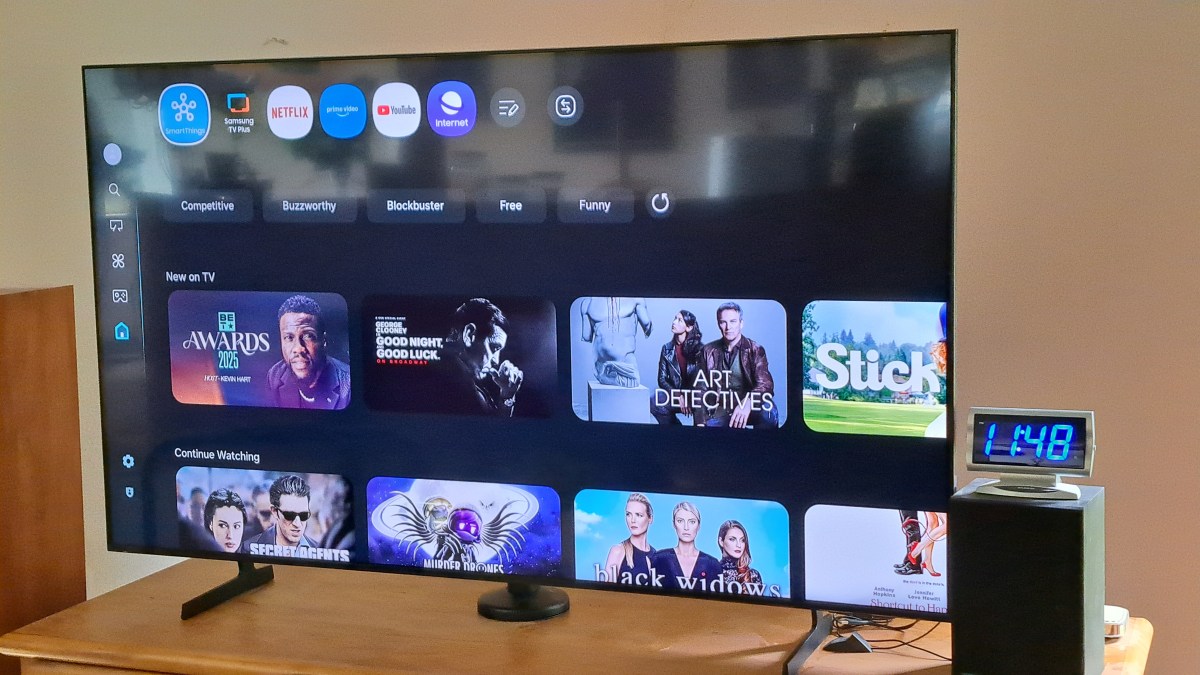

Sony Bravia TV Works Fine

I forgot to post this earlier. Back in June I thought the Sony Bravia TV had died. The Sony Bravia TV is actually fine. Yep Still works. Turns out that there is a little button on the bottom / middle that reboots the TV. For some reason I had never needed that before, but when the TV shut down the last time, I thought it was broken. But it turns out that when I plugged it in and pressed that button it booted up just fine and works fine. So I’m back to using the Sony Bravia now. Very odd. Always before when it shut down, just power off and back on had caused it to reboot. But this last time the hidden button on the bottom had to be pressed.

The Sony is better than the Samsung TV in at least one way: The Youtube interface for captions shows more options for some reason and is easier to use.

TV Stand Adjustments

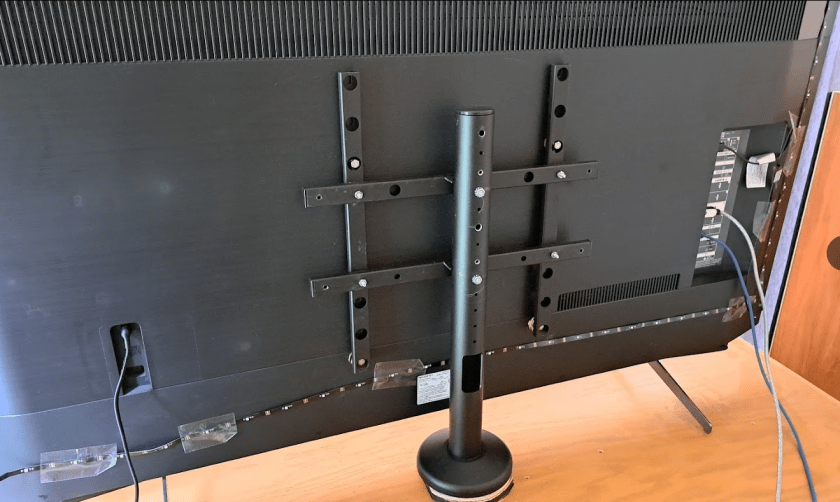
I had to wrestle with the stand to put it back to fit the Sony TV after the grinding and drilling to make it fit the Samsung. But that was easier than fixing it the first time. Odd that they made the stand so hard to adjust. I guess they decided that they would sell more stands if they made the stand so it could not be easily changed to fit more TVs.

I had waited too long to take the Samsung back to return it. Sooo. I packed it up and put it away. Maybe I’ll be able to sell it to a friend. The Sony has been fine. No more annoying shut offs like before. I think Sony Released an update that fixed some problems.

Oh well.
:ww

More Nonsense – Obsolete Webcams

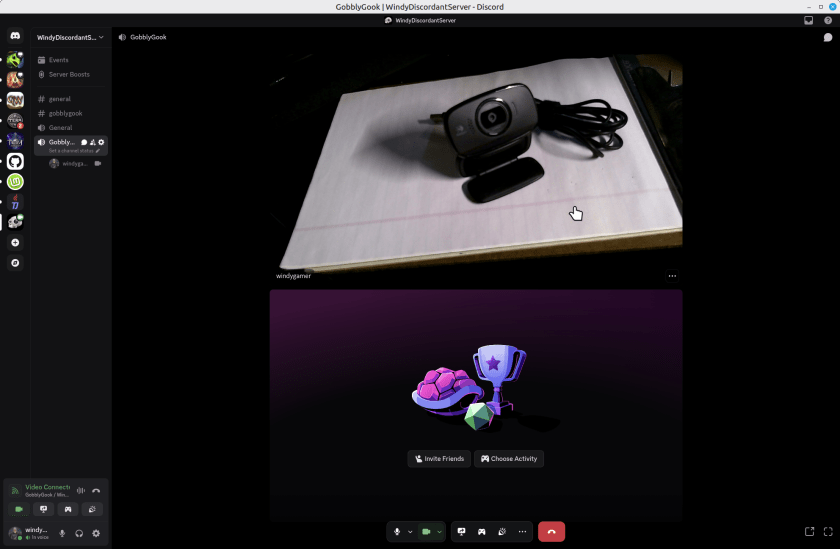
So, from a few years ago I have a couple of Logitech Webcams. I’d report the model number but they leave that off the device. On a little tag on the cord one says M/N V-U0016 and the other one says M/N-U0023. Embossed into the body of the webcams – which look identical – it says they support a microphone, auto focus and 720p. They are missing a shutter to block the camera which all new models have, but a piece of black tape solves that problem if you care. These webcams are perfectly great for Discord or Zoom calls. Here’s one web cam taking a portrait of the other in Discord, running on Linux Mint 22.2.

You might argue that it is not sharp but for a discord or zoom call its just great. I’ll not show my face here, but it was perfectly reasonable for 720p. Sure the new ones are 1080 or 4k, but who cares? If you really need that, then you don’t care about saving this old webcam.

Continue reading “More Nonsense – Obsolete Webcams”

OpenRGB Start on Linux Boot

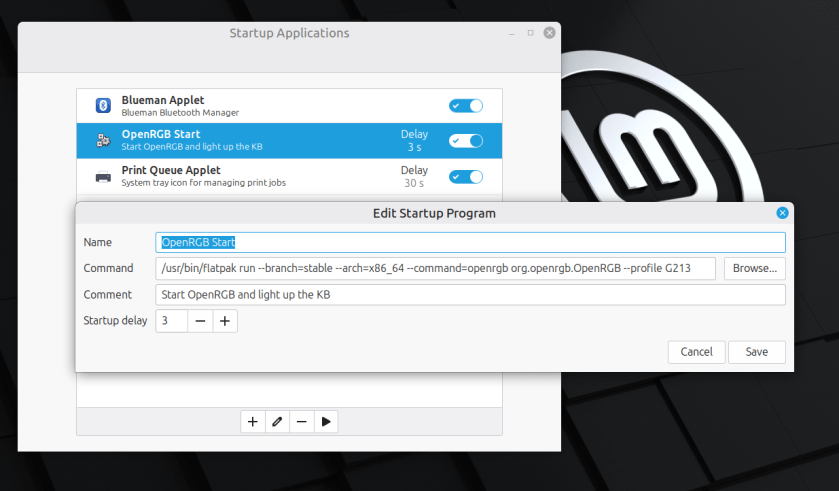
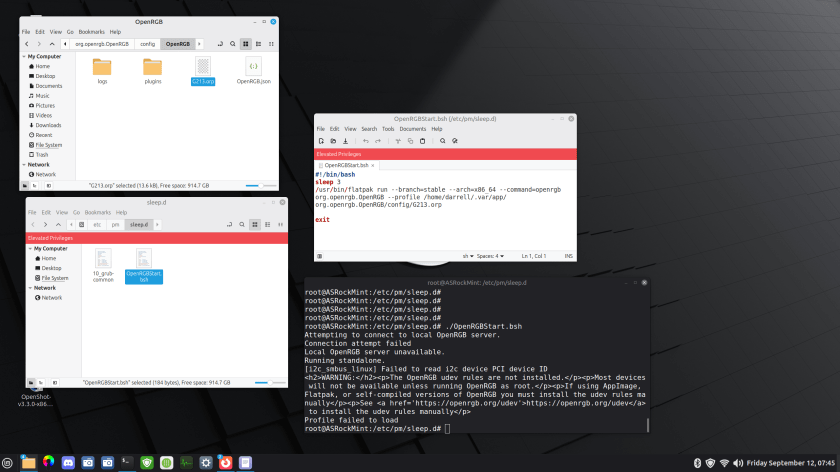
Here’s an example with Linux Mint 22.2. Other Linux Distros are probably very similar. OpenRGB is installed with FlatPak which is probably the simplest way to install it.

It’s pretty simple to start OpenRGB to light up your Keyboard or other things when you boot linux. Just enter a startup command in the Startup

I found this command by examining the short cut that flatpack produced when I installed it. Just add the –profile option to load your particular profile.

Enjoy,
:ww

Start OpenRGB after Suspend

[SOLVED] See bottom for solution.

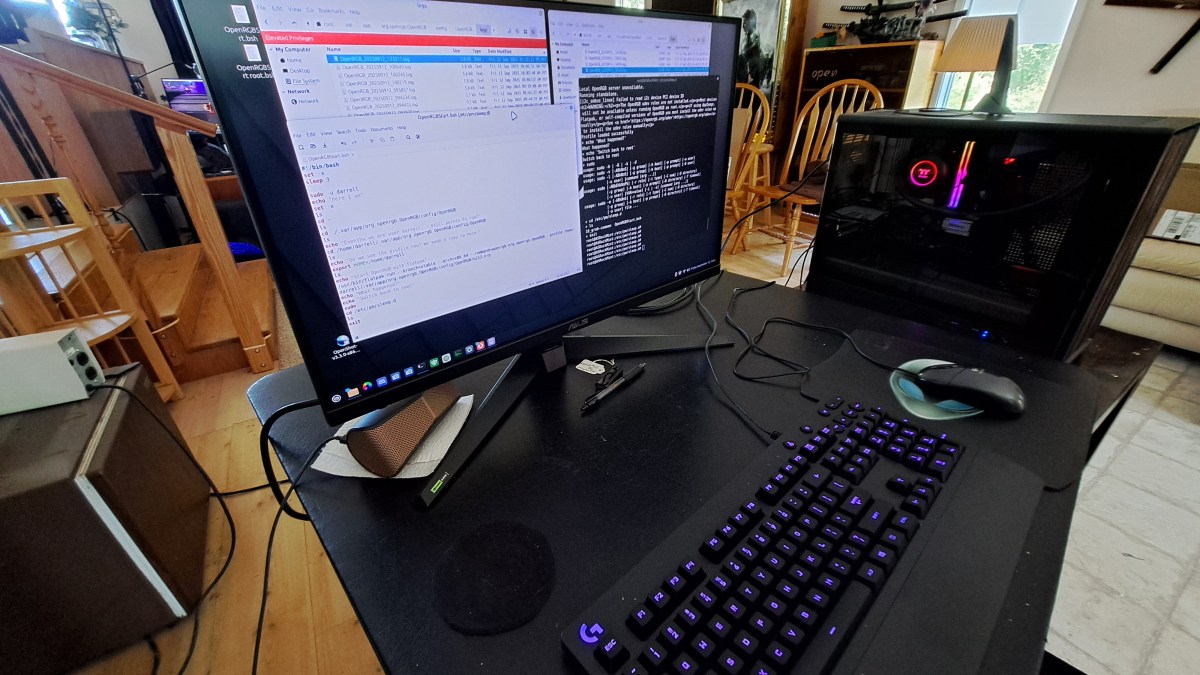
I’m using OpenRGB to light up my Logitech G213 keyboard. This is on Linux Mint 22.2. I added a command to the startup events so OpenRGB starts when the system boots. That works great, but OpenRGB does not automatically start on resume from Suspend.

Here’s a summary of what I have so far.

There is a bash script in /etc/pm/sleep.d that runs OpenRGB. The problem is that it fails to find the profile. There is apparently something I don’t understand about the environment. There is a terminal, set to root, and set to the /etc/pm/sleep.d directory. So I get the same error when I run the script from there.

Continue reading “Start OpenRGB after Suspend”

Ah… That Causes Blurry Text

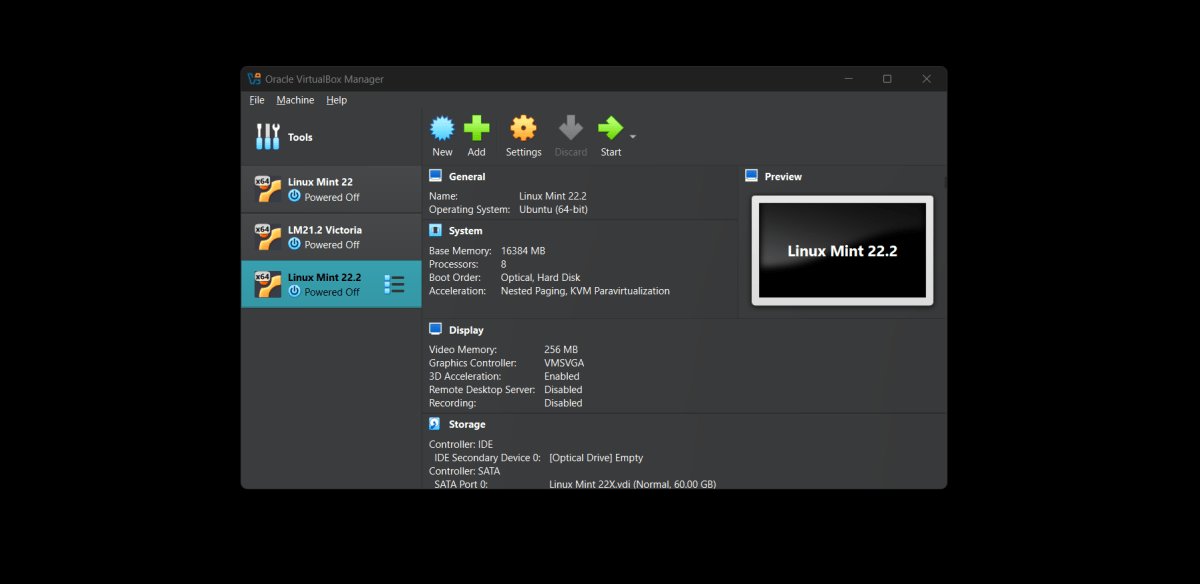
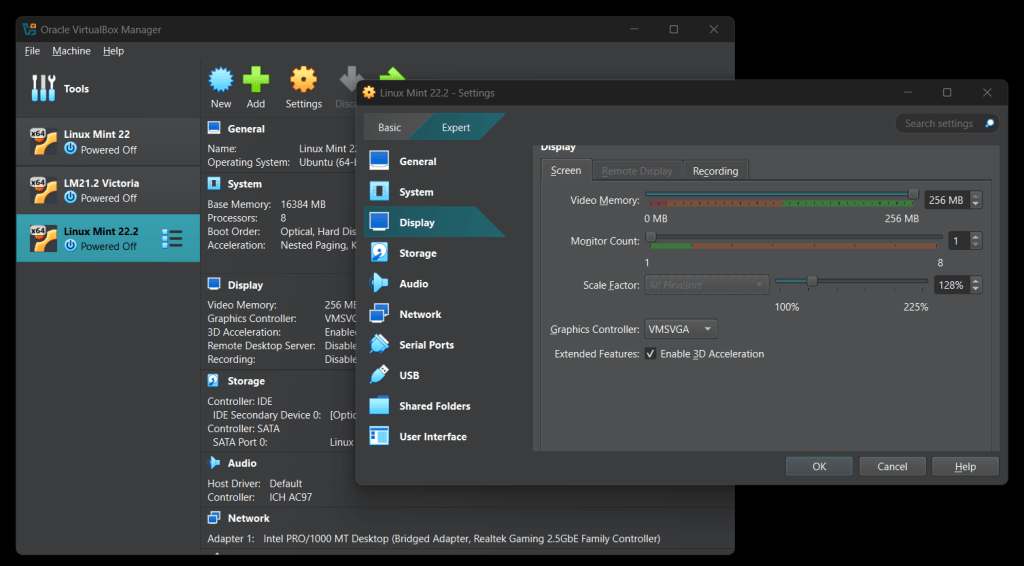
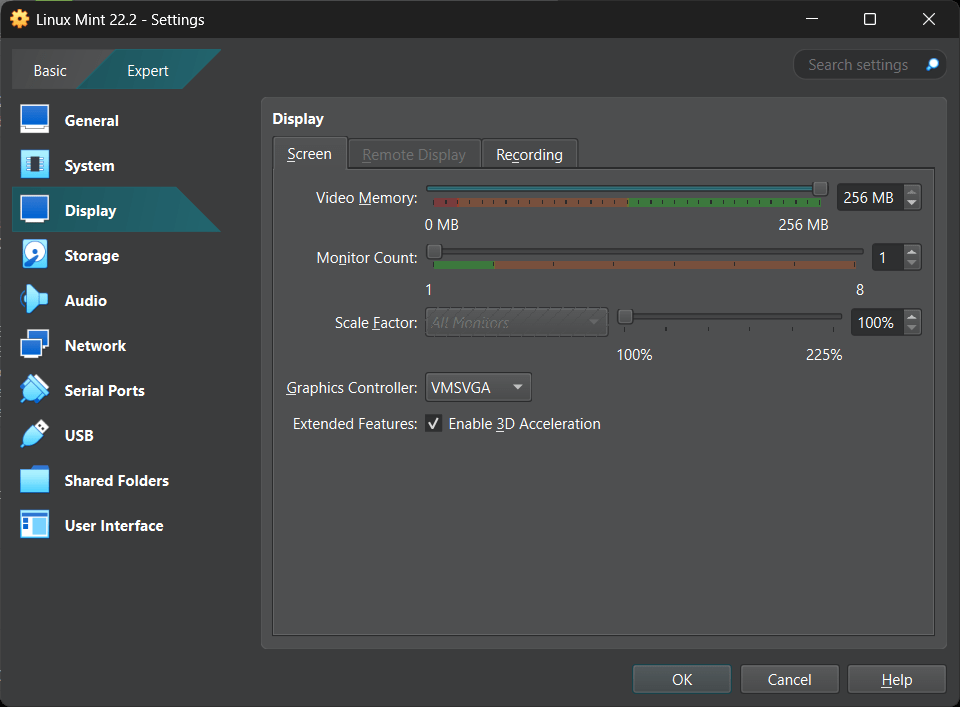
Back in December 2024 I was struggling with some of my Linux Virtual Machines having Blurry Text. No matter what I did, I couldn’t figure out why the text [and other things] were blurry. I thought it was an error with the graphics driver in Virtual Box, or the Guest Additions. Well it turns out it was a bad setting. I can’t figure out why I changed this setting and didn’t notice it. But when I put it back to 100, all was well. No more blurry.

The picture on the left shows the display settings for the Virtual Machine with a “Scale Factor” other than 100%. Don’t do that. It will make the text blurry.

The picture on the right shows the correct display settings for sharp clear displays.

Not sure how it got changed, but it’s not the guest additions or the video driver. Just a bad scale factor setting.

Sigh.
:ww

Computer Case Gripe

I have a gripe about computer cases. Well older computer cases. Something you should be careful about if you build computers, as I do.

Older cases are not designed to accommodate modern video cables, and GPU [Graphics Processing Unit] aka Video Cards. Let’s look closer.

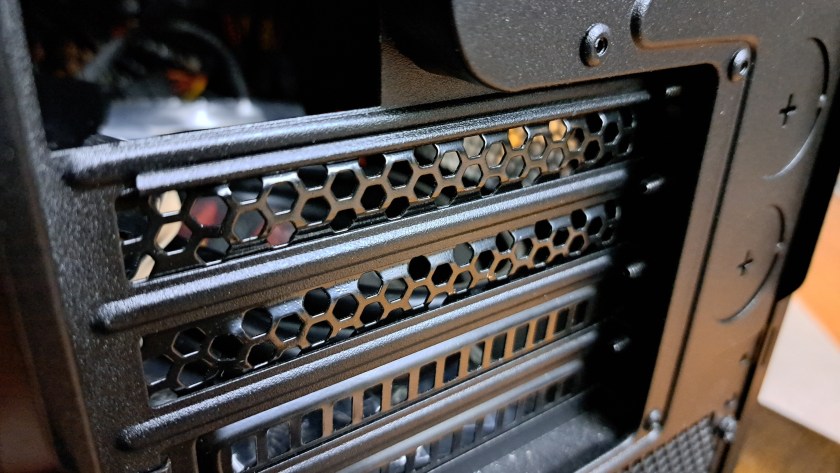
This is the expansion slot area in the rear of the case. The mother board allows cards to be installed, the perforated plates are removed and then, possibly, cables are plugged into the expansion cards through these slots. Notice the protruding ridges above and below each slot. These ridges are designed to stiffen the thin metal strips above and below the card slots. However, they were designed back in 2012 or so before video cards were a common thing.

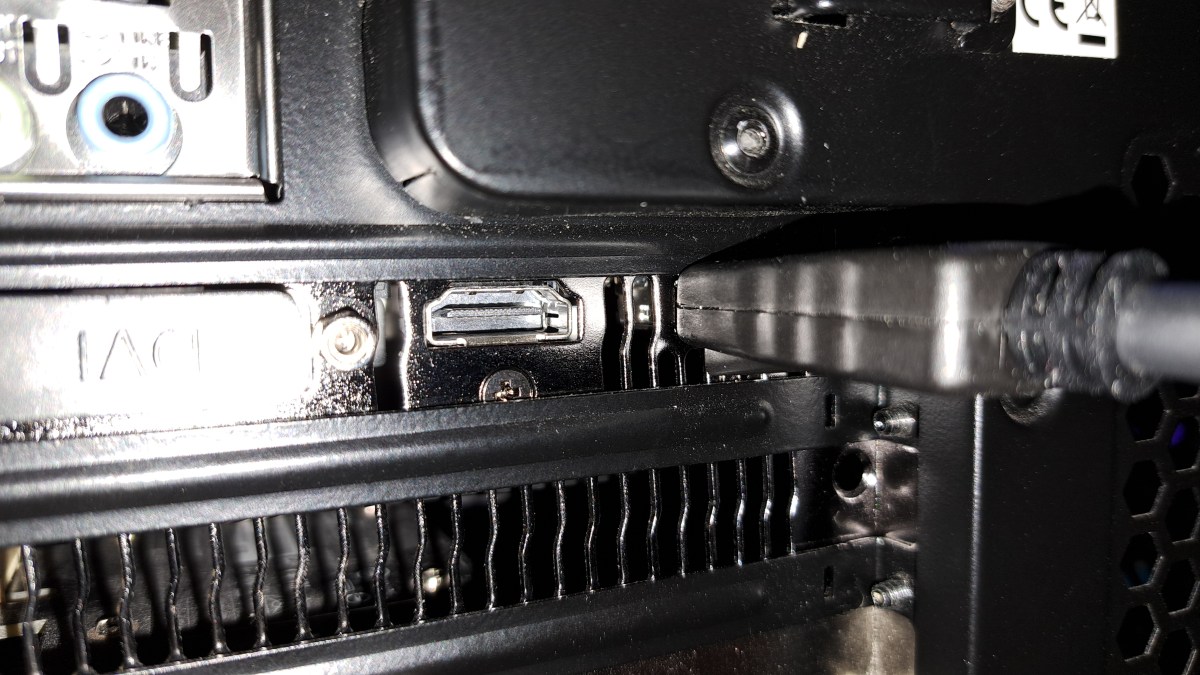
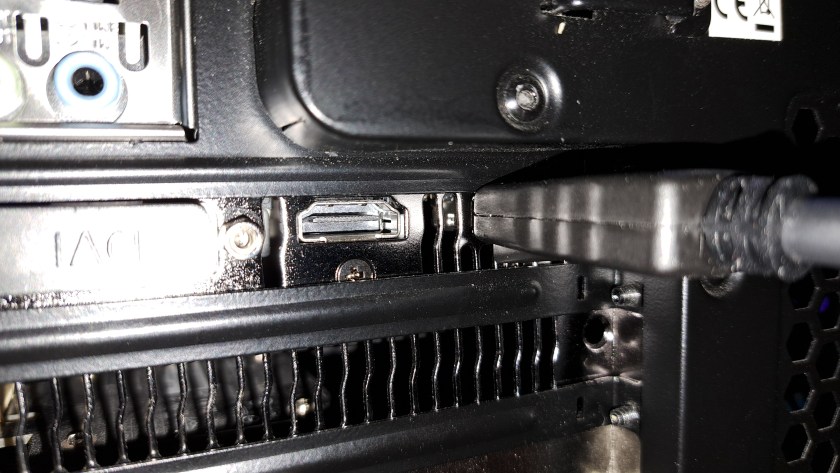
Here’s the situation where a Graphics Video Card is installed and one of the cables is plugged in. Notice the cable on the right. The Display Port video cable standard was available but not widely used on video cards when this case was released in 2013.

Continue reading “Computer Case Gripe”