
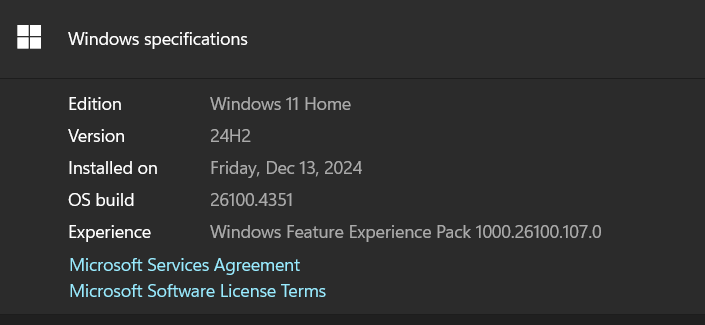
The system is running Windows 11:
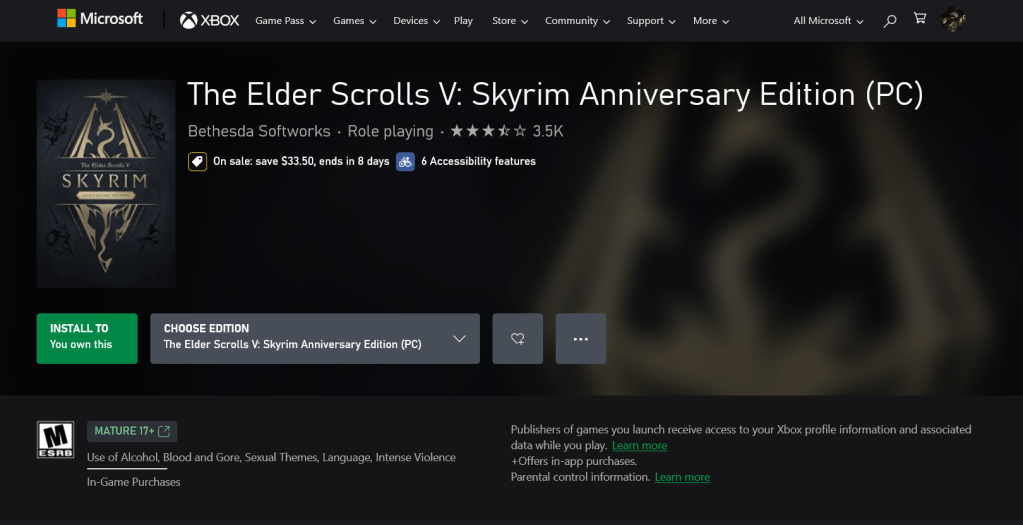
Purchased Skyrim Anniversary Edition
On 15 June 2025 I purchased Skyrim Anniversary Edition from the Microsoft Store for Windows, and Installed it:
Missing Content
I have been playing the game for a couple of weeks but noticed that some features are missing that should be in the Anniversary Edition. Namely Dadric Armor, Silver Armor and Myrwatch mages tower.
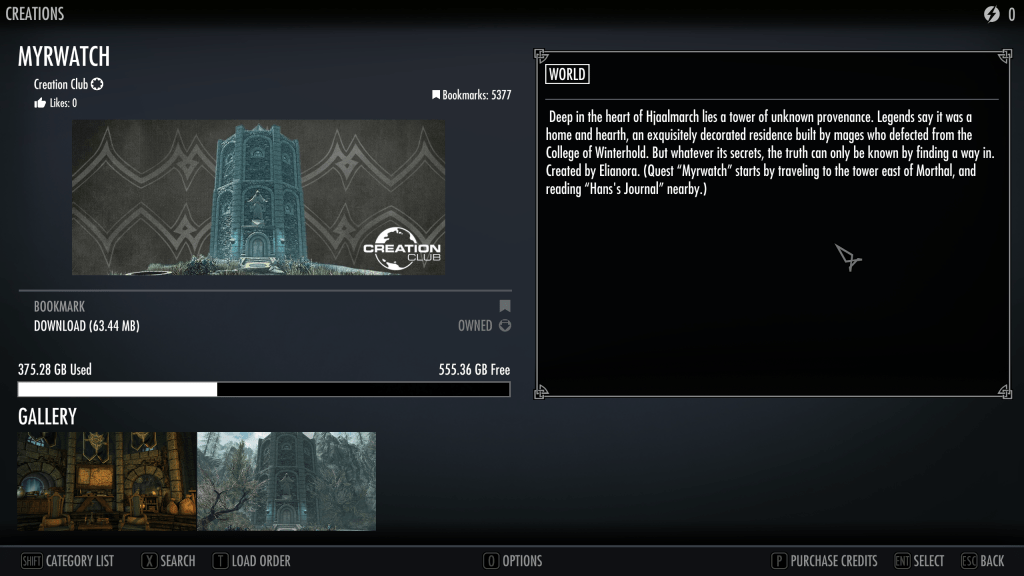
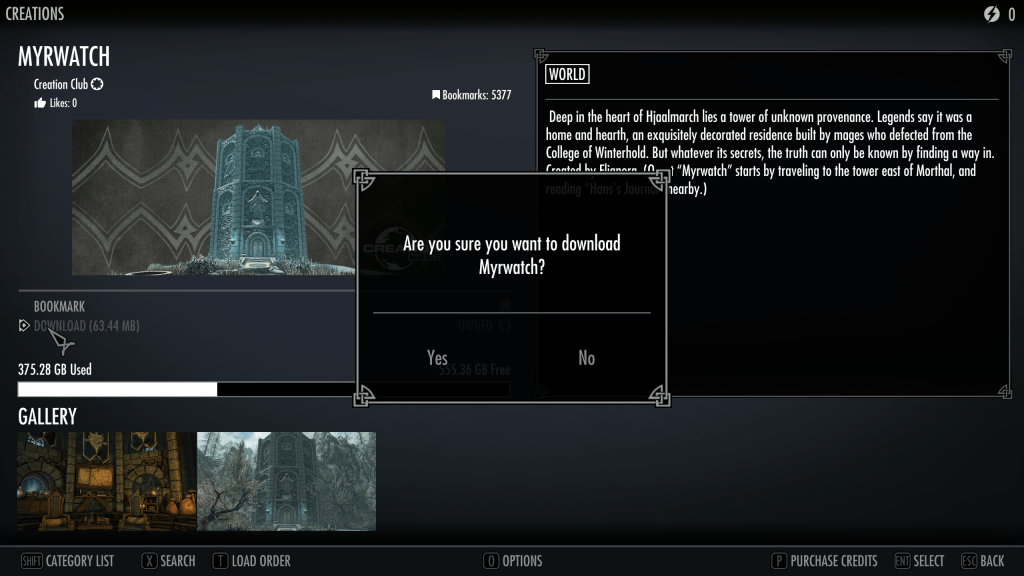
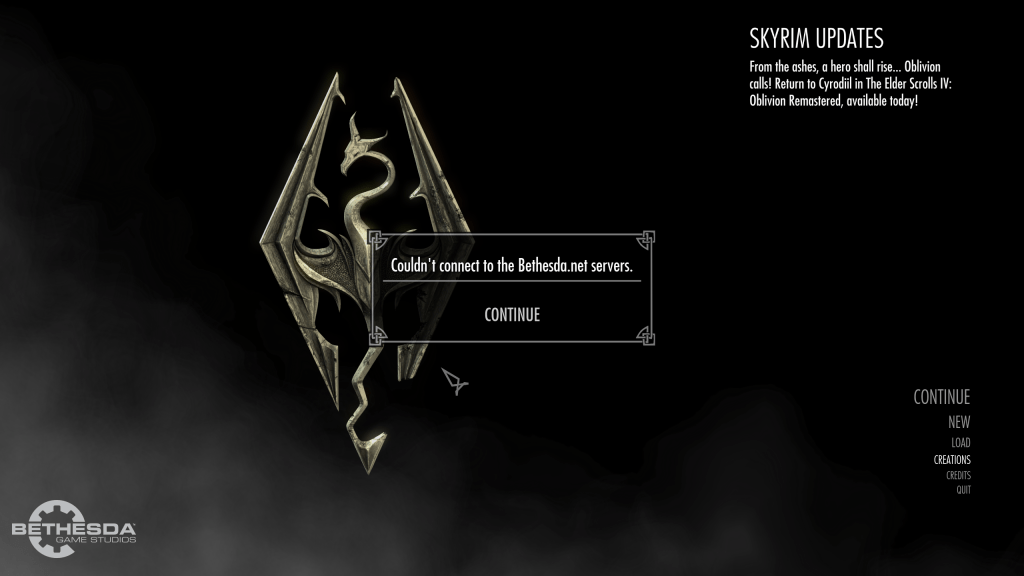
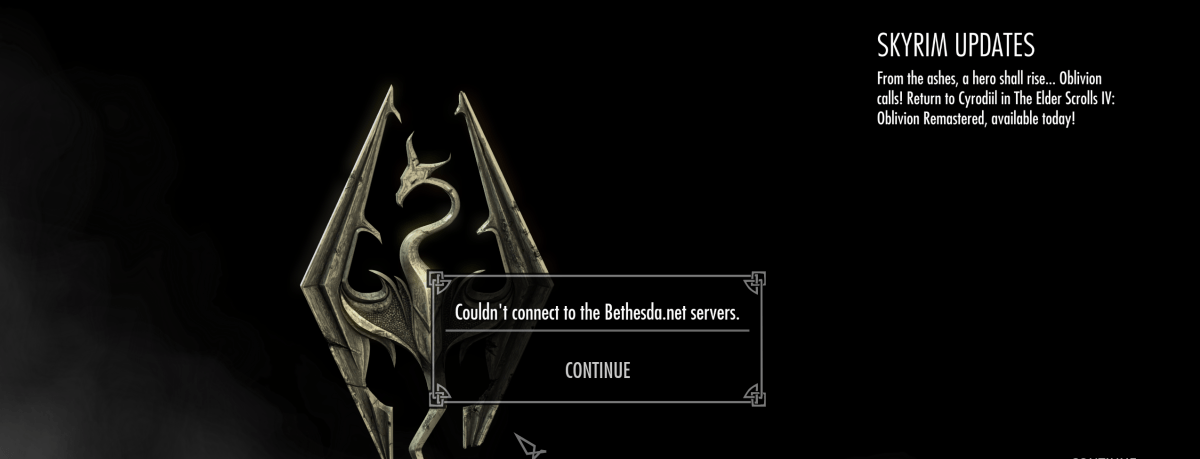
As these panels show, the Myrwatch tower can be found in the creations, but is not downloaded. But attempts to download it fail with Skyrim app being unable to reach Bethesda.net.
Firewall Issue
I have confirmed that Skyrim is not in the Firewall Allowed list, but it cannot be added due to permissions set by the Microsoft Store. This is a problem that Bethesda should address with the Microsoft Store. There is no way that I can change the permissions.
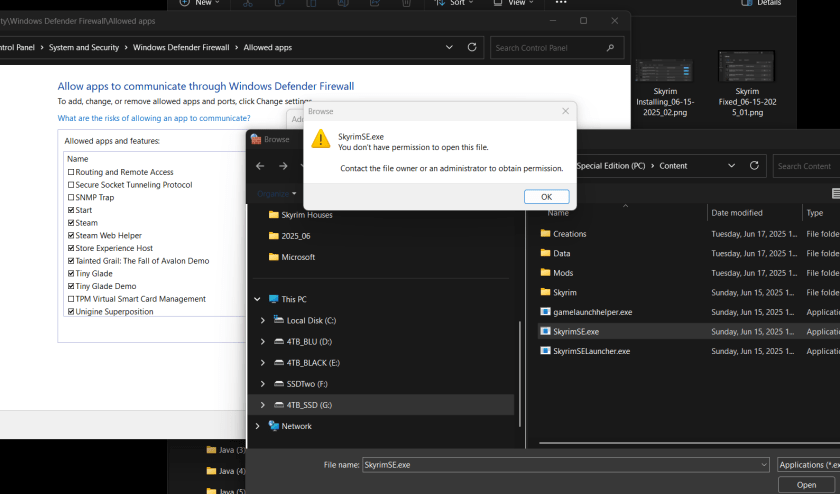
Since I cannot address this, apparently it is a matter for Bethesda to take up with Microsoft directly to resolve this issue. As a user, even with Admin Privleges, I am unable to change the permissions of game programs that are installed by the Microsoft Store.
I checked Bethesda Support Pages:
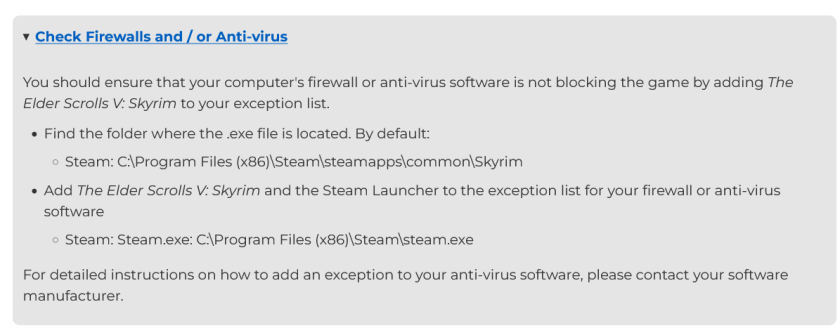
I have checked the Allowed Firewall List and Skyrim is not there, but I get an error, as shown above, and cannot fix this problem myself, even with Admin Privileges.
Unable to Fix this Problem
Thanks for your attention to this matter, so that I can play the Bethesda content that I have purchased.
:ww
Update: Turning off Firewall Does Not Fix the Problem
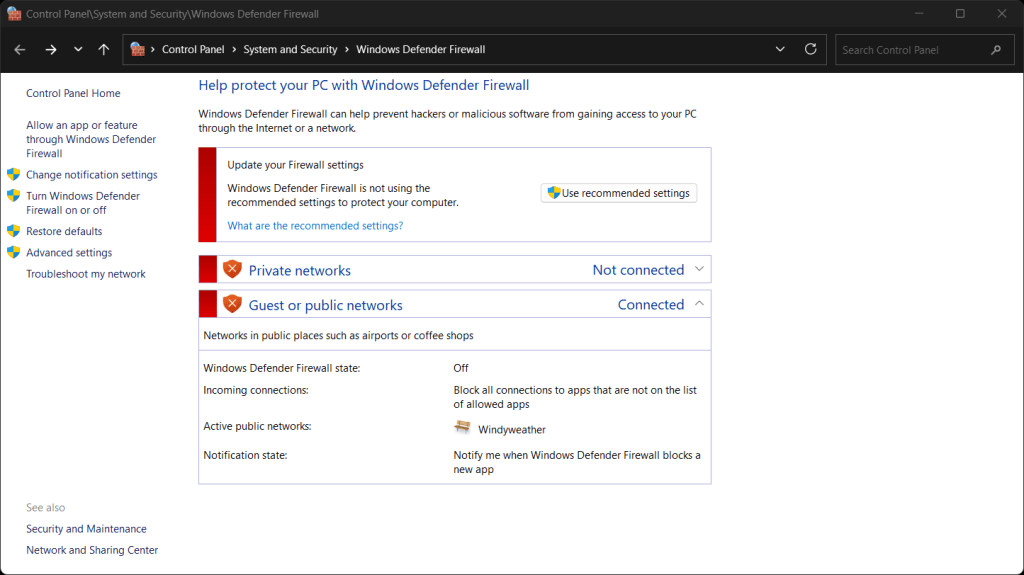
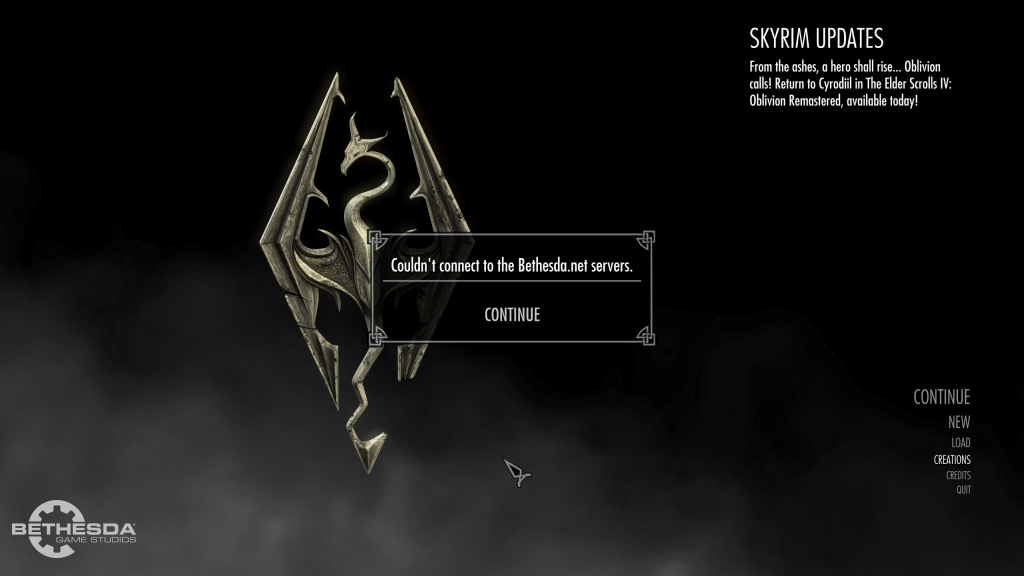
I turned the firewall off, then restarted Skyrim and it still cannot connect to the Bethesda server. I have no idea about the problem at this point.
Thank You, Bethesda Support
Update: Bethesda Support Response
Bethesda Support responded with a fix to the problem. The fix worked. Hurray!
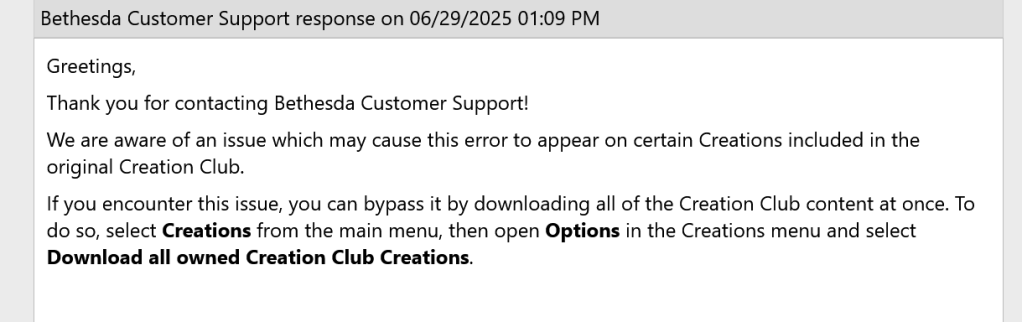
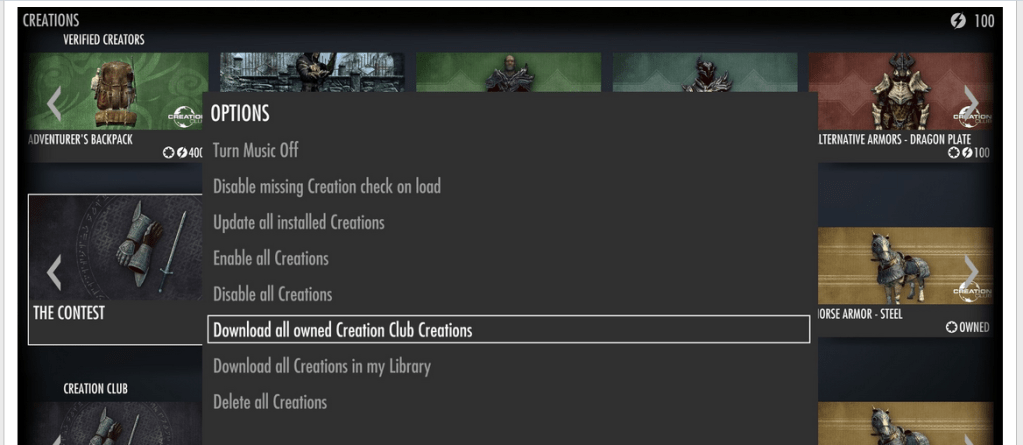
Looks like I’m all set now. I’ll have to go in the game and get the MyrWatch House.
:ww
 Windy Weather