
A few days ago, I posted about a Sony Bravia TV occasionally hanging up and requiring a power cycle to cause a reboot. At this point the TV has died permanently. Power cycling no longer boots the system. It remains black.
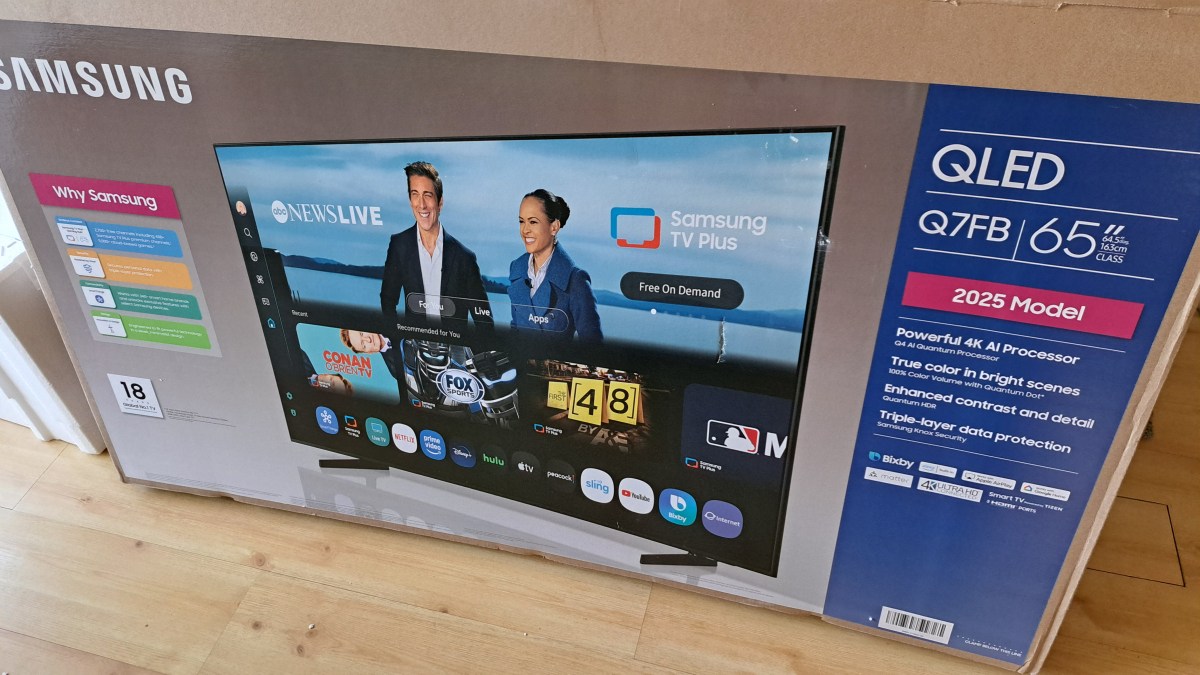
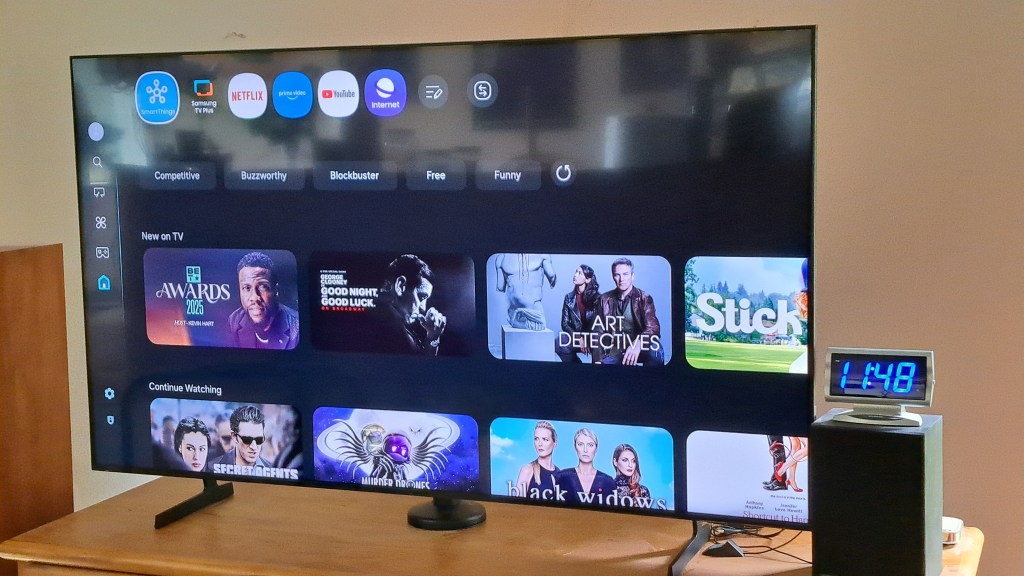
I’ve purchased a new Samsung TV for about 1/3 the cost of the Sony TV from five years ago. The label indicates the Sony TV was manufactured July 2020, and it was purchased in October 2020. For the new TV I spent an extra $100 for the QLED model. I hear that QLED is a more modern screen technology, and it seemed reasonable to stay up to date for that small amount of money. The screen looks very nice.
Several things required changing to accommodate the new TV.
Adjusting Stand for New TV
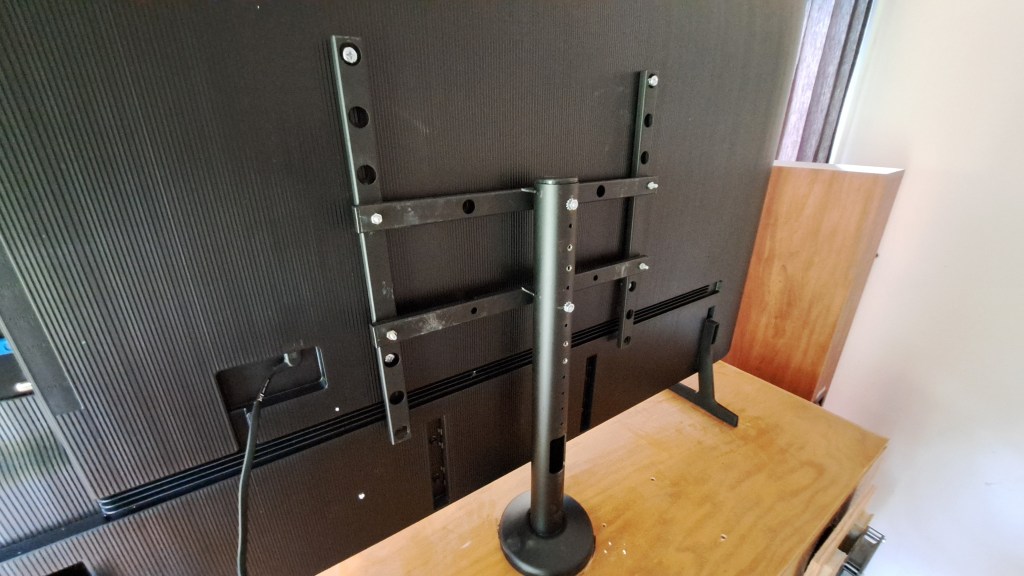
These large TVs have a stand bolted to the cabinet to prevent the TV from falling over. The VESA hole pattern is different for the new TV, so the stand required drilling and bolting to change the frame to match the Samsung TV.
The frame of the stand I bought five years ago was put together with Torx Security Bolts:

I tried drilling them out, but they were such hard steel that I had to use an Angle Grinder to remove the heads to bolt the frame correctly for the new TV.
Connecting Audio from TV to Receiver
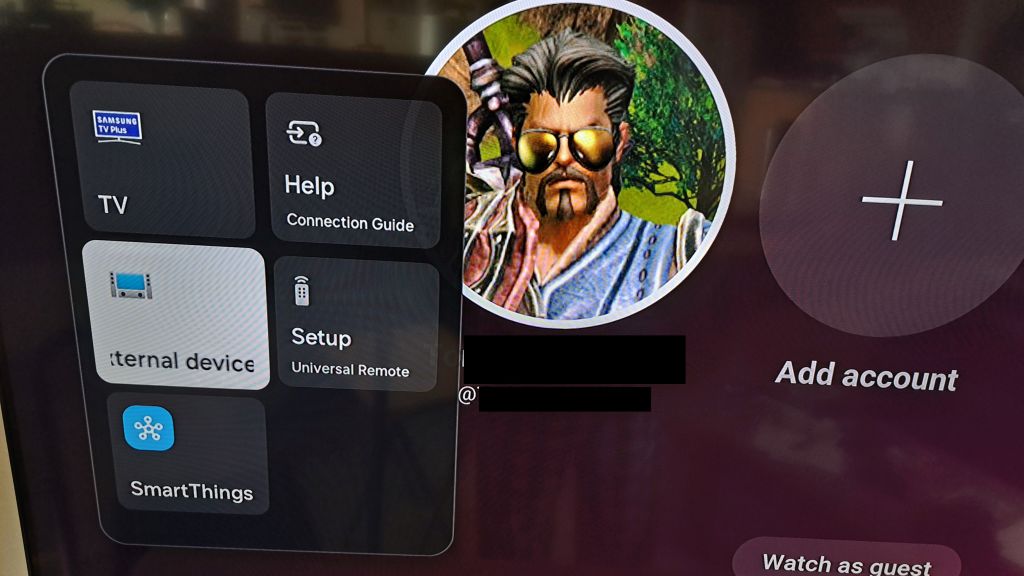
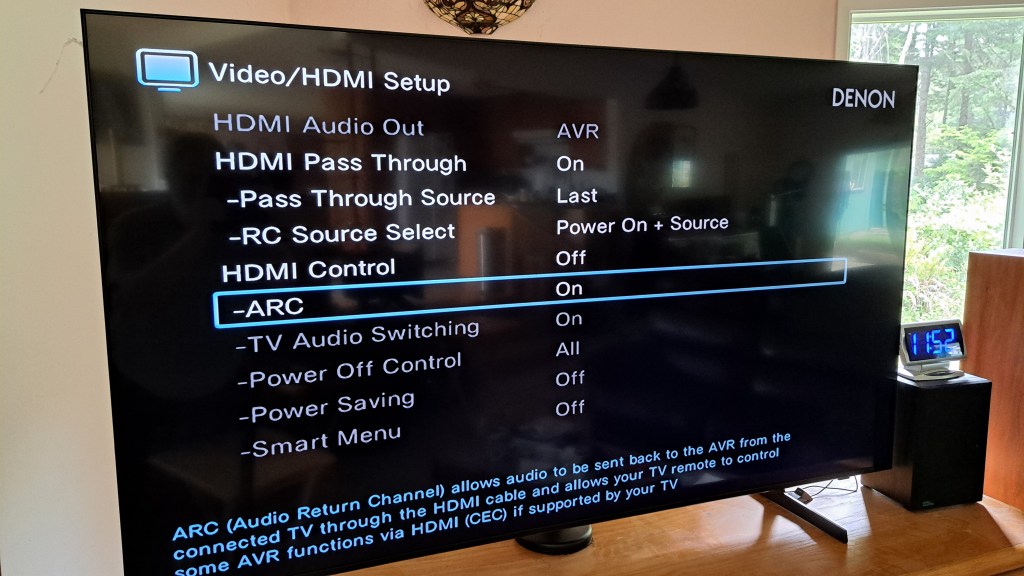
As all new TVs, the Samsung supports ARC [ Audio Return Channel ] which allows the TV to send audio to an Audio Video Receiver or sound bar to use external speakers. I have a Denon AV receiver that supports ARC so hooking the HDMI from the ARC port on the TV to the ARC port on the receiver allows this to work. The previous TV used an Optical Audio Cable to transfer audio to the AVR. There is no Optical Audio port on the Samsung TV. This Optical cable standard is largely obsolete with HDMI supporting ARC. With the Samsung TV all that was required was to select the Receiver connected device, then use its settings to enable the use of ARC. This disables the TV internal speakers and the Audio is sent in digital form over the HDMI ARC cable.
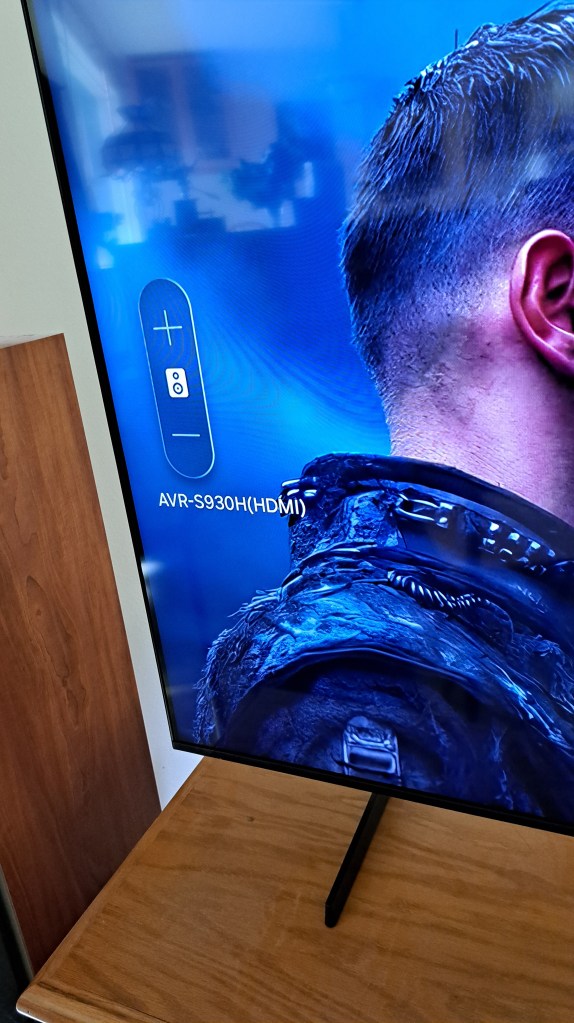
Once this is done, when the Audio volume is changed in the receiver, the TV displays a small alert on the left of the screen showing the setting.
Minor Annoyances
So, the apps in the Samsung TV ignore my preferences to not “auto play” videos in YouTube, or in other services. Apparently they have decided that AutoPlay is a “Required Feature”.
I have another Samsung TV [40″] in the same room which is hooked to a Linux system to display art. All Samsung tvs use the same codes, so at first both TVs turned on and off together. I have fixed this by covering the sensor on the Linux TV Monitor with masking tape backed by aluminum foil. Oddly, if the remote for that tv is used close to the tape, the small TV is turned on and that is out of sight of the large TV’s sensor. Looks like problem solved. The remotes can be “Trained” but the tape and foil is an easier fix.
The new TV looks very nice and I’m looking forward to at least five years of viewing.
:ww
 Windy Weather