
Update: 16 April 2025 – Work around – Use HDMI cable instead. There are dozens of threads on Reddit and elsewhere over several years complaining the Display Port does not work. Many mention “Solved” for things already tried and don’t work in this case. So one place mentioned that HDMI cable works, and yes – The ASRock Monitor always wakes when using HDMI cable. And it looks fine. The ASUS 32 ” monitor always wakes from Sleep with Display Port. Anyway, so the ASRock Monitor will be on an HDMI connection. This is the solution that works here.
Since sometime in 2024, I’ve been struggling with a monitor problem. At first I thought it was due to mixed connection types [HD and Display Port] but alas, I think I have tracked it down to failures in the monitors themselves. Multiple types, and multiple manufacturers [Maybe. Can’t be sure]. Here’s the latest test and what happened.
A History of Monitors
Prior to December 2024, I was using an ASUS 25″ monitor from 2016:
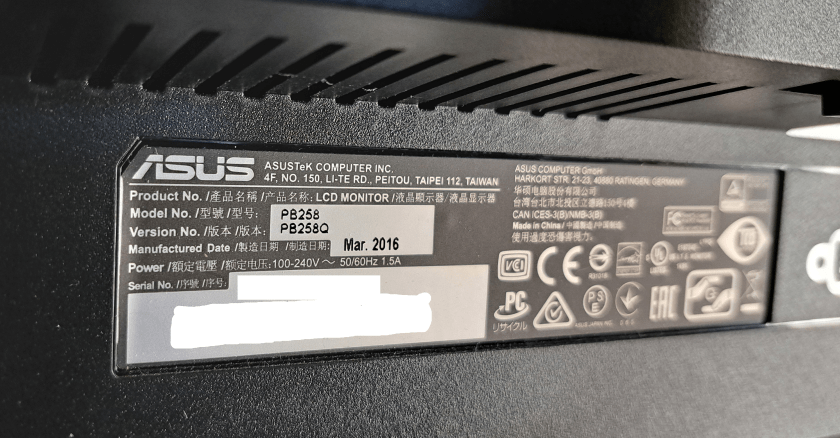
The problem was not as clear cut as just not waking from sleep. Sometimes, usually just once, a few minutes after I started gaming, the monitor was just go blank. And I would have to power cycle it. Sometimes it seemed like a bad cable, and sometimes like a loose connection in the monitor.
Back in December of 2024, I was fed up enough with this problem and got an ASRock monitor.

ASRock Monitor has a More Consistent Problem
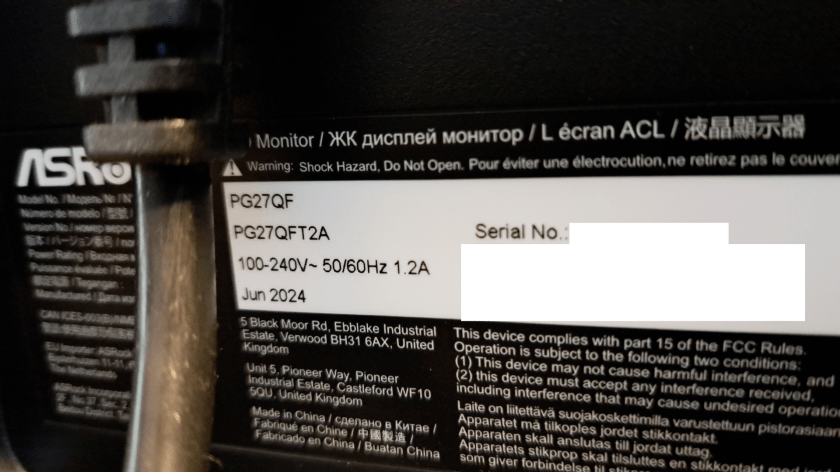
This monitor worked great, looked great, but had a problem too. It would not wake when the computer awakened from Sleep. The monitor would just keep sleeping until it was power cycled. So, my routine is to sleep my machine every night, or when I’m going to be away from it for an hour or so. I had it set on a 20 minutes automatic sleep cycle, but with the monitor not waking, I finally turned off sleep altogether. But unlike the previous monitor, which had an inconsistent problem that pointed to cables, GPU, loose connections, etc. At least the AsRock monitor’s problem was consistent.
Try Yet Another Monitor
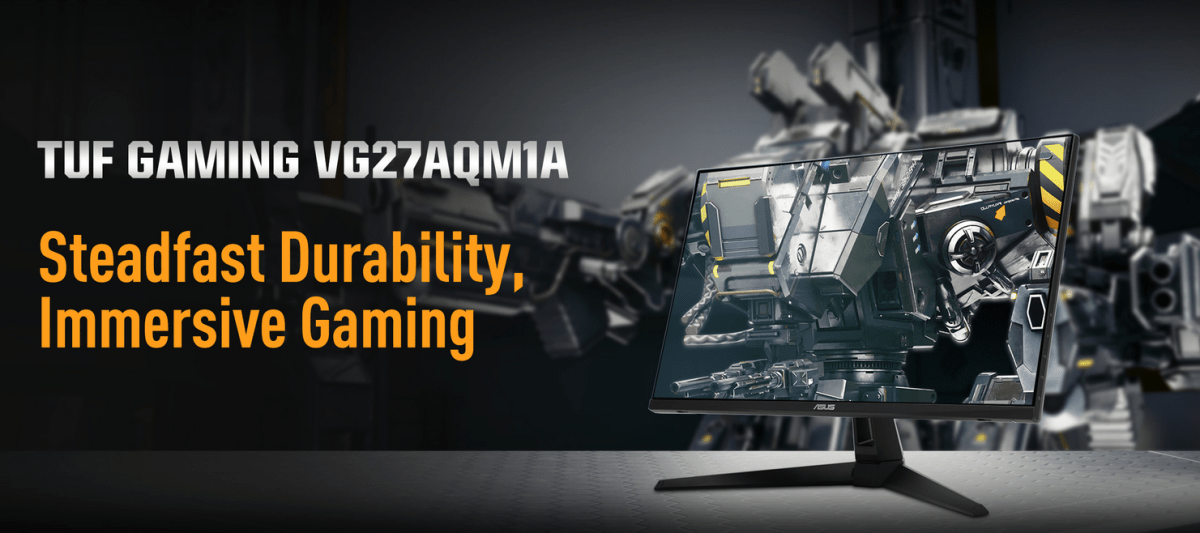
A few days ago I got fed up with the Relatively New ASRock Phantom Gaming monitor not waking from sleep unless it was power cycled. I went back to new egg and got yet another monitor.

I’ve had good luck over the years with ASUS equipment, monitors, motherboard etc. So I felt more secure going with ASUS. The monitor application required a 100×100 mm VESA mount on the back and I don’t like wall warts, so it needed a power cord directly into the monitor. This one fits those requirements.
I can’t be sure this will solve the problem.
A Bright Idea for a Test
Then I had a bright idea for a test. I have a pair of Samsung Monitors on another system:
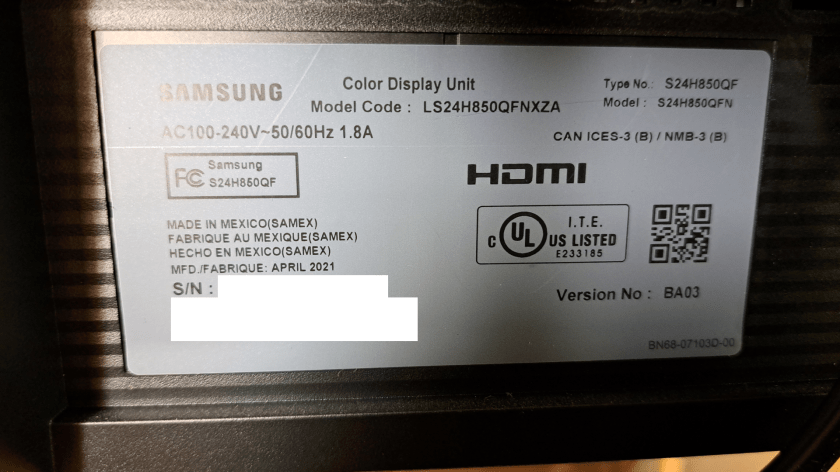
These monitors are fairly recent, April 2021. So replacing the ASRock Monitor with one of these, and another cable because the cable in use with the ASRock Monitor was not long enough.
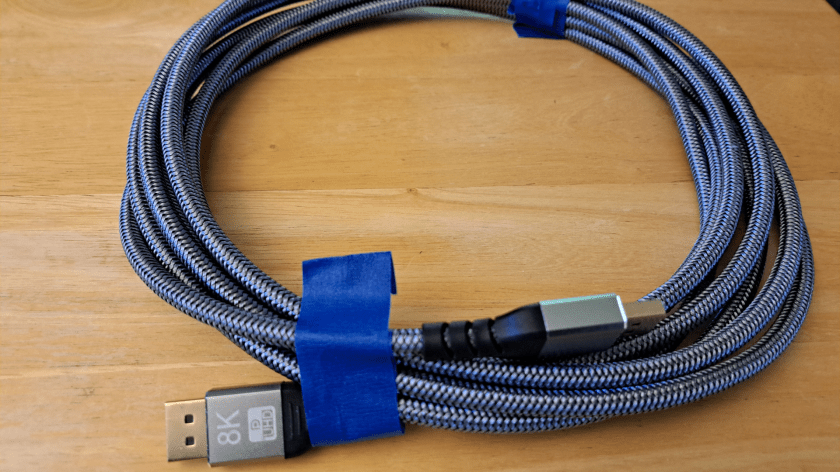
The Samsung monitor was put through several rounds of Sleep / Wake cycles and it always turned on immediately. This tells several things:
The GPU, and Windows 11 are ruled out as causes of the problem.
The cable might be a problem, but running the ASRock monitor with the same cable as with the Samsung successful test showed that the cable usually used with the ASRock monitor is not the problem. The ASRock monitor still fails to come out of sleep with the same cable used to test the Samsung monitor.
ASRock Monitor with a Sleep / Wake Problem
So, the ASRock Monitor has a sleep / wake problem.
The previous monitor, ASUS PB258Q from 2016, that showed the glitchier, inconsistent behavior, seemed to point at lots of possible problems. But now with this testing it appears that the problem is narrowed down to the Monitor.
Apparently, the display signalling has changed or become less tolerant and older monitors don’t behave correctly. Also, apparently, the ASRock Phantom Gaming has not kept up with the modern signalling protocols.

It will be interesting to see whether the new ASUS TUF Gaming monitor behaves correctly.
While at this point I have a couple of extra monitors, if the new monitor solves the problem, I’m sure I can sell the others on Craigslist or another sales site.
I’ll update this post with the outcome.
:ww
 Windy Weather