
The last time I wrote Java code was about five years ago in 2000. At that time I needed a program to display a series of LibreOffice Impress slide shows to build an artwork display using a Linux System with a large monitor.
Recently I’ve gotten bored with Gaming and have decided to go back to programming and have decided to rewrite QtScreenShotArchive in Java. QtSSA is a program that I wrote back in 2013 to back up and organize screen shots for games I play. The program works great, but it is complex enough to provide a challenge for some Java coding. If you are interested in the current C++ QtFramework based, QtSSArchive program, it’s available from the page above.
Things have changed quite a bit since I last programmed Java. As I recall I was using the Eclipse IDE. Eclipse is still around, but the flashiest guy on the block is now Itellij. If you go there to download, be sure you scroll down to the bottom of the page to get the free community version rather than the free trial of the paid version. Unless you wanna pay. LOL
Here’s what IntelliJ looks like:
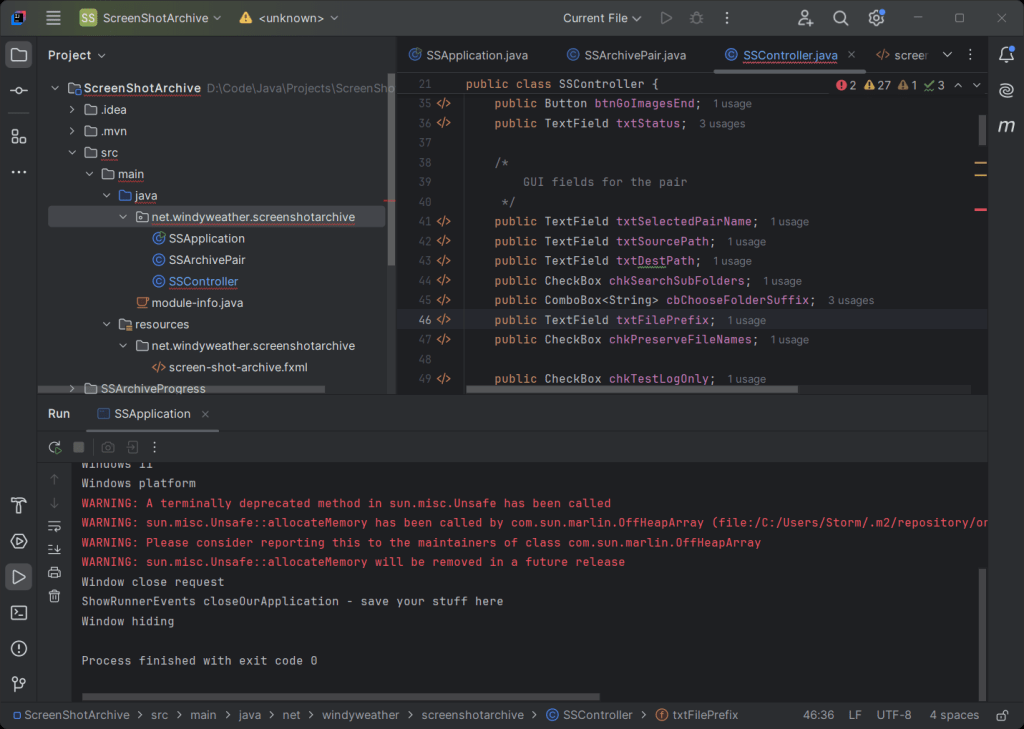
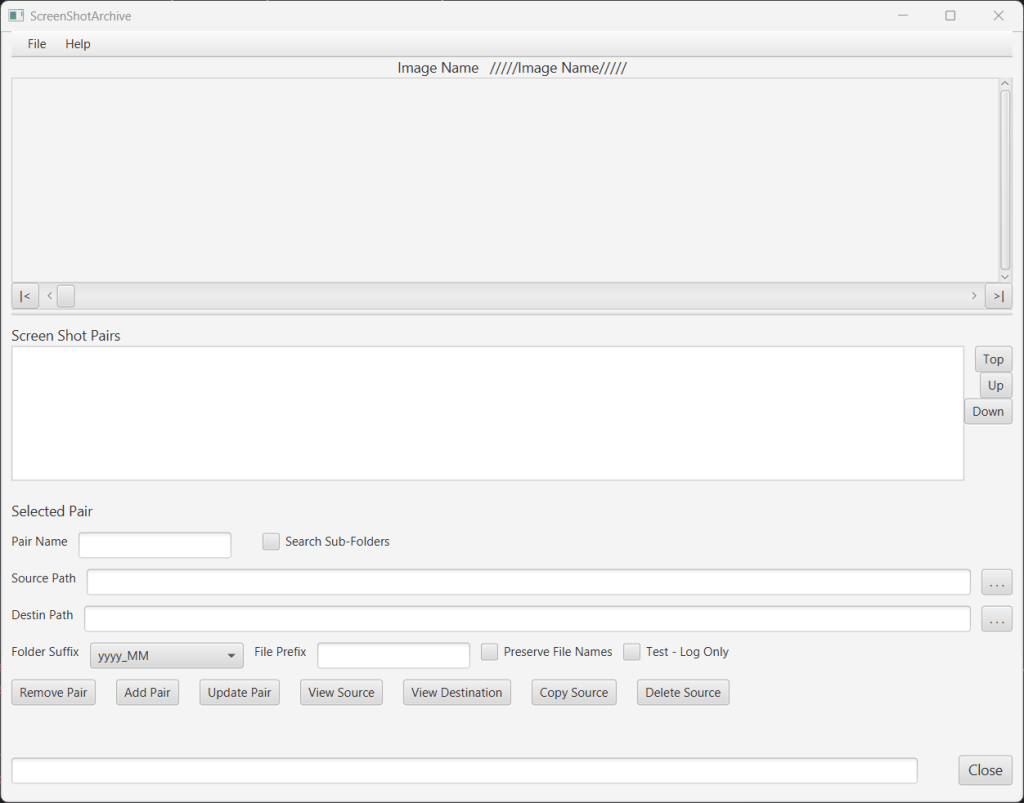
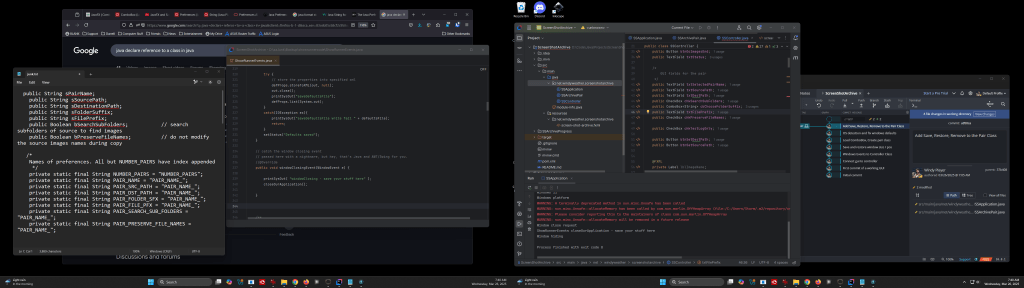
I suggest you use two monitors for development. I use IntelliJ on one and web pages for research and sample code on the other. And GitKraken is waiting in the background to check stuff in. There is an example of the GUI for the SSArchive program as well.
Gui Development Framework
I’m using the JavaFx framework for the GUI. Last time I did this it was Swing I think, or AWT, I don’t remember. I looked at the old files and they mentioned AWT, but I recall Swing. IDK. Anyway, despite the recent Oracle announcement that JavaFX will not be supported, it’s the only viable thing going right now.

I suspect that this is a ploy to get someone else to support and distribute JavaFx. It’s been around a long time. Also Oracle may think that their future is in Server Java rather than application Java. The new guy on the block is Vaadin, but it’s not a solution for desktop apps. Vaadin requires a web browser to run the interface, even on a desktop. So looks like Vaadin is to build server applicatoins in Java. Anyway, JavaFx will find a home.
The other quirky thing about the JavaFx thing is that you get the parts of the Dev environment from at least two places. OpenJDK for the java development kit. JavaFX for the framework code. Intellij is an IDE and knows all about JavaFx. Except that it has no help for actually making the FXML files, which describe the GUI. For the fxml files you use “Scene Builder” which you find at Gluon. I’m not trying to make a complete guide to modern Java development here, but just enough to give you an idea what’s involved. There are plenty of sources that Google can find [and a ton on Youtube ] to get you started and answer all your questions. However, you will find frustrations along the way. Many of the tutorials are old, and overly simplistic. Many of them waste a lot of time typing in the code to build the GUI objects rather than using Scene builder. But if you press on and dig deep enough in stack overflow and other places, you’ll find your answers and solve your problems.
Source Control – Git of Course
Even though I’m a solo developer, I use Source Control. What if one of these tools fails and wipes out a file. Or your disk crashes, or …
So first of all, I use source control to back up stuff locally. And then once I reach a certain point I use GitHub to back stuff up remotely. All this is free. Ain’t that wonderful? I have stuff up on GitHub from years ago. Never any cost. Before GitHub I was using SourceForge.net where I still have some things.
Git is a terminal [Window of course not physical terminal based program. – LOL – Remember those? I have used them. Bet you have not. ] But I don’t like using terminals.
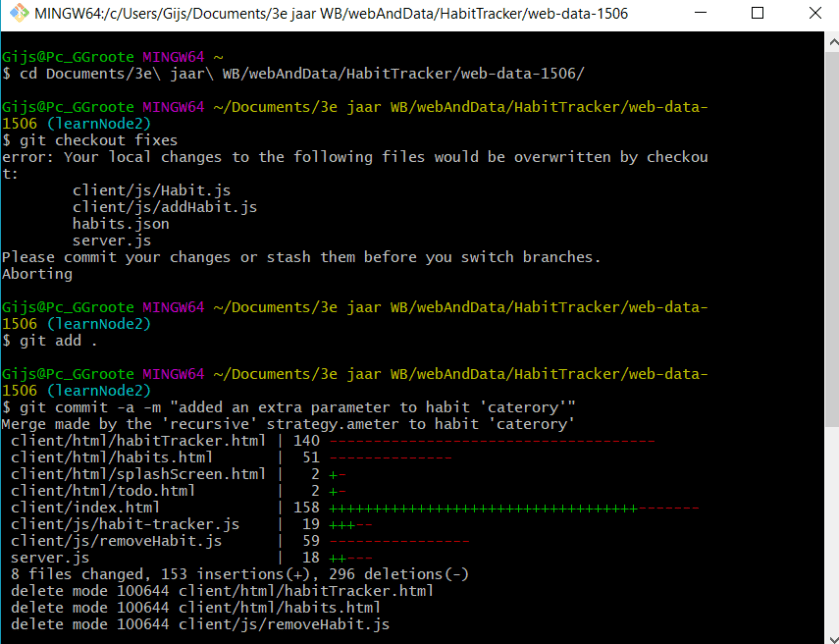
What a mess… No thanks.
Let’s Find a Git Gui Program
I like to see what I’m doing. Five years ago I looked around quite a lot before settling on GitKracken as a source control program.

I’m a git novice, but GitKraken makes the parts that I need simple to see and to use. And when it comes time to push your project to GitHub [or some other cloud provider] then GitKraken makes that simple too. I’ve gotten far enough with this project that I’ve pushed it a few times to GitHub to make sure my work is safe.
IntelliJ has an Interface to Git
IntelliJ has an interface to Microsoft Git – which it offers to download. I accidentally did that, and Intellij/MSGit and GitKraken did not play well together. IntelliJ did something behind GitKraken’s back and then GitKraken looked broken. I finally figured out how to turn Intellij off and after a forum post got a better method. Intellij may have a very nice interface for Git. And you may want to try it. If you do I suggest you not use any other Git program until you try and decide about IntelliJ.

My first solution to shut up Intellij git was to tell it a bogus path to the Git Program. That worked. But a fellow on a forum gave me the better solution:
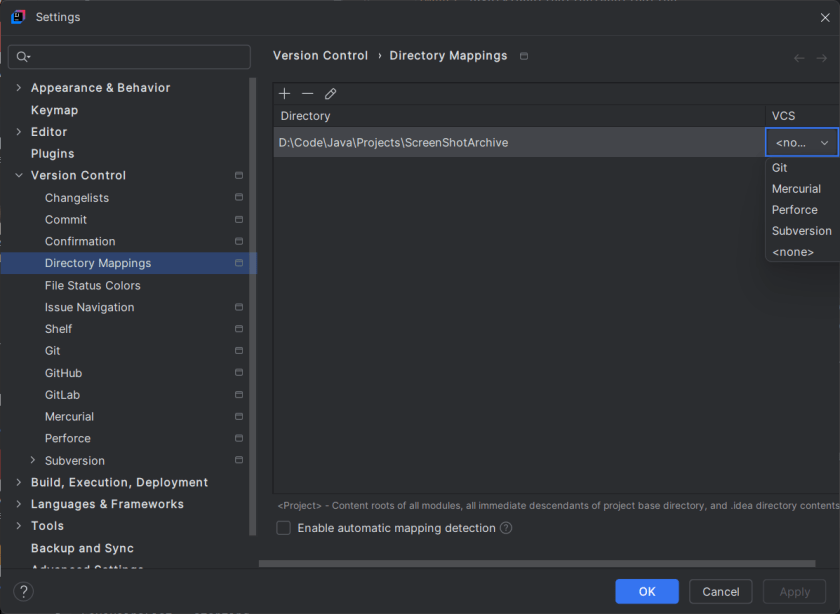
This is the better way to disable Git in IntelliJ. Tell it that there is no Version Control for the project. You may like the IntelliJ interface to Git. I’m sticking with GitKraken.
Here’s Me On GitHub
I use GitHub as my cloud backup for projects. Free and Easy. Directly from GitKraken – or any other Git you like to use I’m sure. While Google is always complaining about how I’m using 7 of my 15 free GB of storage space, I don’t even see a place to pay for GitHub storage. Maybe I’ll go look and see what they say. Oh here it is – GitHub Pricing. Free for up to 500MB of storage, but public repositories are always free. I don’t mind sharing. So free forever.
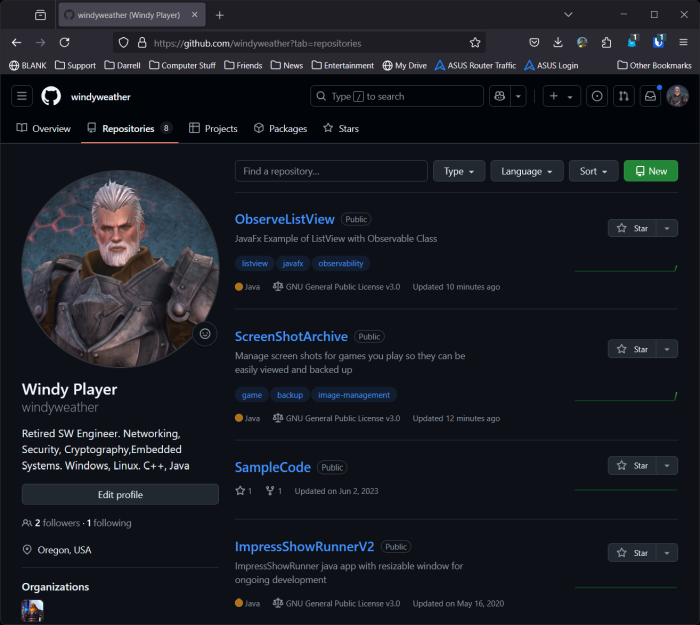
Here is my GitHub page.
Progress on the Project
So far I’ve made good progress with my ScreenShotArchive Java program. The GUI is done, and the save / restore of parameters and window size/position is done. The ListView of the “pairs” is all working. And I’ve checked the program into GitHub to back it up. It doesn’t really do anything at this point, but I always start these projects with the GUI and then the parameter Save/Restore and then the meat of the problem. Next is get folder dialogs, reading and displaying images with Pan/zoom, scrolling through lists of images and copying images to back them up.
Lots of work ahead. Ain’t it great?!
:ww
 Windy Weather