

Note: While the Banner for this post, and the images were created by AI, the text was created, for better or worse solely by me.
As you may have, I’ve been watching the progress of AI to generate images and even videos for a couple of years now. I’ve not been interested in “signing up” for one of the services since it is pretty clear that it will run into a lot of money to do anything serious. However, I have a couple of extra computers with GPUs so I thought it would be time to try to run AI image generation locally.
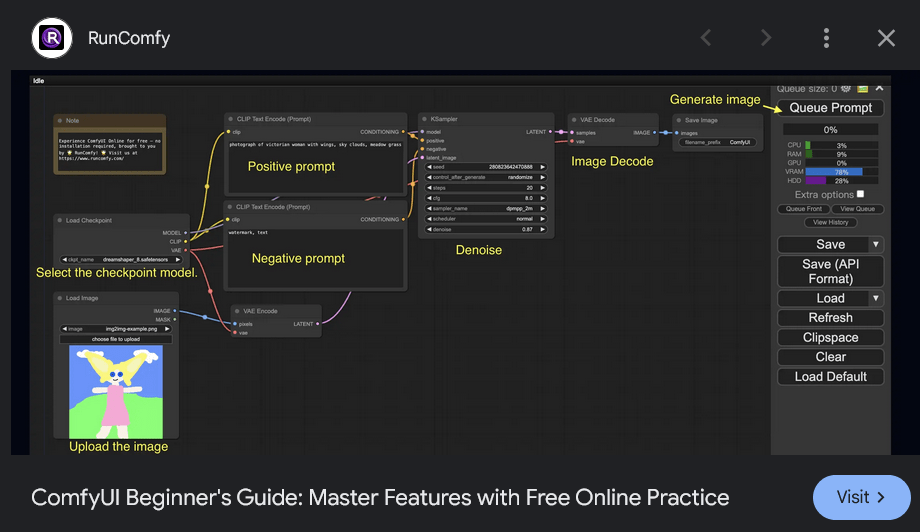
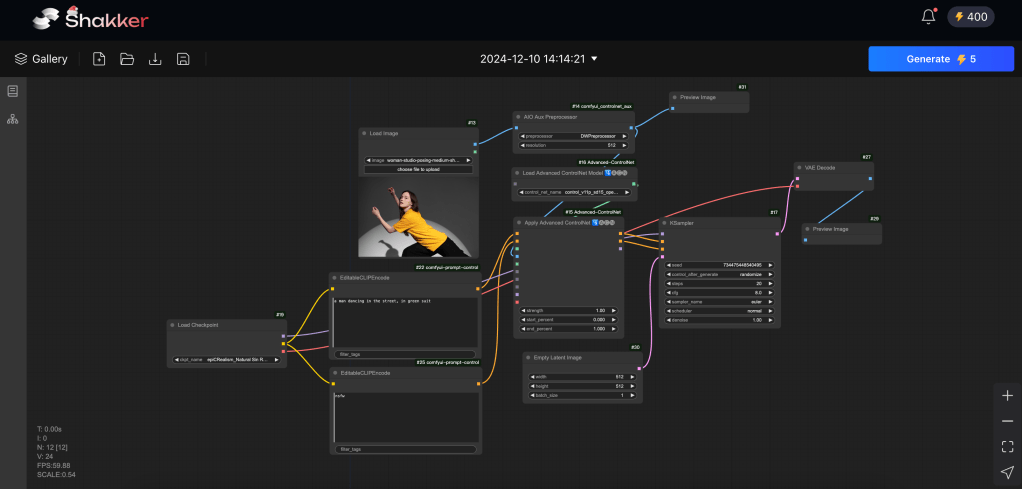
ComfyUI Seems Too Complex
I took a look at ComfyUI. It looks way too complex. While I’m familiar with the concept of connecting the boxes – from texture creation in Blender among other places – I’d rather just check some boxes and paste in a prompt.
After some looking around I found Pinokio.
Pinokio Runs Many AI Models Locally
You can use Pinokio to run many AI Models locally. I tried several before I found one that worked. There are many tutorials and helpful pages out there about installing and running Pinokio, so I’ll move on. I’m sure a few clicks in google will find what you need if you are interested in using Pinokio.
My system is not the most powerful:
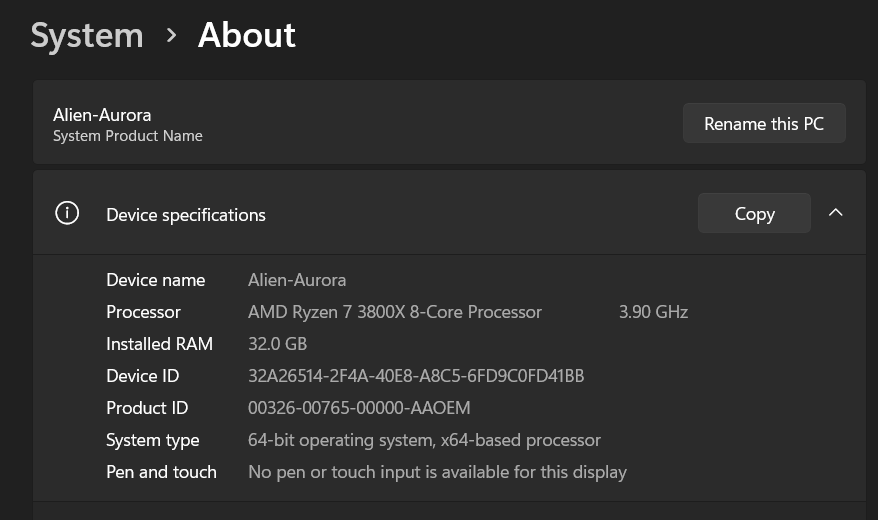

As you can see, the GPU is a few generations old, but the CPU is modern enough to run Windows 11. What I found is that many of the AI models supported by Pinokio do not run with my GPU and when they do run, they take about 1/2 of the main RAM.
Also, you need to have a fast internet connection, or be willing to wait. The downloading of models is very large. On the order of modern video games. I installed Pinokio on the System SSD since I had plenty of space there. At this point in my journey, it’s taking about 100GB of space.
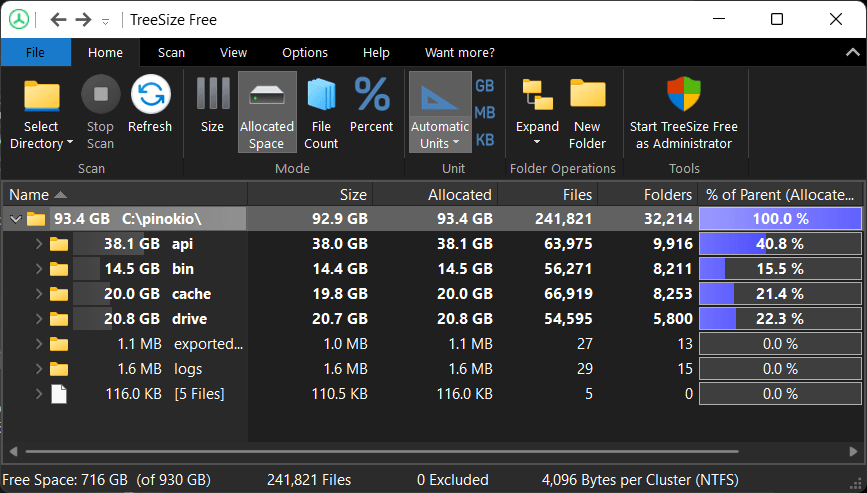
Sometimes the first time you run a model, it downloads a pile more models or something, which takes a while. But the second time you use the model the files are already there and the internet is quiet.
Privacy?
One of my concerns is Privacy. I don’t want someone snooping on what I’m doing with AI. That is the second reason that I want to run it locally. As far as I can tell, the second time you run a model, and all the files have been downloaded, there is no internet activity. So I’m pretty sure that my experiments are private.
Using Flux [Forge] with Pinokio
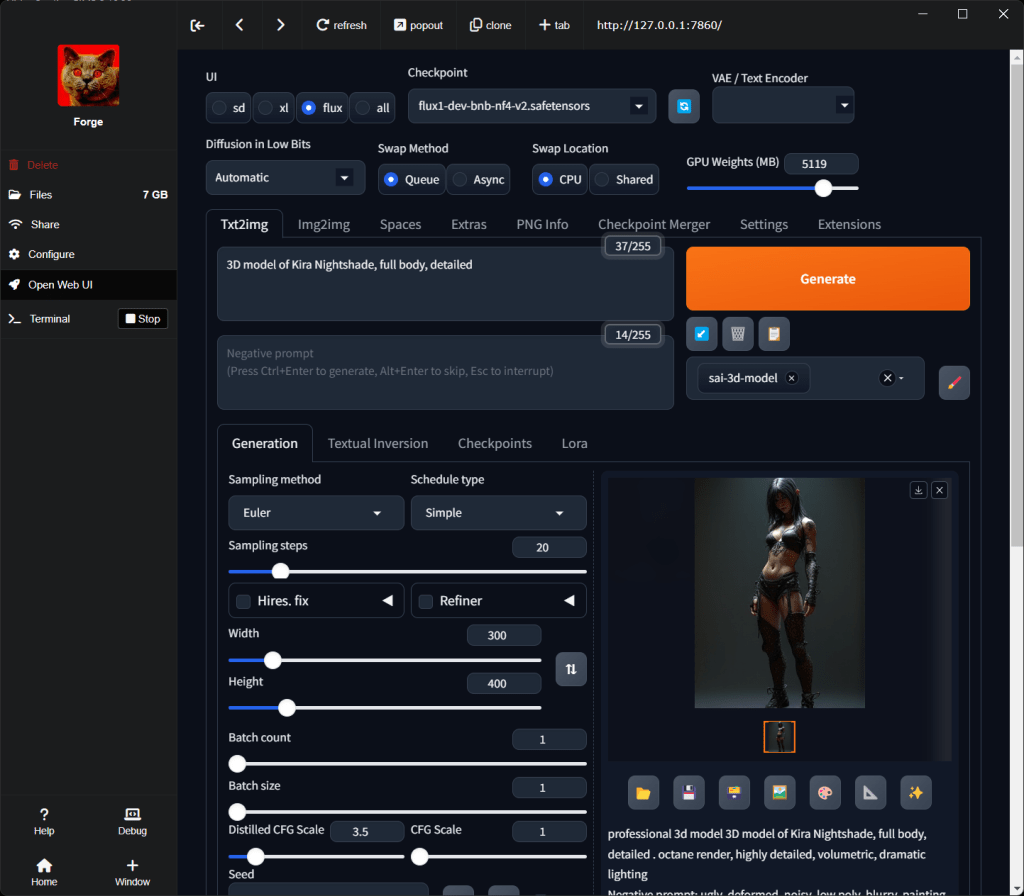
I tried a few things that failed, but finally found that I could run Flux. On Pinokio it is called Forge:
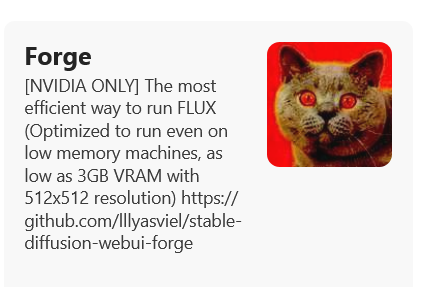
This worked very well for me despite my older GPU with smaller VRAM.
The Flux Experience
Here’s a gallery of some of my experiments with Flux. Start at the bottom of the gallery.
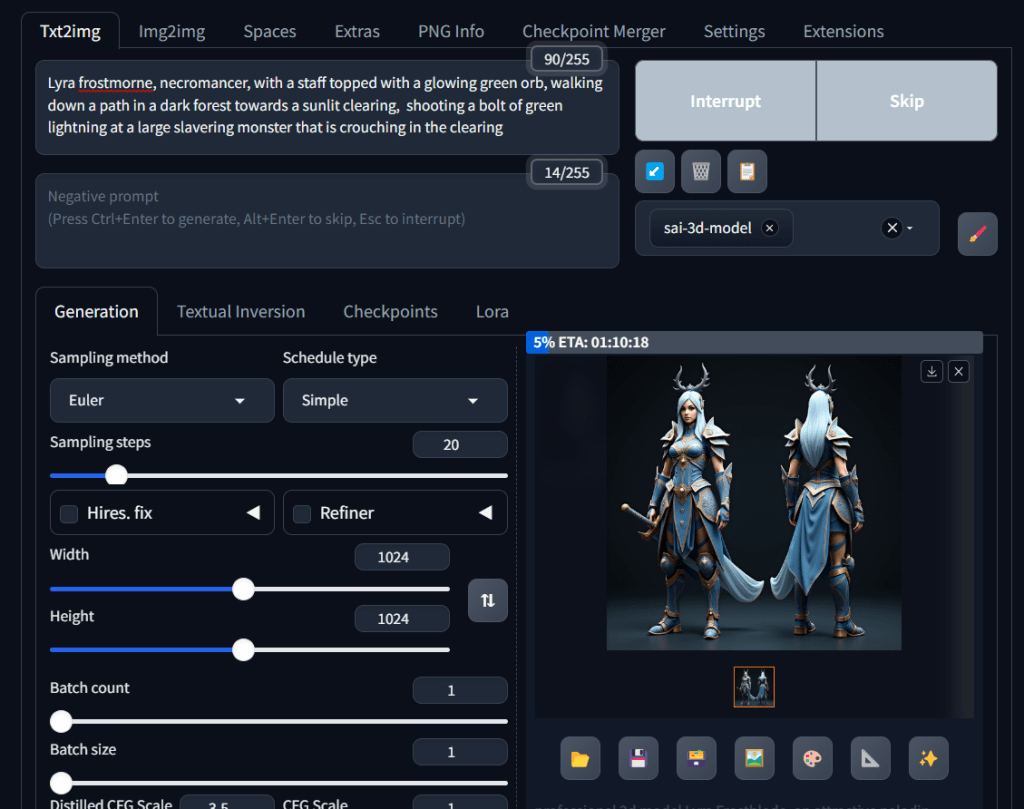
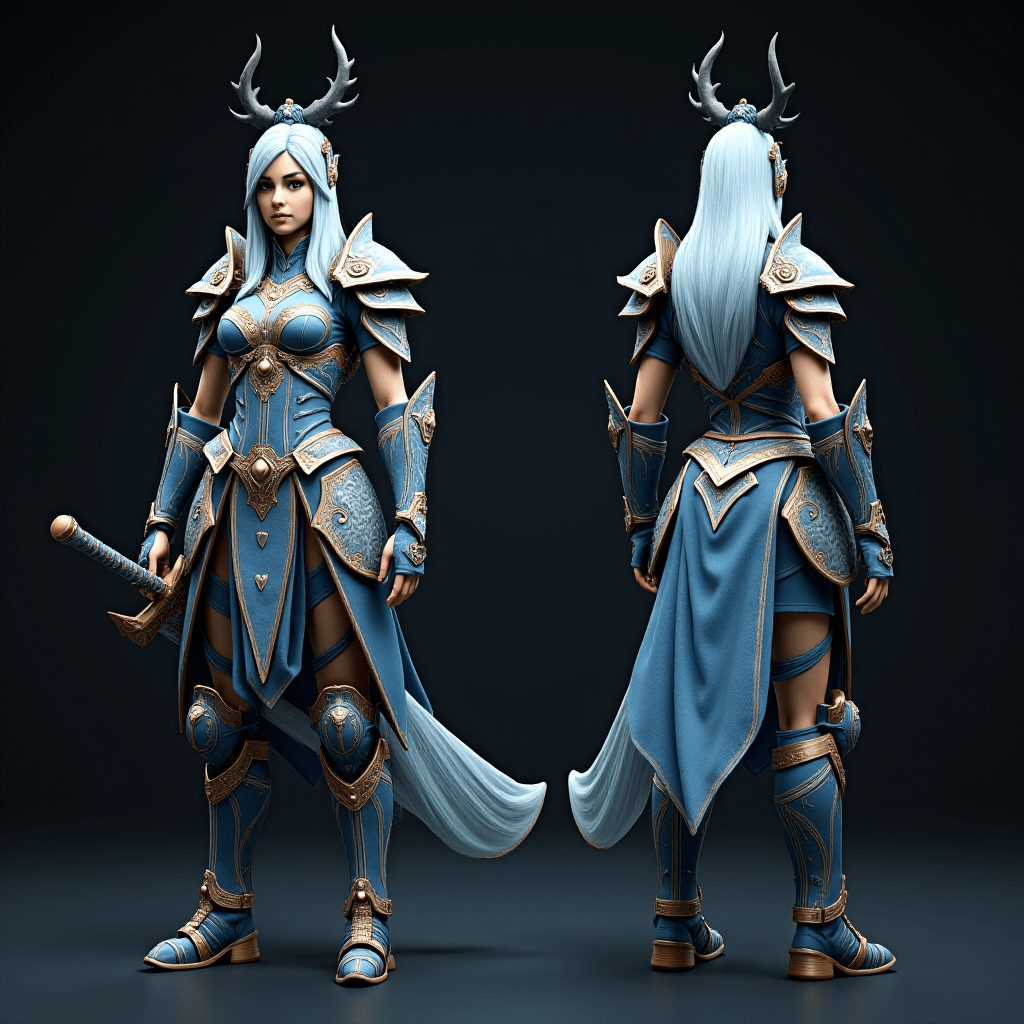
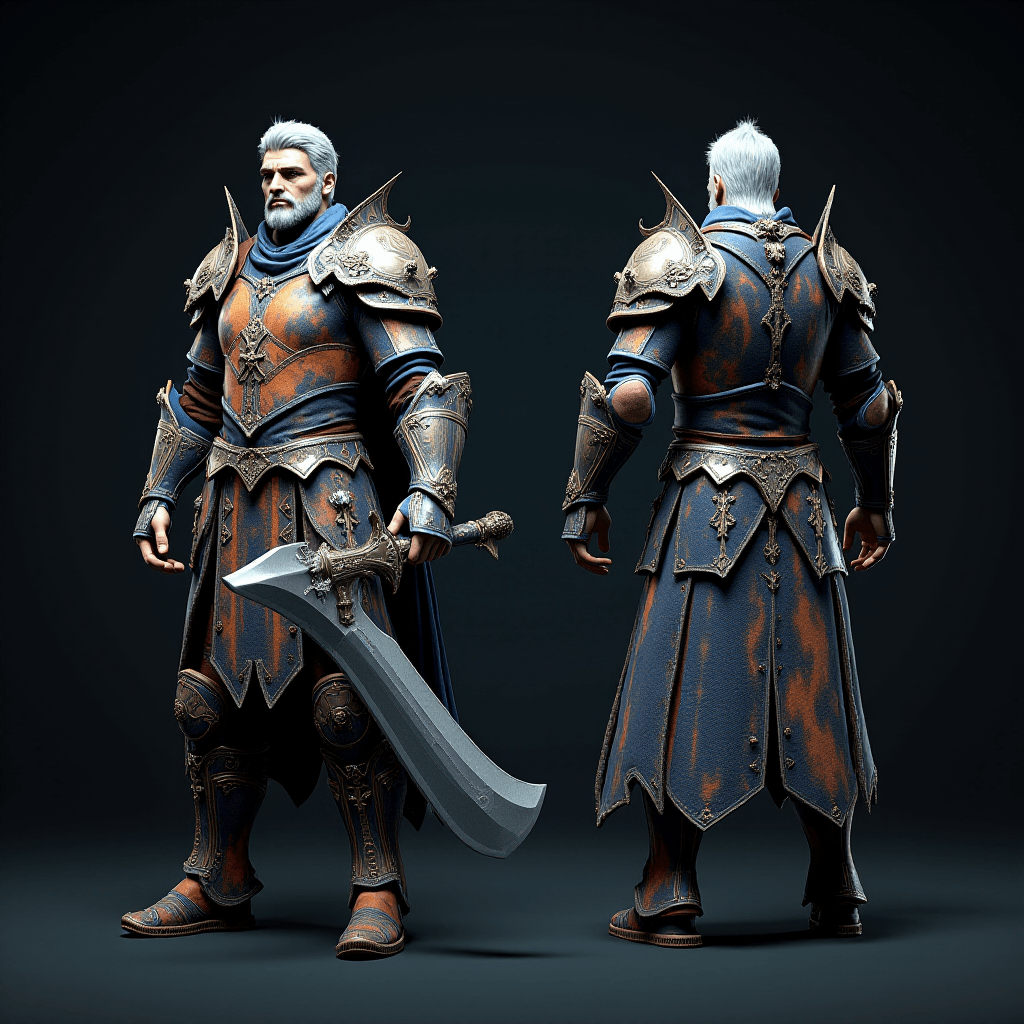
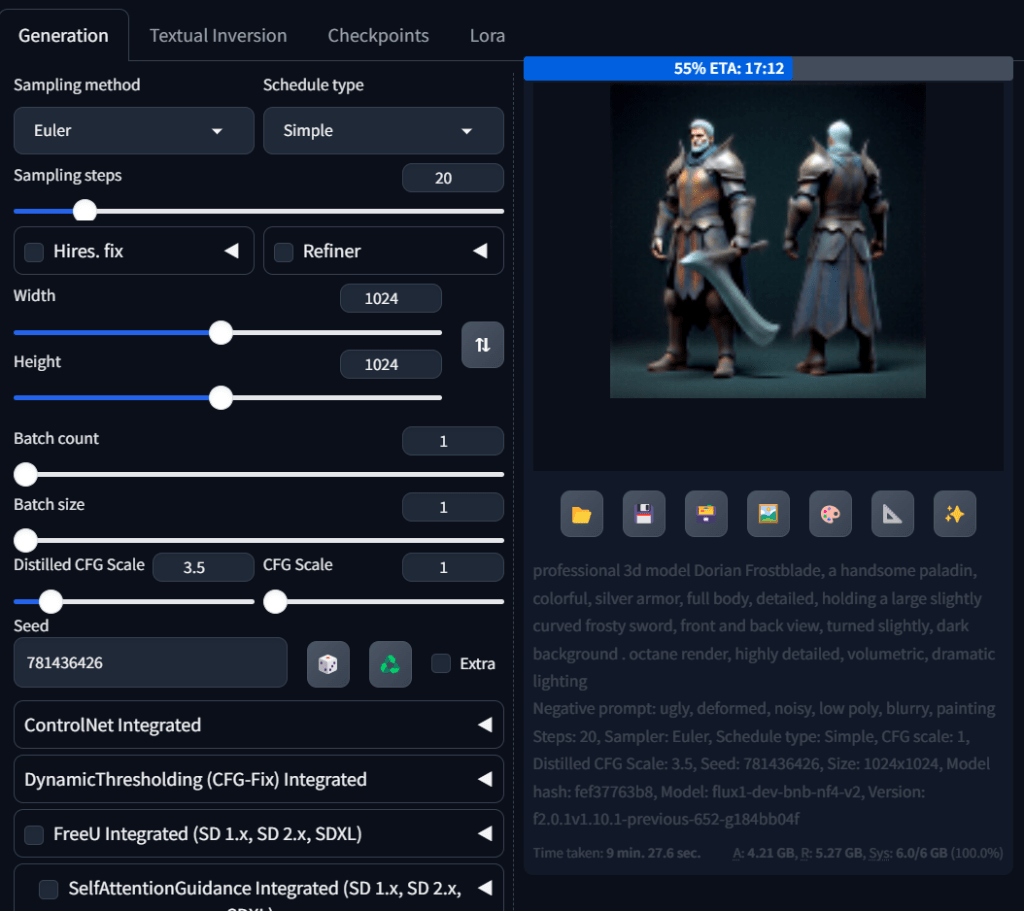
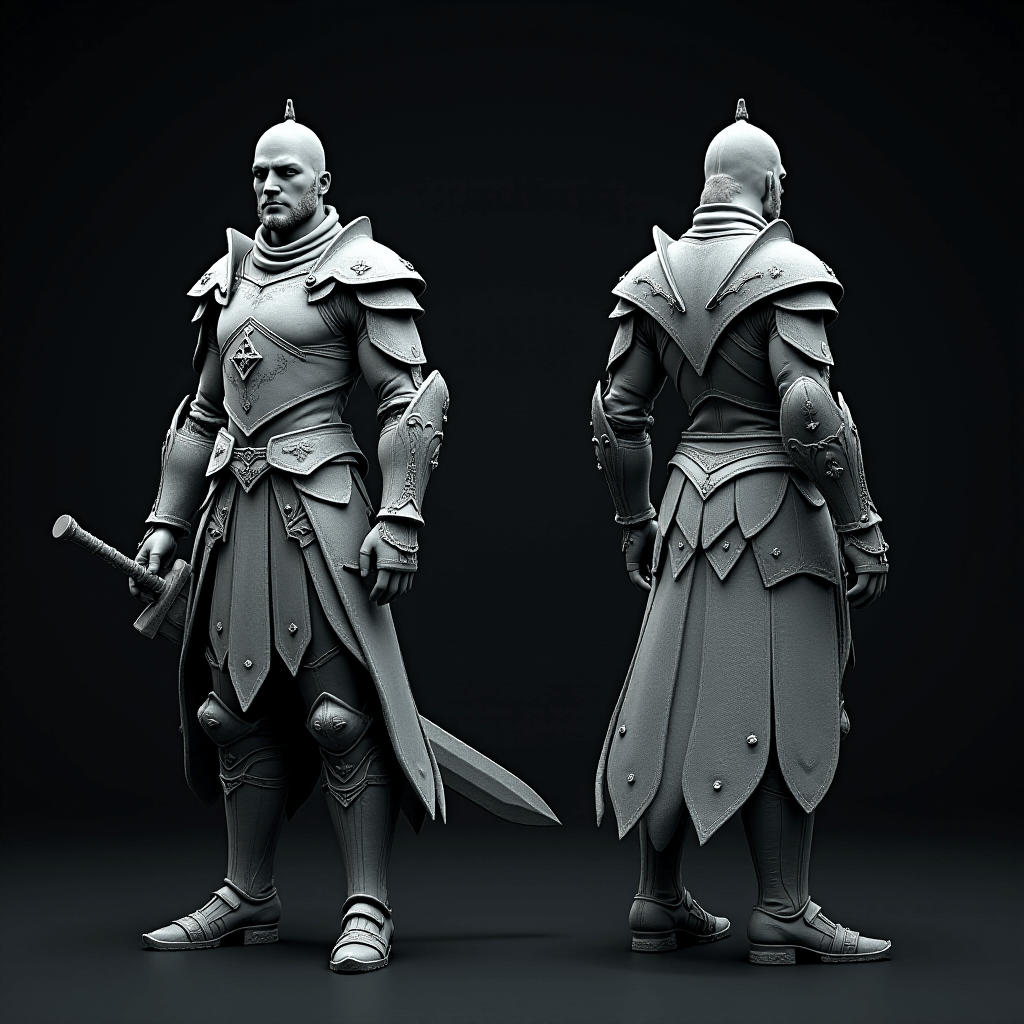
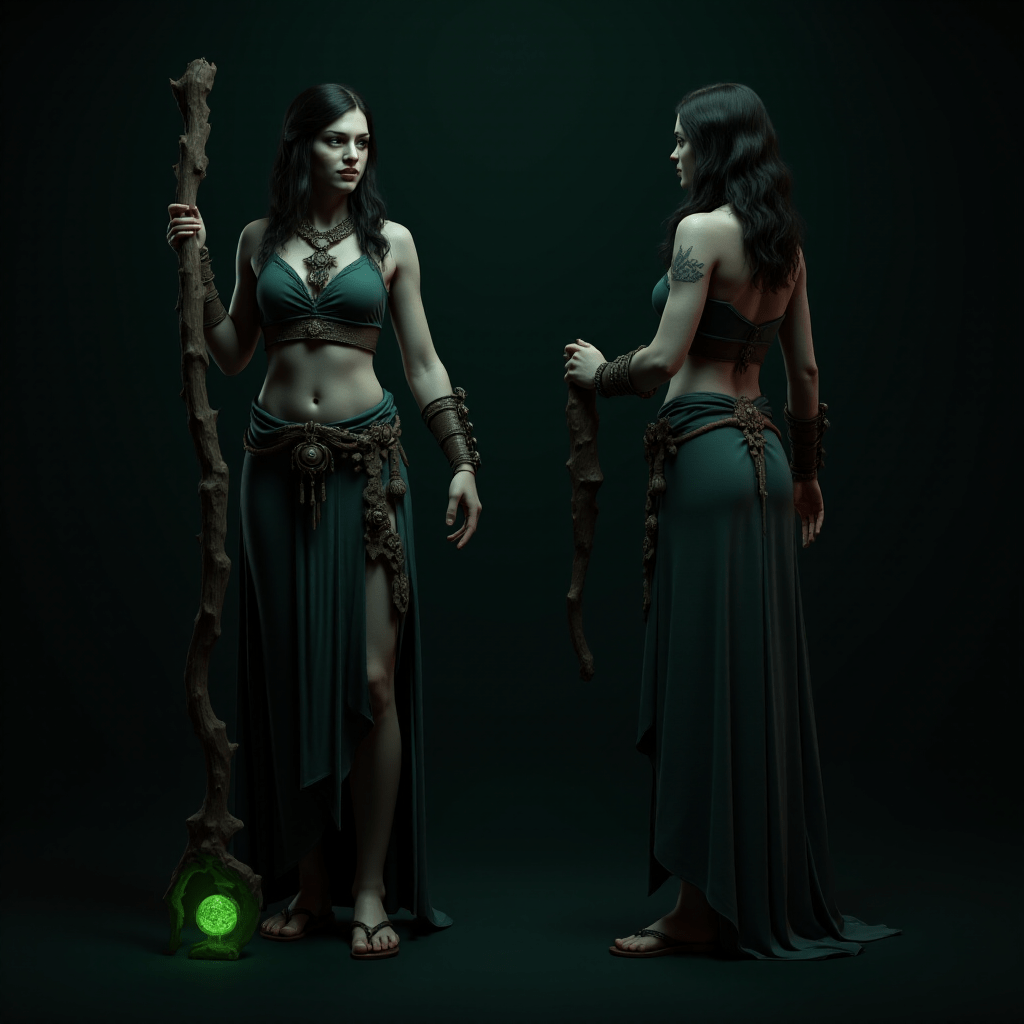
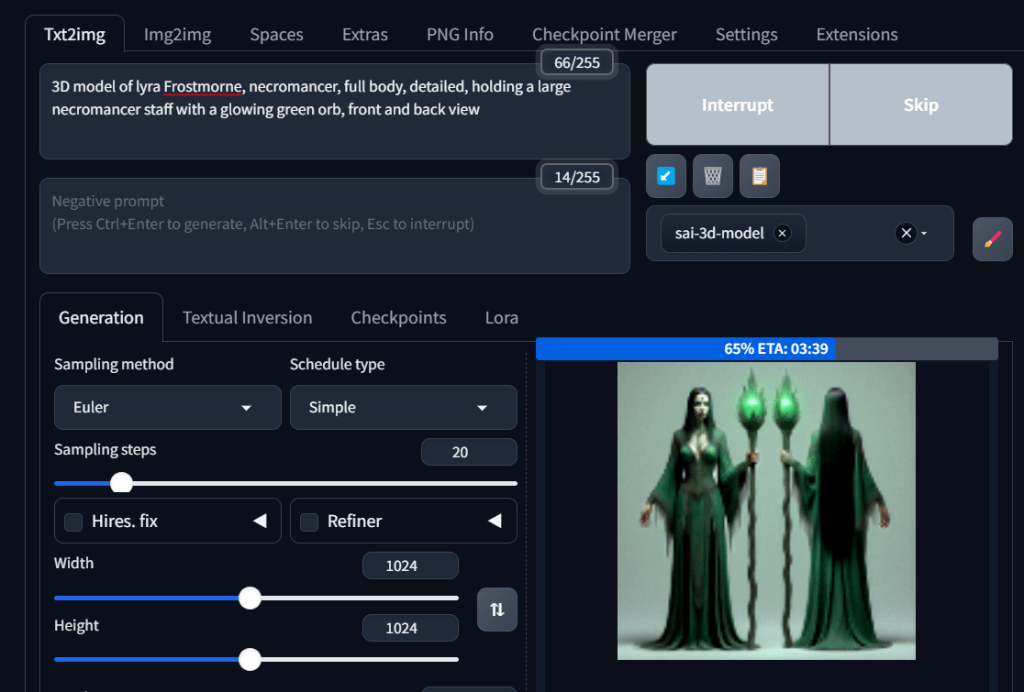
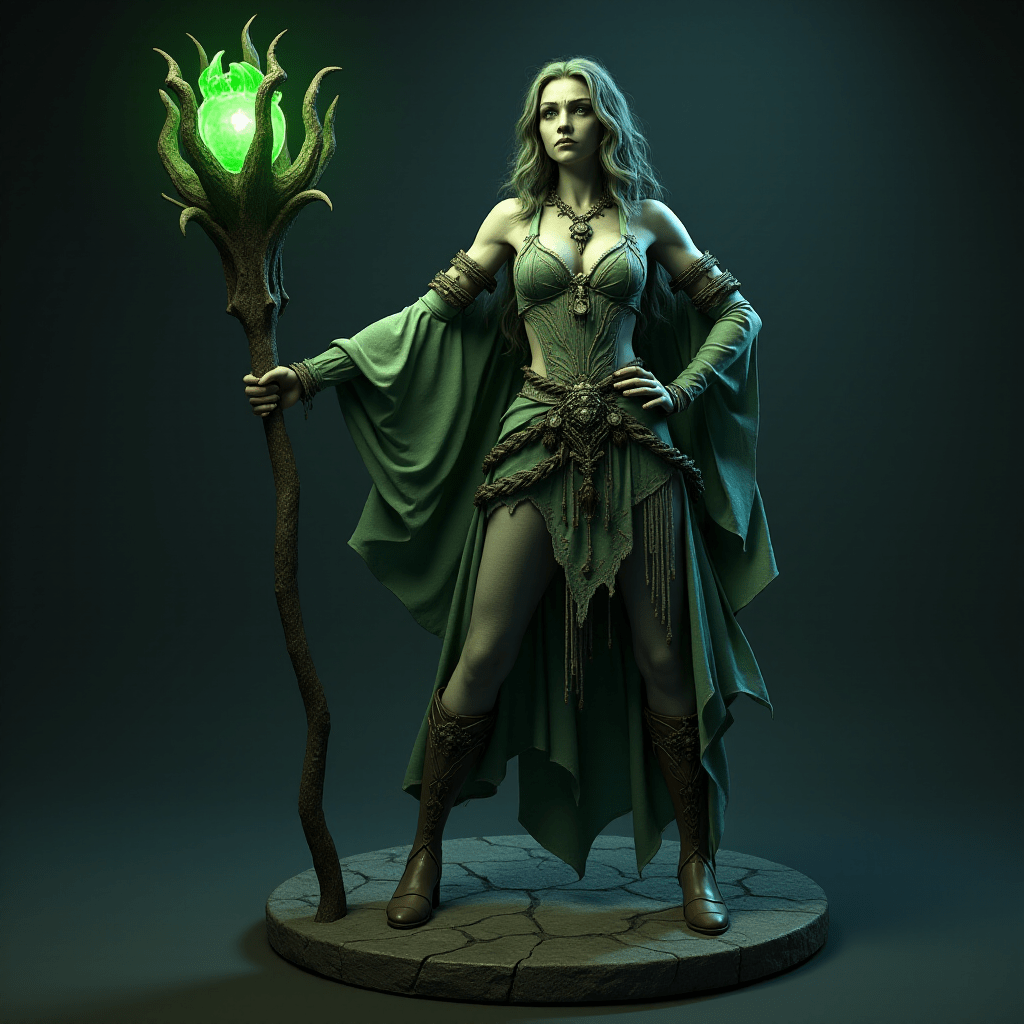
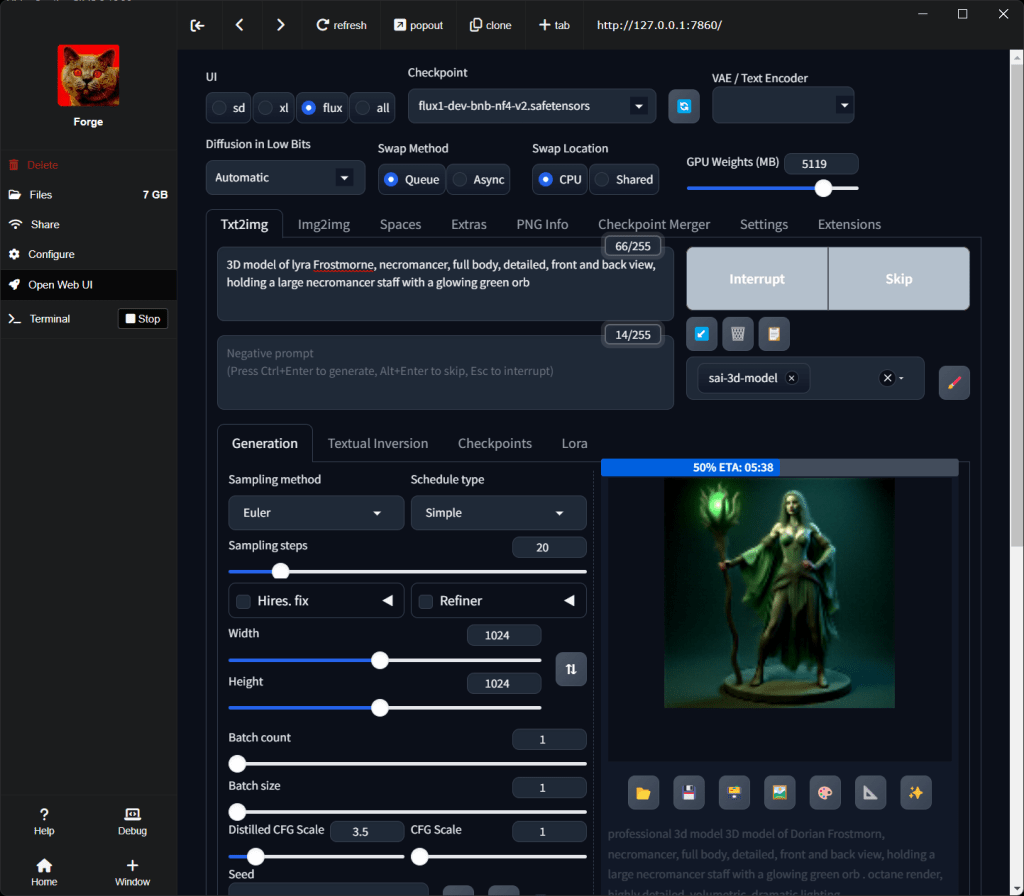
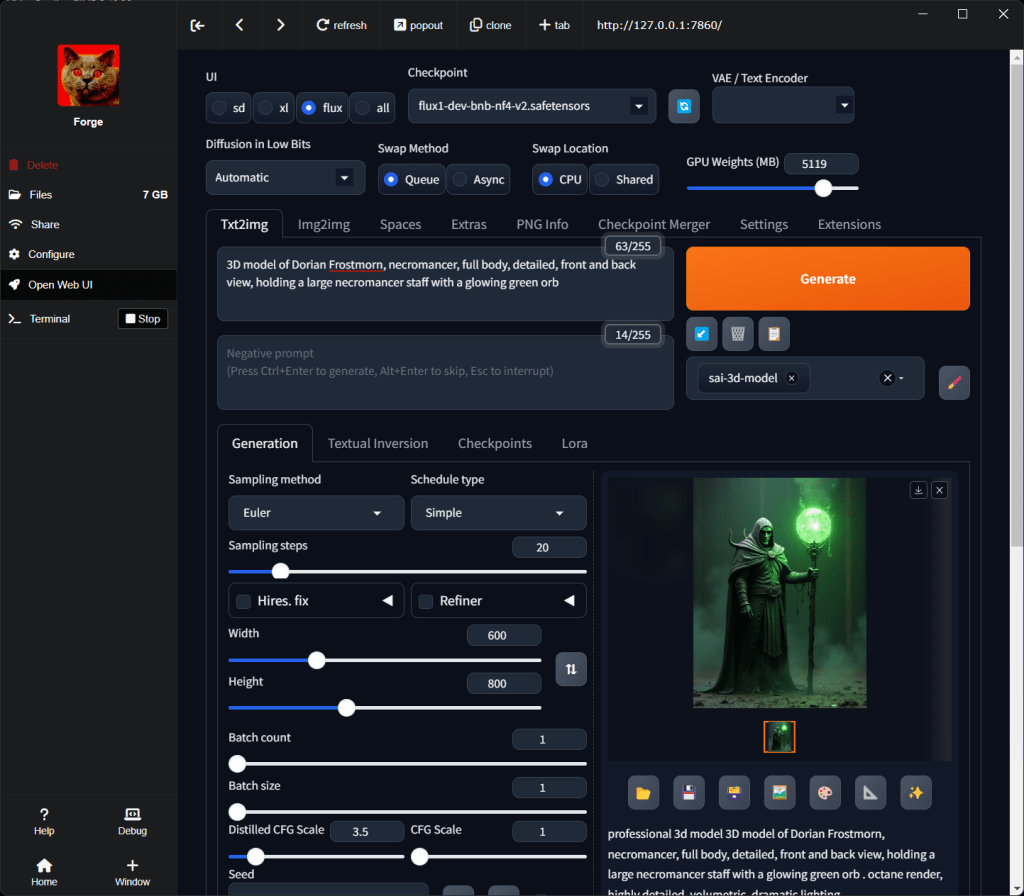
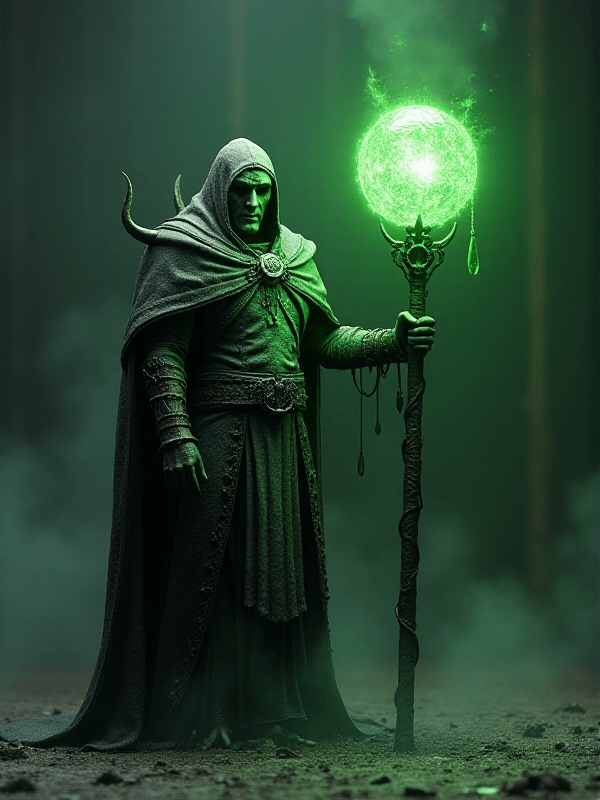
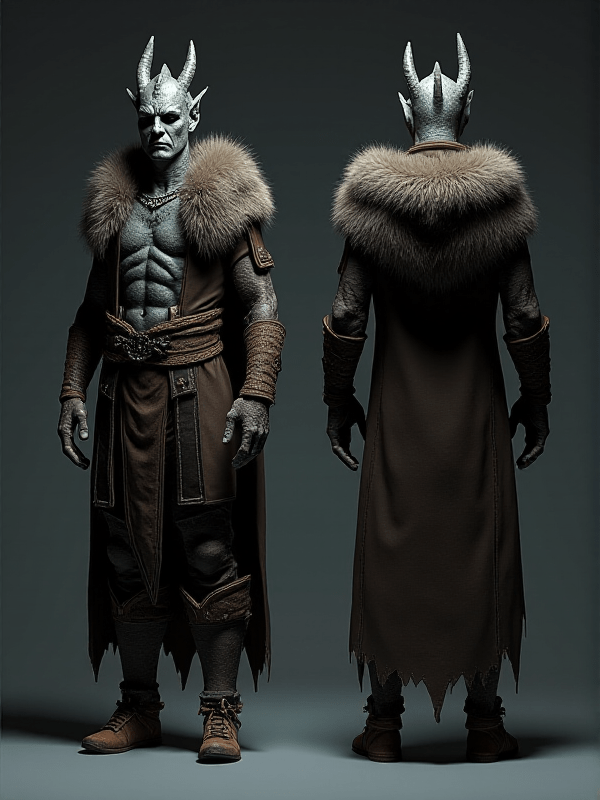
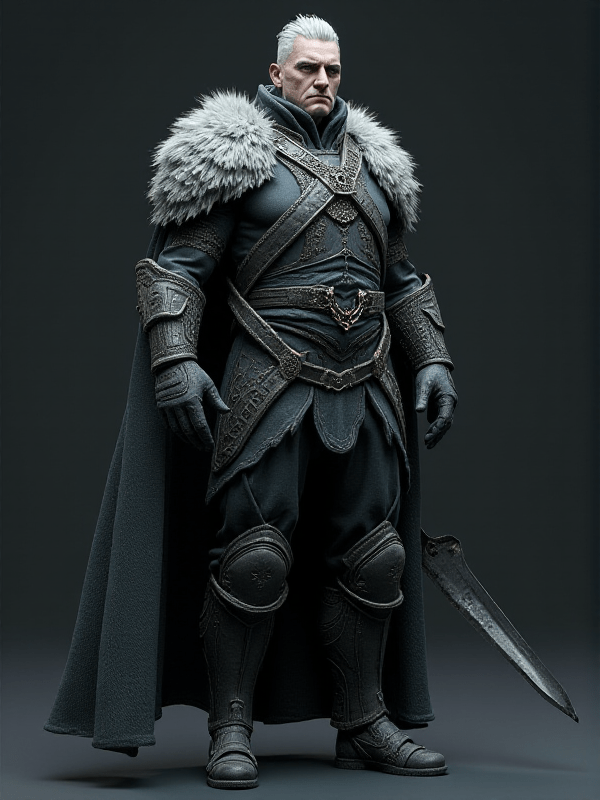
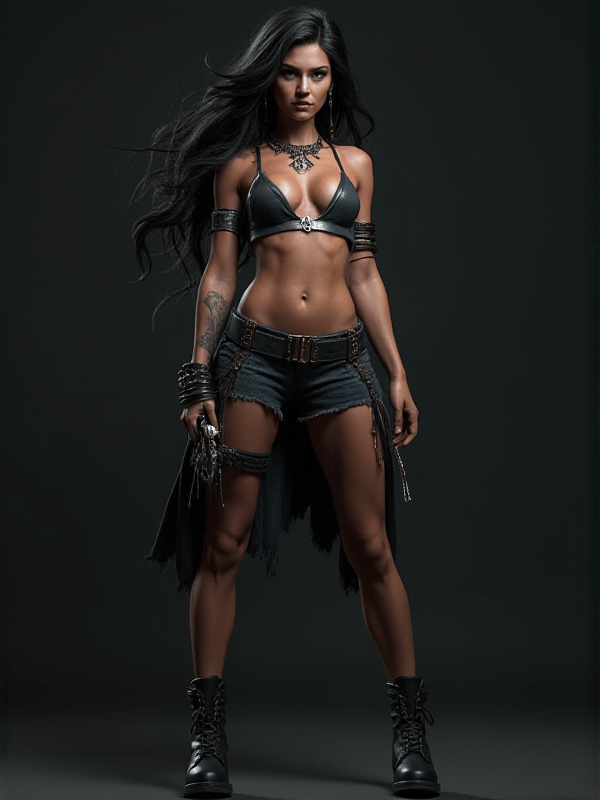
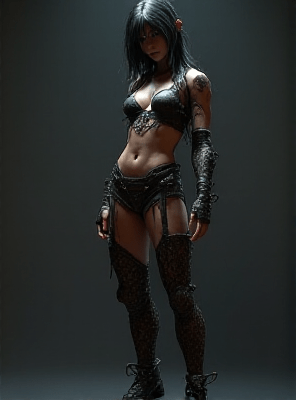
The first images are at the bottom of the gallery. At some point the color went out of the images but I figured out what to add to the prompt to put the color back in.
Flux seems to know the names of 3D character models. Google searches for those names did not find anything, so I’m not clear how this happens. Maybe it was trained on some names or something. Starting at the bottom of the above gallery, the prompts are just the names of characters that I saw as Flux examples, then higher up, I’m making up names and adding details.
Moving On To Action Scenes
At this point I wanted to move on from just character studies.
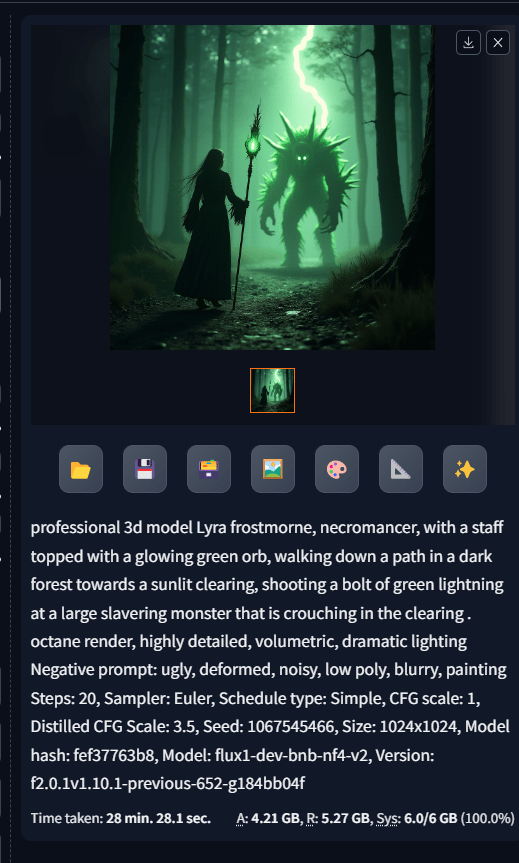
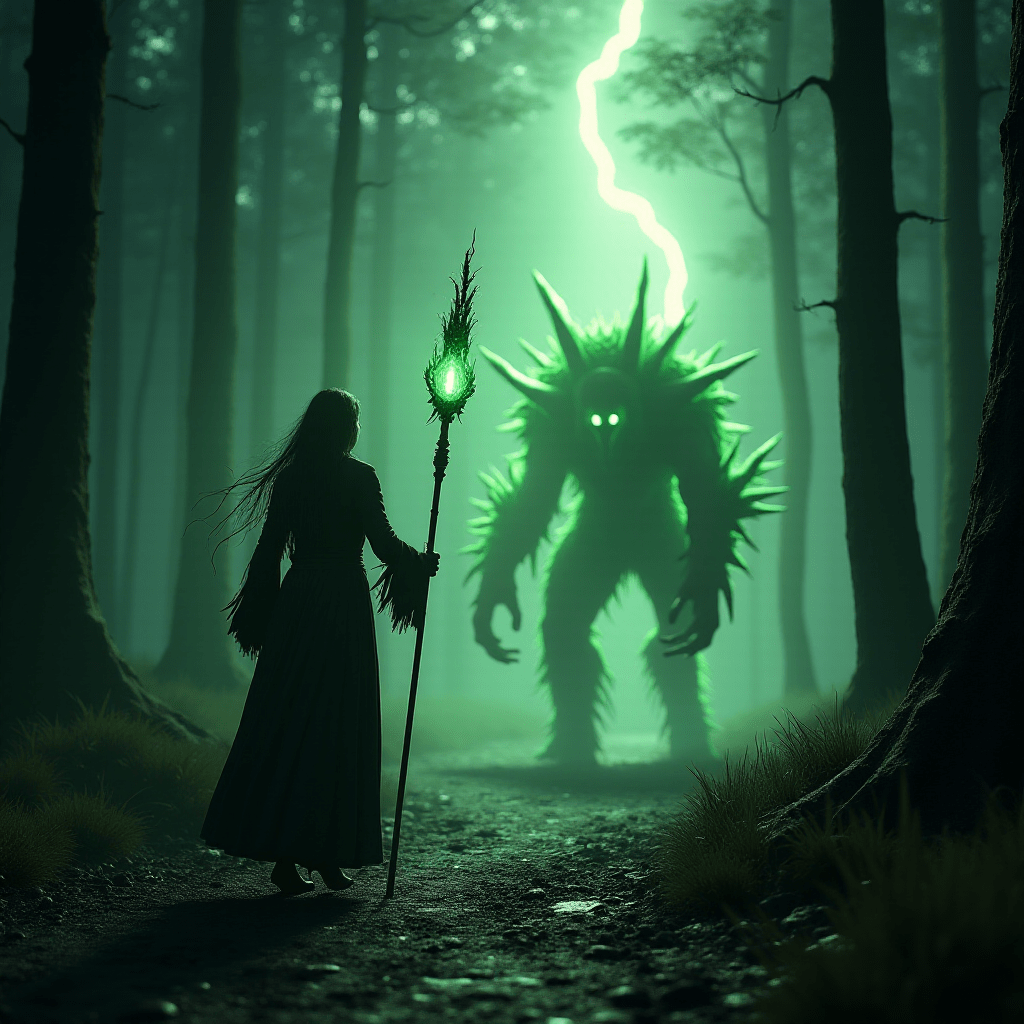
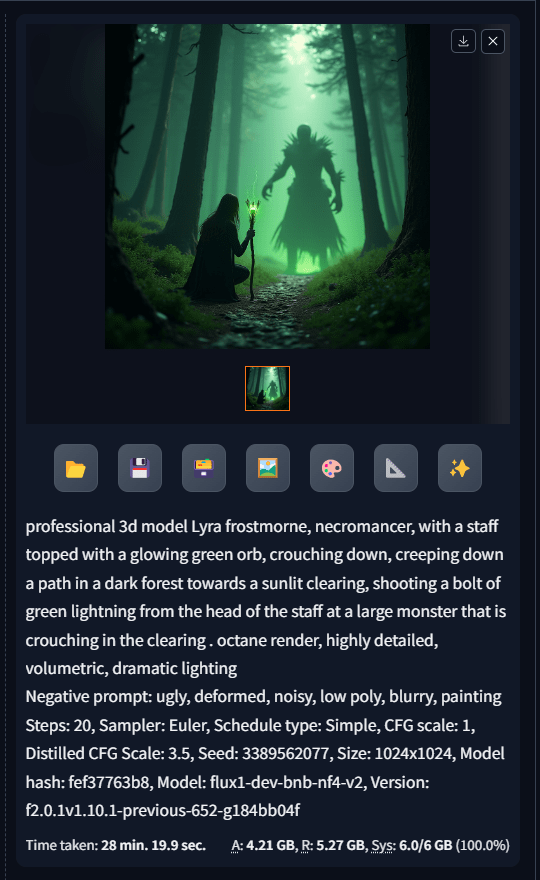
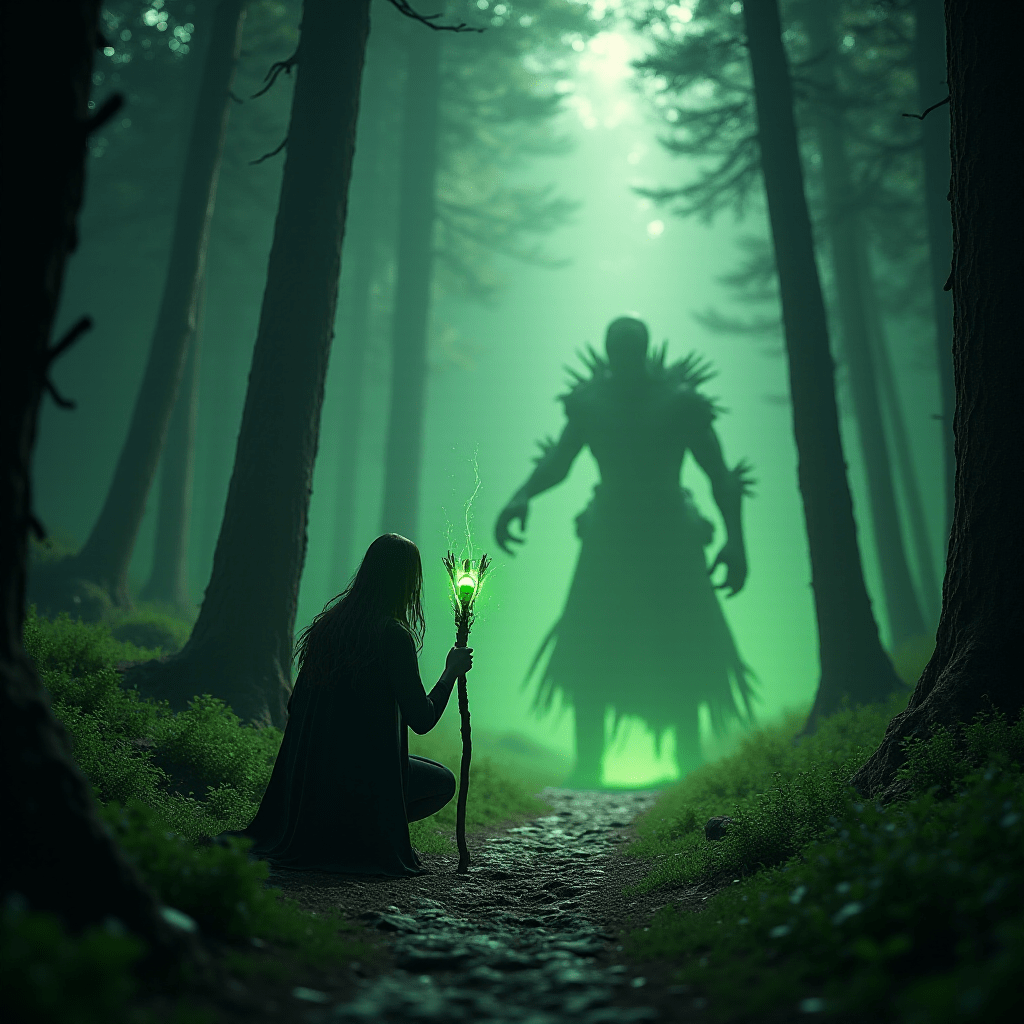
I tried to add a description of a scene and I got what I asked for. Mostly. Directing the lighting to the monster didn’t really happen. Not a rousing success, but still, some progress.
Landscapes
Let’s try some landscapes.
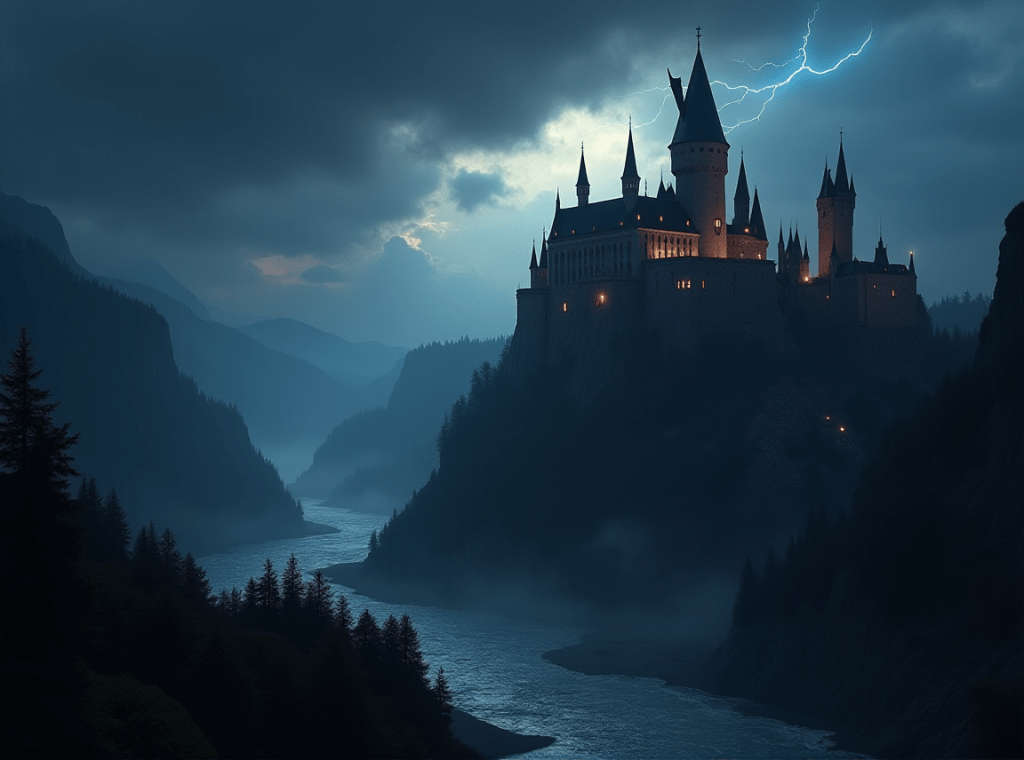
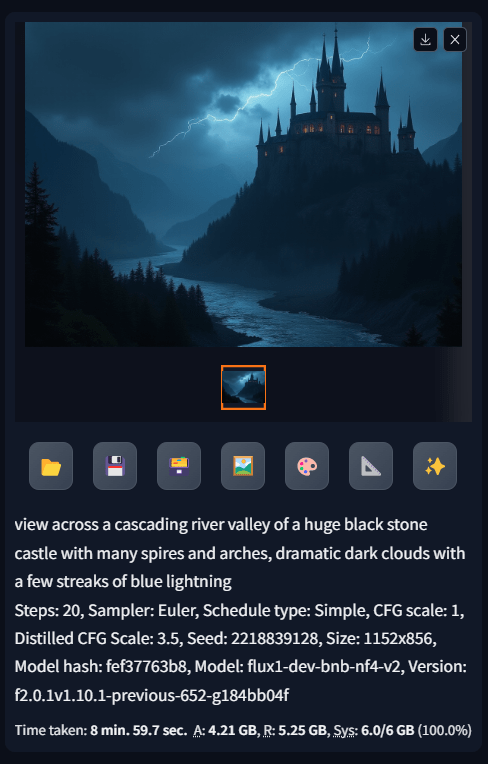
But then I had the bright idea of looking in google for Flux prompts. I found one of Mount Rainier that I modified to add a castle.
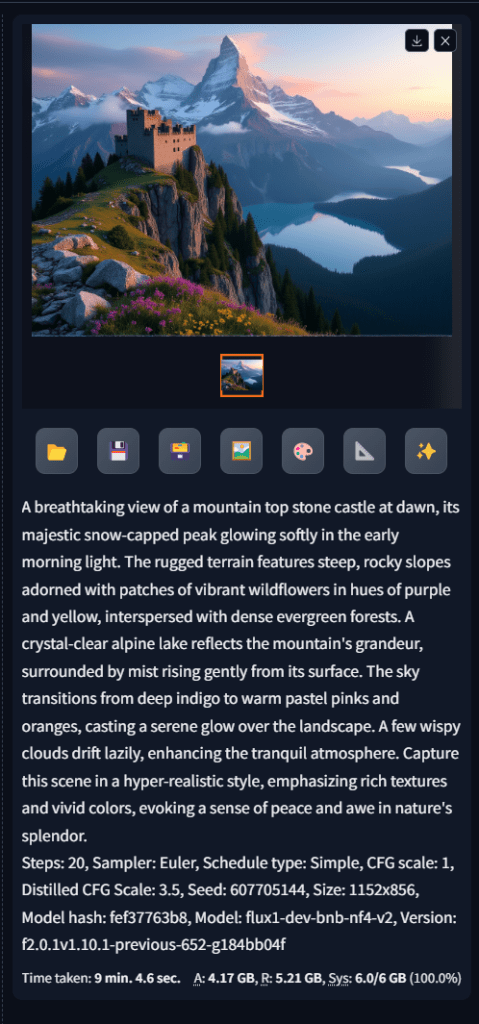
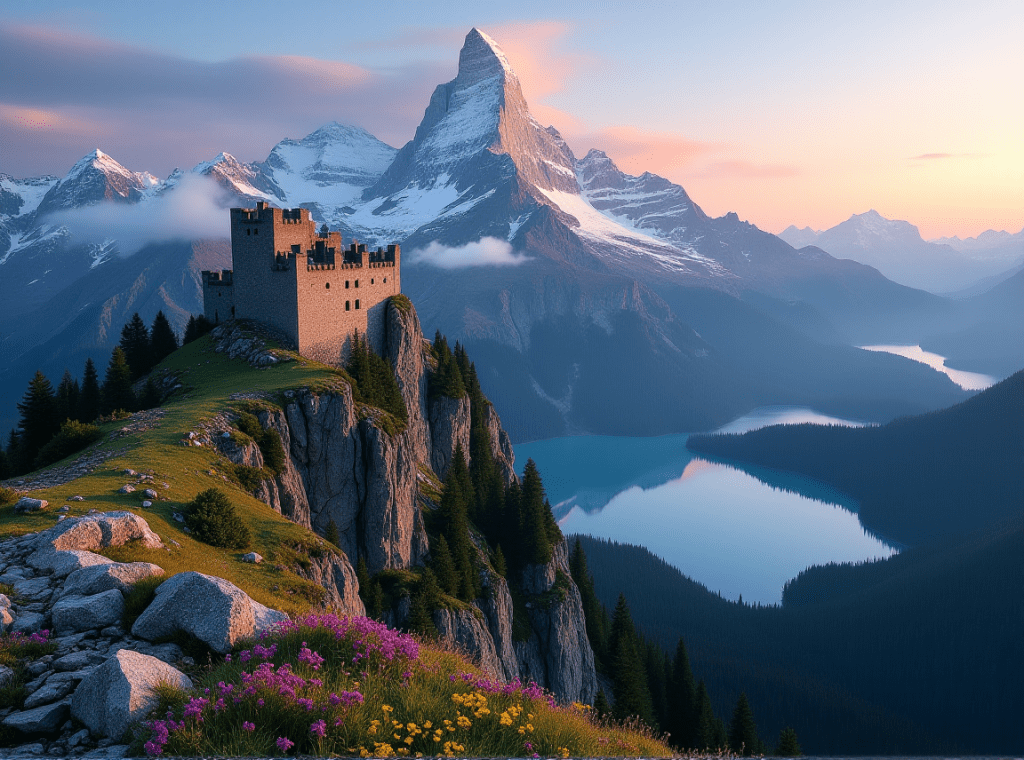
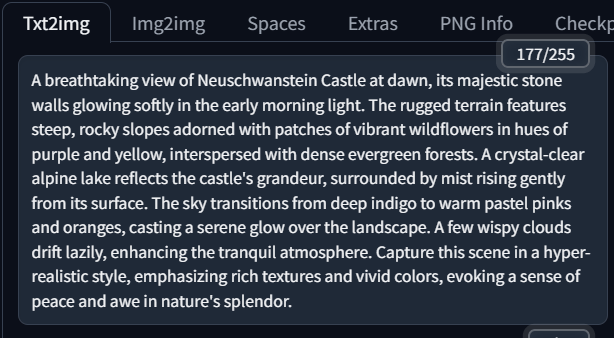
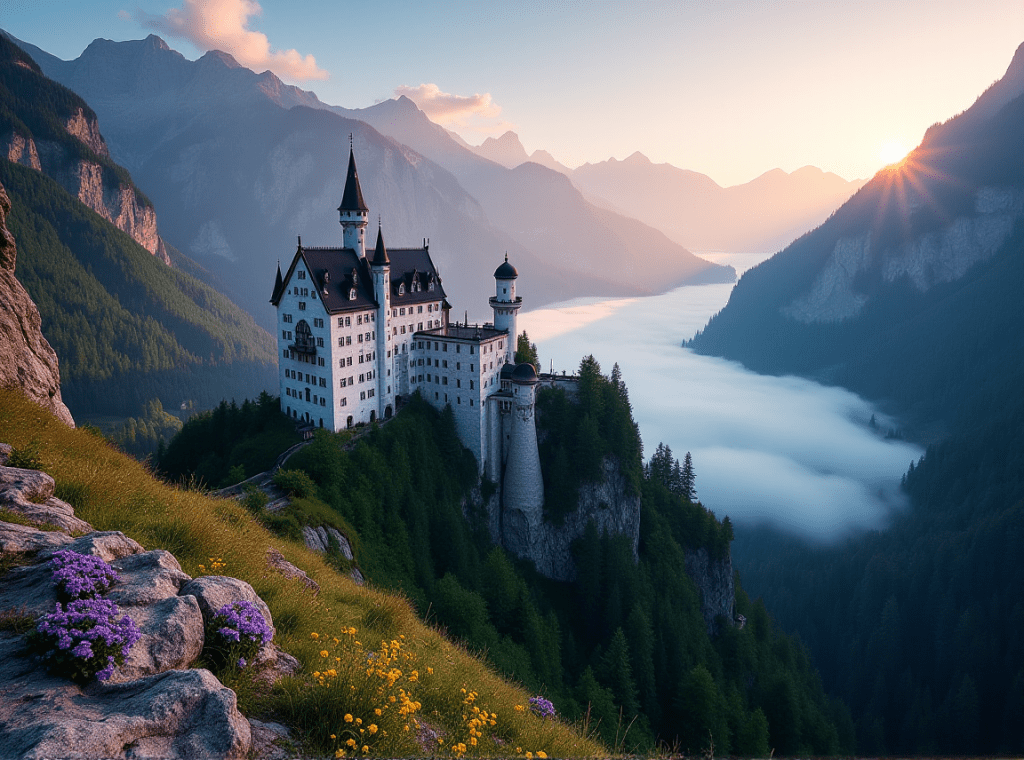
It looks like the model added the Matterhorn to the first scene. Apparently the AI model [Stable Diffusion?] knows famous castles by name, so let’s add a famous German castle to the scene.
A Banner
I tried to make a banner for this post, and after a couple of hours, the results were not that great.

But when I came here to word press to add a banner, it asked if I wanted to use AI, and I just did this:
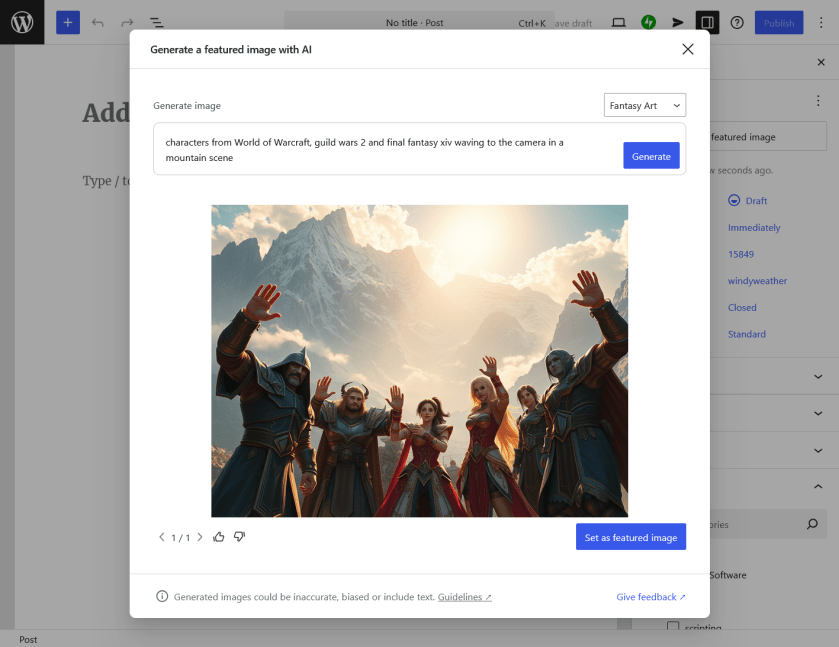
I could not have hoped for a better banner for my post. Hurray. And it took less than 30 seconds. You may notice that the two central characters have their hands confused. So there are too many fingers and we’re not sure whether the hand is his or hers. Well, no matter. Everybody else has the correct number of fingers. LOL
Next Steps
I’ve ordered a RTX 3060 [Two fan model for about $350] and 32GB of RAM [$50] for the computer. Based on 10% usage of the CPU I’m sure the CPU is adequate to the task of further explorations of AI.
Cheers. May your AI Explorations be as fruitful if you are so inclined.
:ww
 Windy Weather