
Update: This problem is apparently fixed. I recently – a couple of days ago Jan 2, 2025 – updated VirtualBox to the latest, and installed a Linux system and updated the guest additions using the new Virtual Box. And the resolution of the display was fine. So looks like they fixed it. The guest additions I saw were 7.1.x, not 7.0.x. Not sure where the fix came in, but it looks like all is well.
I checked the version of the Guest Additions in the Linux Mint virtual machines and the Blurry Problem is apparently caused by the 7.0.22 Version of the guest additions. See the earlier post to see the blurry text. Have a look at the GA versions in the following logs:
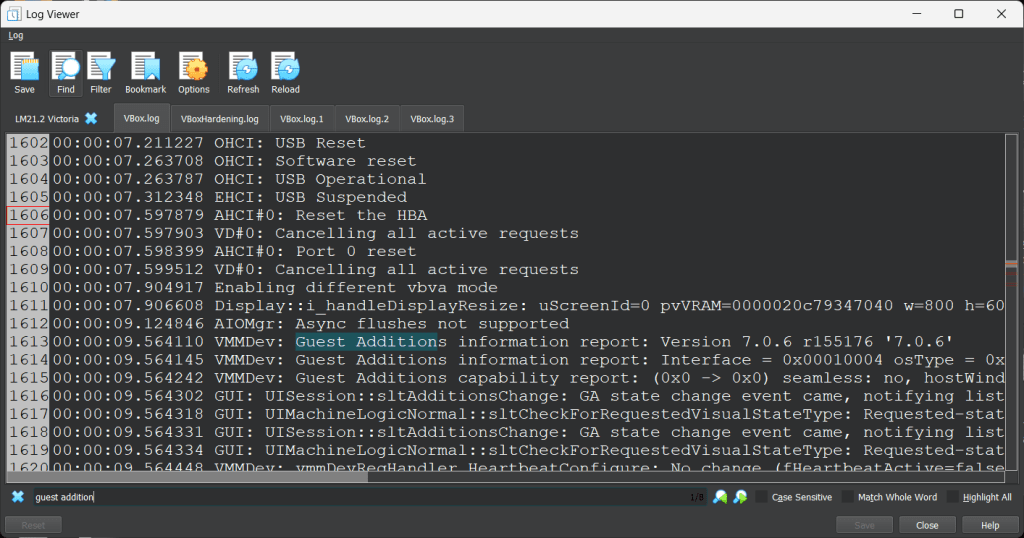
This is the earlier version of Linux Mint with Guest Additions 7.0.6. Text is not blurry because the window can be resized to fit the screen resolution.
Linux Mint 22.2 with Sharp Text
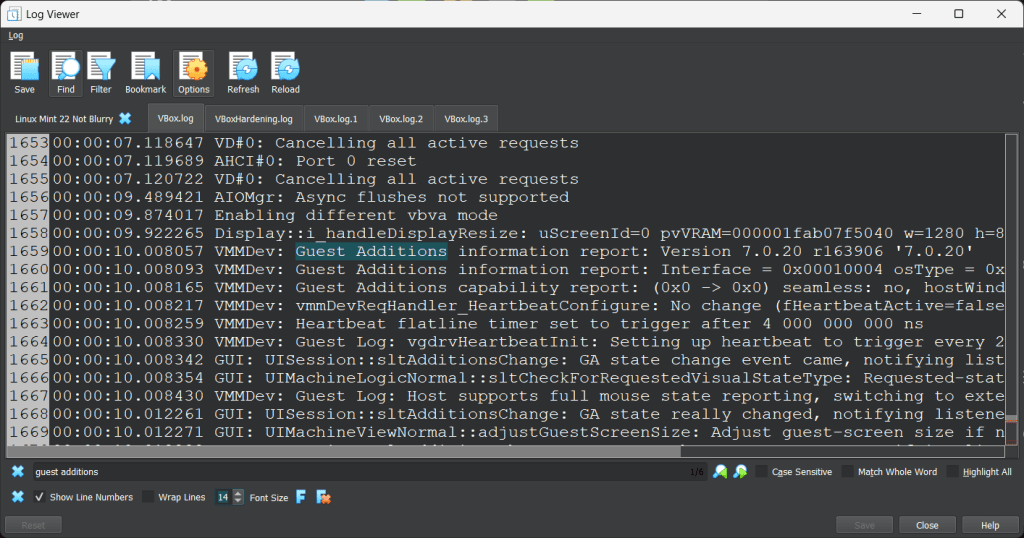
Here is Linux Mint in a VM with the default guest additions of 7.0.20 that came with the Linux Mint install, and again the window will resize to the screen resolution.
Linux Mint 22.2 with Blurry Text
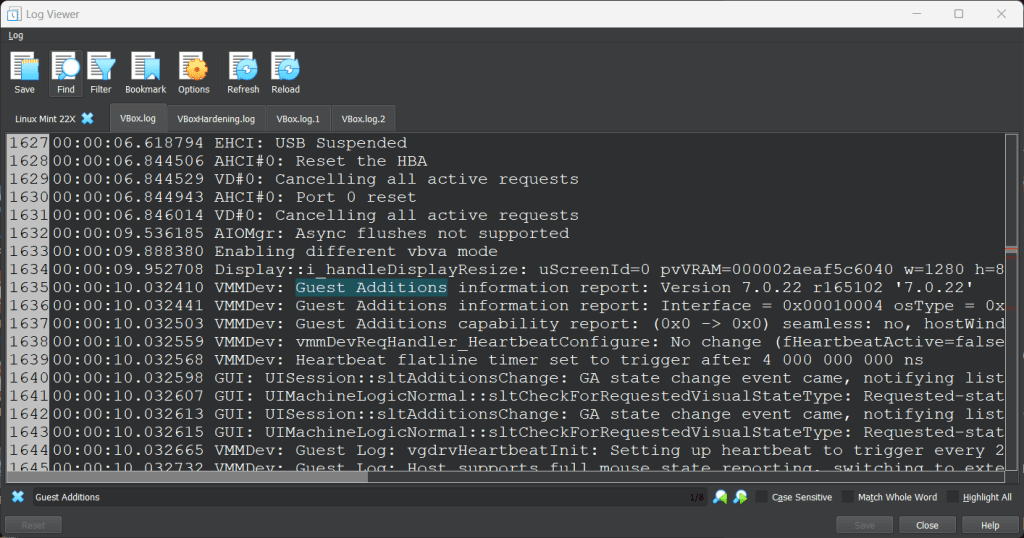
Linux Mint 22.2 in a virtualbox vm where the text is blurry because the window will not resize to the screen resolution. The guest additions are 7.0.22. The GA were updated in the latest version of VirtualBox 7.0.22 by using the standard GA Update procedure using the VirtualBox menu item to mount the media and run the procedure.
Cheers,
:ww
 Windy Weather