
Linux Mint 21.2 Sharp Text
I use Linux Mint in Virtual Box virtual machines on Windows Hosts. I’ve been using Linux Mint 21.2 on a Windows 10 machine for some months now and it’s all fine.
After the nightmare struggle with disabling the Hyper-V on Windows 11 to get the performance back, I’m now running both LM21 and LM22 on Windows 11.
Notice the following examples of text in the windows:
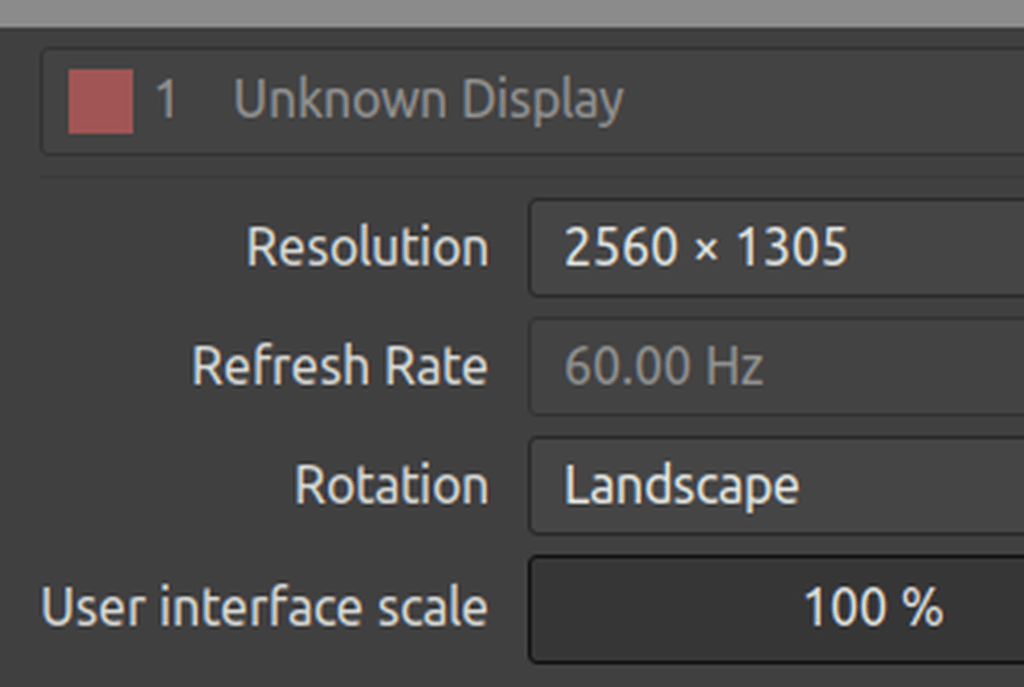
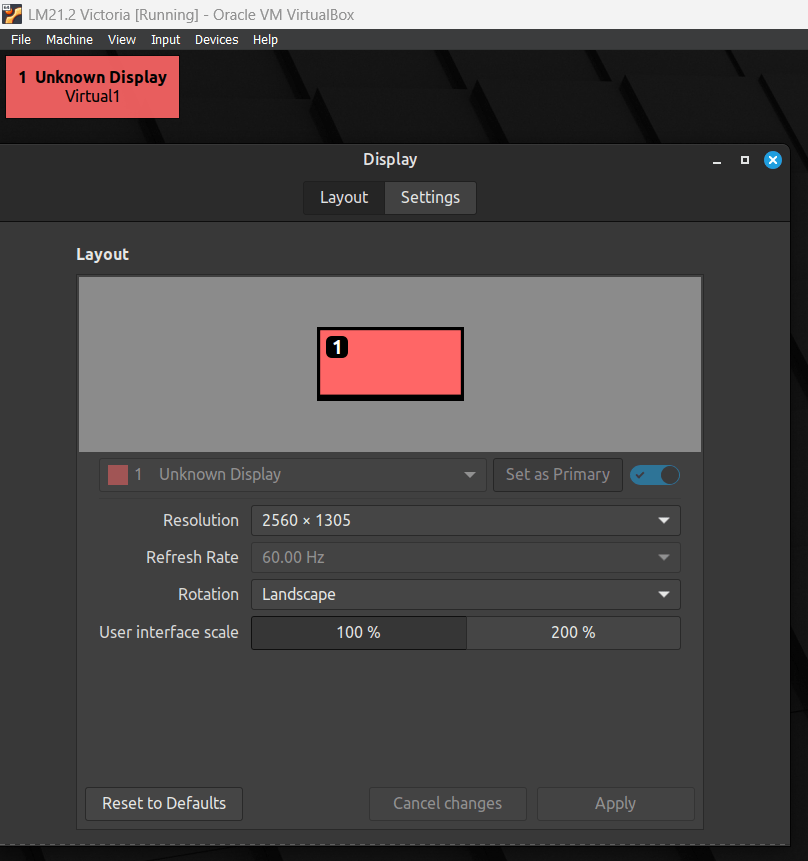
Notice how sharp this text is. My monitor size is QHD [2560×1440]. I use Nvidia GPUs. This first example is on Windows 11 host with a Linux Mint 21.2 client on VirtualBox 7.1, no guest extensions [or not recently anyway]. GPU is a Nvidia RTX 3060. This text looks the same sharpness on Windows 10 host with earlier VirtualBox releases. It looks great.
Linux Mint 22 – Blurry Text
Now let’s look at Linux Mint 22 on the same machine [ Win 11].
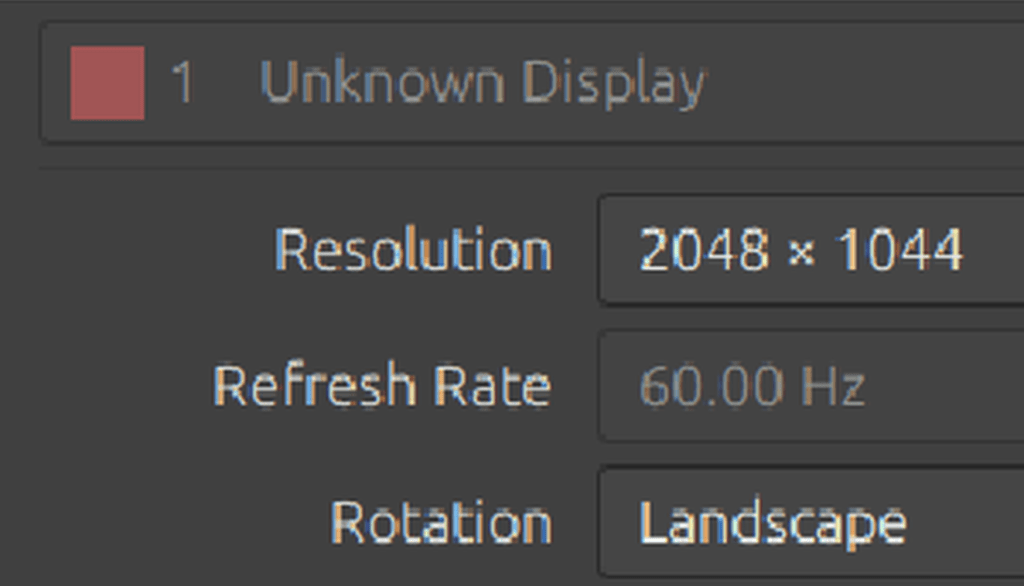
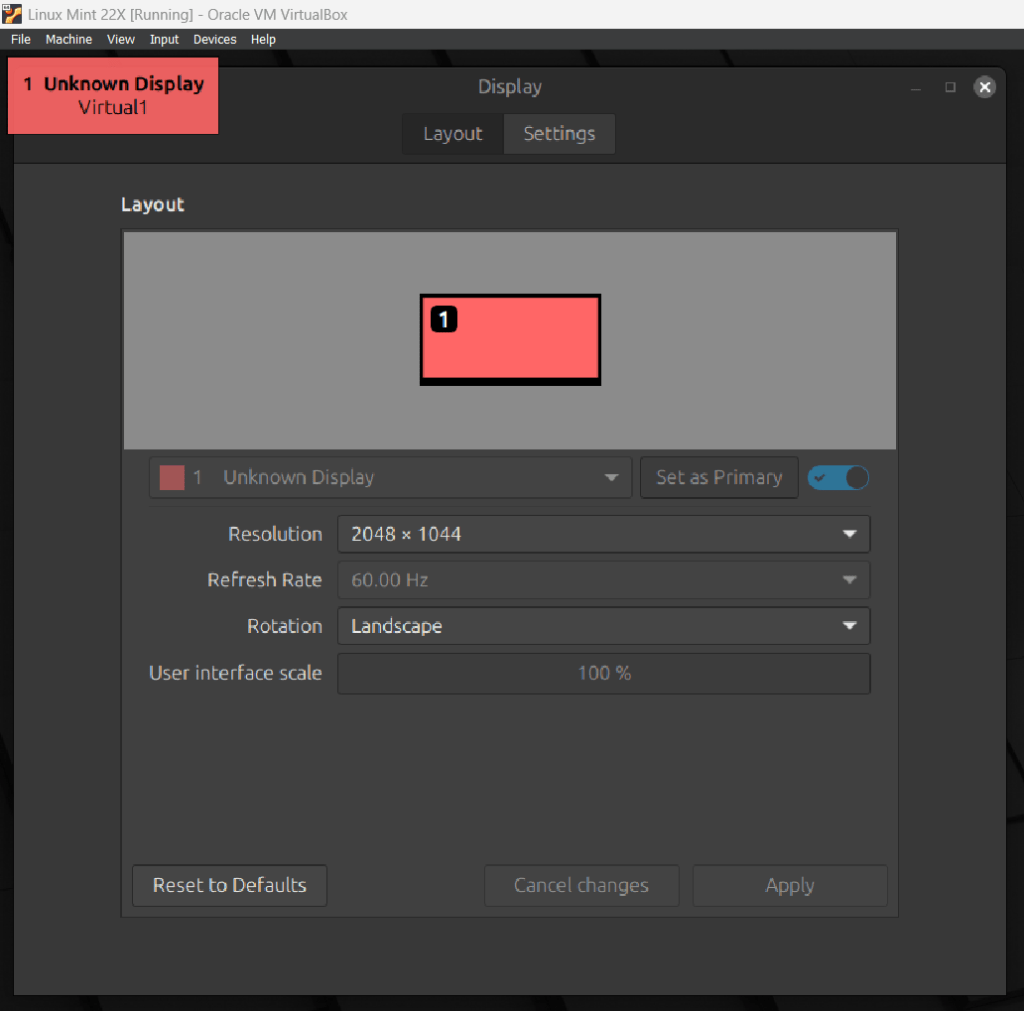
Aweful. Fuzzy. Clearly the problem is that whatever I try, the Linux Mint window will not resize to the screen real estate provided to the window. So it has to scale the text, which messes it up.
Notice that the sharp text is presented in a window at 2560 [actually monitor pixels] by 1305 [window size remaining after VirtualBox menu and Windows Task bar.]
Notice that the blurry text is presented in a 2048 x 1044 window which does not match the resolution of the monitor, which causes the text to be scaled.
The Linux Mint 22 system has had the VirtualBox Guest Extensions installed. Is this the problem? Do these cause the failure of the Linux Mint window to scale to match the monitor? The Linux Mint 21.2 VM has an older version of the Guest Extensions [ and I don’t want to mess with that to make it blurry since I don’t know how to back out the guest extensions.]
So what’s the problem with the LM 22 VM?
Thanks,
:ww
 Windy Weather